
There’s something special about photos that feel alive, almost like you could step right into them. That’s the magic HDR editing brings, and it’s exactly why so many creators keep coming back to collections like 25+ Stunning HDR Lightroom Presets (Free & Paid). Whether you’re shooting landscapes, city streets, portraits or travel moments, HDR presets help pull out every little detail you worked so hard to capture. They sharpen textures, lift shadows, boost colors and give your images that crisp look that makes people stop scrolling for a second longer.
If you’ve ever tried to edit HDR effects from scratch, you already know it can be a bit tricky. Sometimes the colors go weird, sometimes the highlights blow out, and sometimes the whole thing just looks off. Using presets removes that guesswork and gives you a clean, balanced starting point. And honestly, everyone could use a shortcut now and then. Even pros do it, even if they don’t always admit it.
This guide brings together the best preset options so you don’t have to spend hours testing random packs or wasting time tweaking sliders that refuse to cooperate. You’ll find strong bold effects, softer natural HDR looks, dramatic tones and some packs that sits somewhere in the middle. There’s even a couple moments where you might think your photo is almost too sharp, but that’s kinda the fun part. HDR makes images feel fuller, and sometimes a little extra is exactly what you need.
Cold Desktop LR Filter DNG Portrait Instagram Theme For Lifestyle
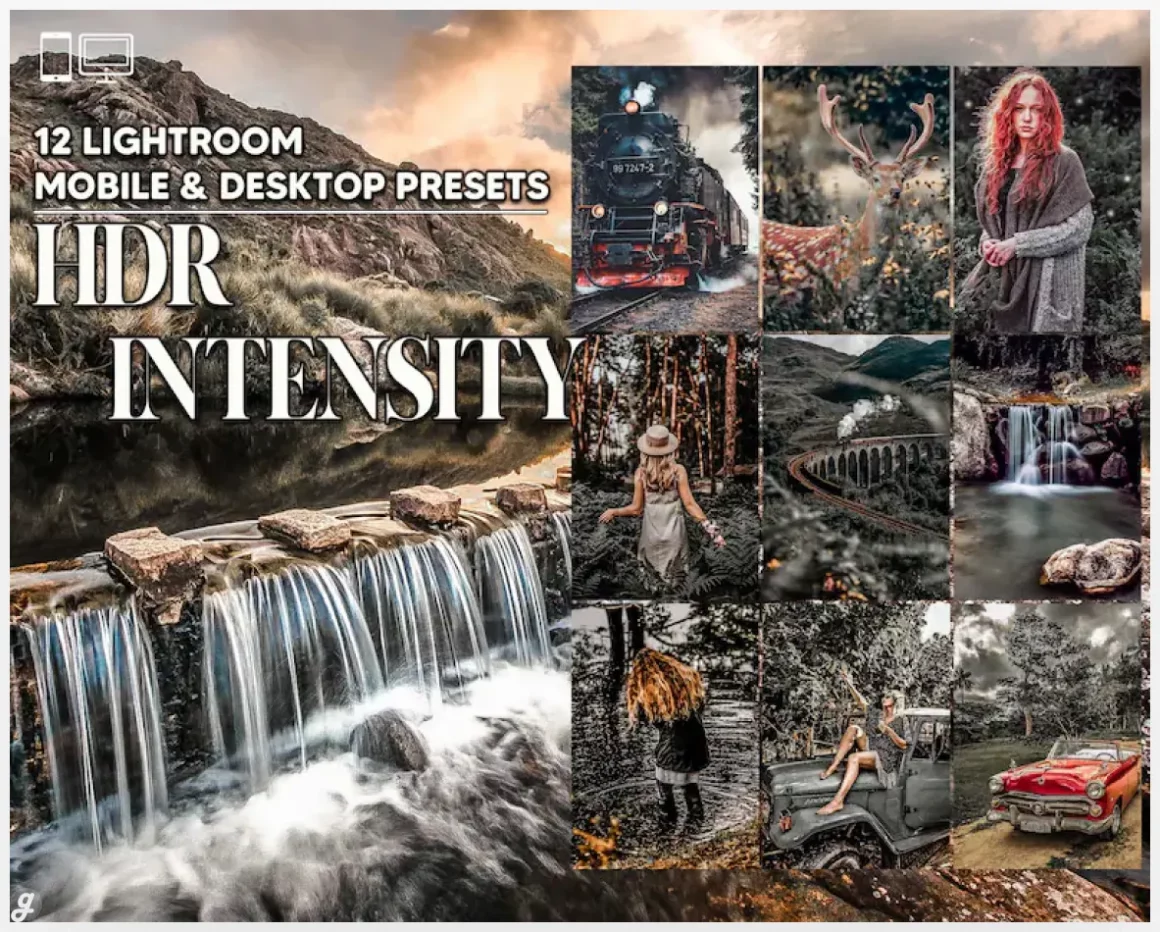
This HDR Intensity preset pack is great for anyone who wants their photos to feel sharper, richer, and a little more dramatic without spending hours editing. The presets boost details and contrast in a way that works beautifully for fitness portraits, food shots, urban scenes, and even wide-open landscapes. Many creators use them to turn flat images into bold, eye-catching visuals, especially when they need quick edits for Instagram or client work. With mobile and desktop formats included, plus simple PDF guides, it’s easy to get that dreamy HDR look whether you’re working on your phone or editing full RAW files.
HDR photography
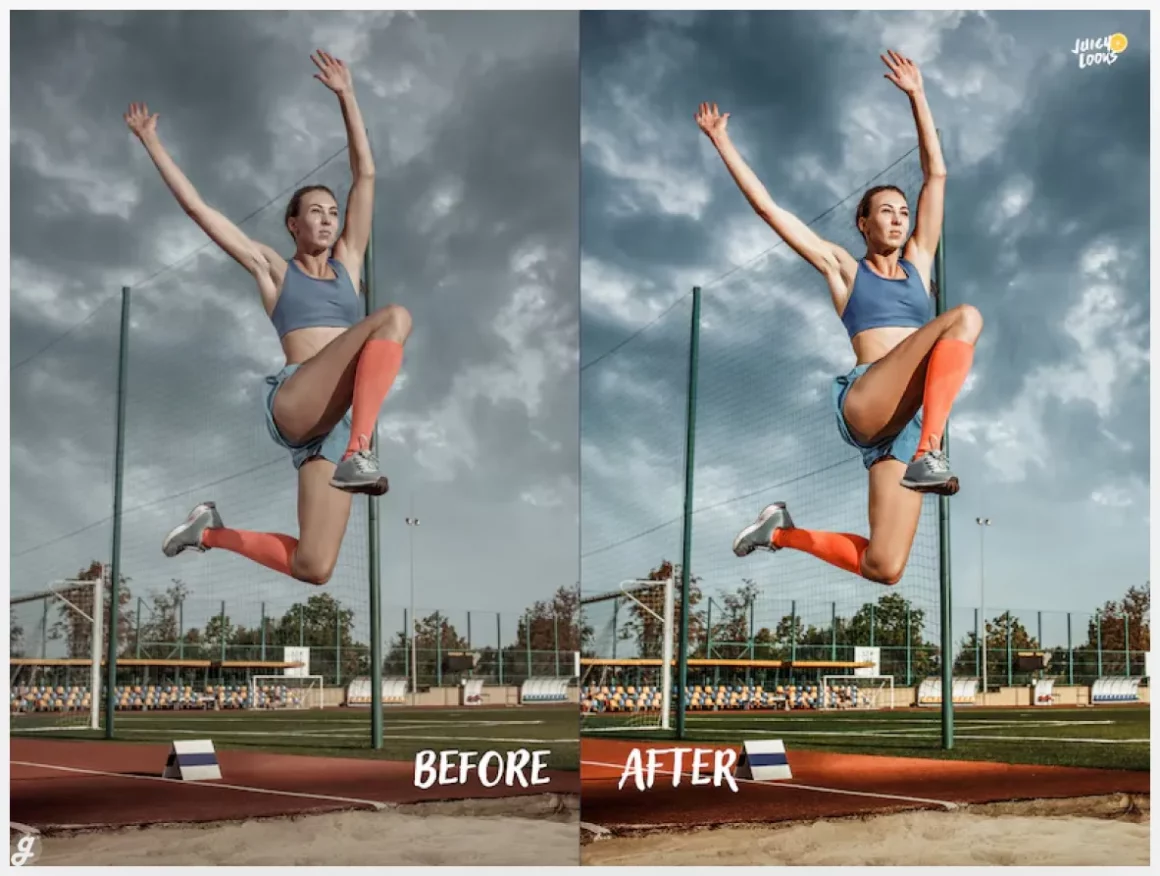
Overlay for Sports Photography
20 Mobile/Desktop Pro HDR Lightroom Presets – ideal for landscape
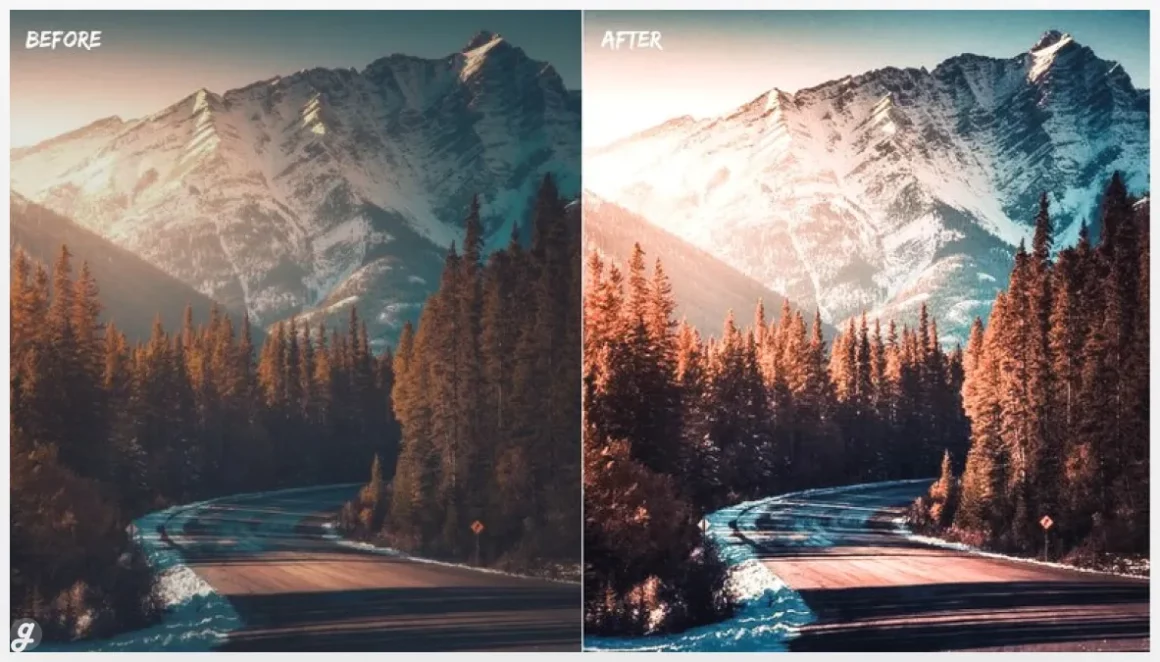
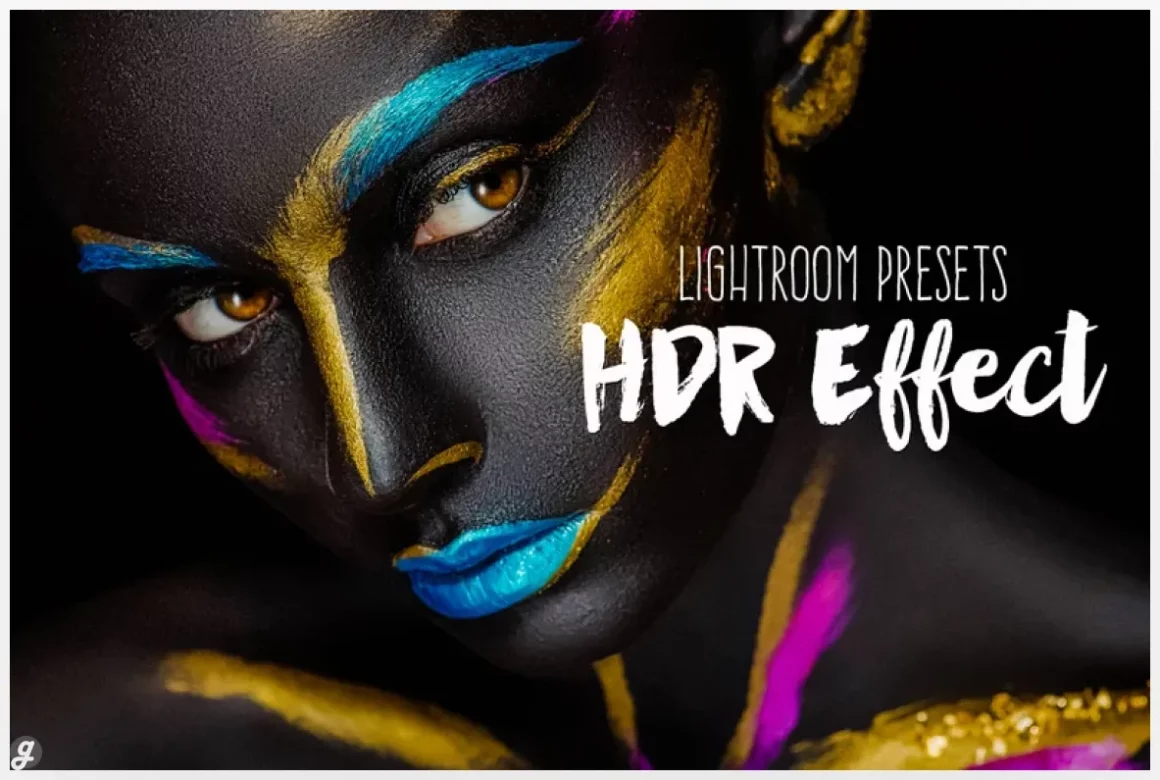
This HDR preset pack makes it easy to bring bold color and crisp detail into any photo, whether you’re editing on Lightroom Mobile or your desktop setup. The one-click presets are great for speeding up your workflow, especially for travel shots, portraits, or product photos that need stronger contrast and a more polished finish. Many creators use them to add clarity to outdoor scenes or make indoor photos feel more vibrant. With DNG, LR, and XMP formats included plus a simple step-by-step guide, it’s a flexible toolkit that adapts to your style while keeping edits fast and consistent.
HDR Lightroom desktop presets
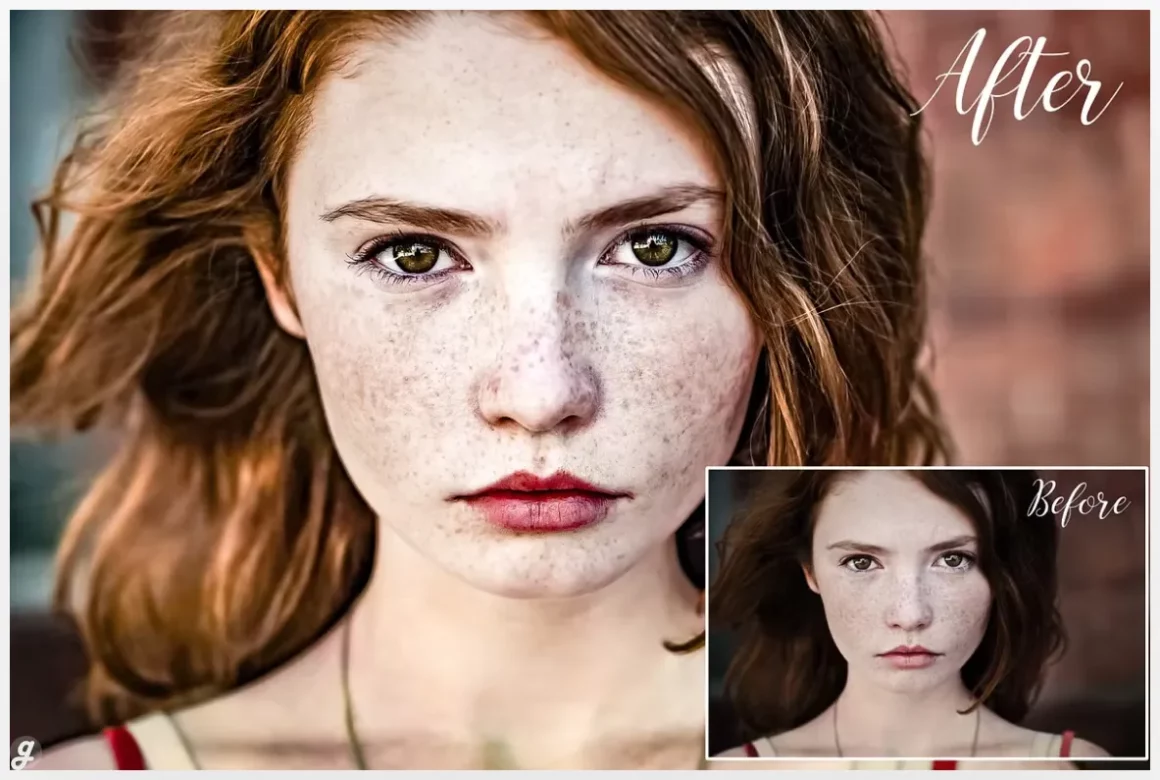
Lightroom Presets HDR & Colors
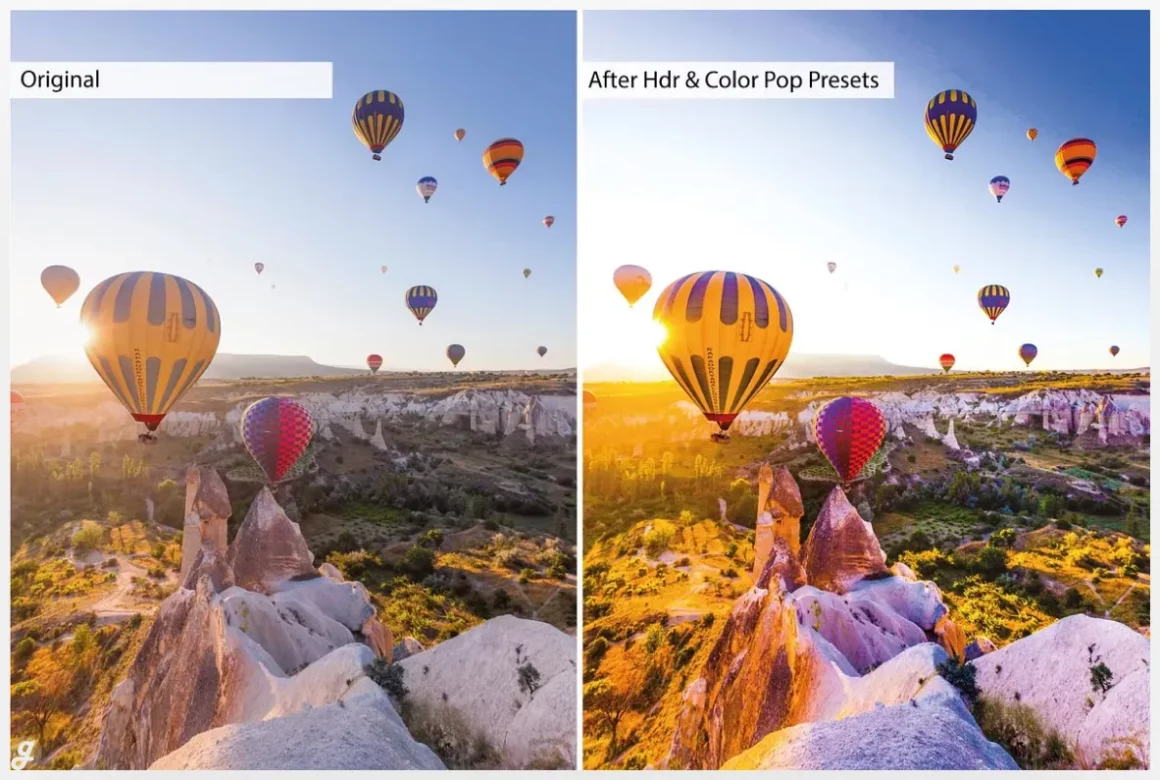
HDR Beauty Presets for Lightroom
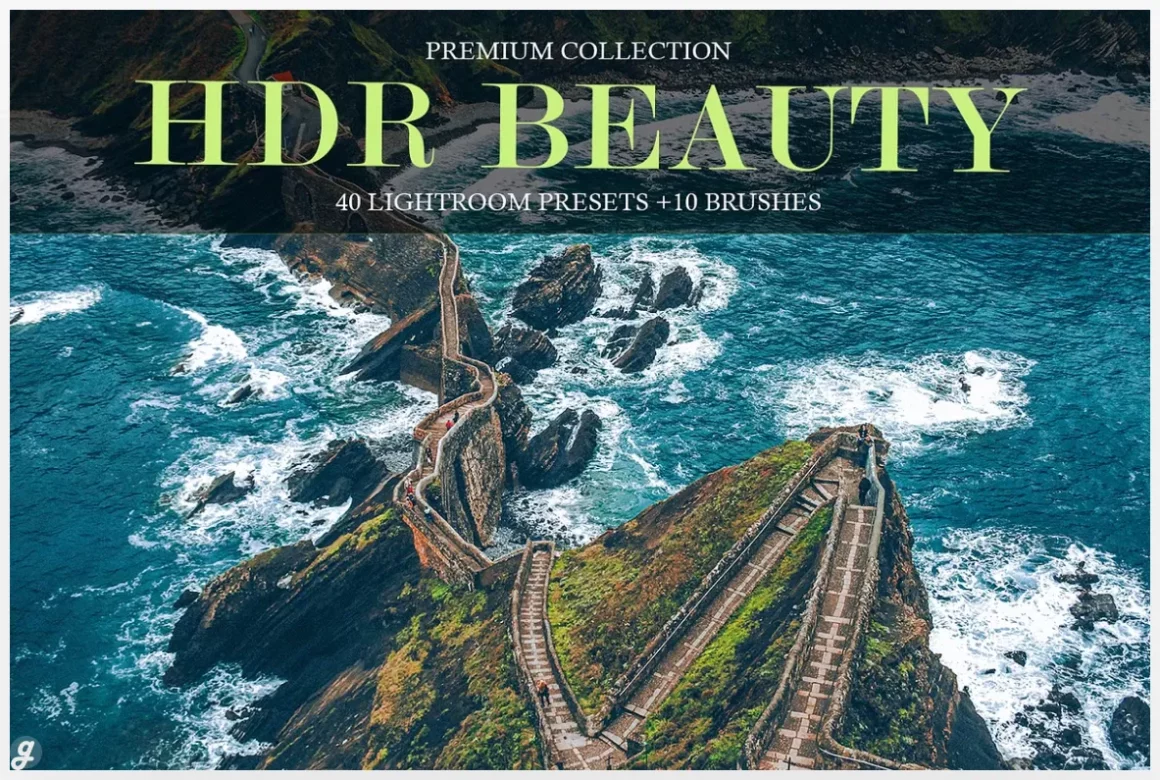
The HDR Beauty collection is built for creators who want their photos to feel sharper, brighter, and more refined with almost no effort. The pack includes 40 detailed presets plus 10 Lightroom brushes, making it easy to fine-tune specific areas like skin, highlights, or shadows. It’s especially useful for portrait photographers who want a clean, luminous finish or for beauty shots that need extra depth. The bonus set of 60 sepia presets adds even more styling options for nostalgic edits. Everything works across Lightroom Mobile, Classic, and desktop versions, supporting both RAW and JPEG workflows.
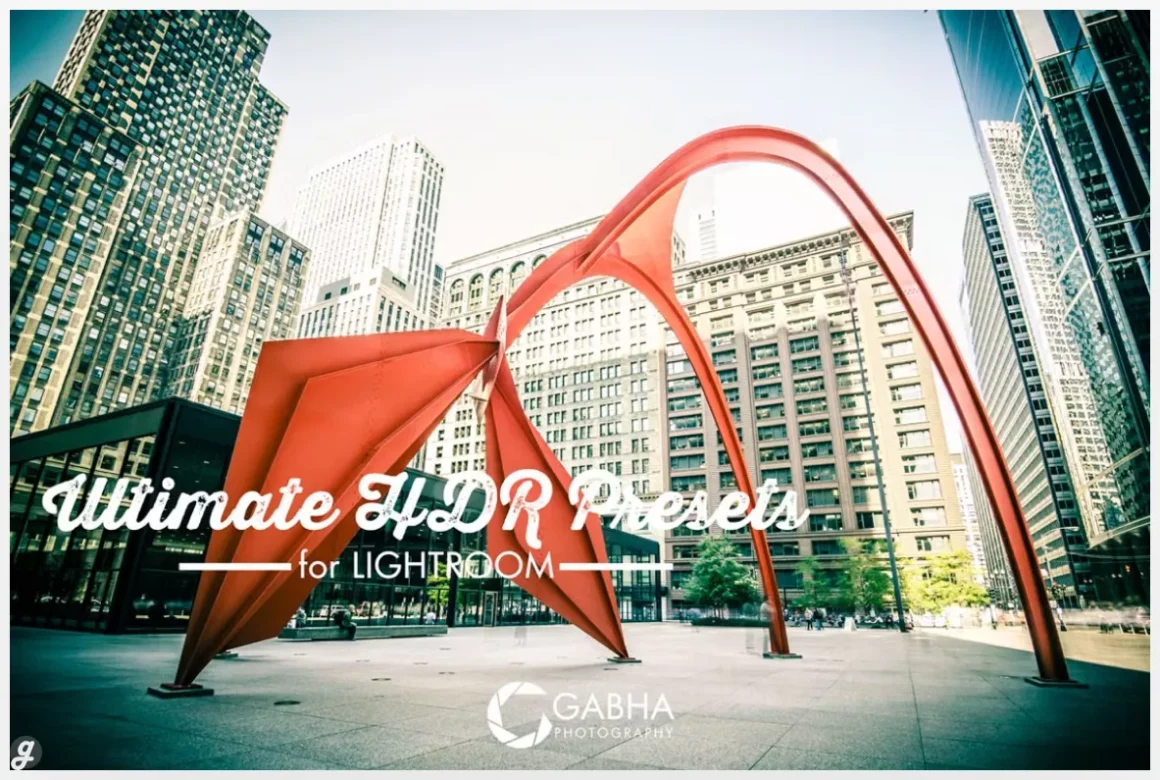
Ultimate HDR Presets for Lightroom
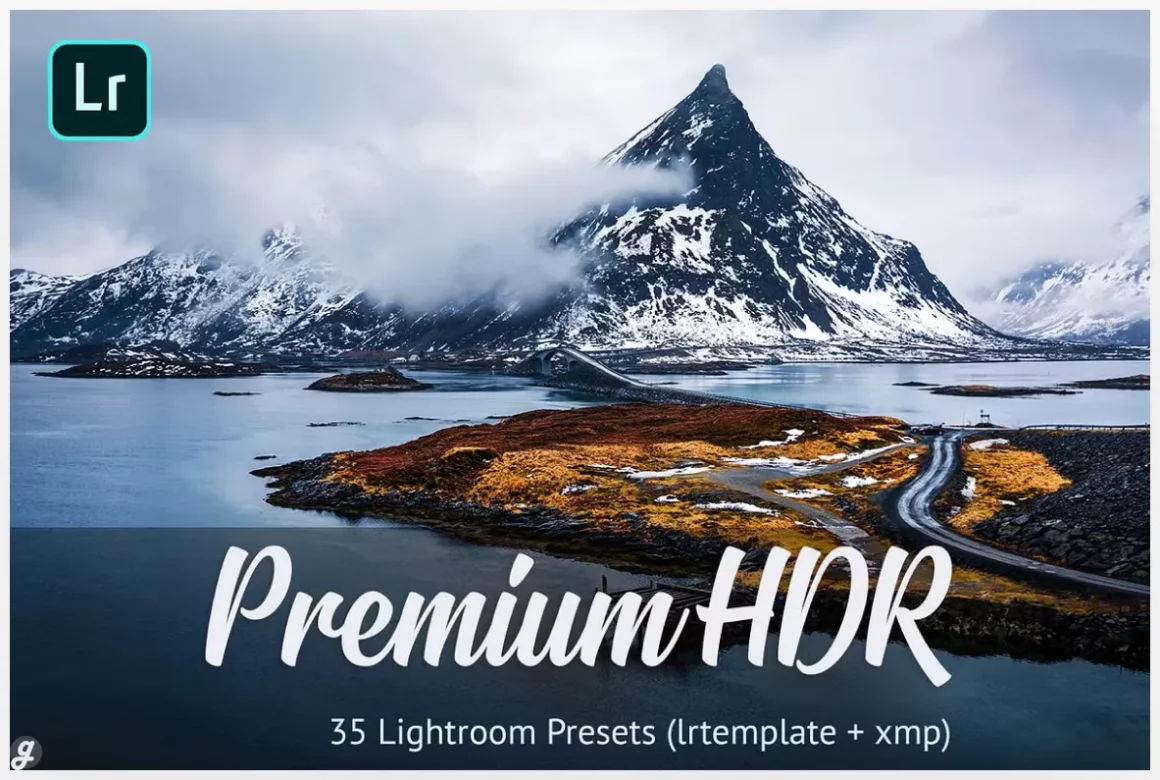
Premium HDR Presets Lightroom
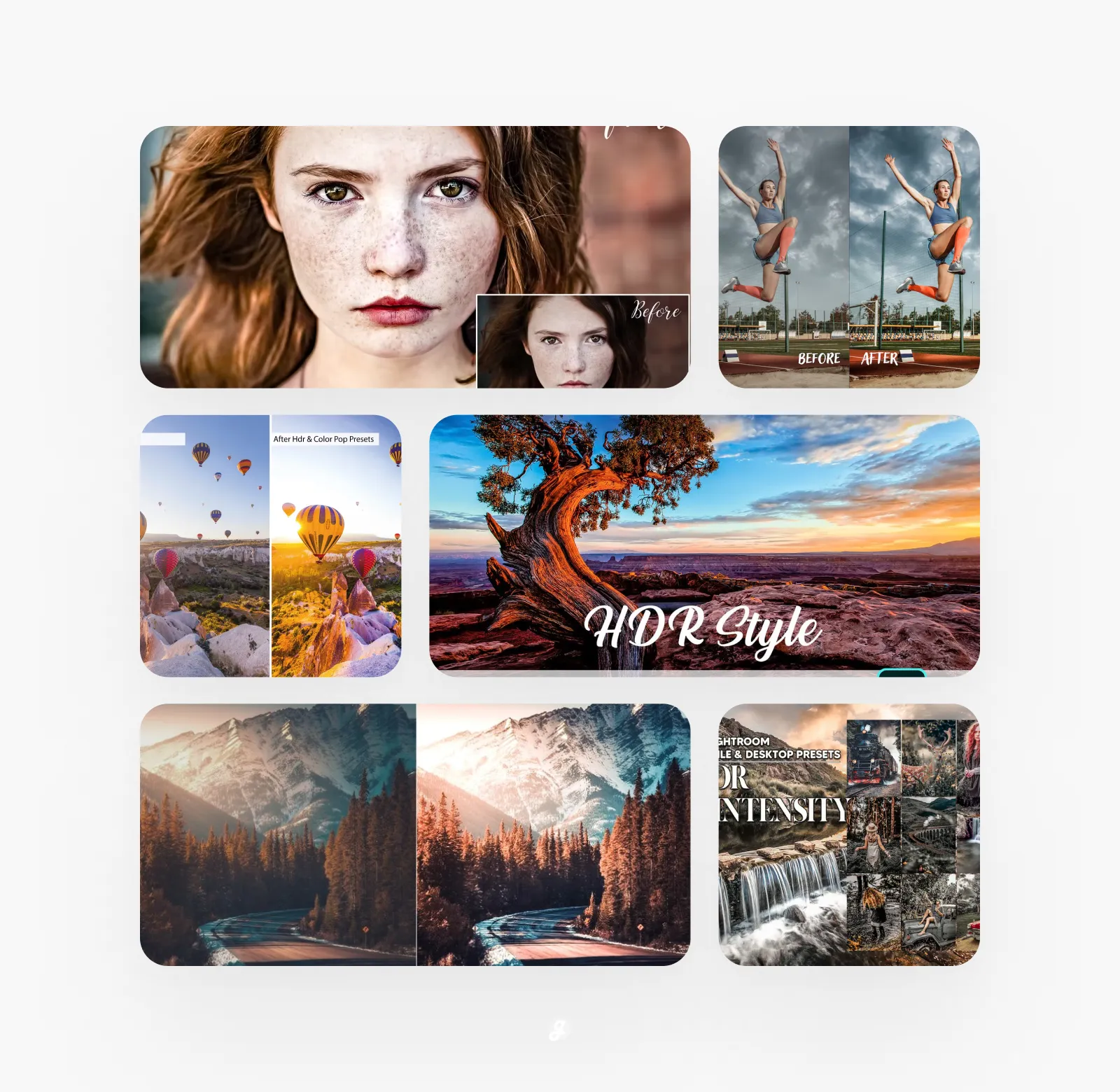
Lightroom Presets – HDR Style
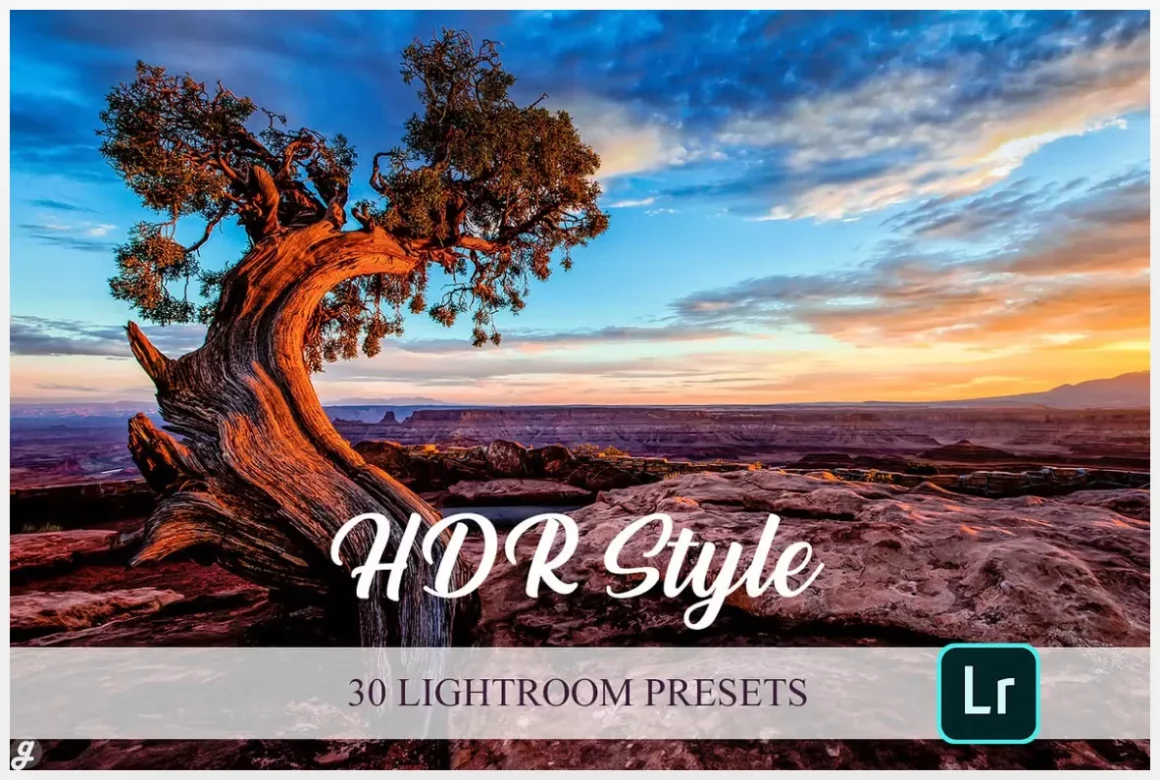
The HDR Style Bundle is a handy toolkit for boosting detail and contrast in just a few clicks. With 30 presets and 10 Lightroom brushes, it helps you bring more depth into portraits, landscapes, or product shots that feel a bit flat. Many creators use the brushes to refine highlights or shadows for a cleaner, more polished finish. The pack works across all Lightroom versions, from Mobile to Classic, and handles both RAW and JPEG files. The bonus Retro Film Bundle adds extra styling options when you want a softer, vintage look without extra editing time.
Premium HDR Lightroom Autumn Presets
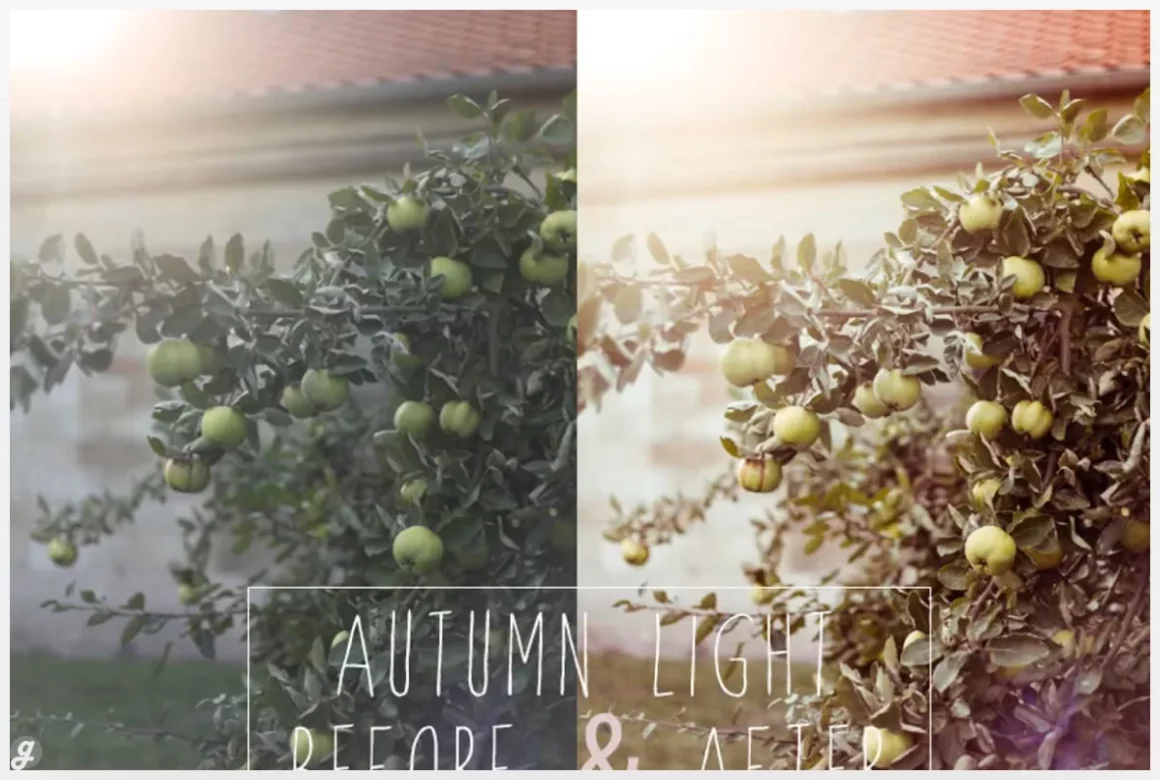
+30 HDR – Drone Lightroom Presets
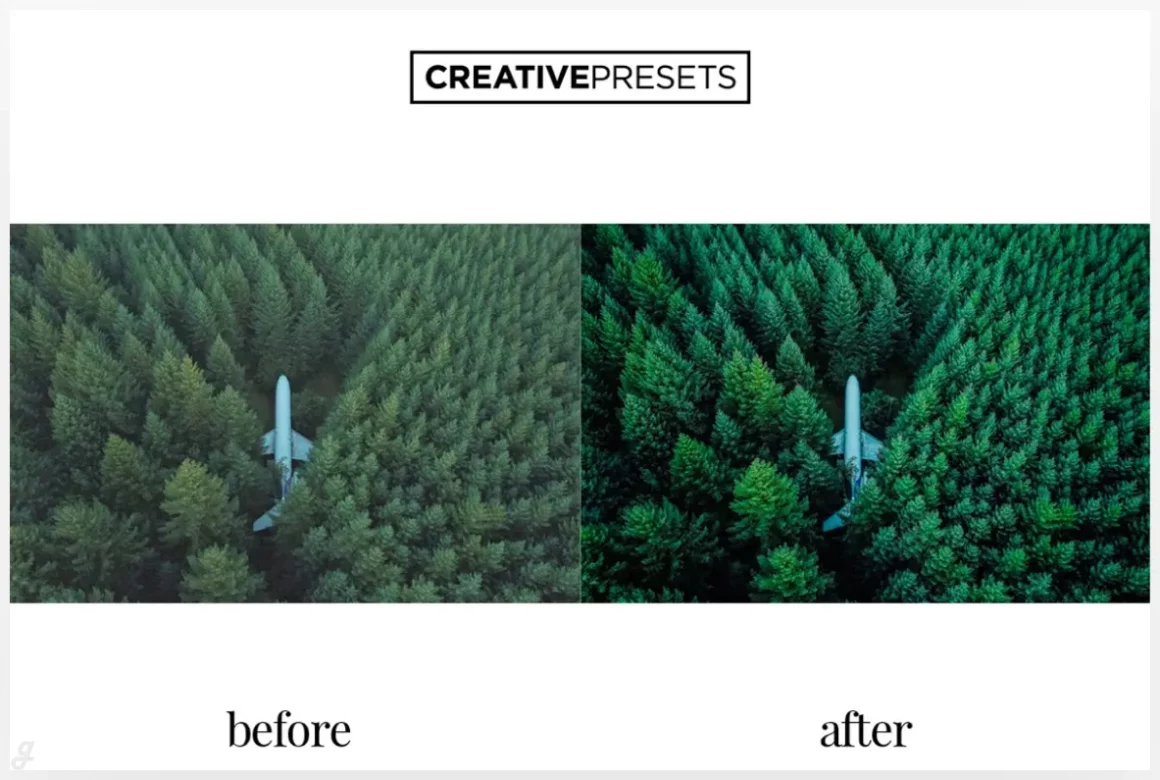
HDR Quality Lightroom Preset
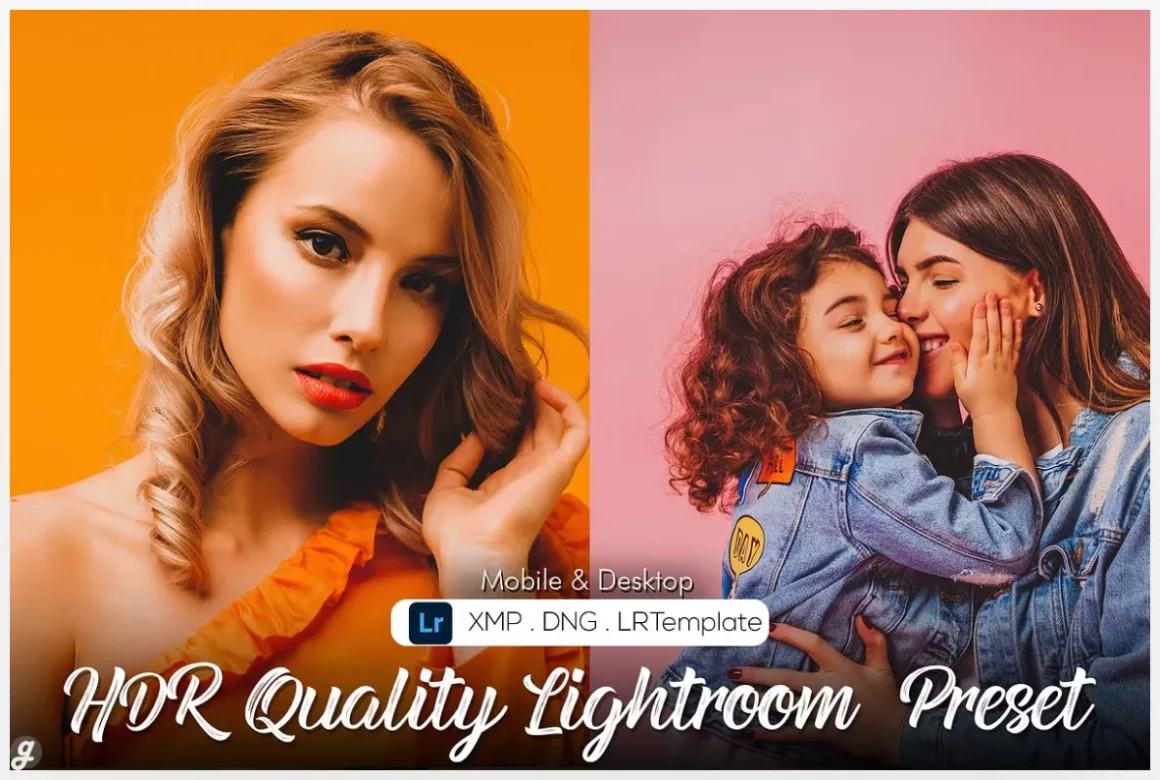
HDR Lightroom Presets Volume 2
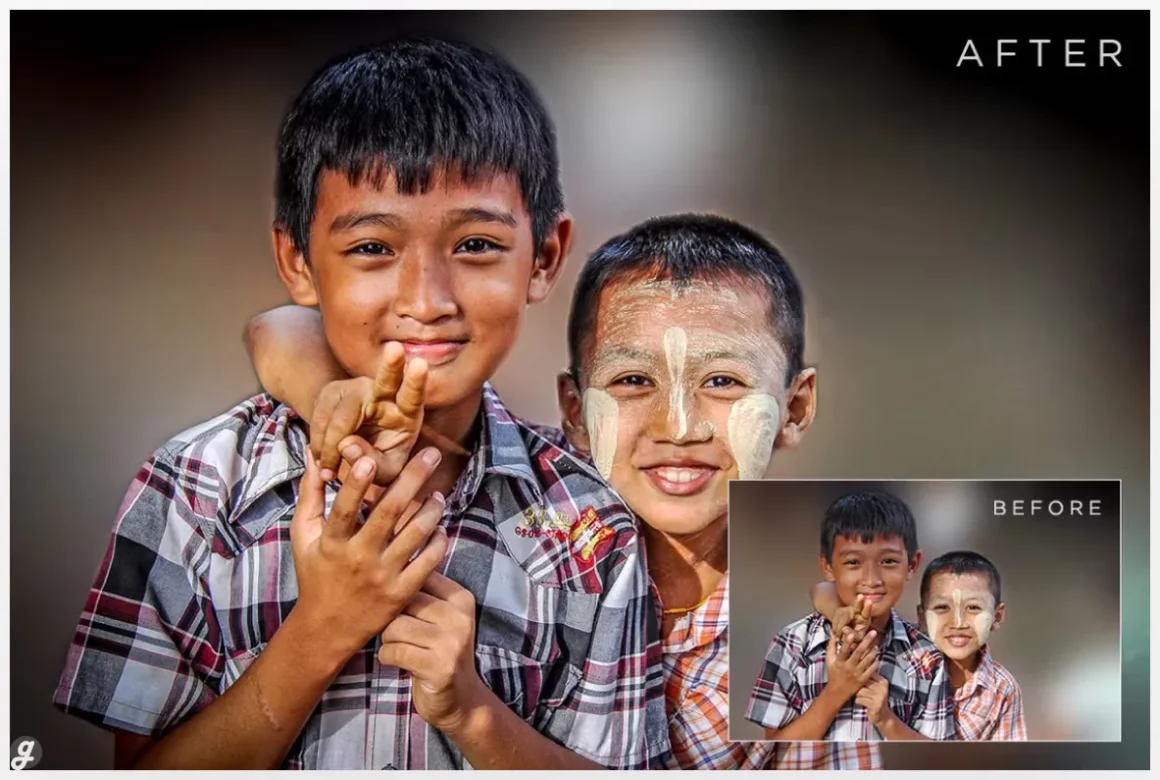
This HDR preset pack is great for anyone who wants richer colors, stronger contrast, and more detail without spending ages fine-tuning sliders. The 10 presets work well on everything from dramatic landscapes to moody urban shots or even product photos that need a little extra punch. They’re especially useful when a photo feels flat or the lighting wasn’t ideal, helping pull out hidden detail in both shadows and highlights. If you’re building a consistent editing style or want quick, impactful results, this set makes it easy to level up your visuals.
30. PRO Lightroom Presets
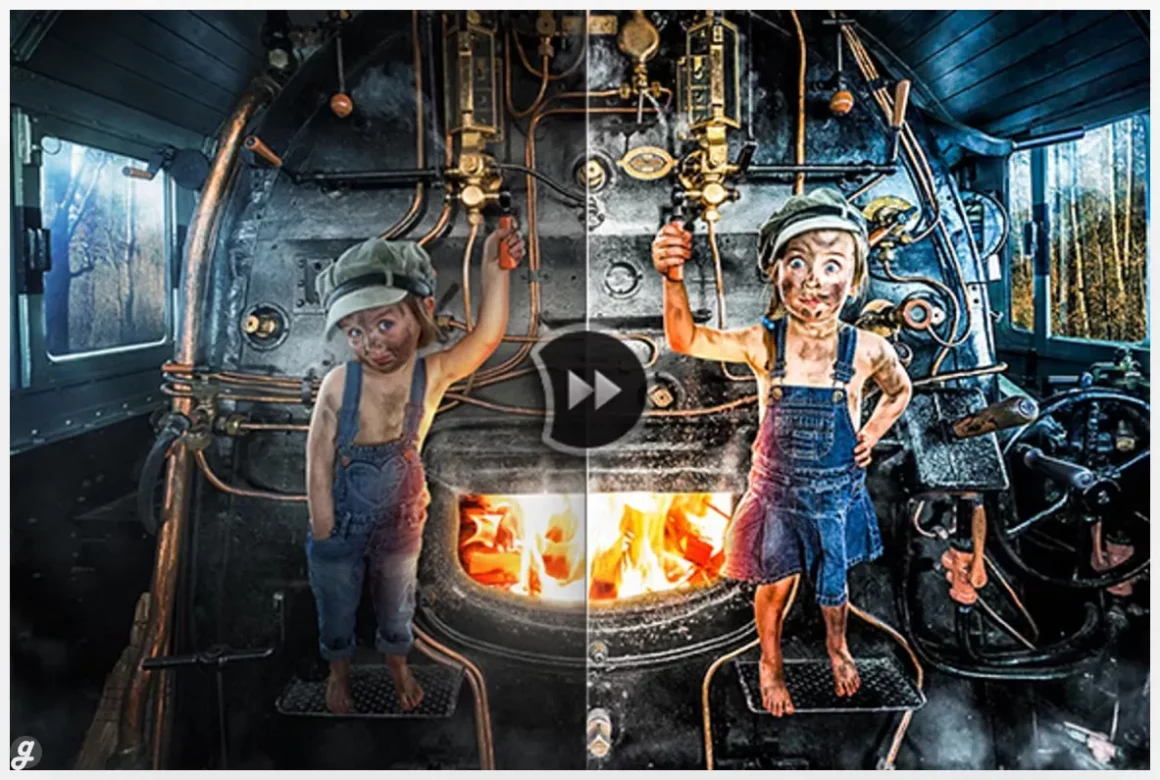
20 HDR Lr Presets
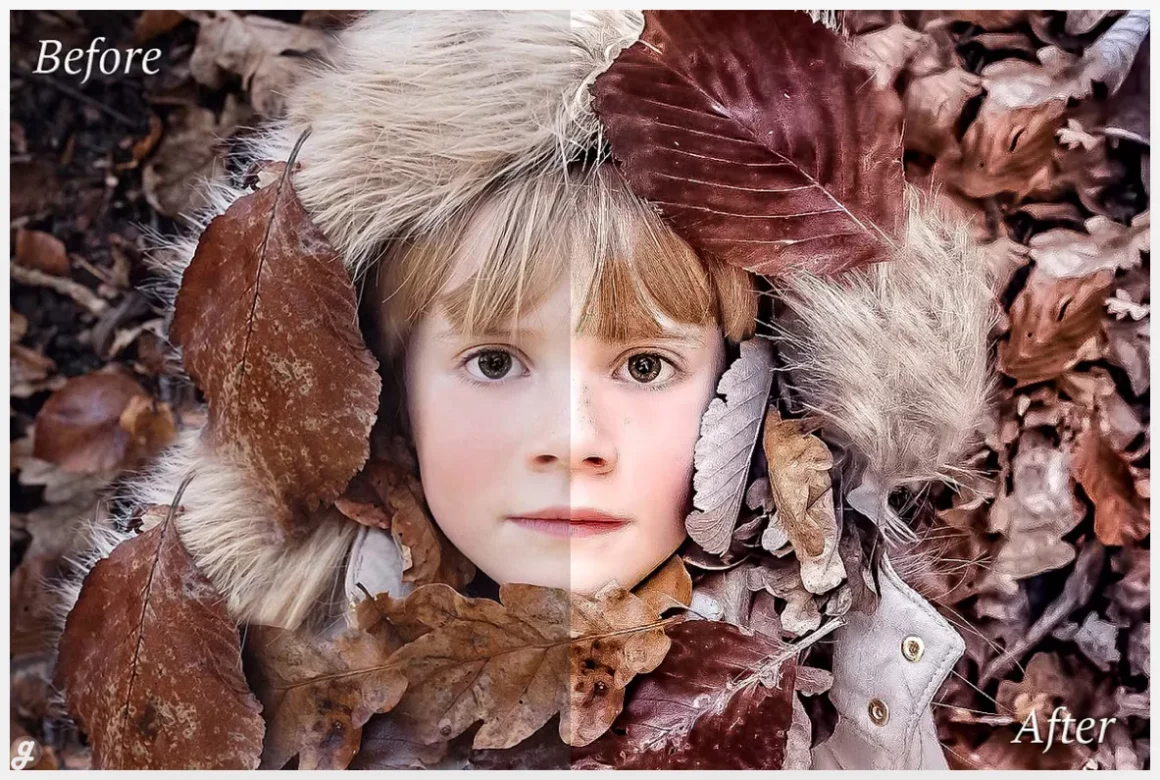
HDR Pro Lightroom Presets
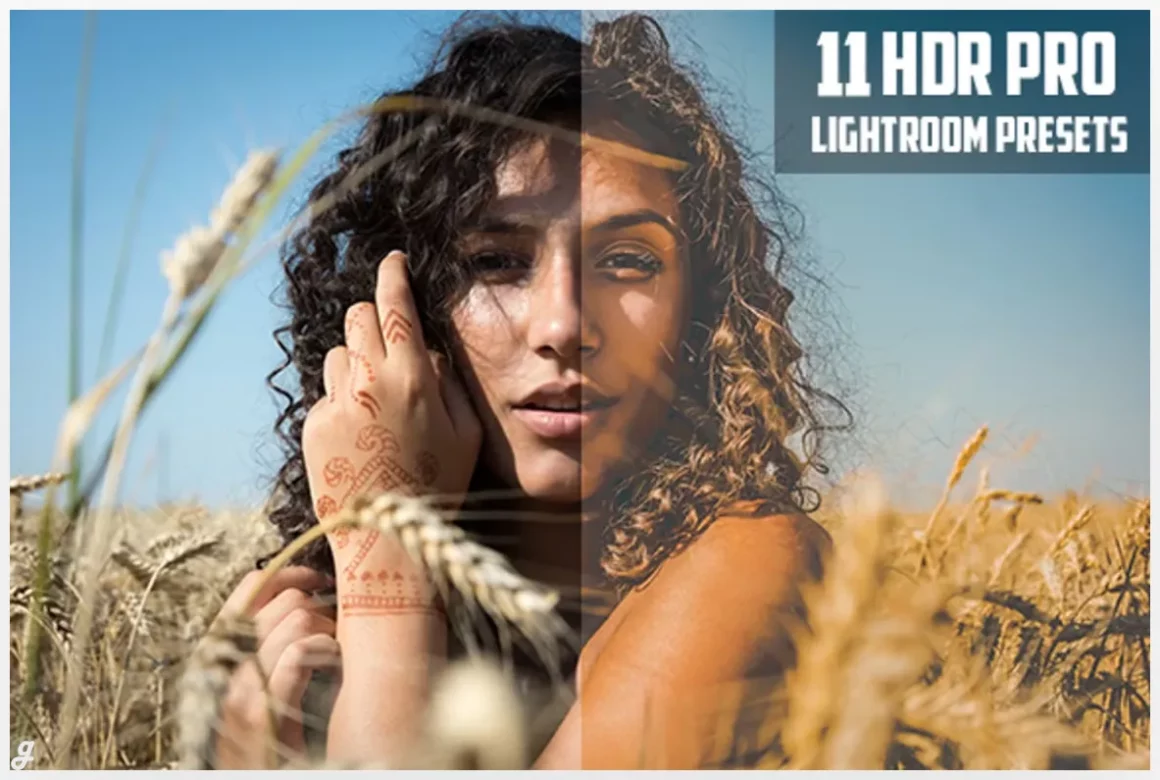
HDR Pro Lightroom Presets
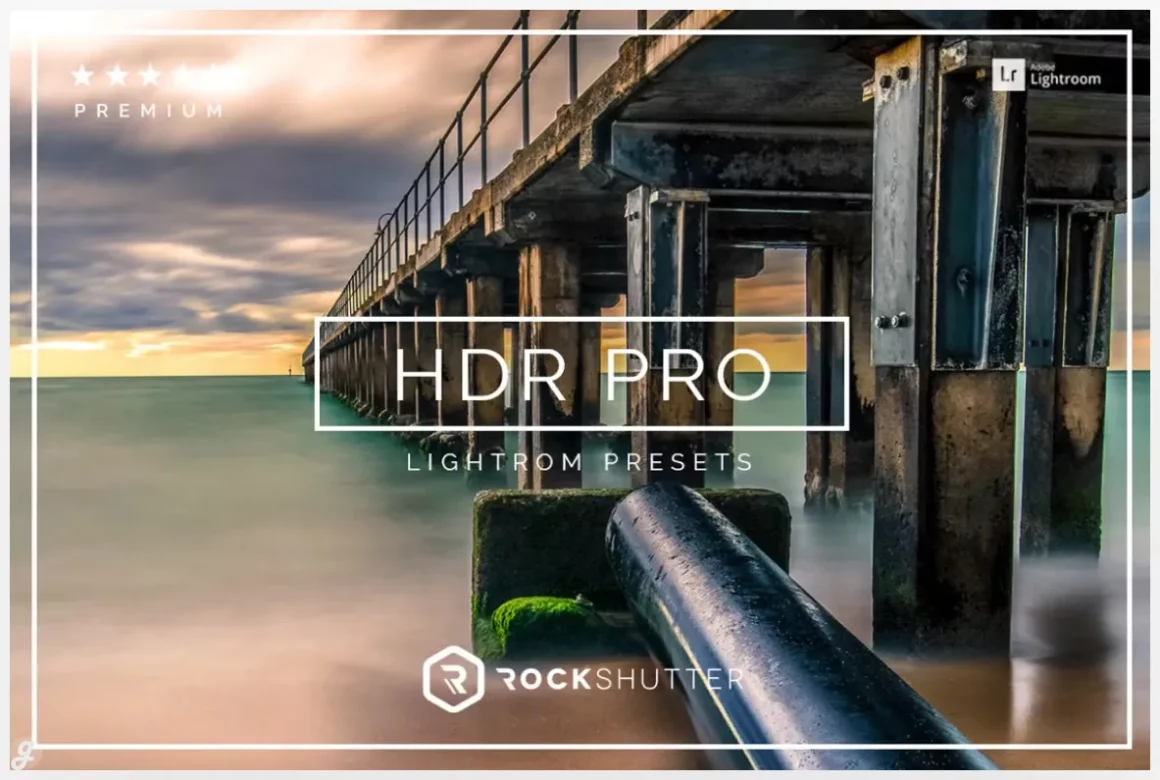
HDR Mobile and Desktop PRESETS
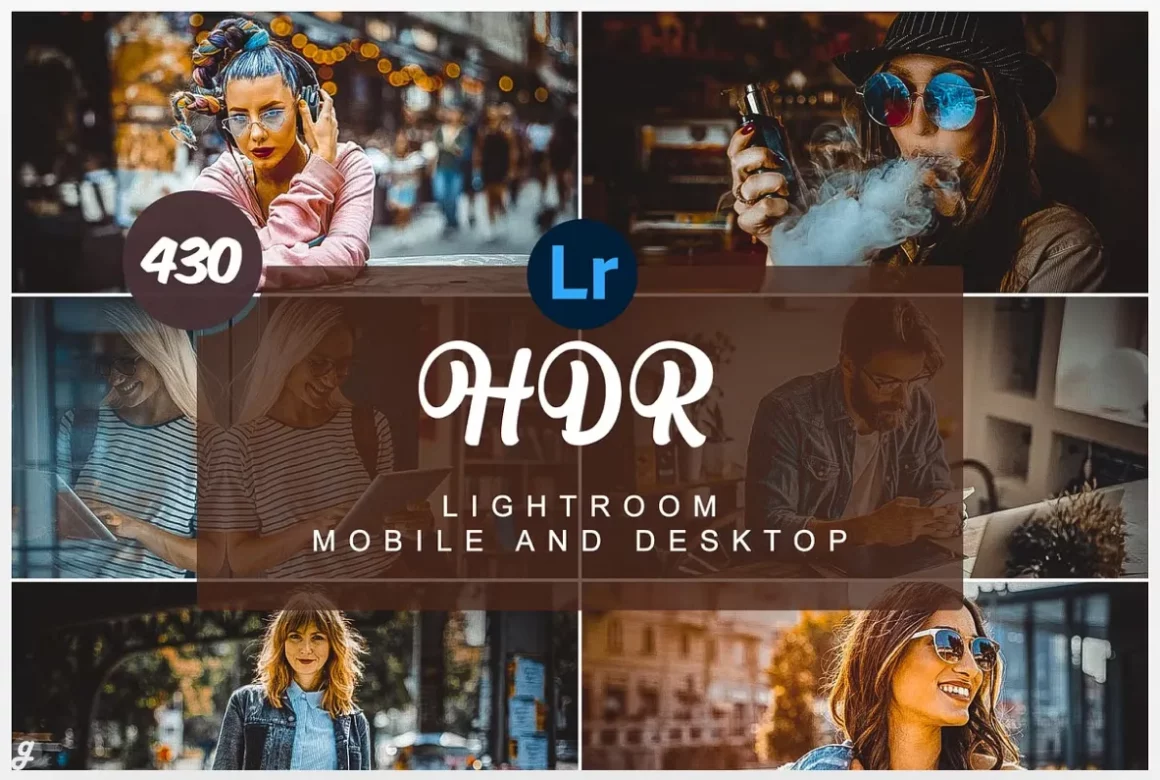
432 HDR Lightroom Presets Bundle
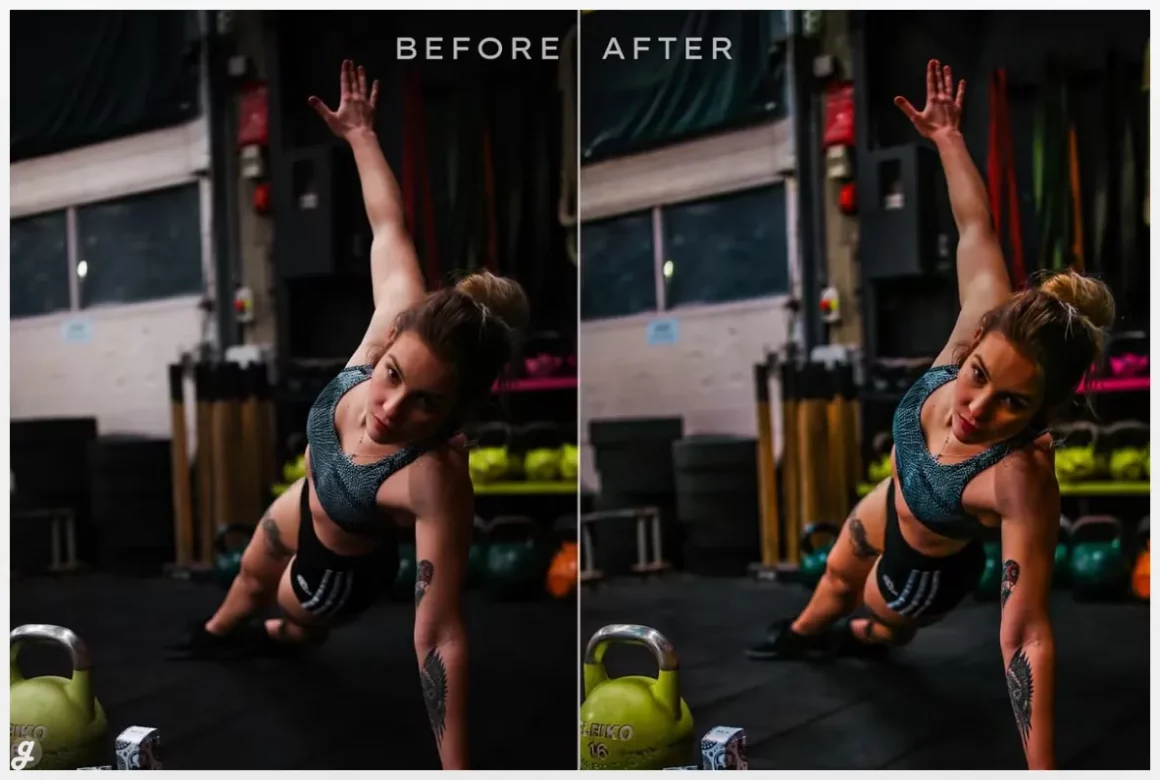
The HDR Lightroom Presets Bundle packs an impressive 432 presets, giving you a huge range of ways to boost detail, contrast, and overall depth in your photos. It’s especially useful if you work across different styles—portraits, landscapes, product shots, or travel edits—since you can quickly test multiple looks and find the perfect match. The presets apply cleanly with one click and render fast, making them great for bulk editing or tight deadlines. Designed for Lightroom 4 and up, the collection works best with high-resolution images and comes in easy-to-use XMP format.
Dramatic HDR Lightroom Presets
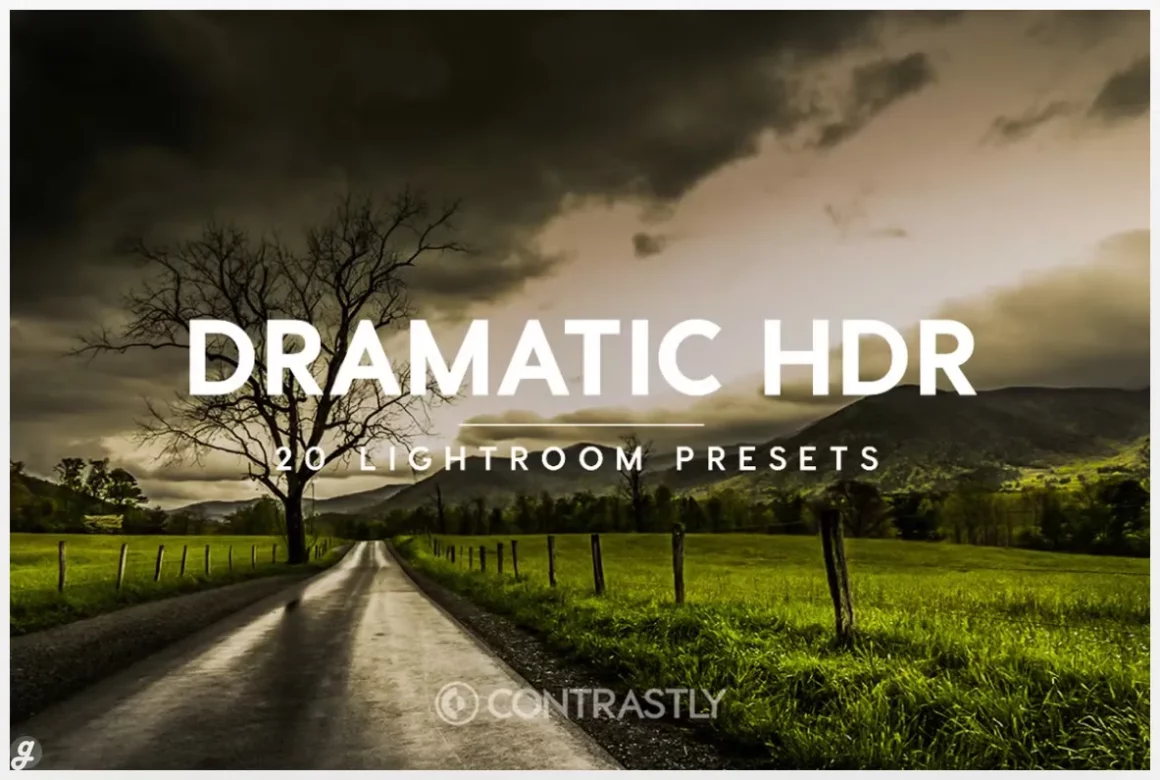
50 HDR Wedding Lightroom Presets
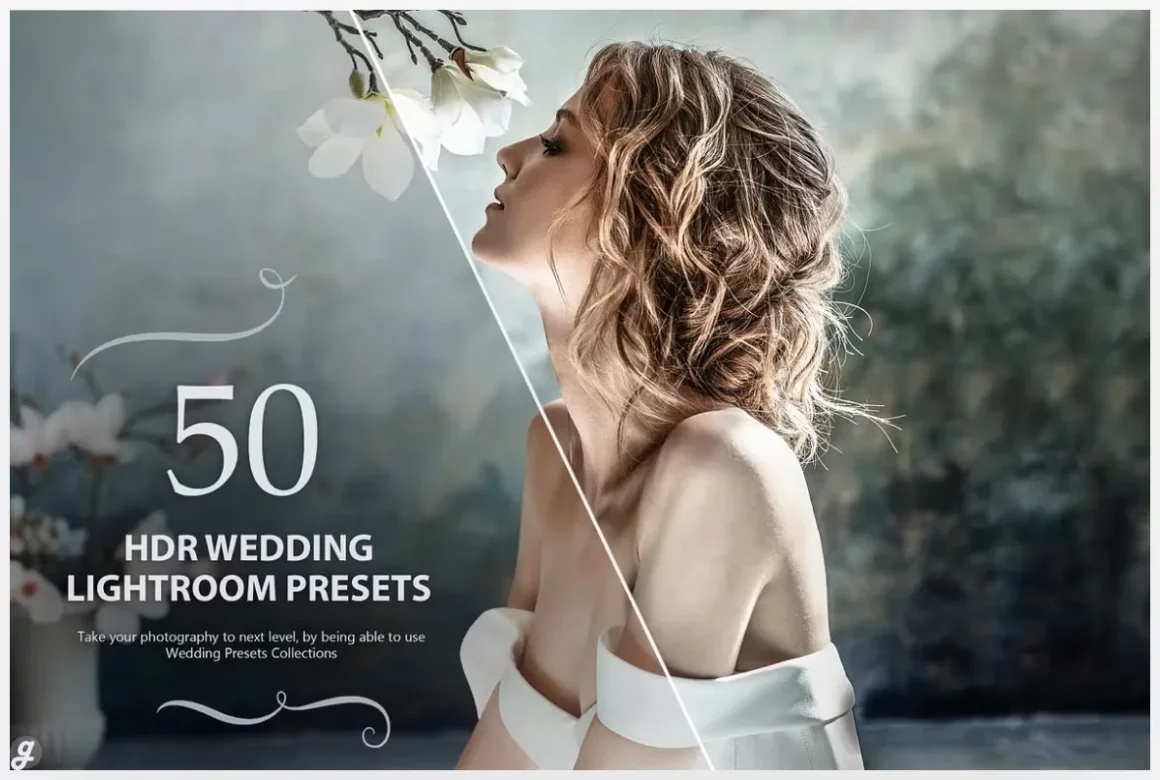
Pro HDR Collection Lightroom Presets
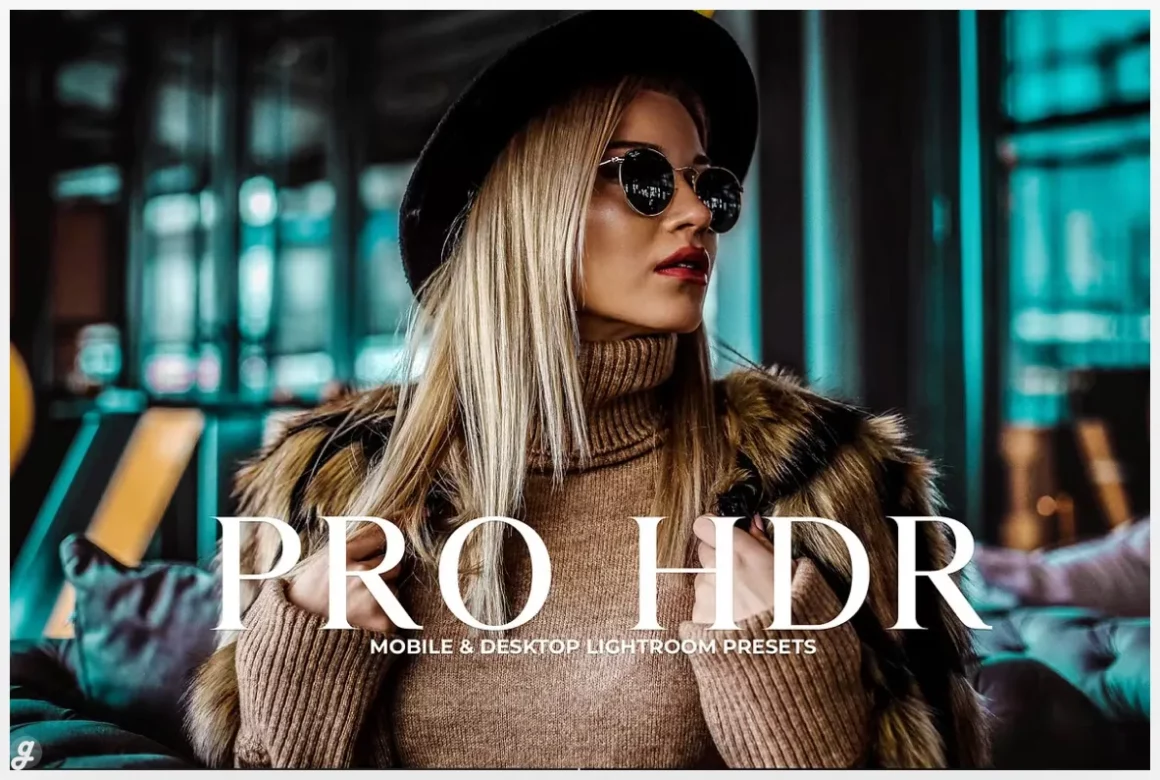
Smart HDR – Lightroom Presets
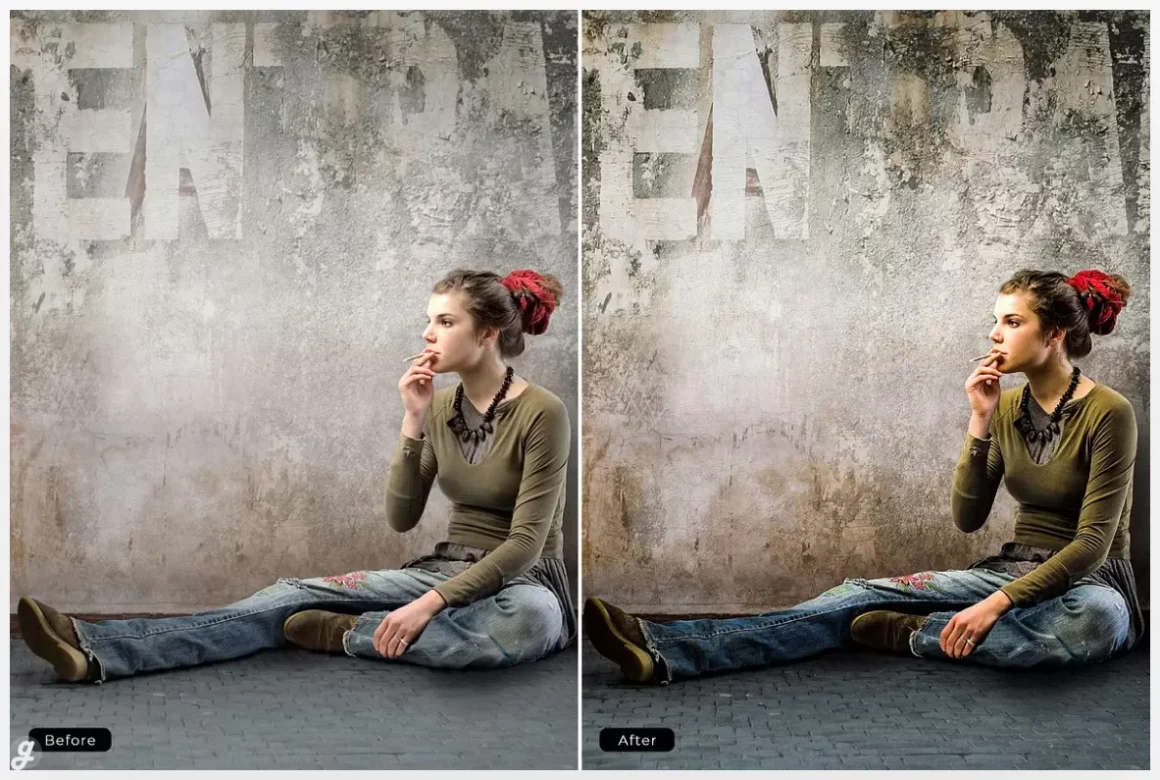
HDR Visions Lightroom Presets Bundle
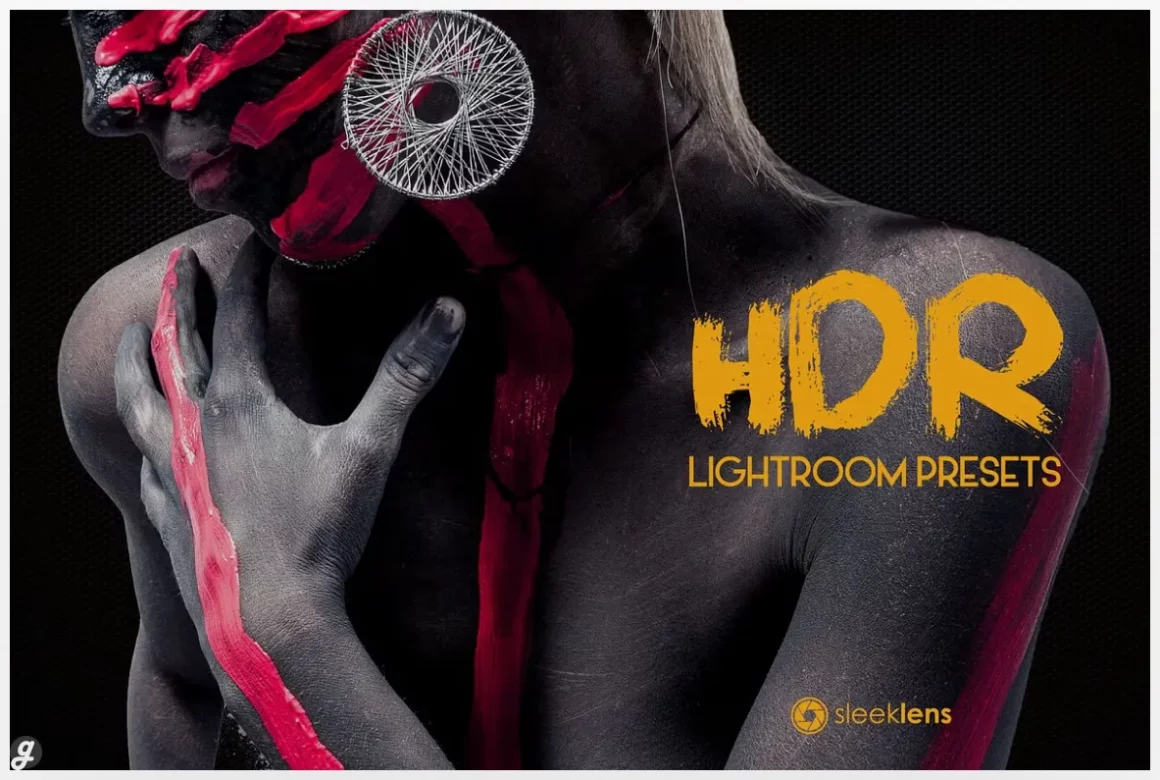
The thing about HDR editing is that once you start using it, you notice how flat your older photos suddenly look. It’s like giving your images a new kind of energy, and the collections featured in 25+ Stunning HDR Lightroom Presets (Free & Paid) make that transition so much easier. You get ready made looks that instantly upgrade your shots without forcing you to wrestle with complicated adjustments. Even if you’ve only been editing for a short while, you’ll see fast improvements and honestly it makes the whole workflow a lot more fun too.
What really stands out is how flexible HDR presets can be. You don’t always need to crank them up to the extreme. Sometimes just a small nudge brings out richer skies, more defined lines and that sweet contrast that makes details pop. And sometimes you want to go all in and create a super dramatic, high impact shot. Both choices are valid and both can look great. That’s the good thing about presets. They adapt to you, not the other way.
If your goal is to save time while still producing strong visual results, you’re in the right place. These presets help you skip the boring part of editing and jump right into the final creative touches. And if you ever feel stuck, just lower the intensity a bit or stack it with your usual workflow. You don’t have to follow any rules. Actually, sometimes breaking the rules makes a photo look even better, even if it looks a bit wrong at first.
FAQs
1. Do HDR Lightroom presets work on both RAW and JPEG files?
Yes, but they usually perform better on RAW since it holds more detail.
2. Can I adjust the strength of the HDR effect?
Absolutely. You can tweak exposure, contrast, clarity and intensity to match your style.
3. Are free HDR presets worth using?
Many free presets are great for beginners and quick edits, especially if you want to test the HDR look before buying premium packs.