
Managing real estate work can feel like juggling ten things at once, and somehow everything wants attention right now. Listings, clients, paperwork, follow ups and the dozens of small tasks that show up out of nowhere. That’s exactly why tools like 12+ Best Notion Real Estate Agent Templates (Free & Paid) are becoming a go to solution for agents who want to stay organized without drowning in admin work. These templates give you a clear space to track leads, manage properties, store client info and plan your week without hopping between different apps all day.
If you’ve ever tried building a system from scratch inside Notion, you probably know it can be a little confusing at first. One button is here, another thing shows up there, and before you know it the whole page looks kinda messy. Using a ready made template saves all that time and lets you focus on closing deals instead of adjusting layouts. Sometimes people think they’ll build the “perfect system” on their own, but honestly, most of us end up guessing and hoping it works. A template just makes things faster and cleaner, even if you tweak it later.
This guide brings together the most useful templates built specifically for real estate work. You’ll find dashboards, CRM style databases, task planners and property management setups that fit both solo agents and small teams. There’s one or two spots where the organization might look too simple at first, but simple is usually what keeps everything running smoothly. And once you taste the feeling of having everything in one place, it’s hard to go back to scattered tools again.
CRM For Real Estate Agents
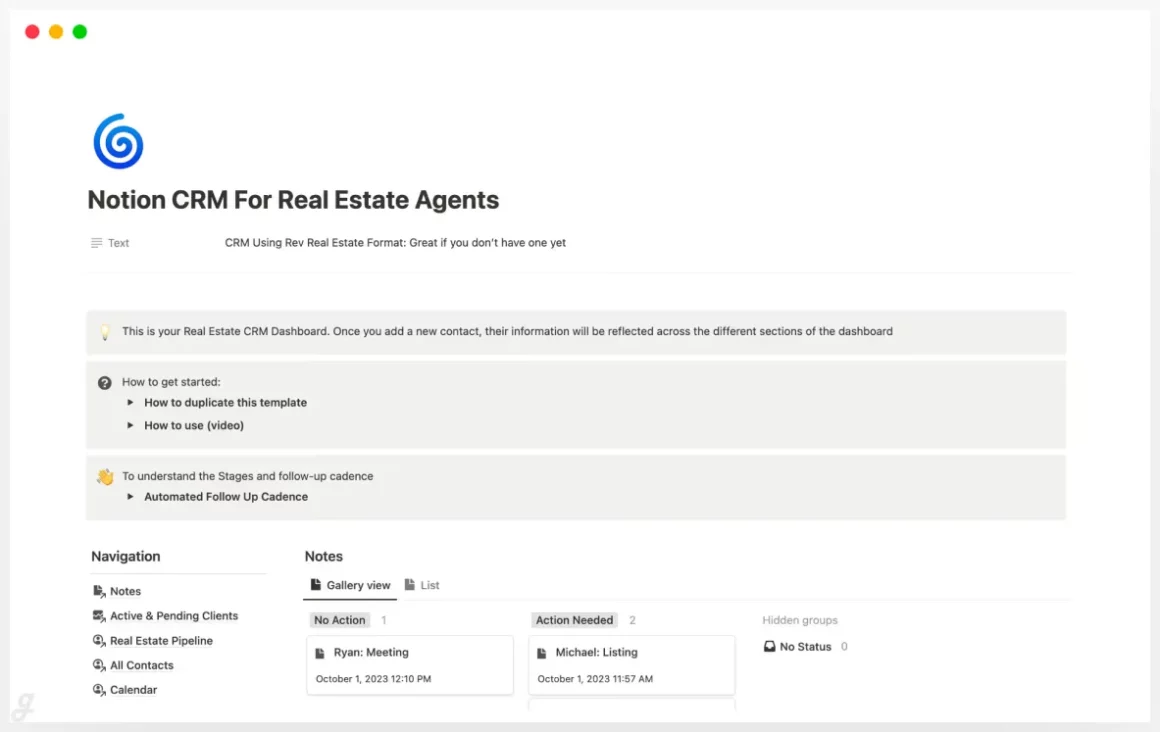
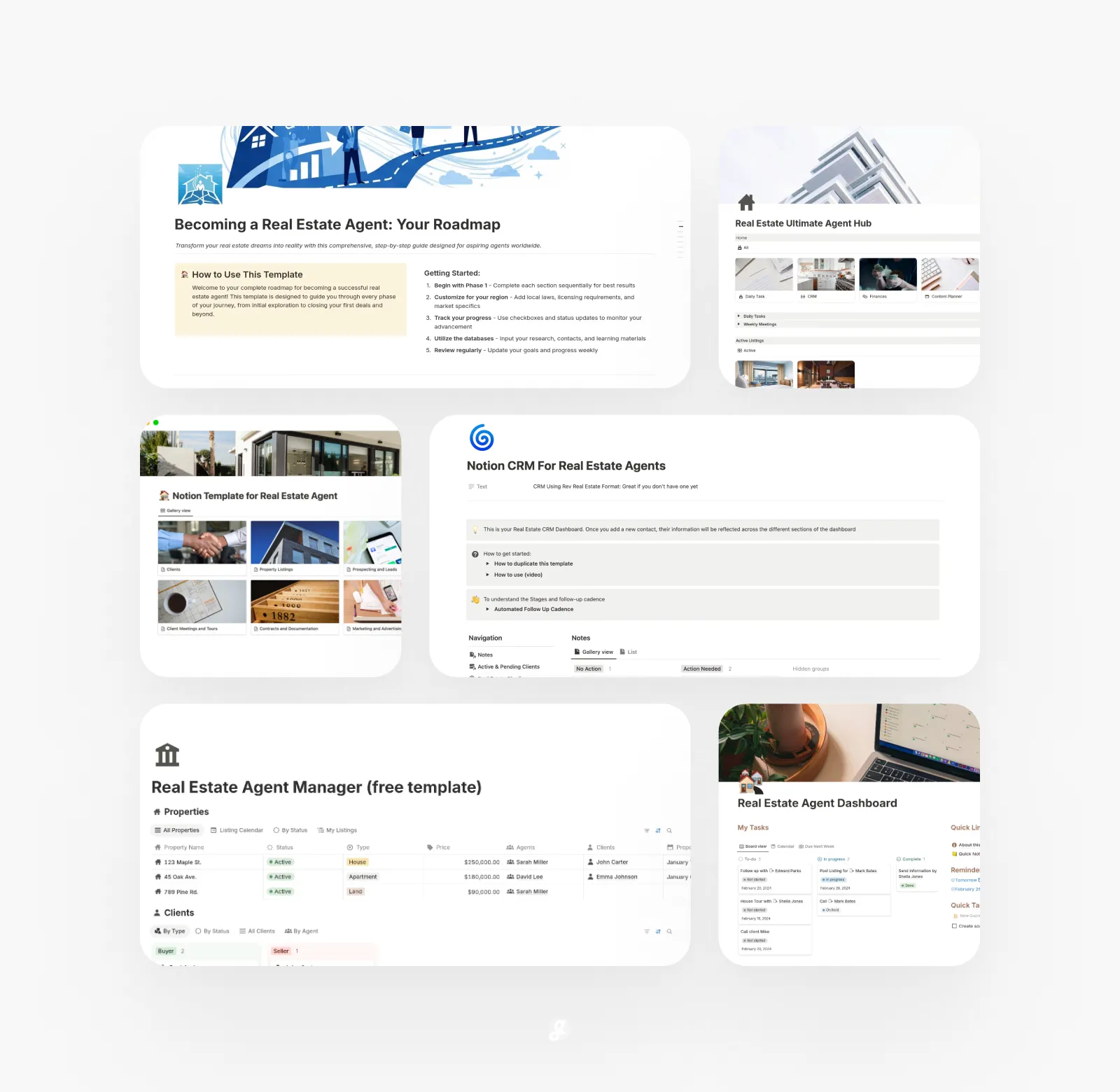
This Notion CRM for Realtors gives real estate professionals a clear, organized workspace to manage clients, listings, and follow-ups without juggling multiple tools. It brings everything into one place, from detailed property pages to a clean client database and task system that keeps deals moving. Many agents use it to track conversations, monitor listing progress, or plan weekly outreach so nothing slips through the cracks. It’s especially helpful when you’re handling multiple buyers and sellers at once and need a simple, reliable way to stay on top of every interaction and opportunity.
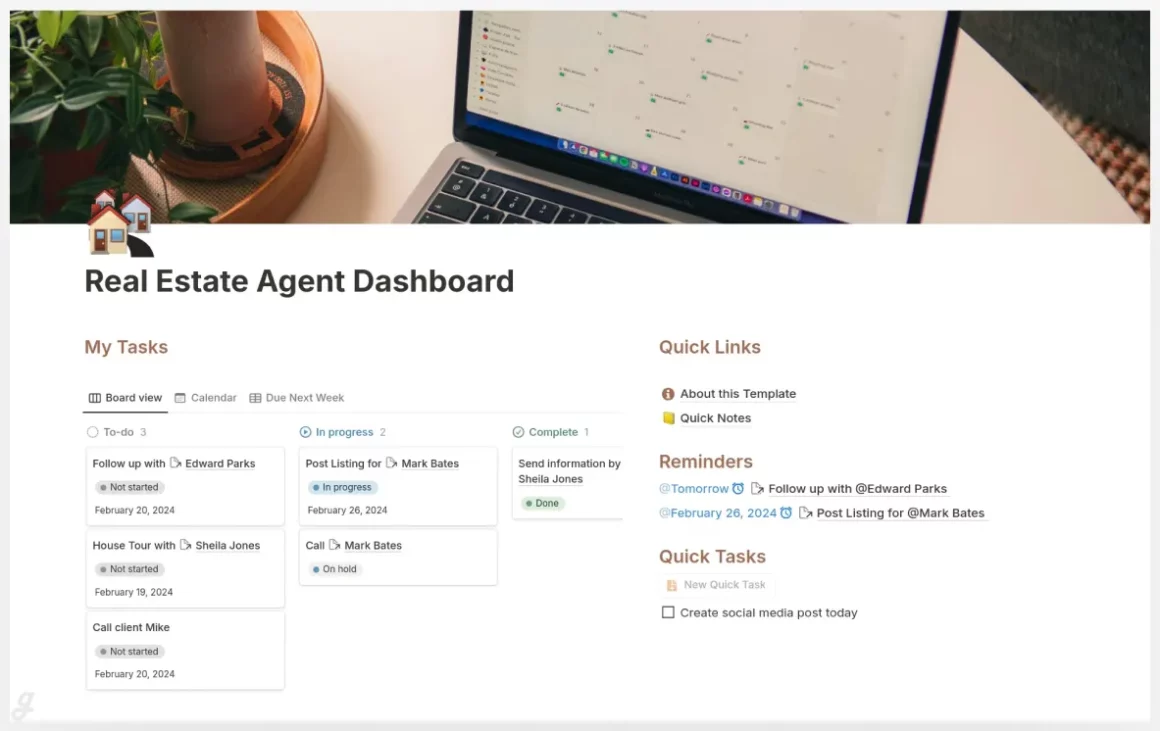
Real Estate Agent Dashboard
Real Estate Agent Manager
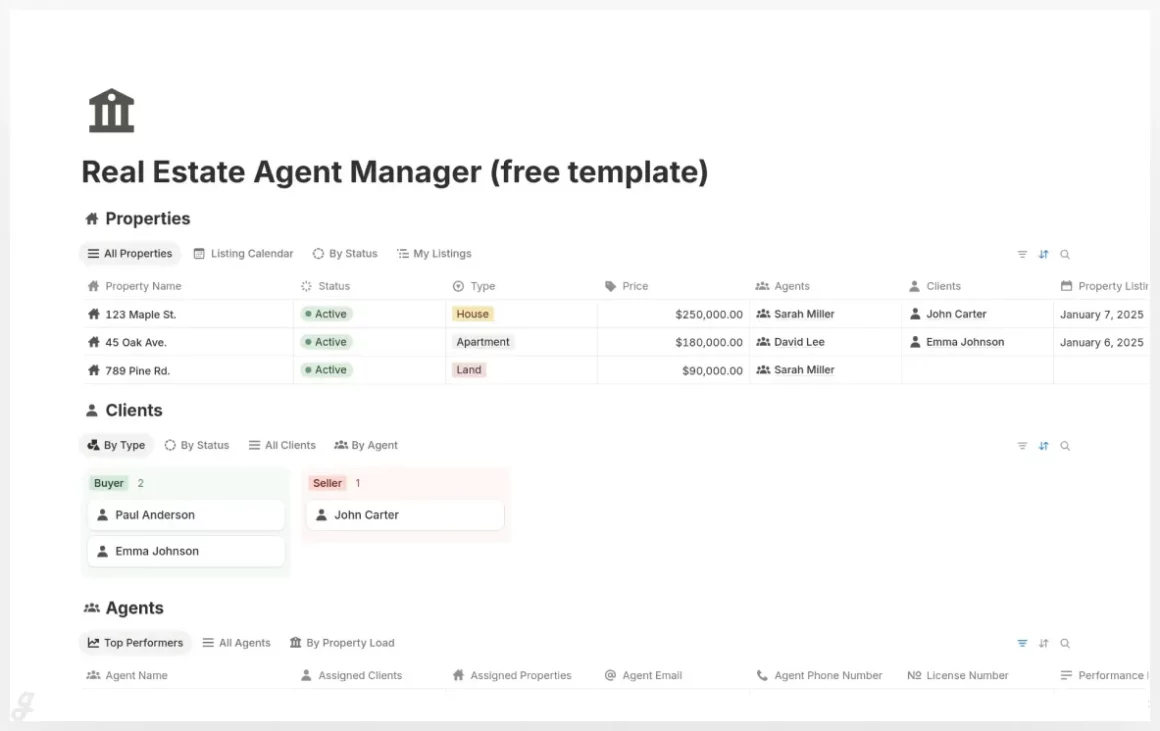
This Real Estate Agent Manager template brings all your daily work into one organized Notion system, making it easier to stay on top of listings, clients, team activity, and deadlines. The connected databases help you see exactly who’s responsible for each property, when you last spoke with a client, or which tasks need attention. Many agents use the calendar and Kanban views to plan showings, track paperwork, or manage follow-ups in a more visual way. With clean layouts, simple workflows, and sample data to get you started, it’s a solid setup for solo agents or small teams looking to streamline their operations.
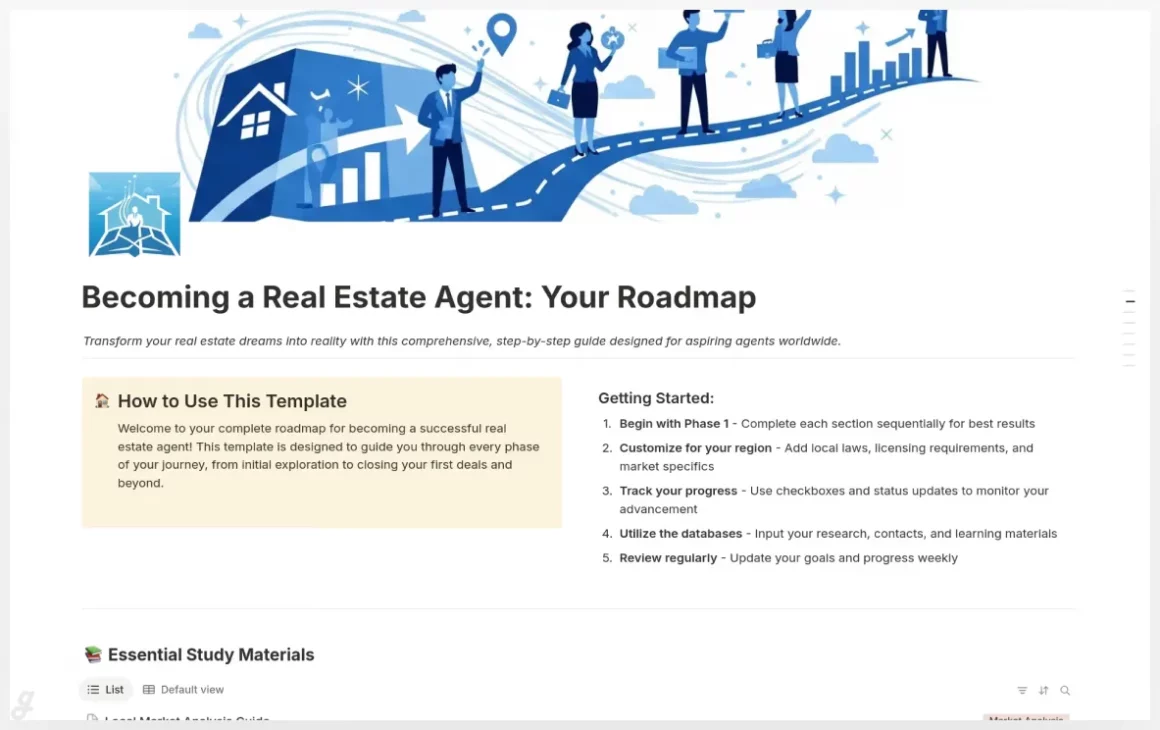
Becoming a Real Estate Agent: Your Roadmap
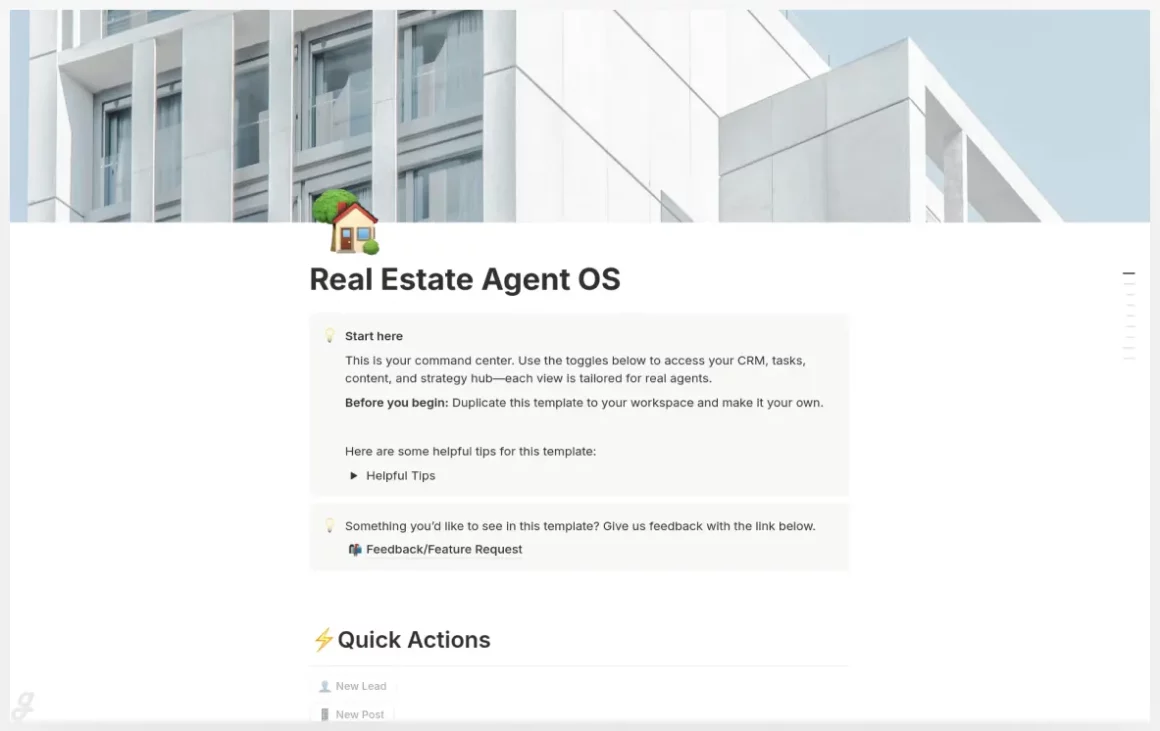
Real Estate Agent OS
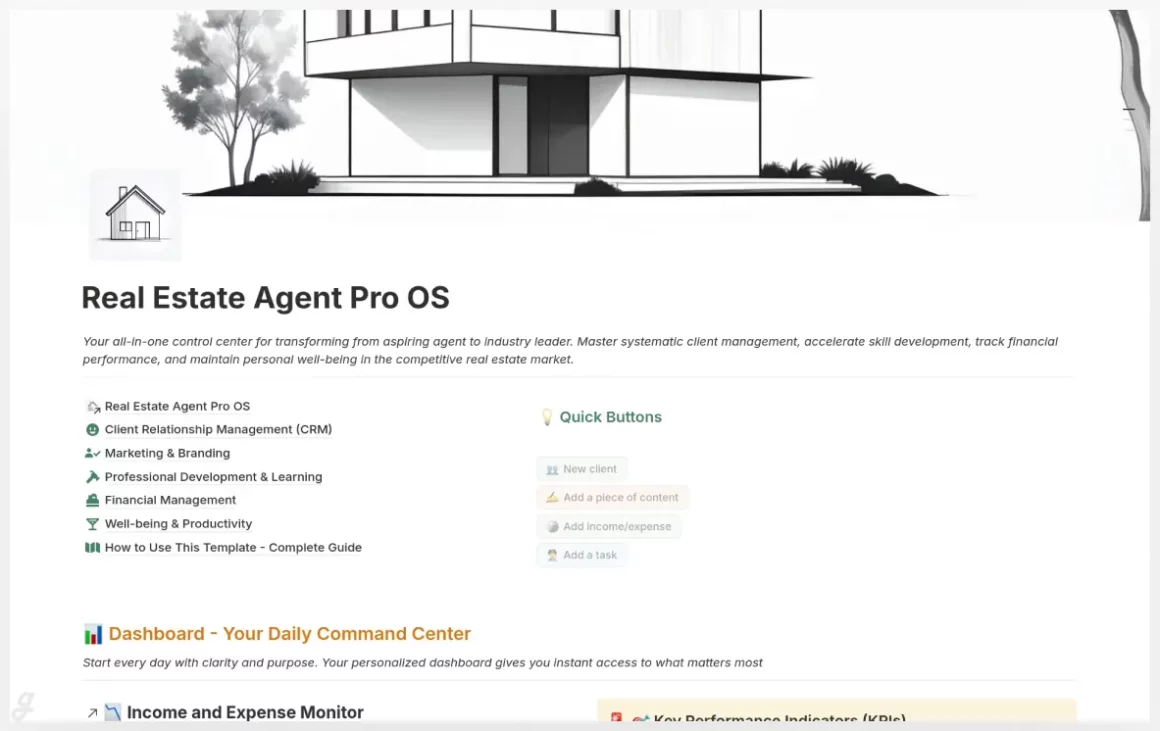
This Notion template creates a complete command center for real estate professionals who want one place to manage clients, deals, marketing, finances, and long-term growth. It’s built to simplify the daily juggle—track active clients, monitor your pipeline, plan content, review financials, and keep your skills sharp without switching tools. Many agents use it to organize follow-ups, prep listings with media, forecast commissions, or map out weekly content across platforms. With pre-built databases, sample data, and clear workflows, it’s designed to support new agents building habits as well as experienced teams who need a scalable, organized system.
Real Estate Agent
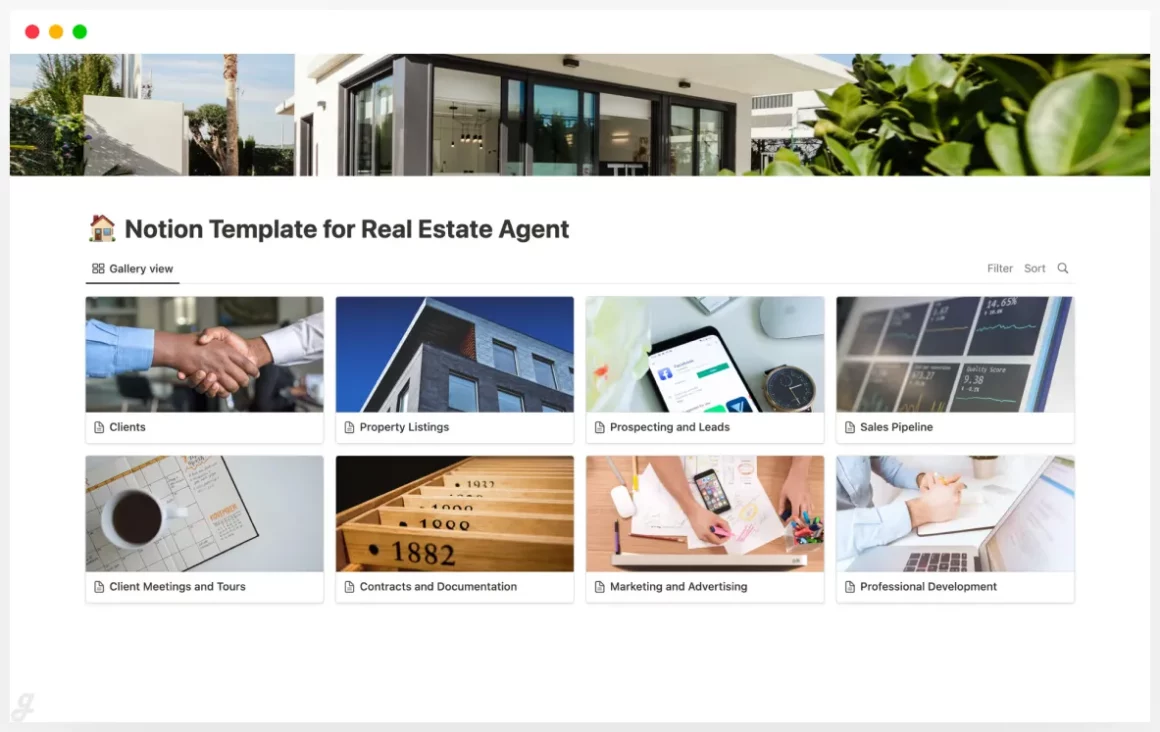
Real Estate Agent Package
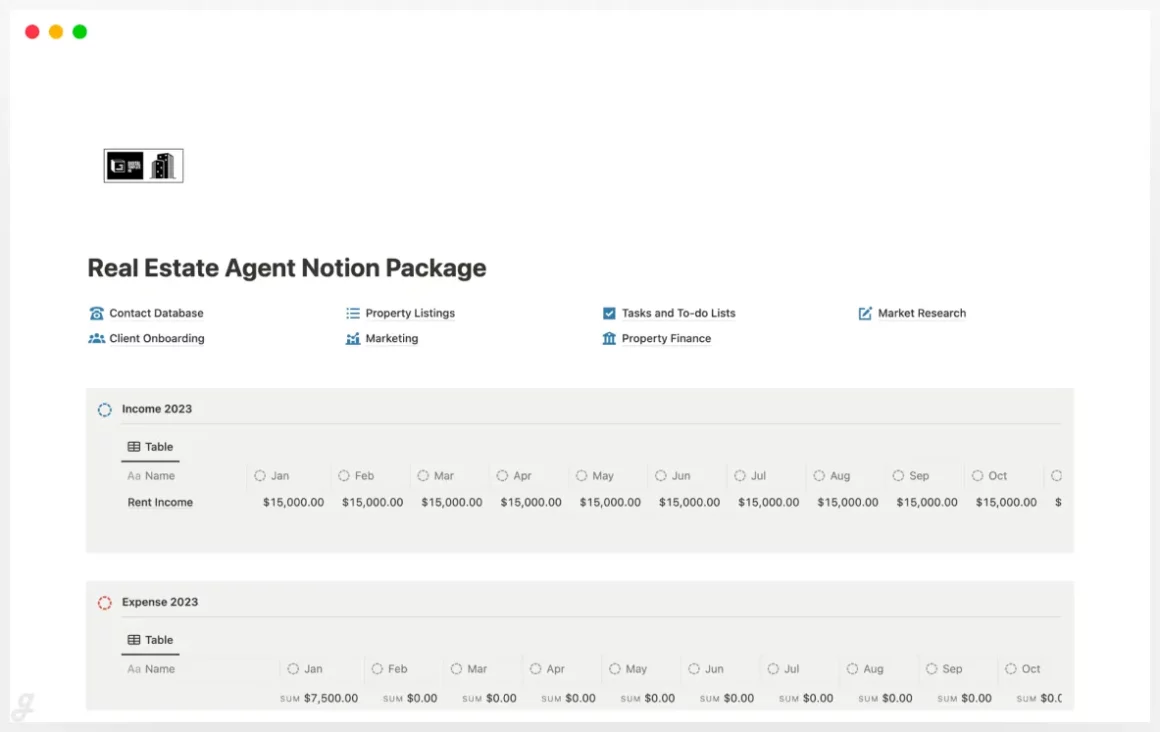
Real Estate Agent OS — All-in-one toolkit!
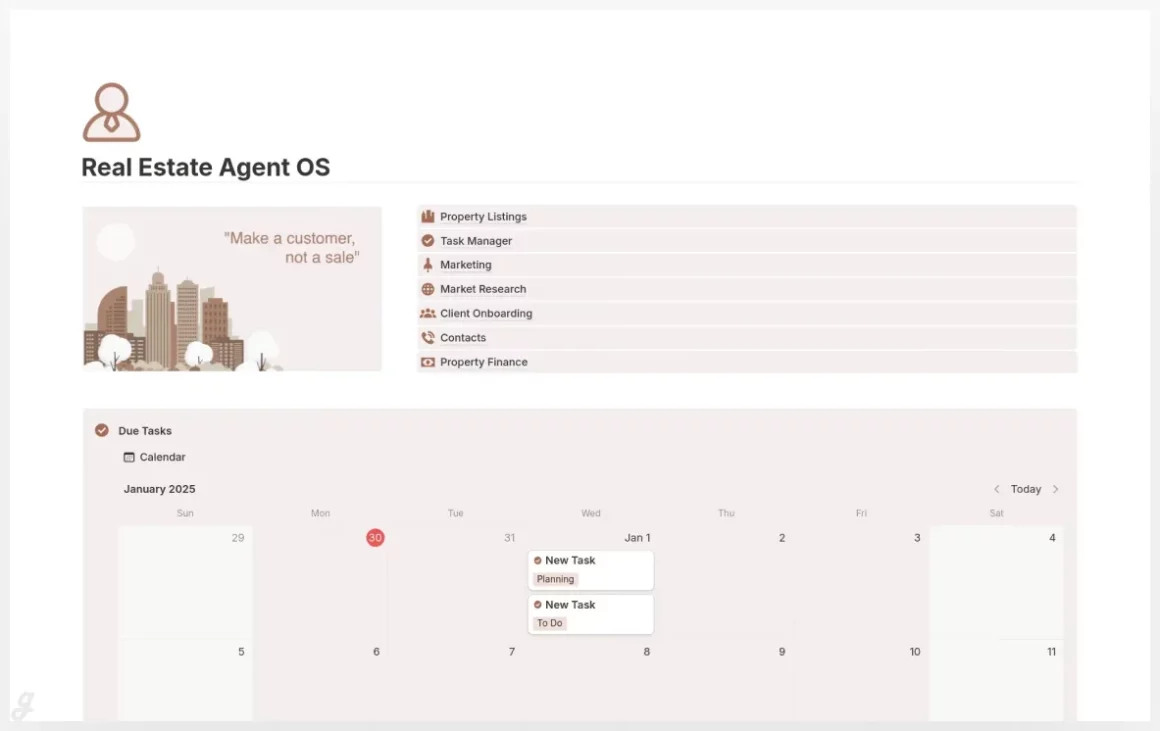
The Real Estate Agent OS brings all your day-to-day work into one organized Notion workspace, helping you stay on top of listings, client needs, marketing plans, and financial details without bouncing between apps. The template’s connected databases make it easy to manage new leads, track property updates, plan content, or monitor deadlines through a clear task calendar. Many agents use it to keep showings, outreach, and paperwork in sync while maintaining a clean overview of weekly and monthly priorities. With structured pages for onboarding, research, and finances, it supports a smoother workflow as your client base grows.
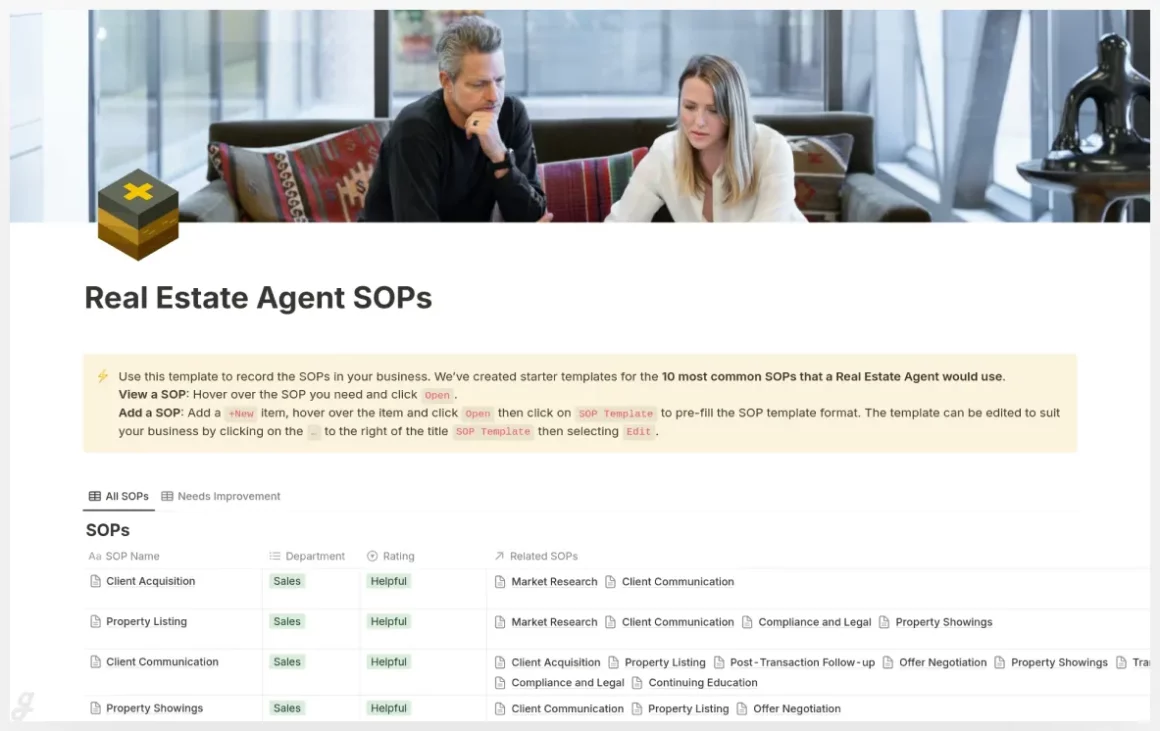
Real Estate Agent SOPs
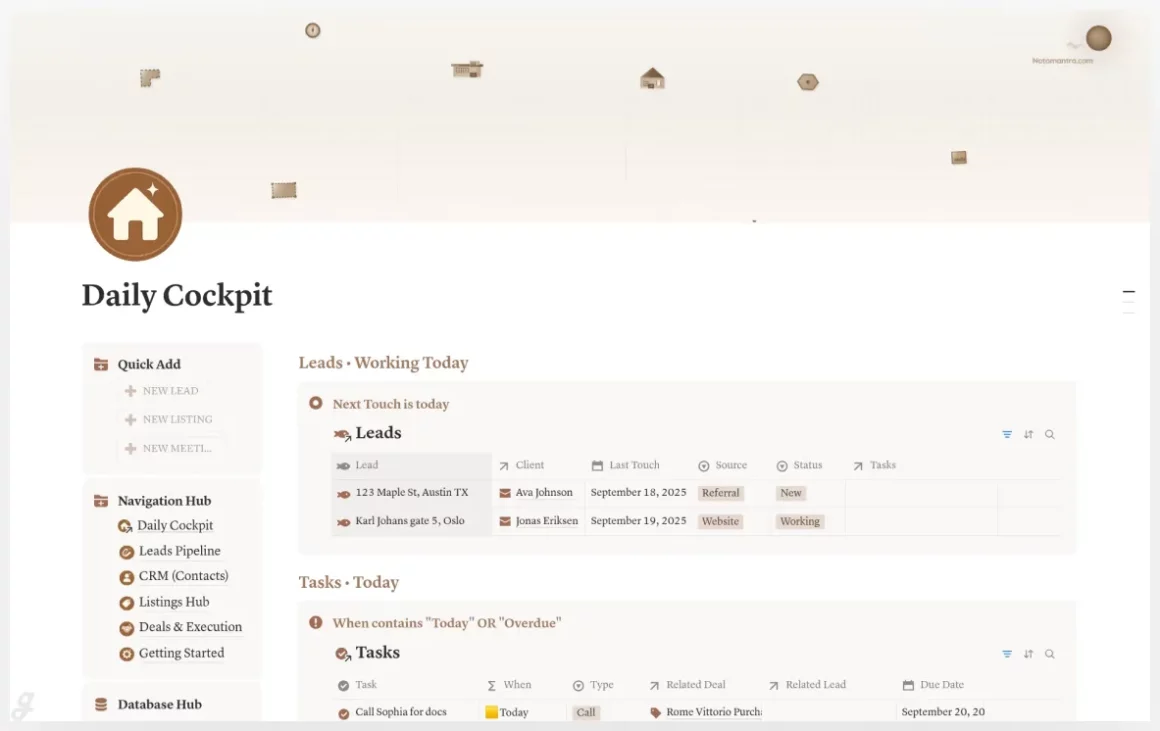
Real Estate Agent System
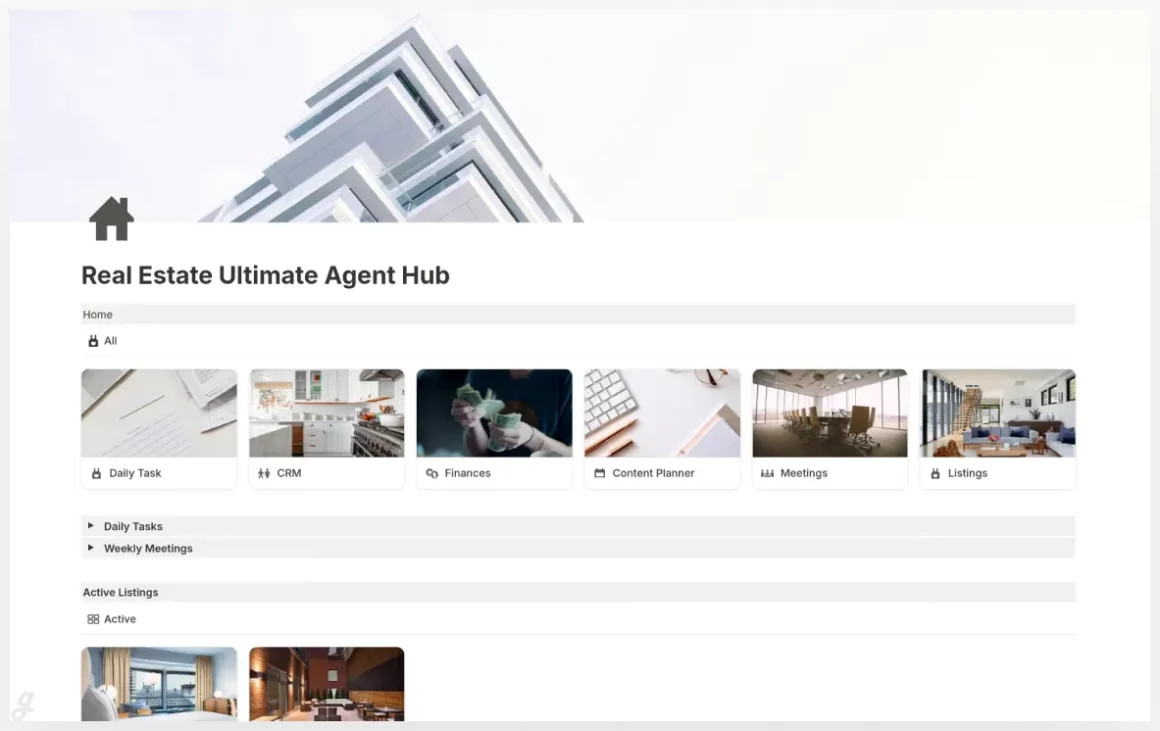
The Ultimate Real Estate Agent Hub
Real Estate Agent OS
Real estate moves fast, and having a clean workflow can be the difference between feeling on top of things or constantly playing catch up. That’s why the tools in 12+ Best Notion Real Estate Agent Templates (Free & Paid) can make such a big difference in day to day work. They cut out the clutter, reduce repeat tasks and keep your whole process in one place where nothing gets lost. It’s surprising how much smoother things get when you don’t have to search five apps just to find a simple note.
Another thing that really helps is how easy it is to personalize these templates. You can rename sections, add new fields, create checklists or even connect them to other Notion pages you already use. Some features might look too basic in the beginning, but that’s usually what makes them easier to work with long term. You don’t need anything overly fancy to stay organized. You need something that actually works every single day. I think many agents overthink their workflow and it leads to more chaos than order.
With the right setup, you save time, reduce stress and make room for the stuff that truly matters like connecting with clients and closing more deals. Once you find a template that feels right, the whole routine becomes lighter and you stop feeling like everything needs to be done at the same time. And honestly, a solid system makes work feel a bit more enjoyable, even on the busy days.
FAQs
1. Can Notion templates help manage both buyers and sellers?
Yes, most templates include separate sections for tracking leads, clients and property types.
2. Do I need a paid Notion plan to use these templates?
No, all templates work on the free plan unless they use advanced collaboration features.
3. Can I edit and customize the templates after downloading?
Absolutely, every template can be fully customized to match your workflow.