
Clutter has a sneaky way of piling up. Not just on your desk, but in your head too. Endless to-do lists, half-finished ideas, scattered notes across apps. It all adds up faster than we expect. That’s where Notion really shines, especially when it’s set up with simplicity in mind. A clean workspace can change how you think, plan, and actually finish things without feeling overwhelmed all the time.
Minimalism in Notion isn’t about doing less for the sake of it. It’s about keeping what matters and removing what doesn’t. The right template can turn chaos into calm in a few clicks. You open your dashboard and suddenly everything makes sense. Tasks feel lighter. Goals feel doable. You stop spending time organizing and start spending time doing, which is kinda the whole point.
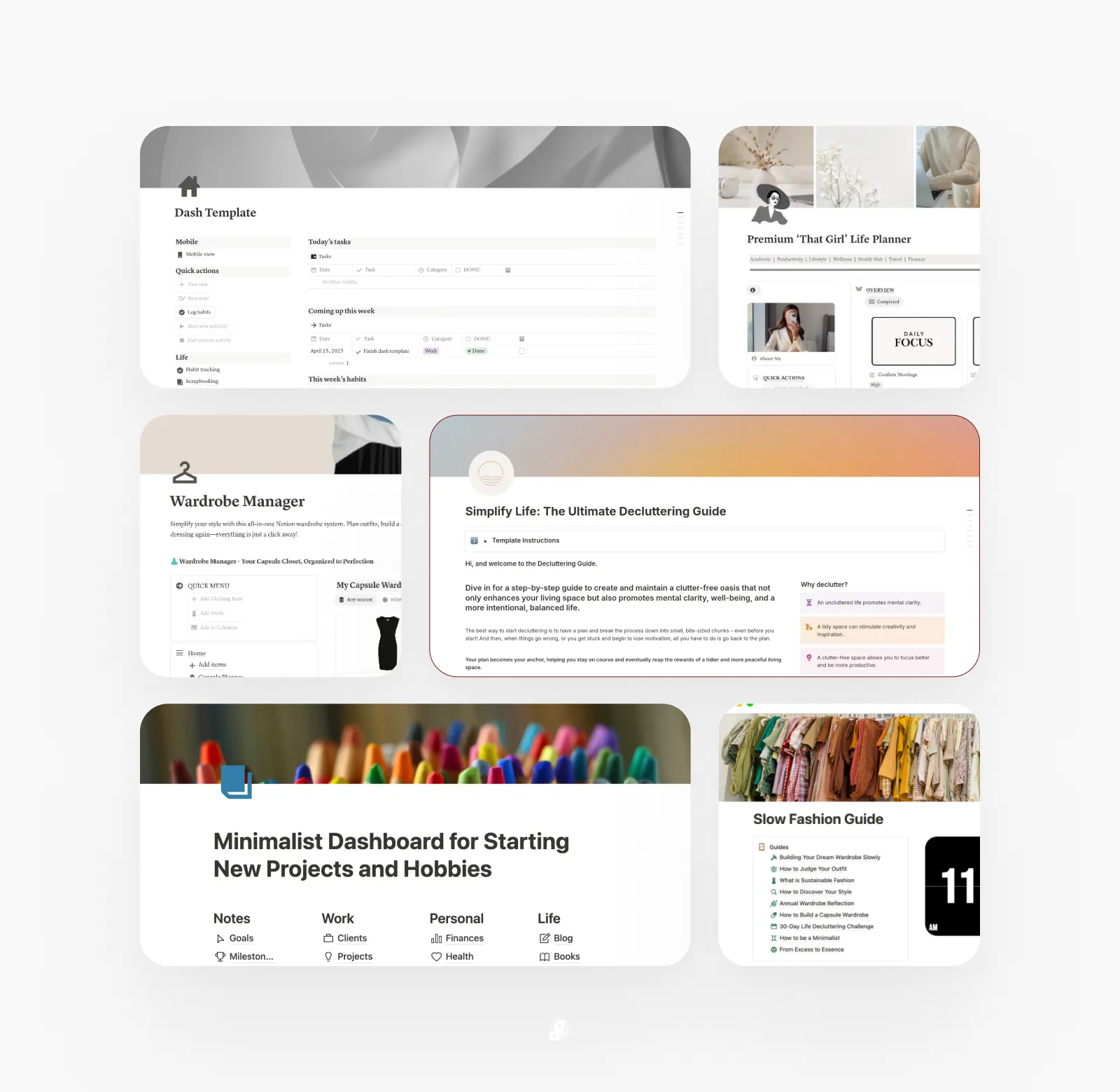
This guide, 10+ Best Notion Minimalism & Decluttering Templates (Free & Paid), brings together templates that focus on clarity, flow, and ease of use. Some are perfect for daily planning, others help you declutter projects, habits, finances, or even your digital life. Whether you love super bare layouts or just want fewer distractions, there’s something here that fits.
If you’ve ever opened Notion and thought this feels like too much, you’re not alone. Many people give up right before it clicks. These templates make that click happen faster. Less friction, less noise, more focus. And honestly, once you experience a clean Notion setup, it’s hard to go back. You might even wonder why you waited so long, I know I did.
1. Declutter Minimalism Planner for Home Organization
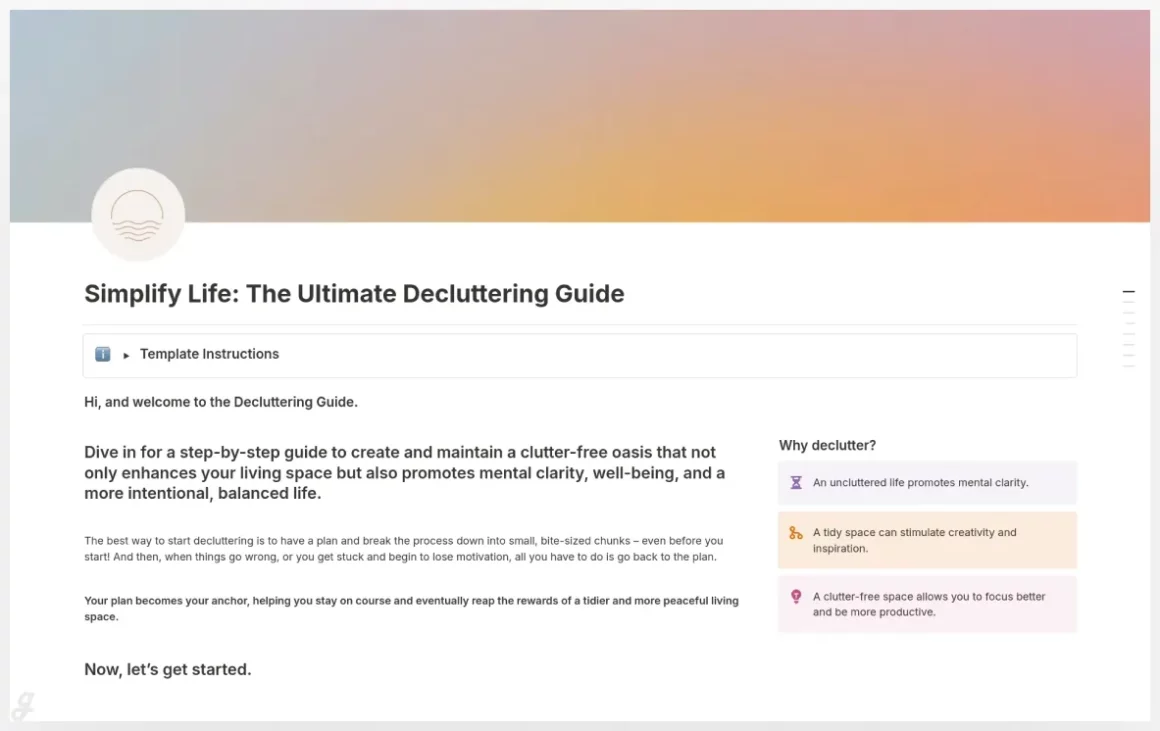
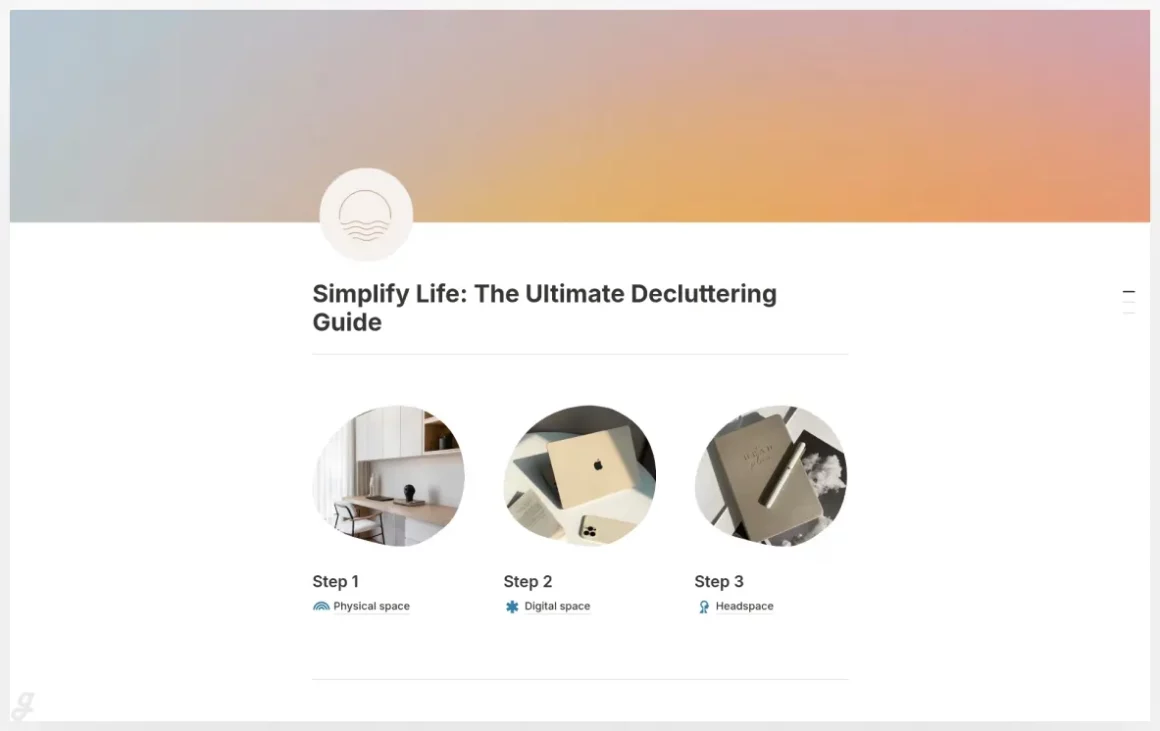
Simplify Life: The Ultimate Decluttering Guide is a practical, step by step workbook designed to help you clear clutter across your home, digital life, and headspace. It walks you through room by room decluttering, smarter storage systems, and minimalist habits inspired by Marie Kondo. You’ll also tackle digital mess like overflowing inboxes and messy files, plus reset your planning, goals, and daily habits. Perfect if you want a calmer space, better focus, and routines that actually stick without overthinking it.
2. Minimalist dashboard
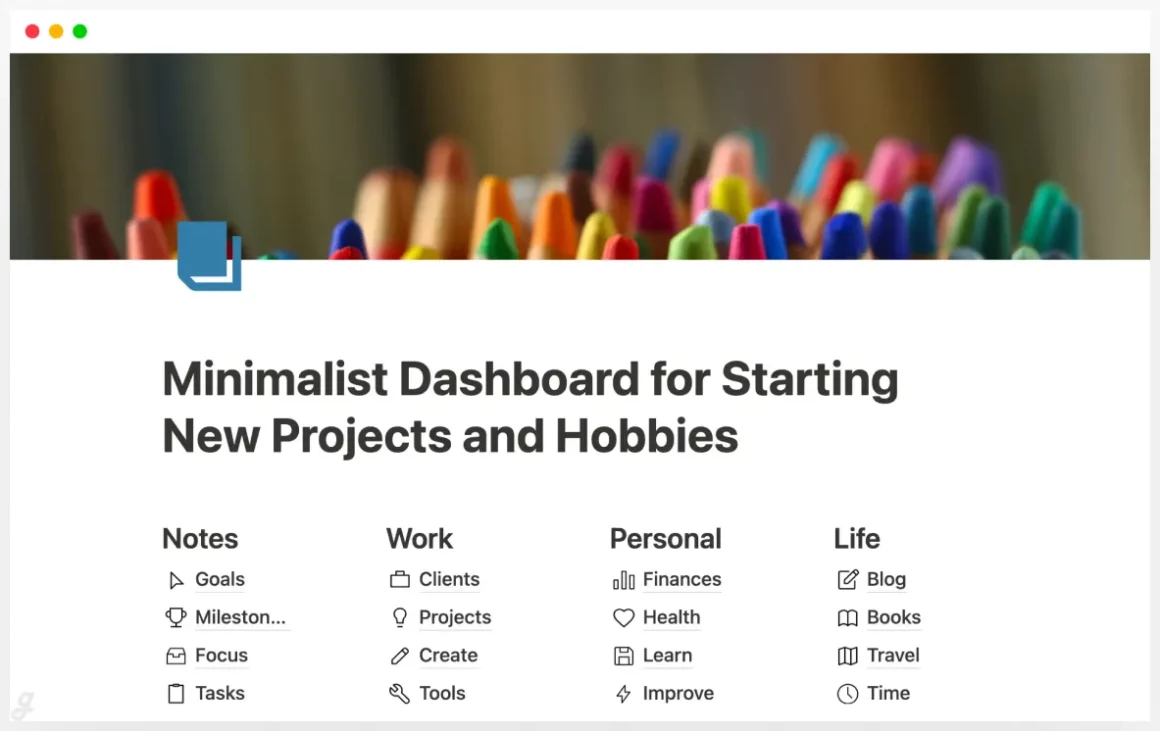
3. Minimalist Dashboard for Starting New Projects and Hobbies
This minimalist Notion dashboard helps you kick off new projects and hobbies without the usual chaos. Everything is laid out clearly so you can track tasks, set goals, and see progress at a glance. Use it to plan a creative side project, learn a new skill, or stay consistent with a personal goal without juggling multiple pages. It’s ideal if Notion usually feels overwhelming and you just want a simple system that keeps you focused and moving forward.
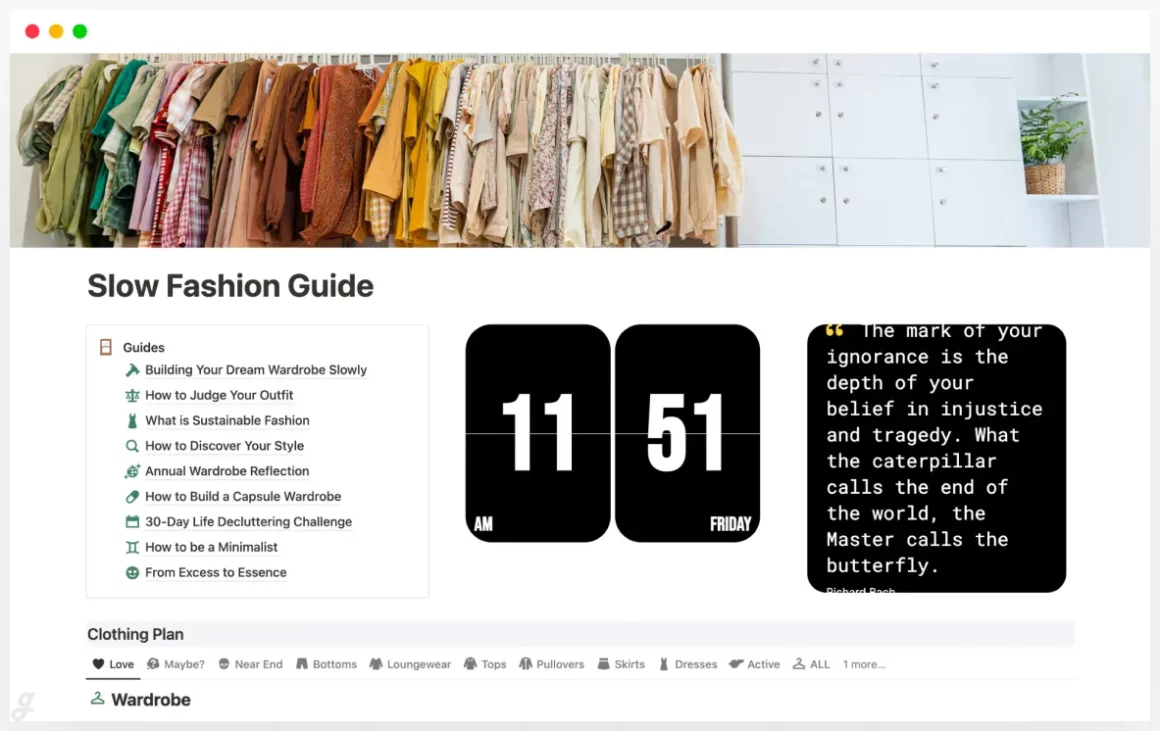
4. Slow Fashion Guide
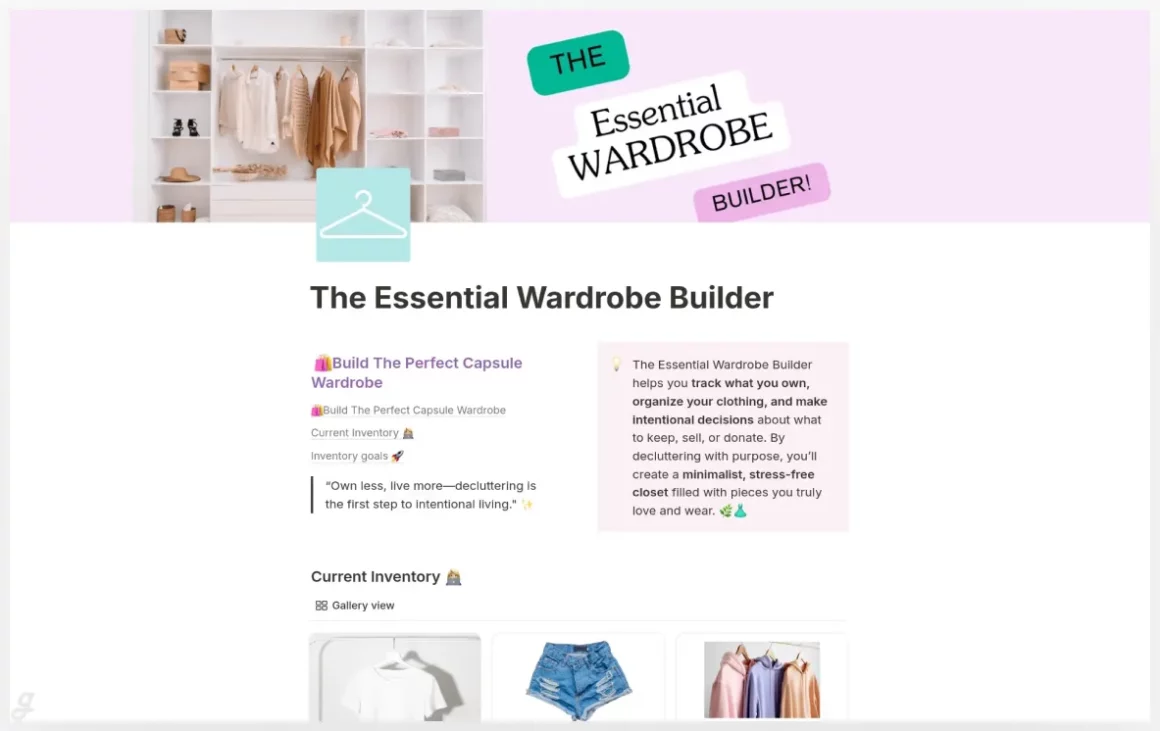
5. The Essential Wardrobe Builder!
This Essential Wardrobe Builder helps you see your closet clearly and cut down the noise. Log every item by category, then decide what to keep, maybe keep, or sell or donate so decluttering feels intentional, not emotional. The built in visuals show how your current wardrobe compares to your ideal one, making gaps and excess obvious. Use it before shopping trips, seasonal cleanouts, or daily outfit planning to reduce decision fatigue and build a closet you actually enjoy wearing.
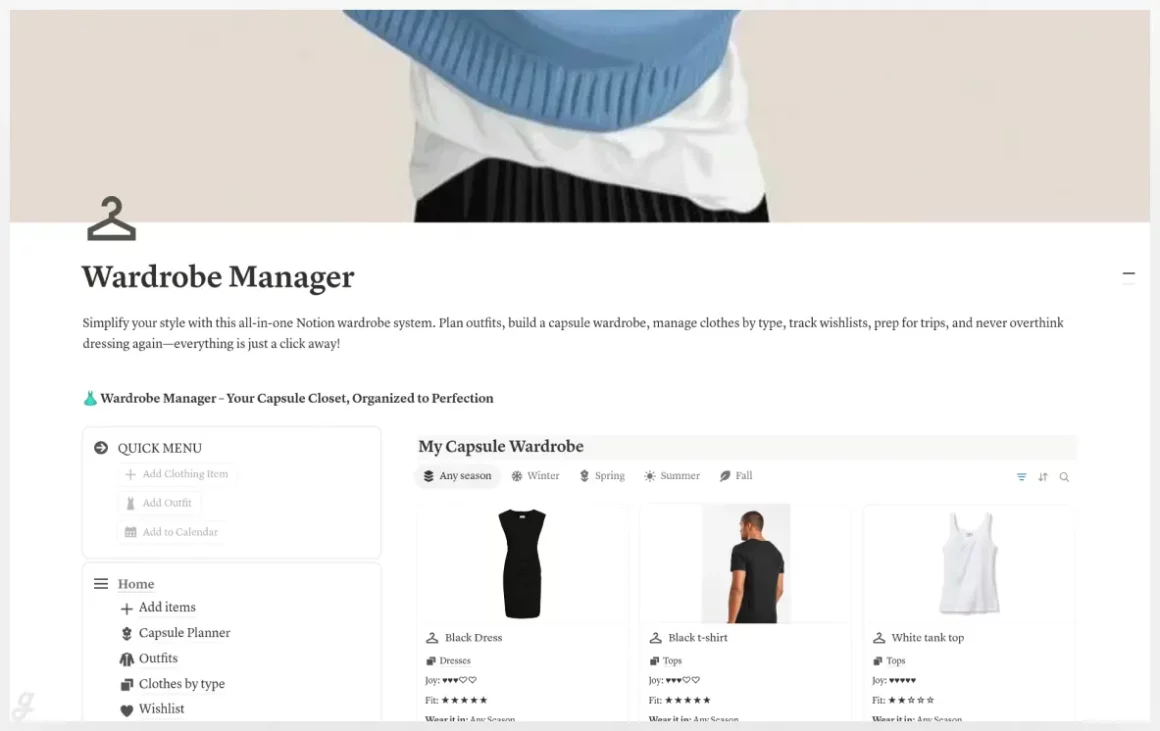
6. Wardrobe Manager
7. Minimalist Dashboard for College Students
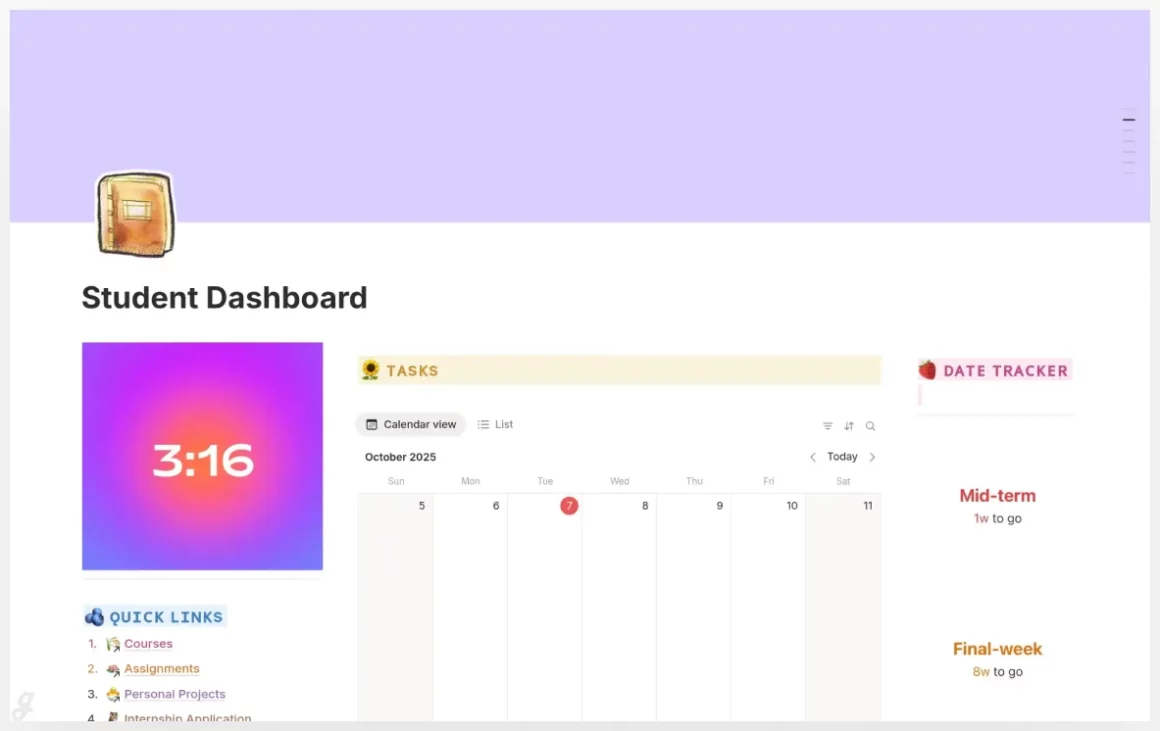
This Notion Student Dashboard is built to help you keep everything in one clear, manageable space. Track daily to do lists, stay on top of courses and assignments, manage side projects, and monitor internship applications without bouncing between tabs. It’s especially useful during busy semesters when deadlines stack up fast. Use it to plan weekly study sessions, track application statuses, or balance classwork with personal projects so nothing slips through the cracks.
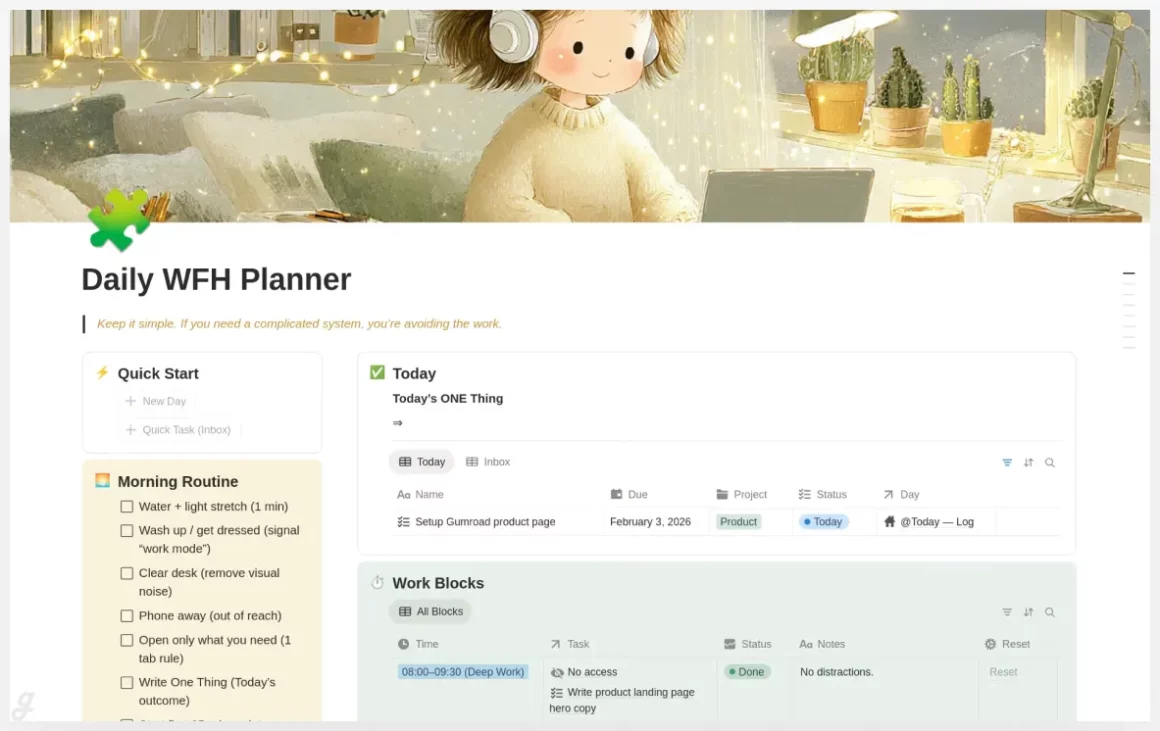
8. Daily WFH Planner — Minimalist Dashboard
9. Dark Aesthetic Minimalist Dashboard
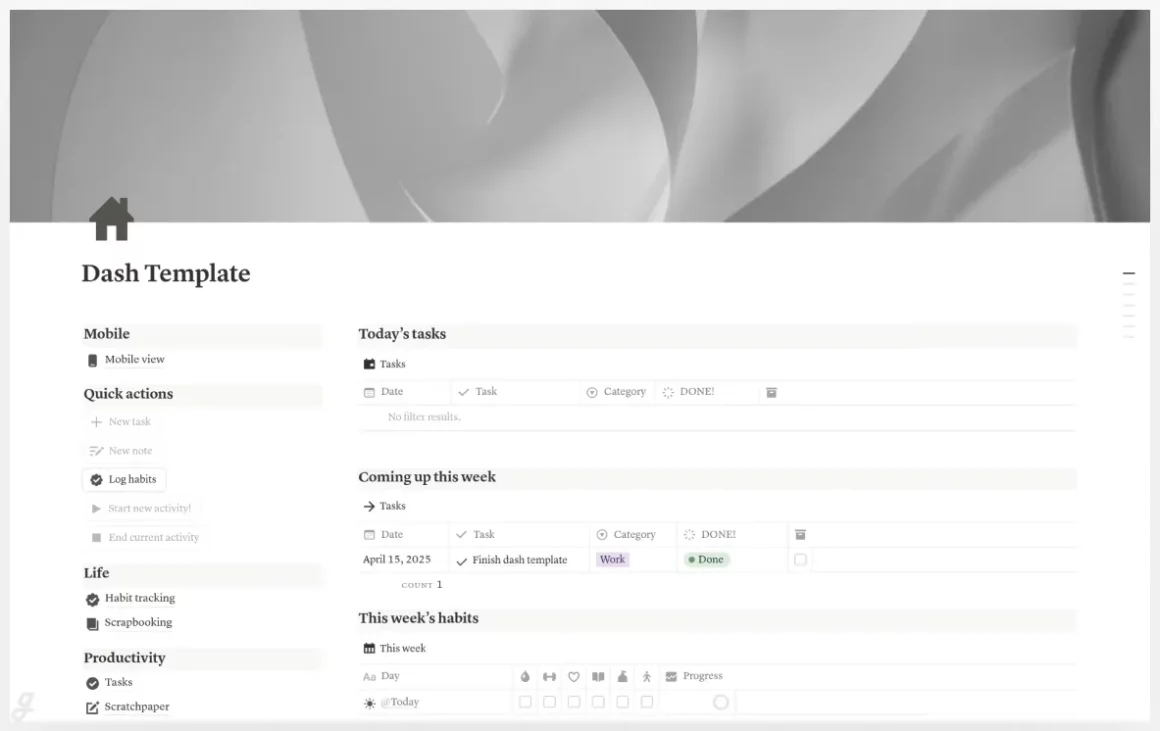
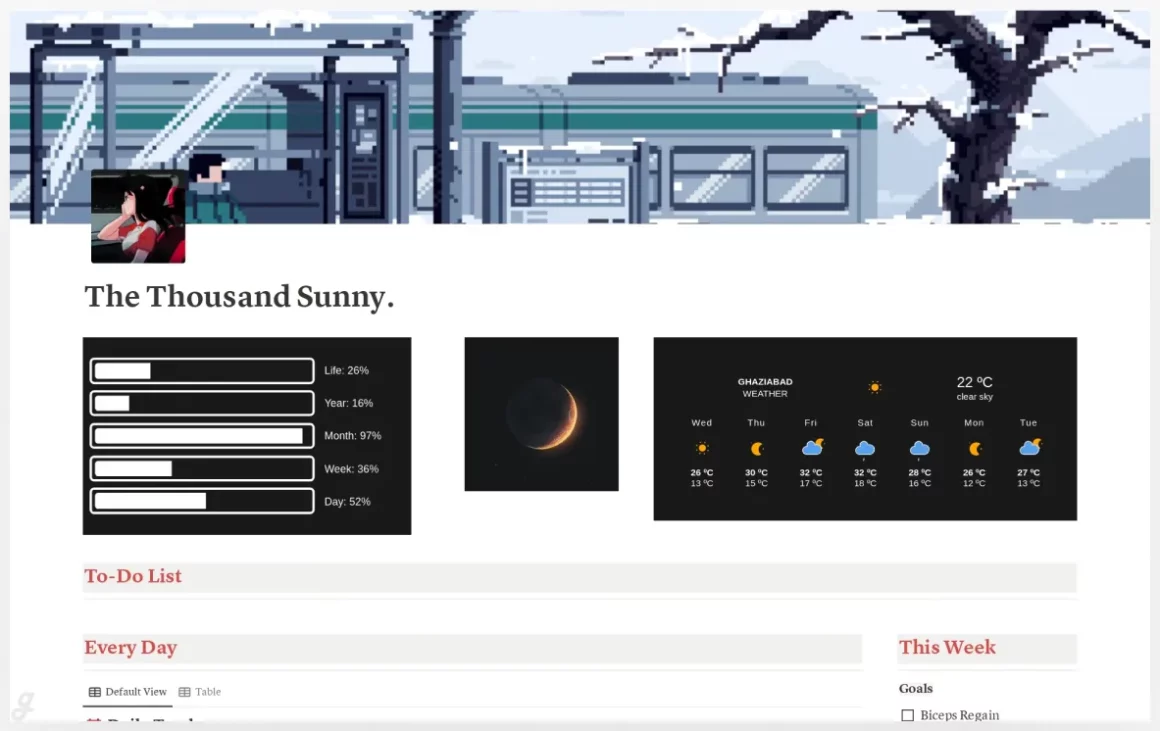
This aesthetic minimalist dark Notion dashboard is made for staying focused without visual noise. The dark theme is easy on the eyes and keeps distractions low, while the clean layout helps you move through tasks, projects, and planning smoothly. Use it for daily work routines, creative projects, or late night planning sessions when bright screens feel overwhelming. It’s a great fit if you want a workspace that looks good, feels calm, and still gets real work done.
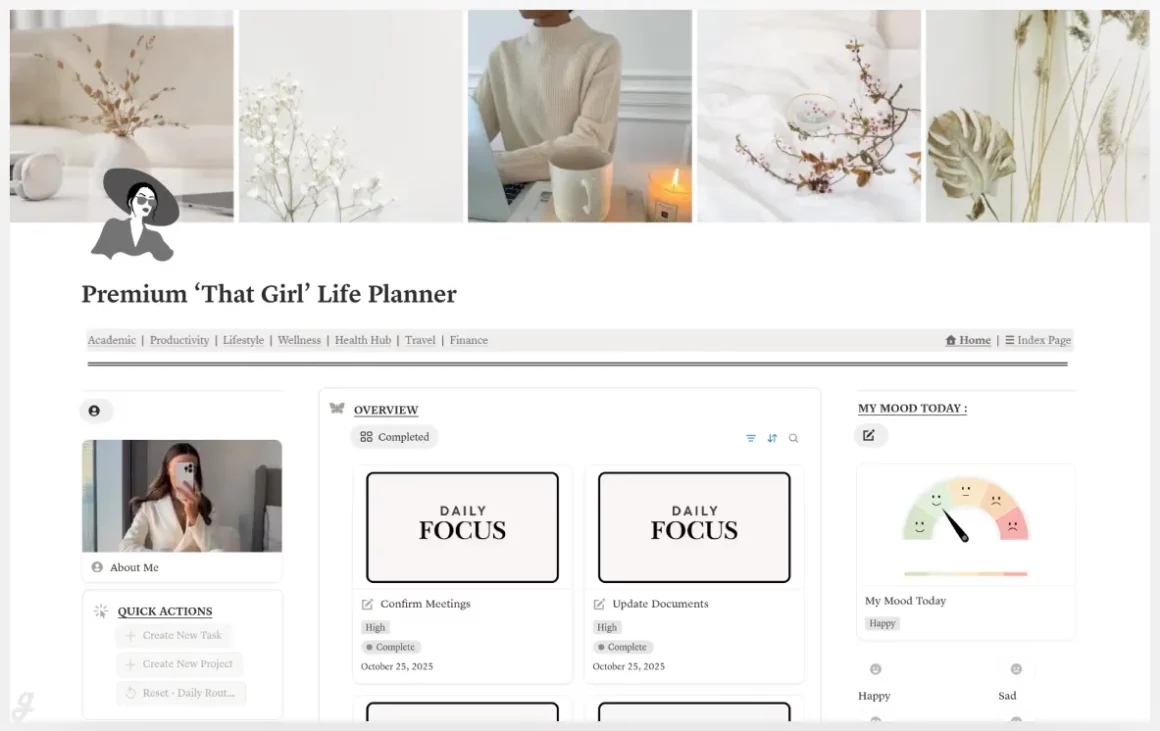
10. That Girl Life Planner : Minimalist Dashboard
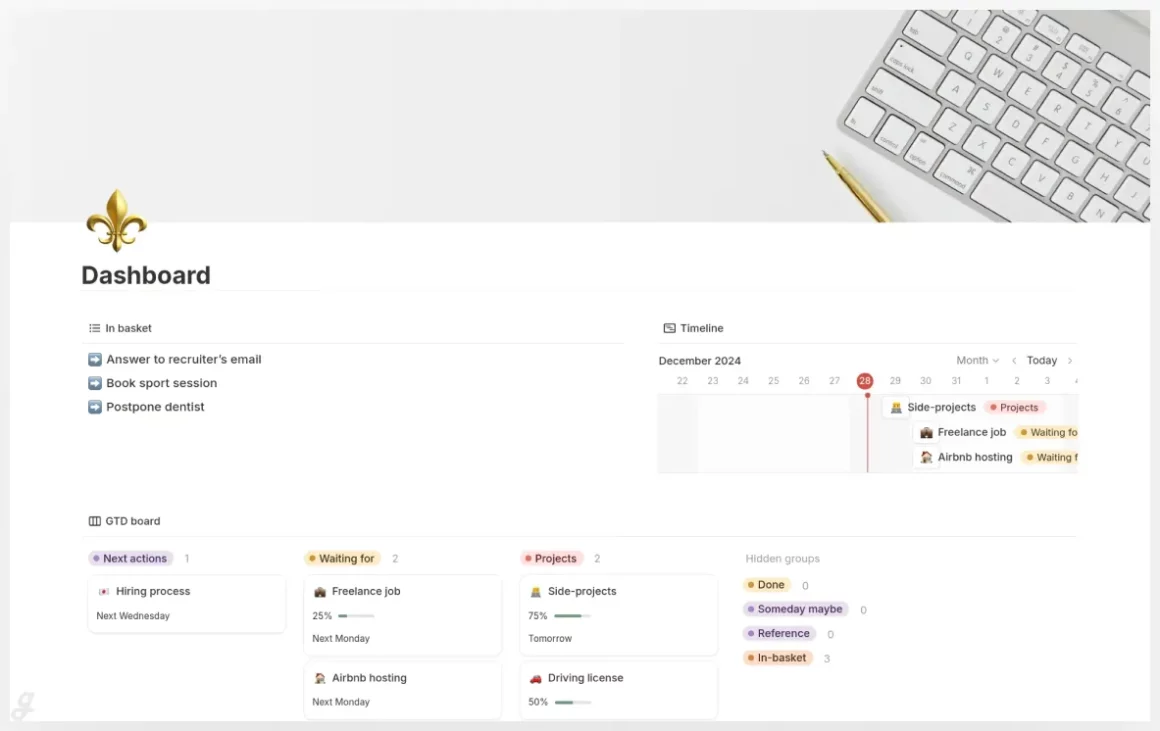
11. Productivity system (minimalist GTD)
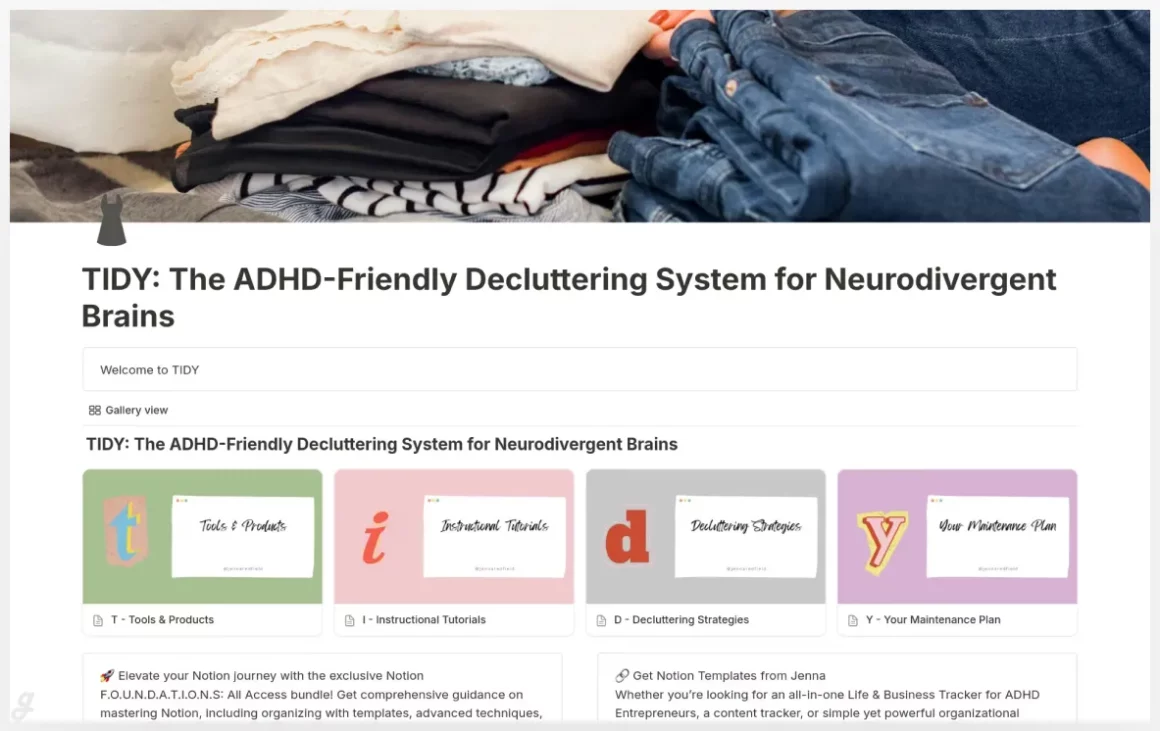
12. TIDY: ADHD-Friendly Decluttering System
13. Simplify Life: The Ultimate Decluttering Guide
This 2025 life audit and annual reset Notion template helps you pause, reflect, and plan with intention. It guides you through reviewing the past year, visualizing what you want next, and turning those ideas into clear, realistic goals. Use it to check in on areas like work, finances, relationships, and well being, then build a vision board and SMART goals you can actually follow. Ideal for year end reviews, fresh starts, or anytime life feels out of sync.
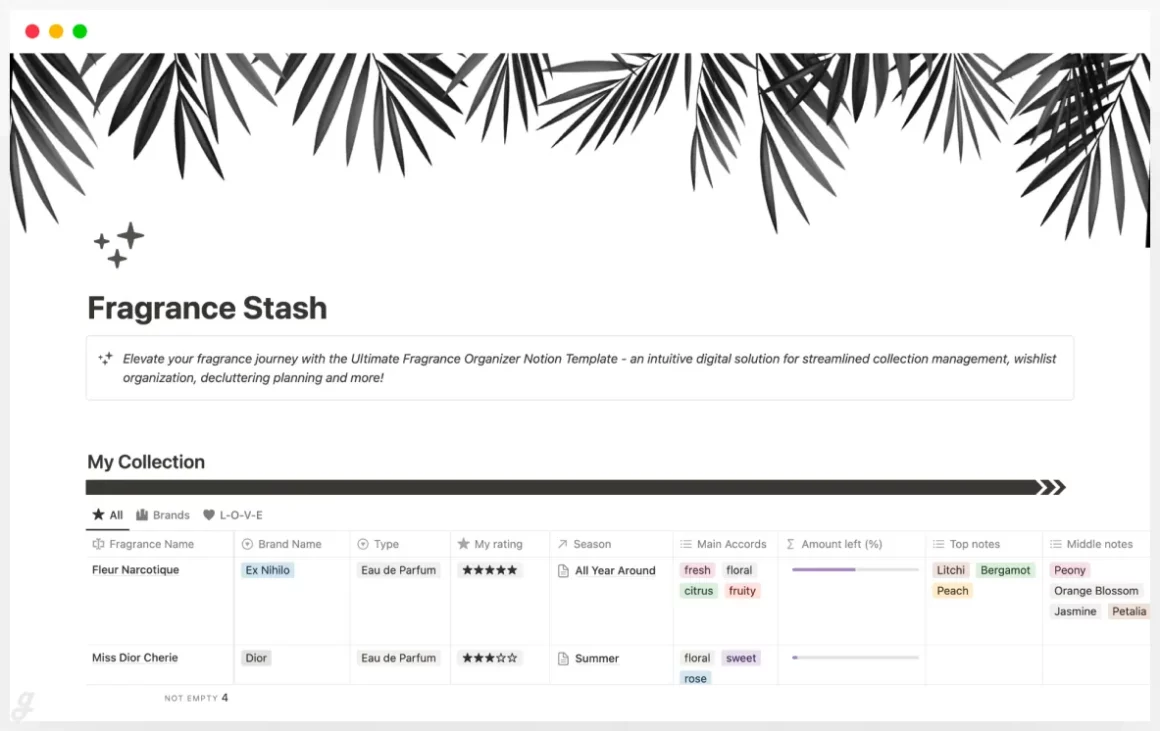
14. Fragrance Collection Organizer
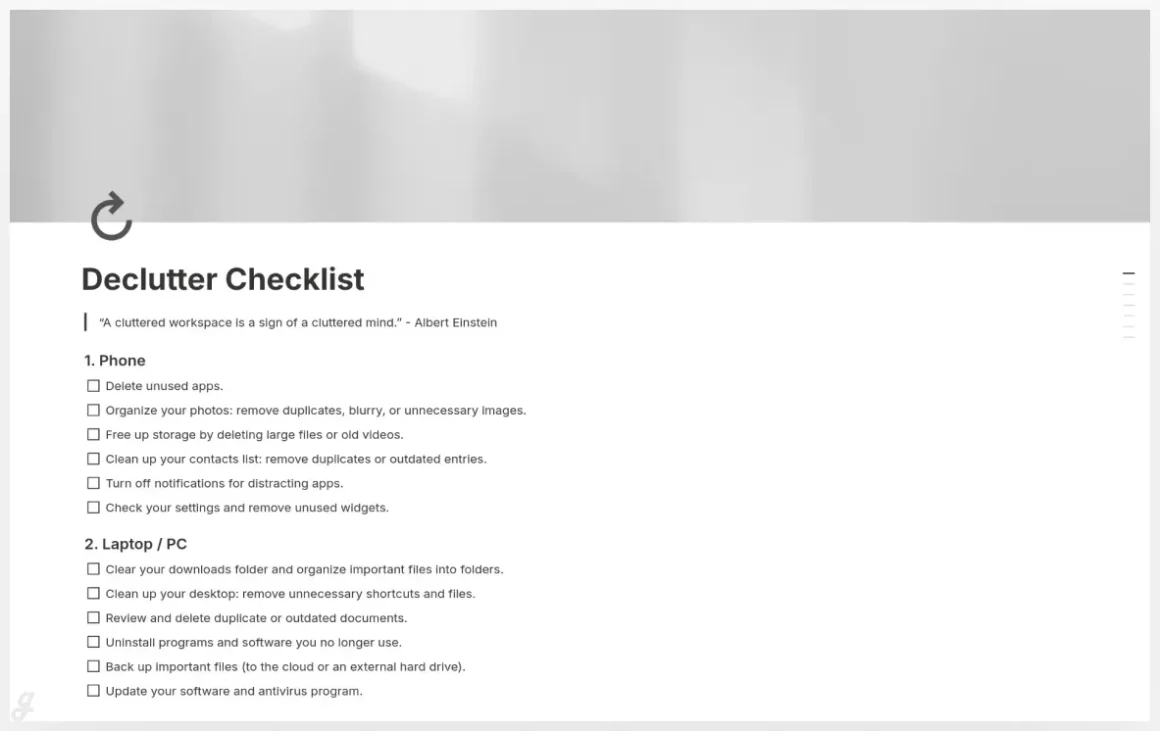
15. Declutter Checklist
Minimalism isn’t about being perfect or having an empty dashboard with nothing on it. It’s about creating space to breathe and think clearly. With the right setup, Notion can feel less like a complicated tool and more like a quiet assistant that keeps things in order while you focus on real work. That’s why choosing the right template matters more than stacking features you never use.
The templates shared in 10+ Best Notion Minimalism & Decluttering Templates (Free & Paid) are built to simplify, not impress. They help you see what actually needs your attention today, this week, or this month. No cluttered databases. No confusing dashboards. Just clean layouts that make sense, even on busy days when your brain feels full.
Free templates are a great place to start if you want to experiment without commitment. Paid options often save even more time by offering polished systems that are already thought through. Both can be powerful, as long as they match how you think and work. There’s no one right way to use Notion, and that’s the beauty of it.
If you’ve been feeling stuck, distracted, or overwhelmed by your current setup, this is a good moment to reset. Pick one template. Try it for a week. Adjust as you go. Don’t overthink it. Small changes add up faster than you expect, even if it feels slow at first.
A decluttered workspace leads to clearer decisions and calmer days. And while a template won’t fix everything, it can make daily planning feel lighter and more intentional. Sometimes that’s all you really need to get back on track, and keep going even when motivation is low.
FAQs
Are minimal Notion templates good for beginners?
Yes. Minimal templates are often easier to understand and quicker to use, making them ideal for beginners.
Do paid templates really save time?
Usually yes. Paid templates often include refined systems that reduce setup time and trial and error.
Can I customize these templates later?
Absolutely. Most Notion templates are fully editable, so you can tweak them as your needs change.