
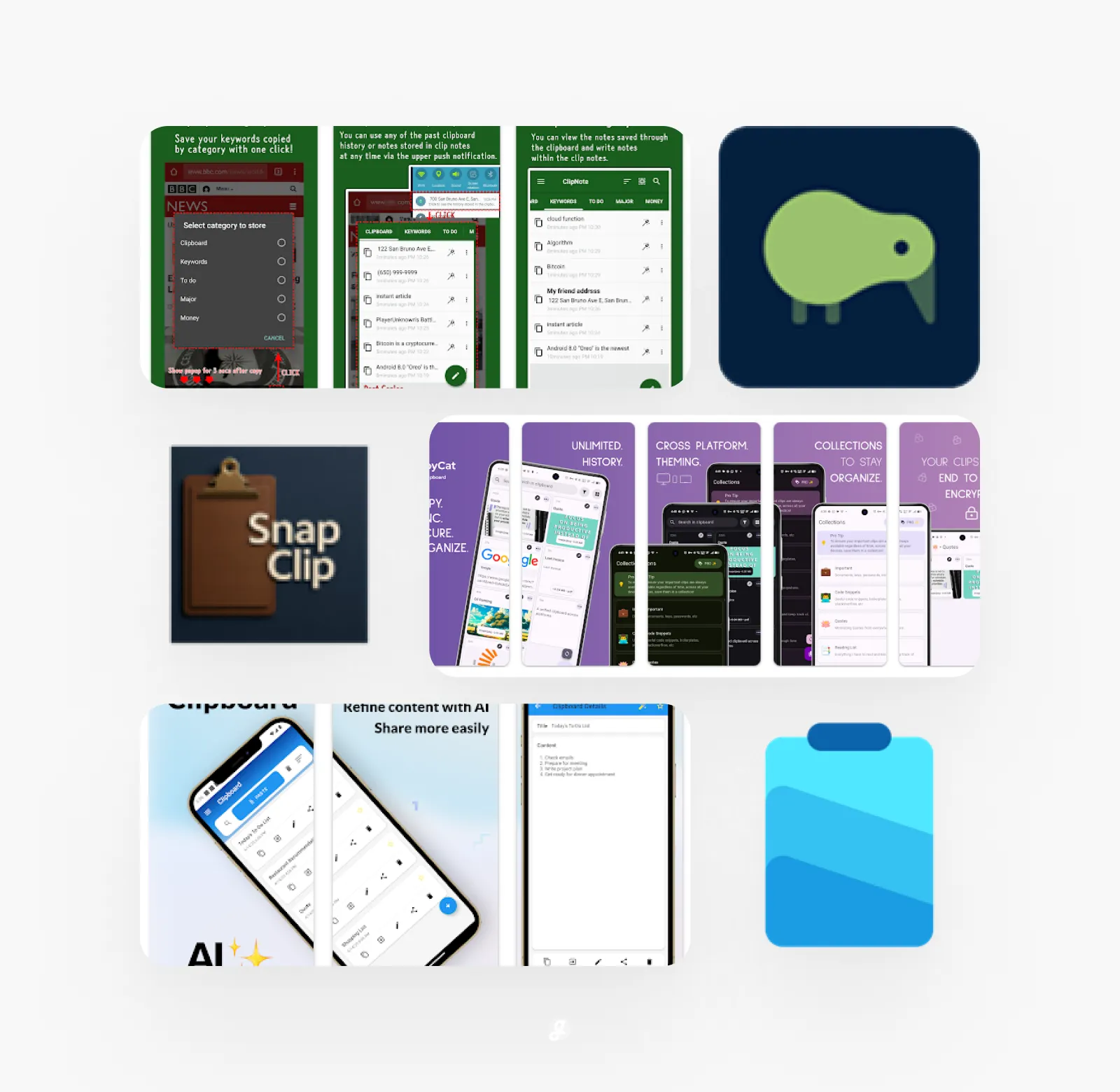
Let’s be honest, how much time do you waste every day just copying and pasting the same things over and over? Whether it’s an email address, a tracking number, or a chunk of code, constantly switching windows to find that one piece of info is a real workflow killer. It feels like there should be a better way, right? Good news: there totally is. It’s all about finding the right clipboard manager. These handy little apps remember everything you copy, so you can paste it again anytime with just a click. They save you from so much frustration and silly errors. To save you the hassle of searching, we’ve done the digging for you. Here is our roundup of the 25 Best Clipboard Manager Apps & Workflow Templates to supercharge your productivity and finally keep all your snippets organized.
Clipboard Manager
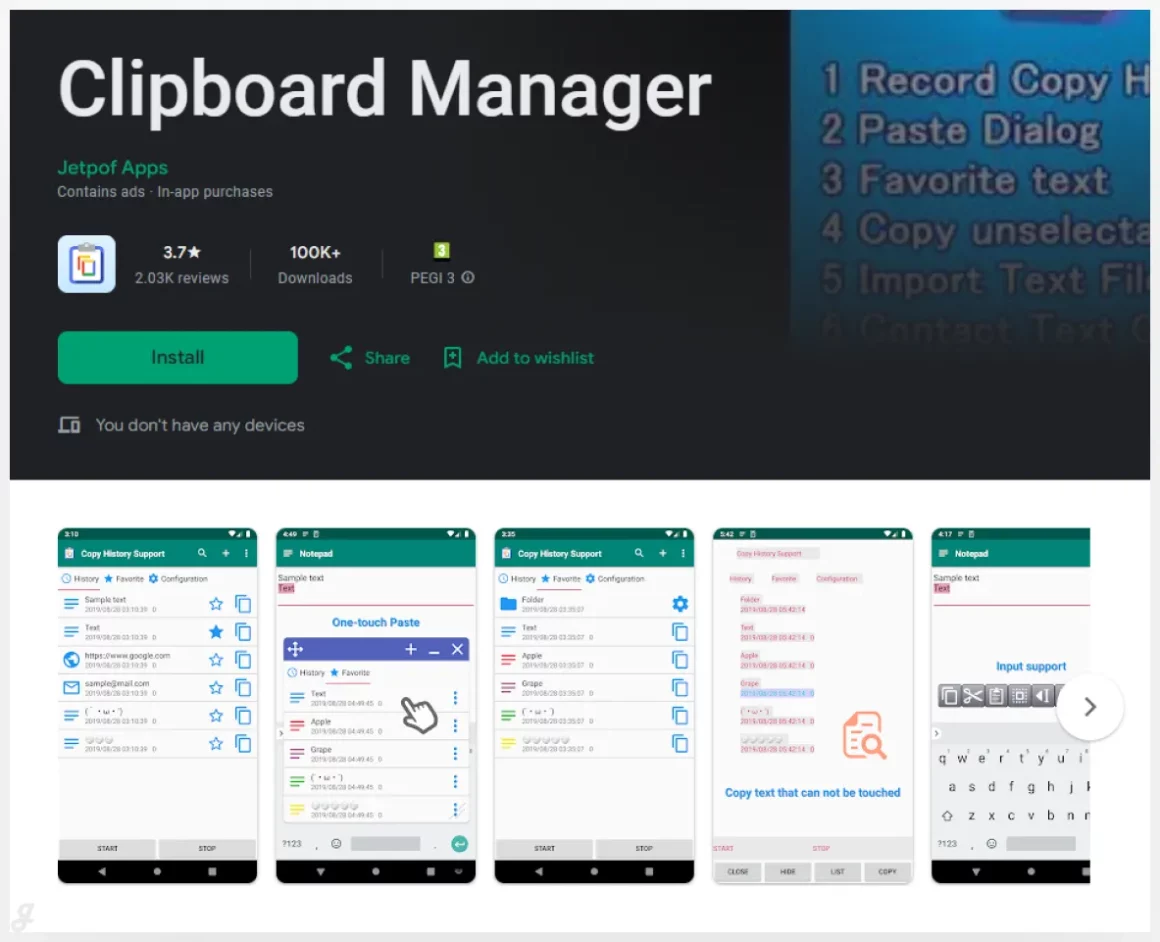
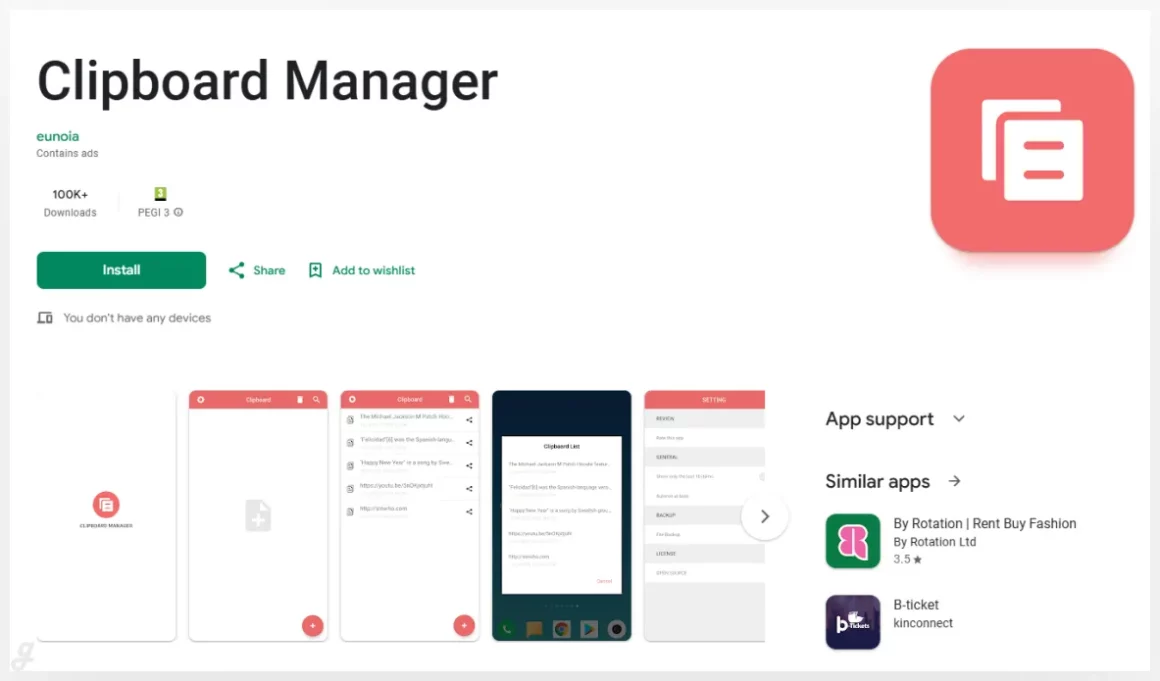
This clipboard manager for Android 10 helps you keep track of everything you copy without thinking about it. Every piece of text is saved automatically and stored once, so your clipboard stays clean and organized. With one-tap paste, you can reuse messages, links, or notes instantly. It’s great for replying to repeated customer messages, pasting addresses, or saving important info while browsing. A simple tool that quietly speeds up everyday tasks and makes copying and pasting way less frustrating.
Clipboard Manager Pro
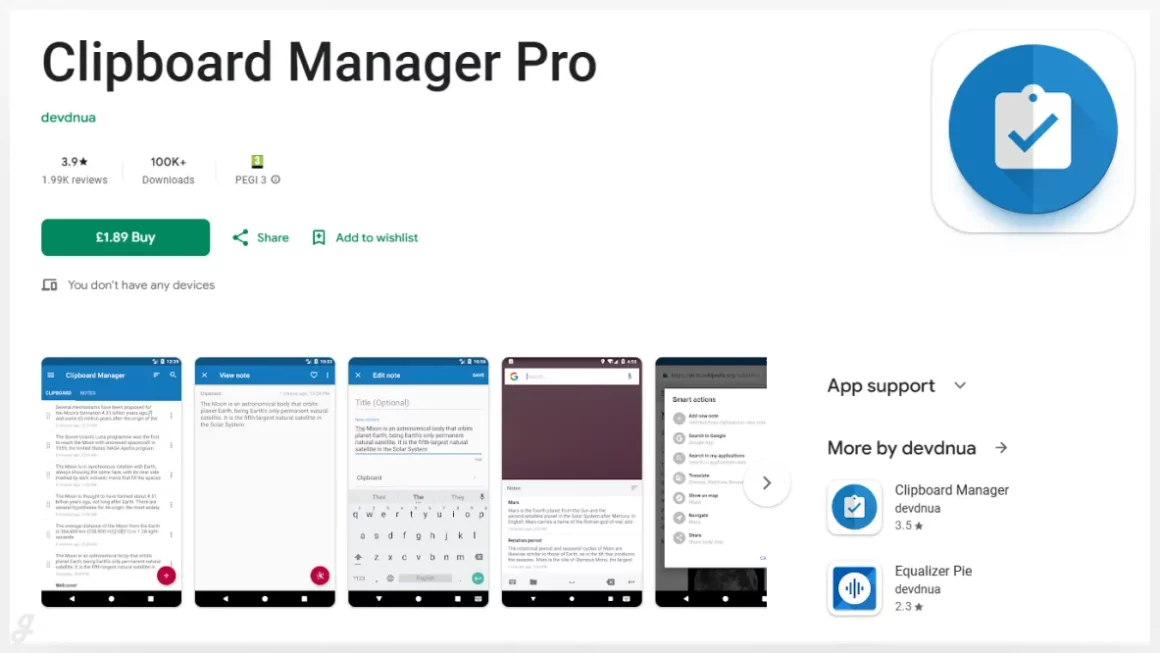
Clipboard Manager is a simple but powerful tool for keeping your copied text under control. Every time you copy something, it’s automatically saved to your history so you can access it later in one tap. Great for storing frequently used replies, saving links while browsing, or reusing notes during work or study. Instead of copying the same text again and again, you can grab it from your clipboard history and move faster with less effort.
CopyCat Clipboard
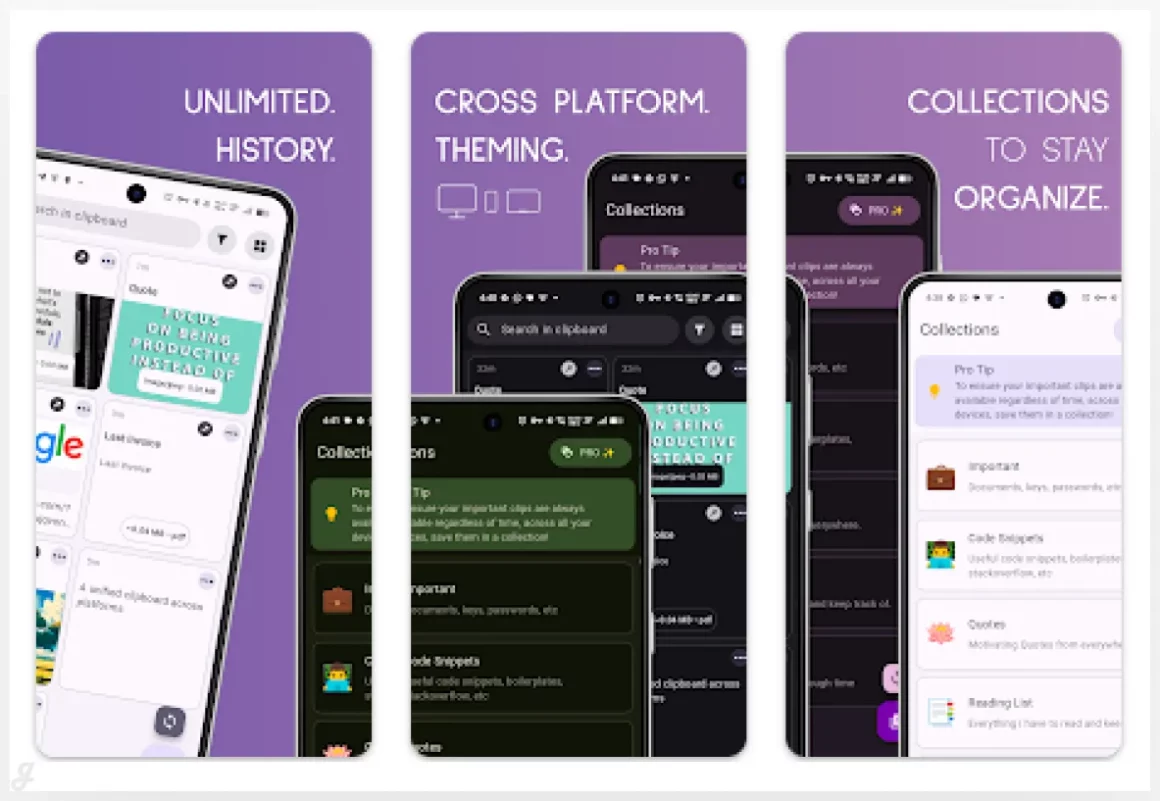
Copycat Clipboard makes copy and paste feel effortless, even when you’re jumping between apps or devices. It keeps everything you copy neatly organized so you can grab it again anytime without digging around. Perfect for saving links while researching, reusing text snippets for work messages, or moving notes between platforms. Whether you’re writing content, managing tasks, or just multitasking all day, this clipboard manager helps you stay focused and move faster with less friction in your workflow.
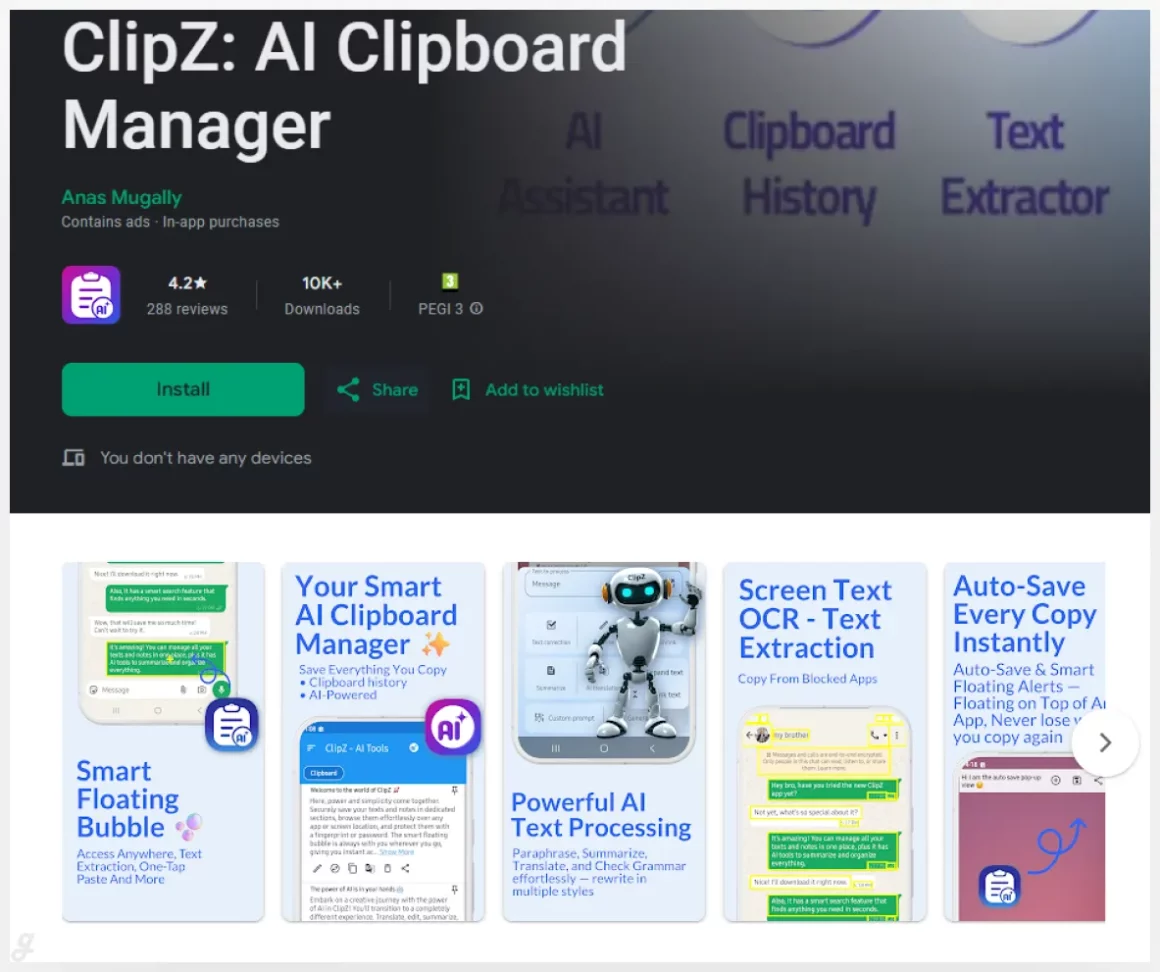
ClipZ: AI Clipboard Manager
Clipboard Manager
Clippy – A Clipboard Manager
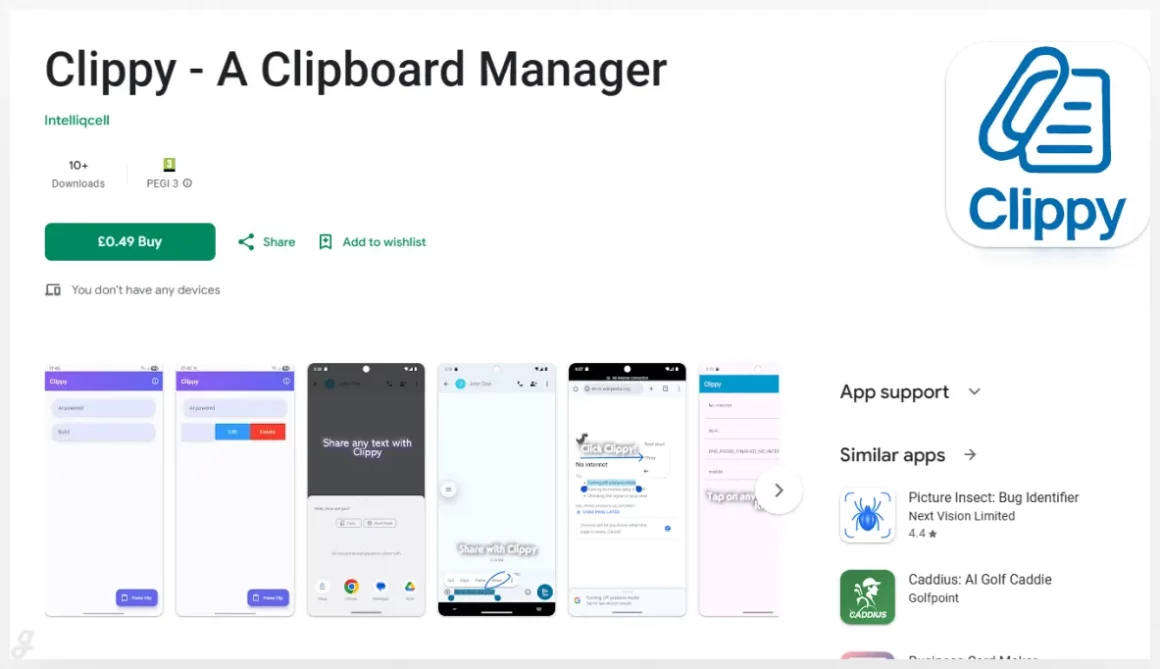
Clippy turns everyday copying on Android into a faster, smoother experience. With one tap, you can grab selected text from any app and instantly process it using the Clippy action in your toolbar. It’s perfect for saving quotes while reading, reusing replies in chats, or pulling text from emails into notes without the usual back and forth. By cutting down repetitive copy paste steps, Clippy helps you stay focused and get more done with less effort.
Clipboard Manager – ClipNote
Clipboard Manager
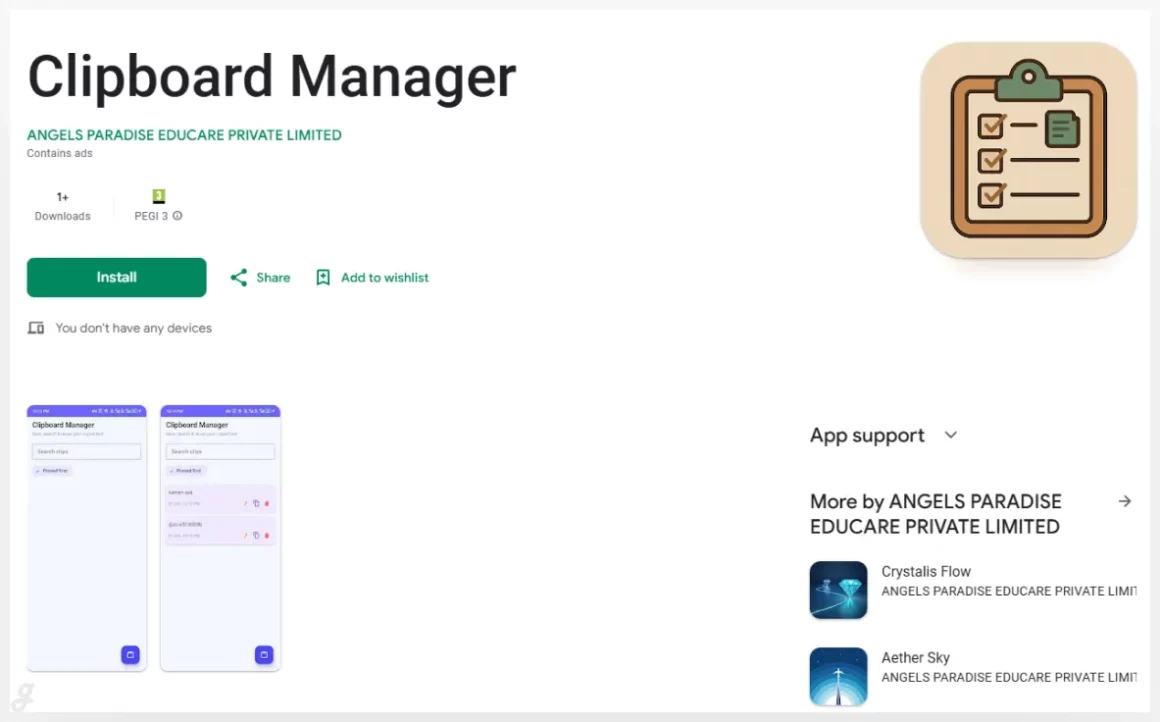
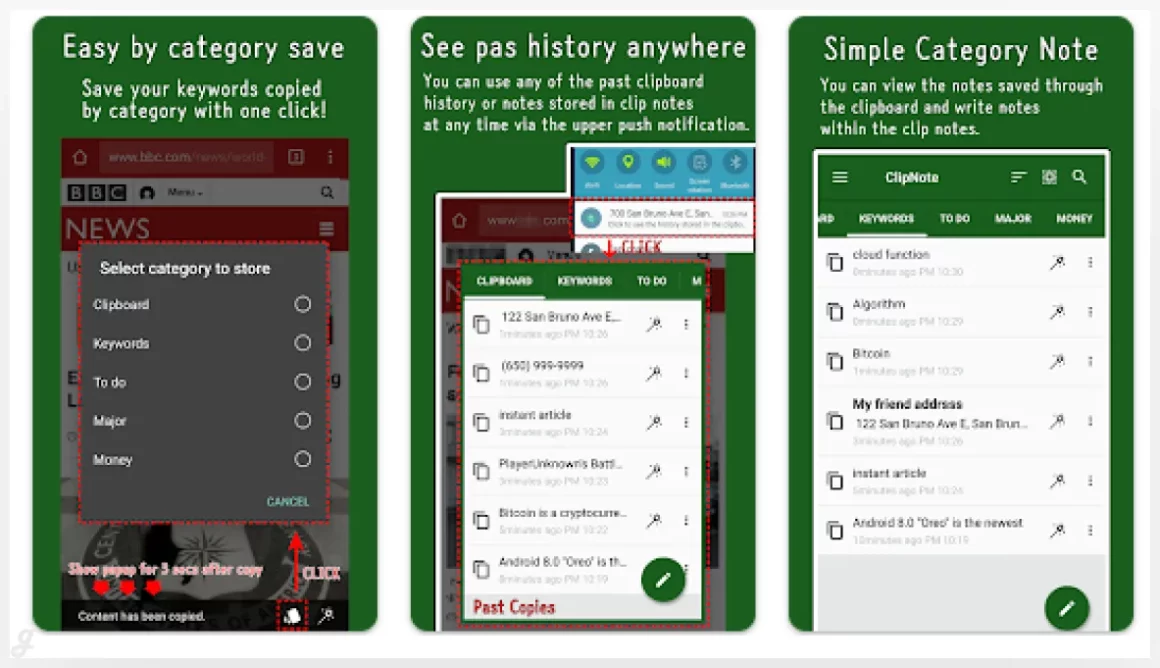
Clipboard Manager is a simple but powerful tool that keeps everything you copy saved and easy to manage. Every text snippet goes straight into your clipboard history, so you can reuse it anytime without copying again. It’s great for saving frequently used replies, collecting links during research, or pasting addresses and notes on the go. By keeping all your copied content in one place, this tool helps you work faster and stay organized without extra steps.
Dmyst – Clipboard Manager
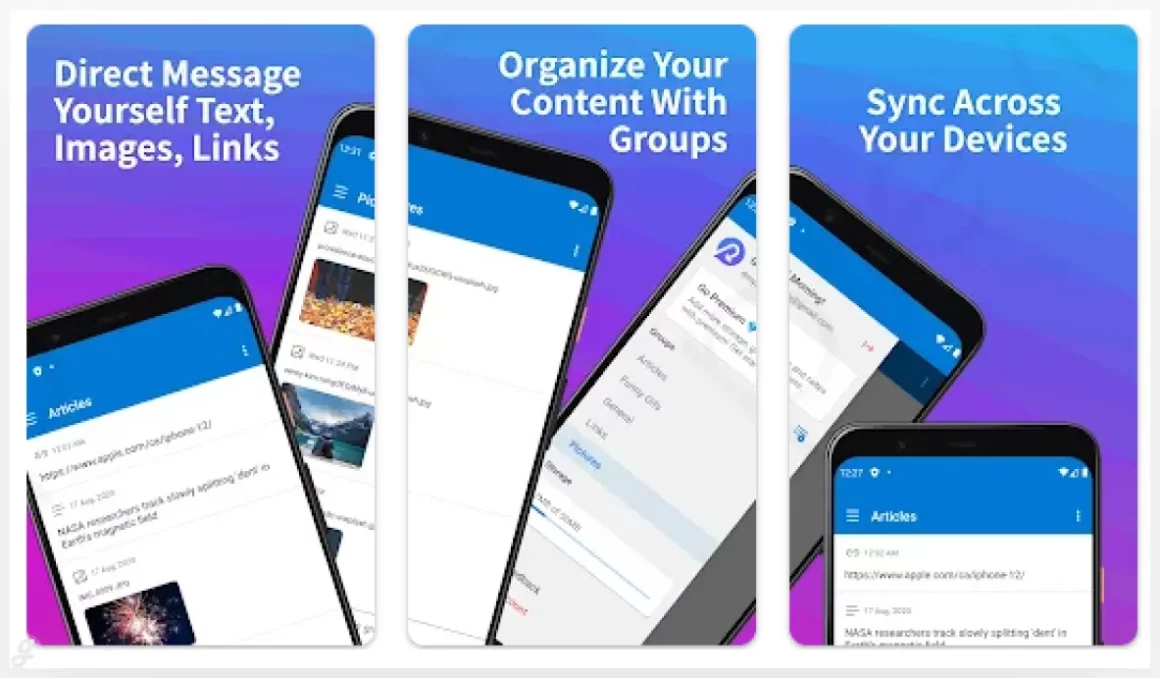
Dmyst makes it easy to send text, images, links, and even full documents to yourself and access them on any device. It works like a personal messaging app where you can organize content into groups and keep everything tidy. Perfect for saving links on your phone and pasting them on your desktop later, or moving images from tablet to laptop without extra steps. With syncing across iOS, Android, and desktop, Dmyst keeps your content ready wherever you work.
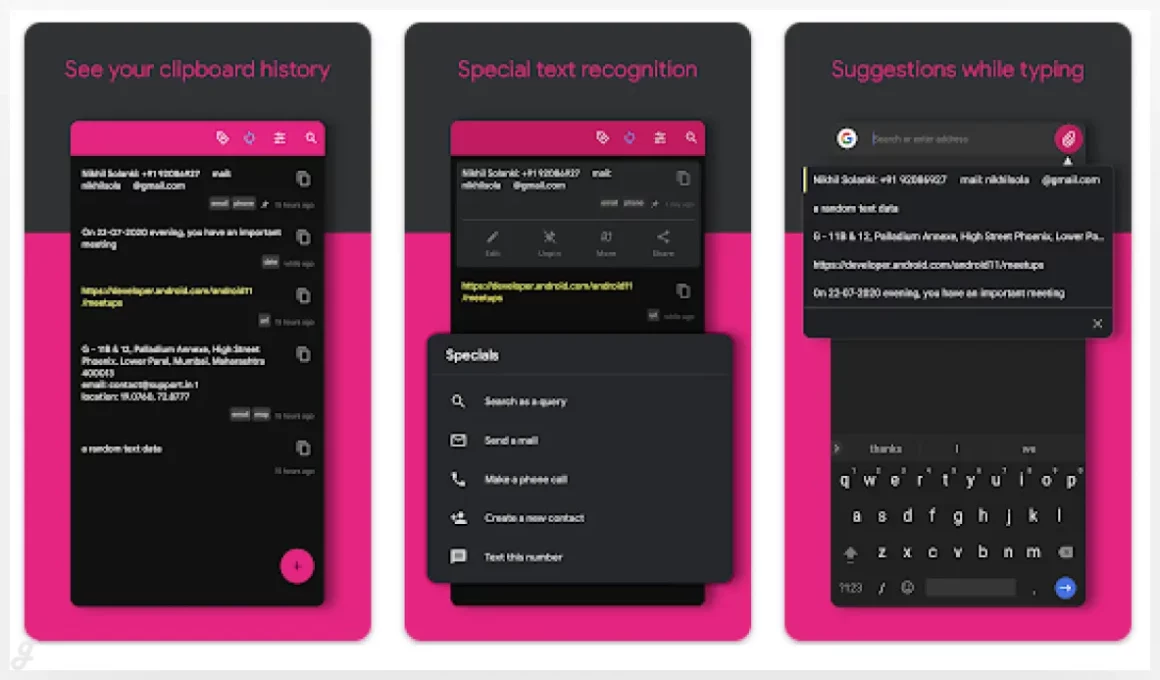
XClipper – Clipboard manager
Clip Stack – Clipboard Manager
Quick Copy: Clipboard Manager
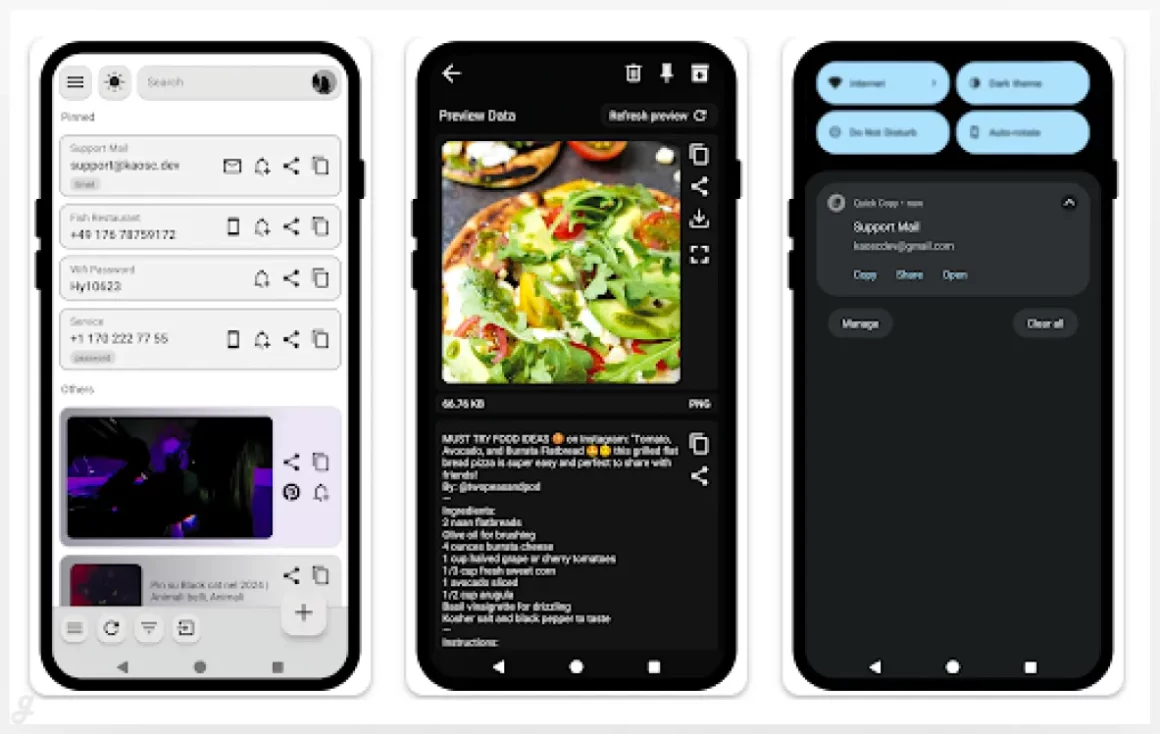
This clipboard tool lets you save any type of content, from text and links to images, and use it exactly where you need it. Each item can be redirected to a specific app based on its type, like opening URLs in a browser, sending messages through WhatsApp or Telegram, or attaching images to emails. It’s especially useful for managing contact details, sharing links quickly, or reusing visuals like SVG icons. A smart way to keep your clipboard organized and action ready.
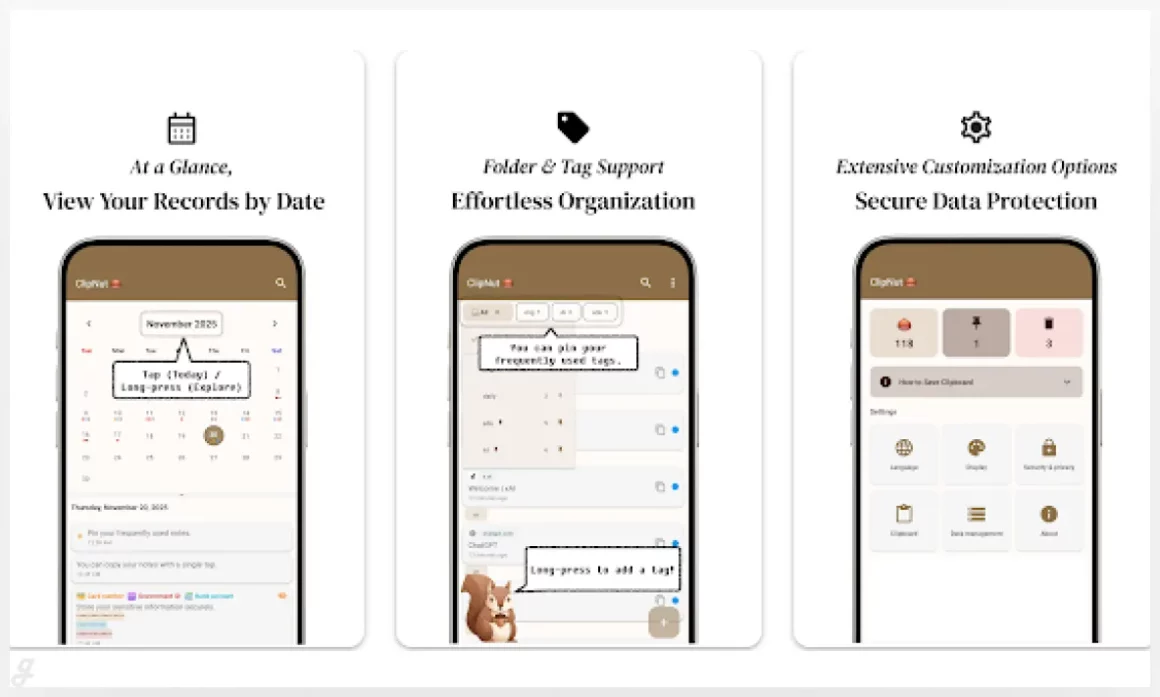
ClipNut: Clipboard Manager
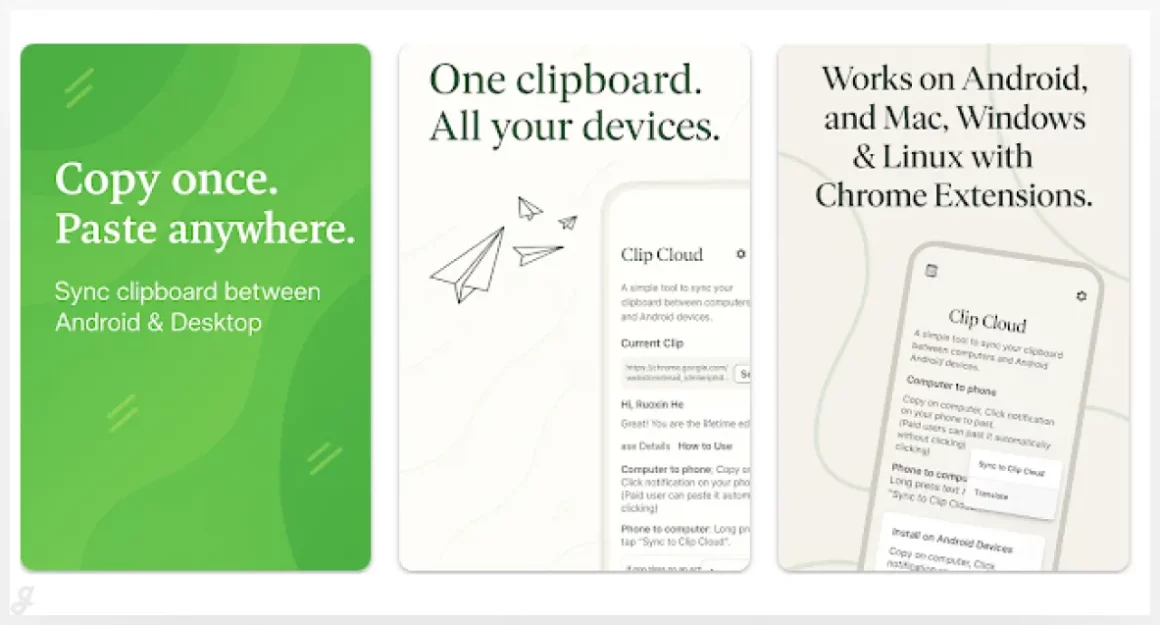
Clip Cloud – Clipboard Sync
Clipboard – Copy Paste Manager
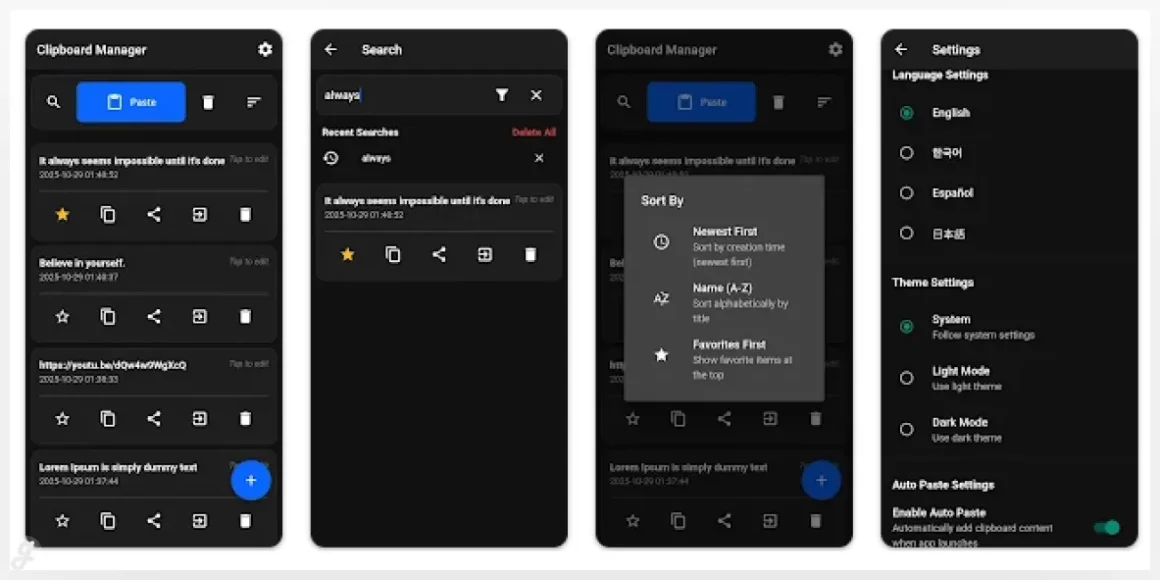
This clipboard management tool helps you keep copied content clean, organized, and easy to reuse. You can add, edit, or delete clipboard items anytime, so nothing feels messy or outdated. Mark important snippets as favorites to keep them safe, like saved replies, promo links, or key notes. When things pile up, clear everything at once or remove only non-favorite items. It’s a practical way to stay organized and save time during daily work or browsing.
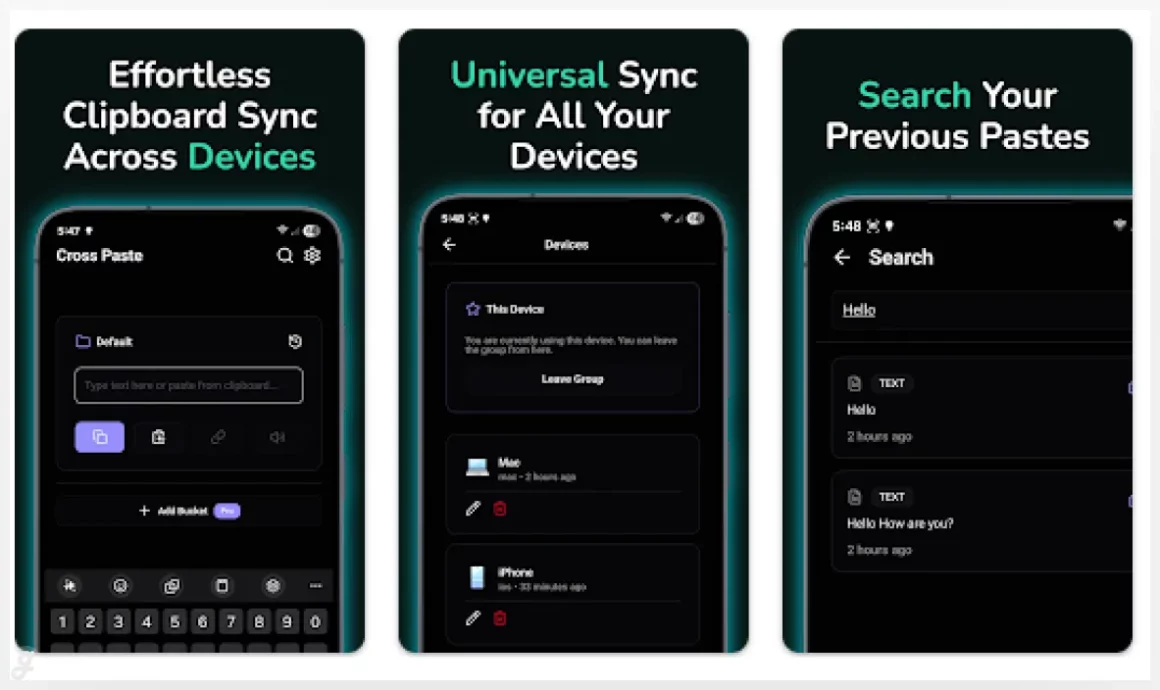
Cross Paste: Clipboard Sync
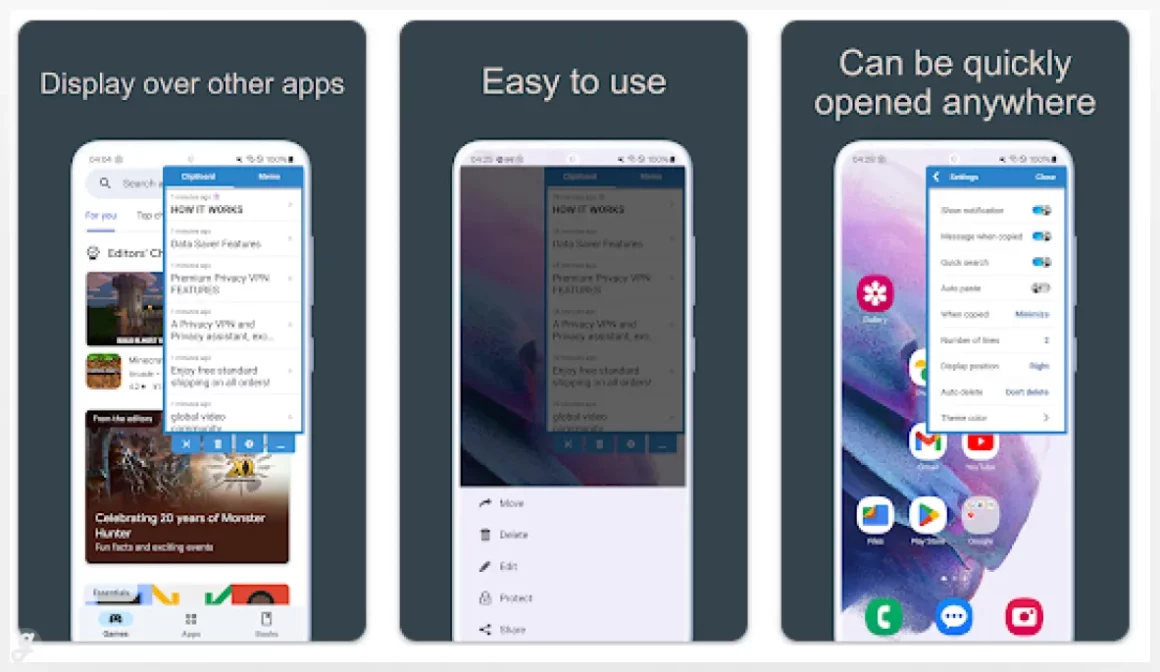
Clipboard Pro
Clipboard
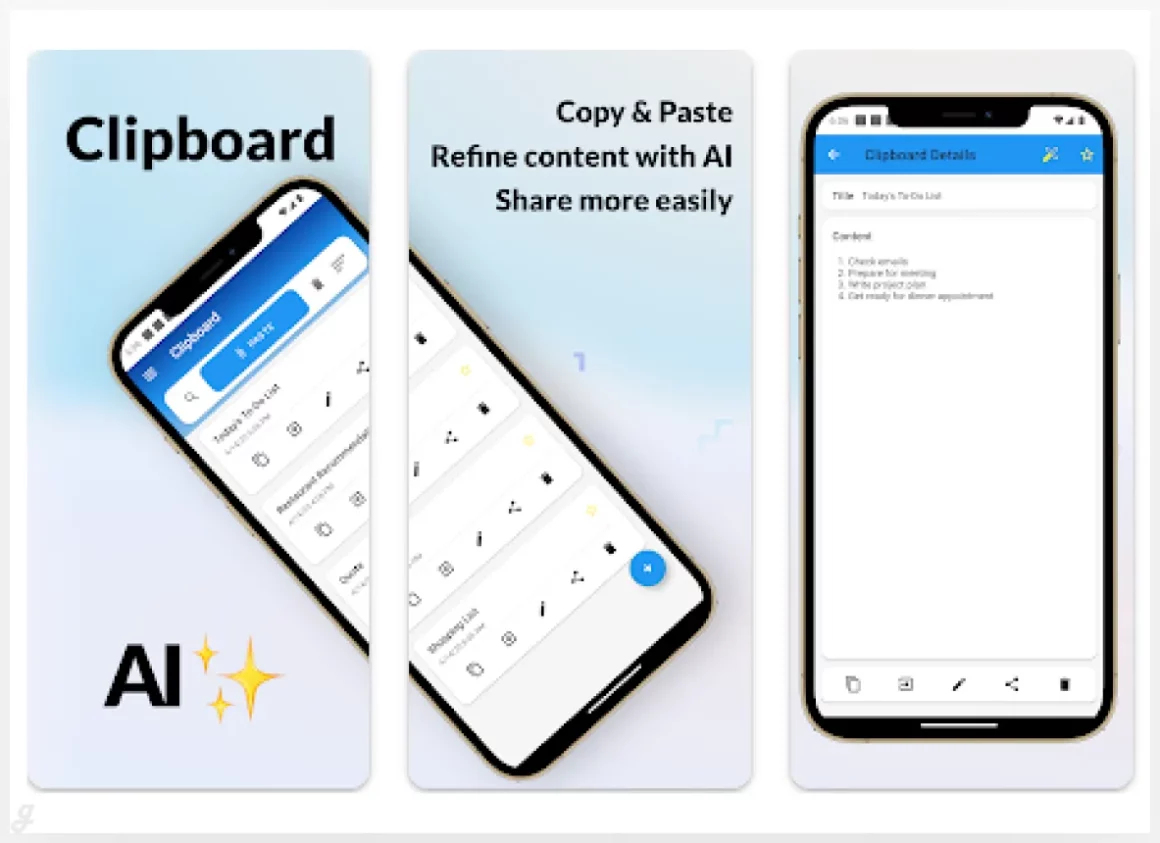
This smart clipboard app automatically saves everything you copy and helps you manage it in one place. You can mark important snippets as favorites, search through your history, and quickly reuse text when needed. What makes it stand out is the built in AI transformations, letting you rewrite copied content in different styles like business, casual, or even humor. It’s great for polishing messages, summarizing social posts, or adjusting tone before sharing text across apps.
Clipboard History
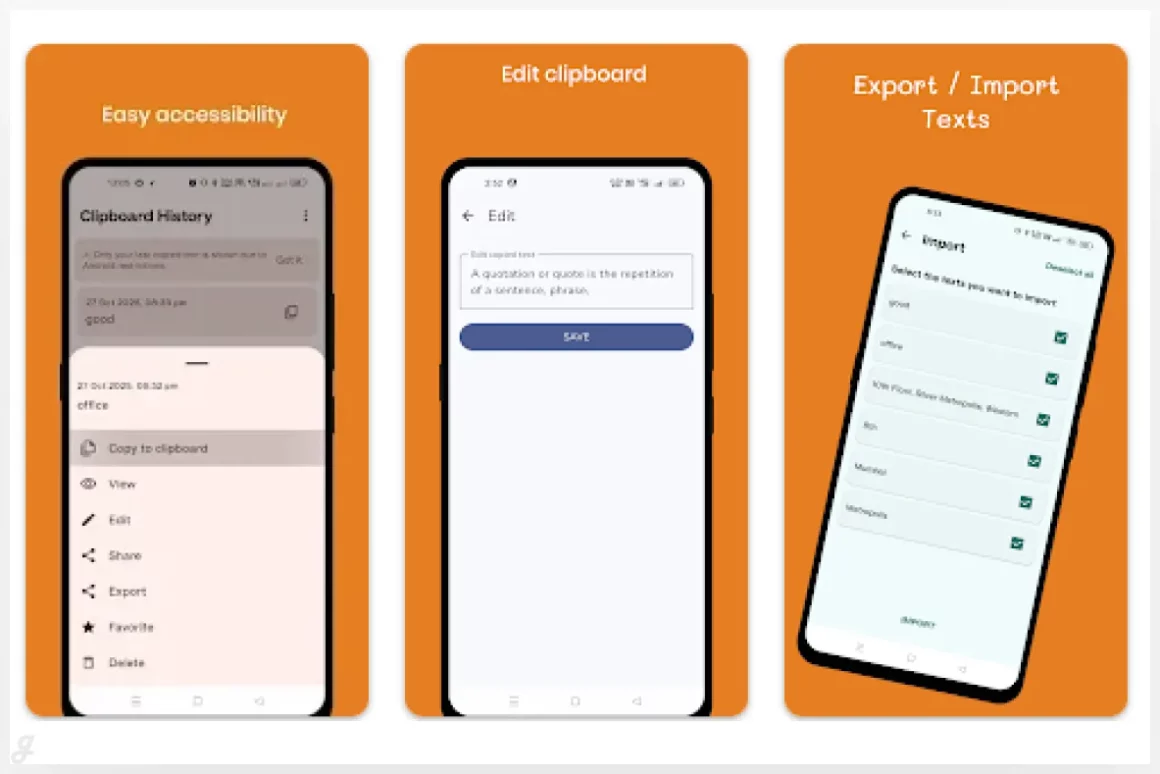
ClipTrace – Clipboard Manage
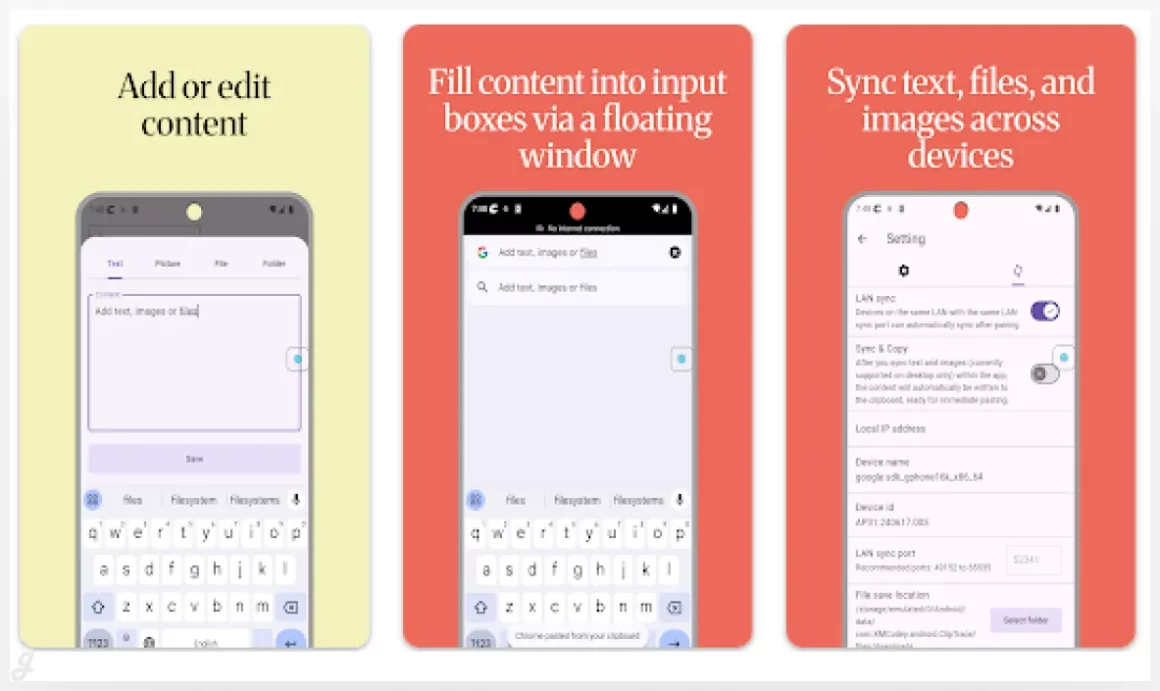
ClipTrace is a sleek, high-performance clipboard manager that keeps all your copied content organized and accessible across devices. Save and quickly retrieve text, links, images, and files without hunting through apps or documents. It’s perfect for multitaskers who switch between workstations, research projects, or creative tasks—grab a link on your phone and paste it on your desktop instantly. With its clean interface and smooth performance, ClipTrace turns copy-paste into a fast, stress-free part of your workflow.
Pasteboard | Clipboard Manager
Rememory | Clipboard Manager
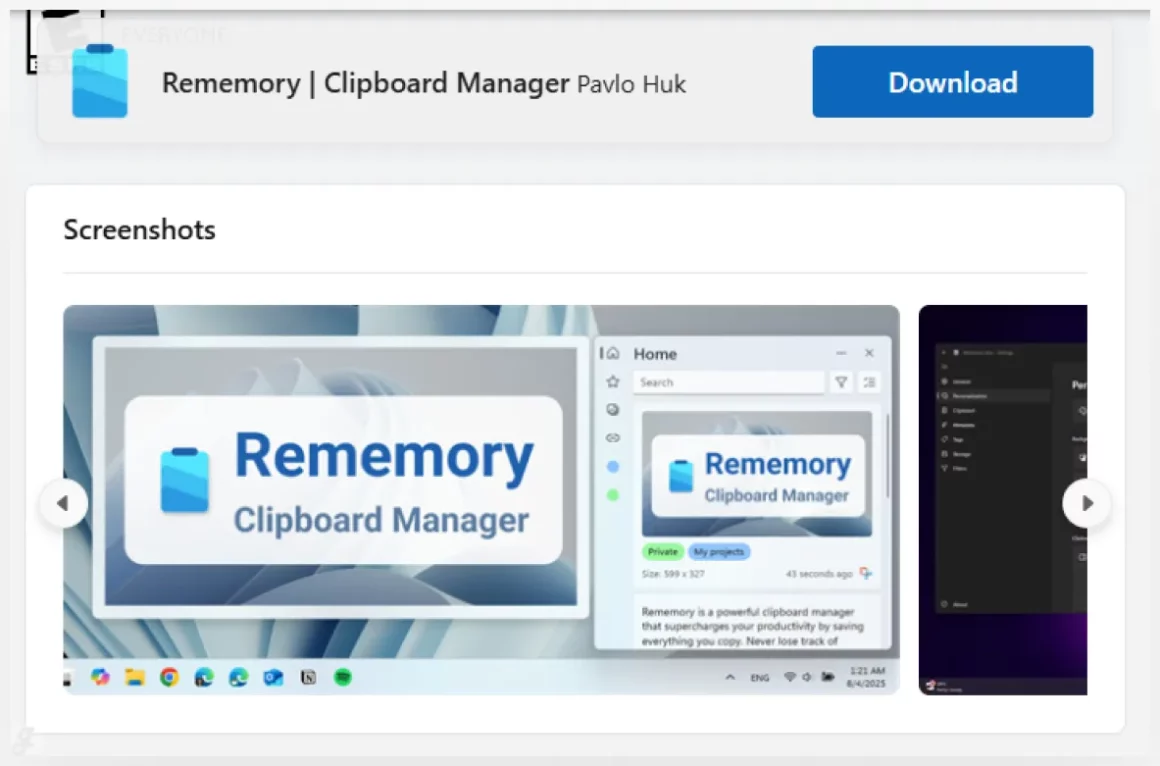
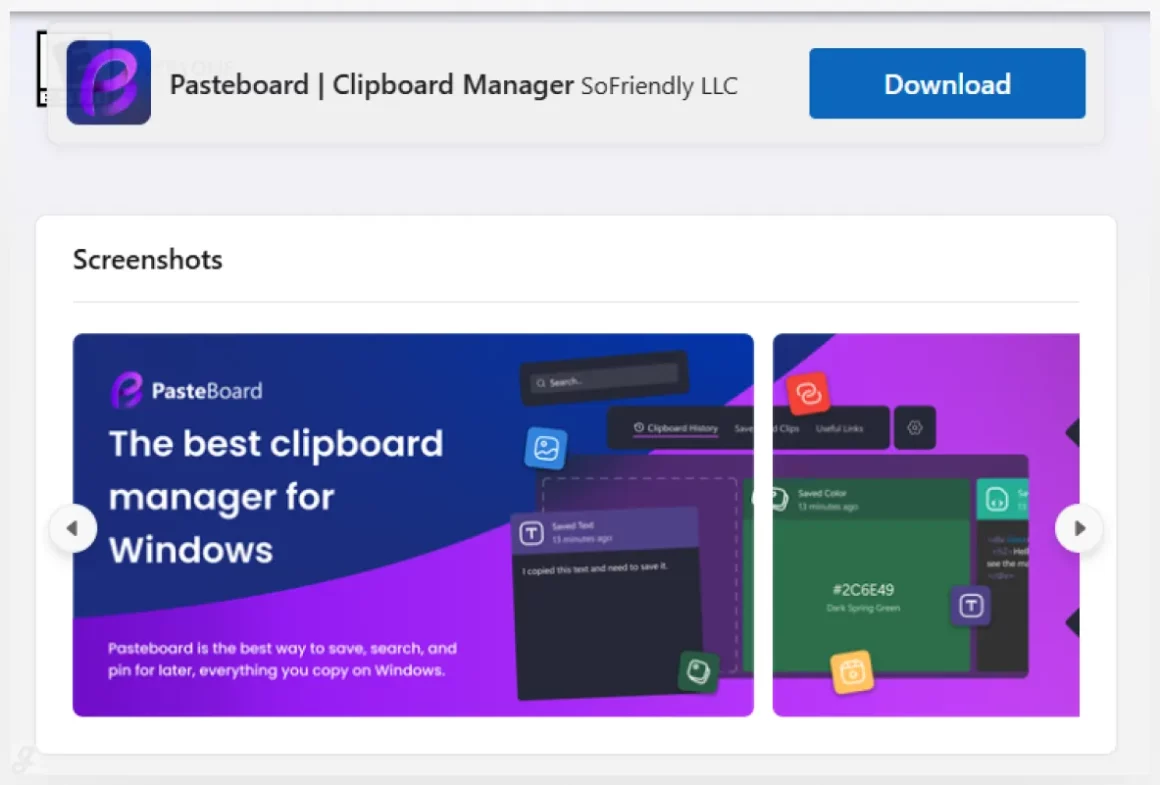
Rememory is a powerful clipboard manager designed to make your workflow effortless. It automatically saves everything you copy—text, images, links, or even full web pages—so nothing gets lost. Quickly find what you need with smart search and filters, edit content on the fly, or drag and drop items into other apps. Features like app-specific tracking, organized data groups, and link previews keep your clipboard tidy and easy to navigate. Perfect for multitaskers, content creators, or anyone juggling research and notes, Rememory helps you stay organized and work faster without losing track of important information.
SnapClip
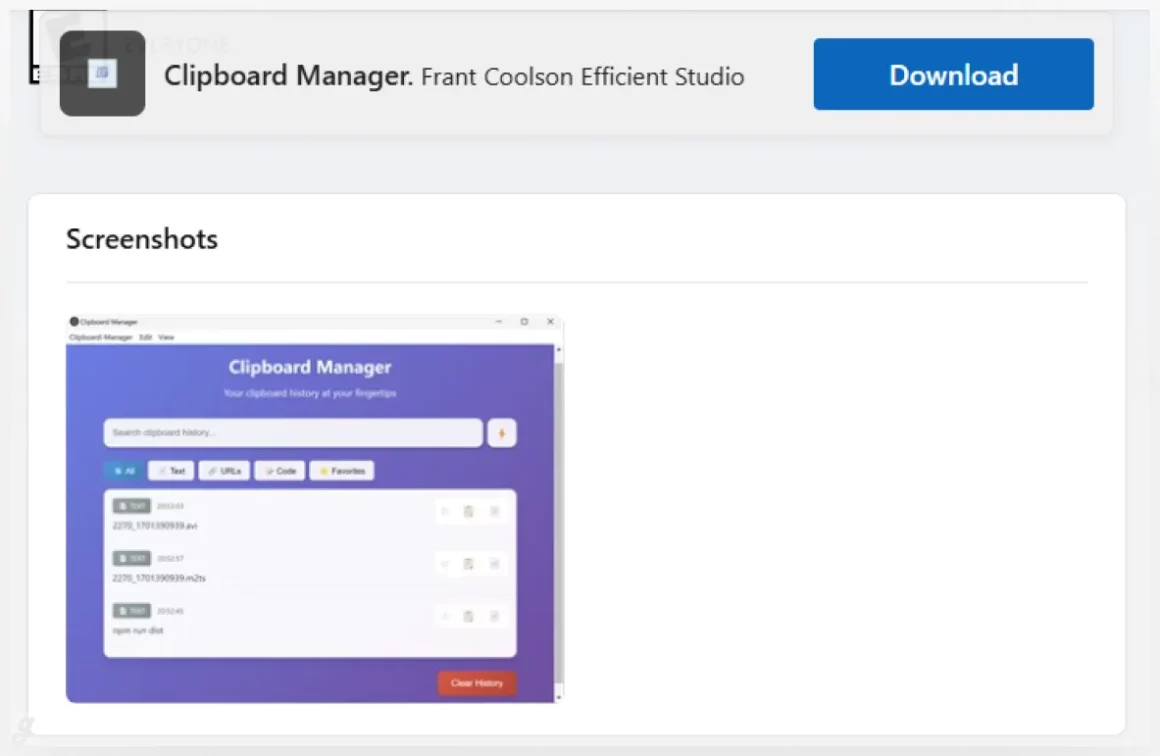
Clipboard Manager.
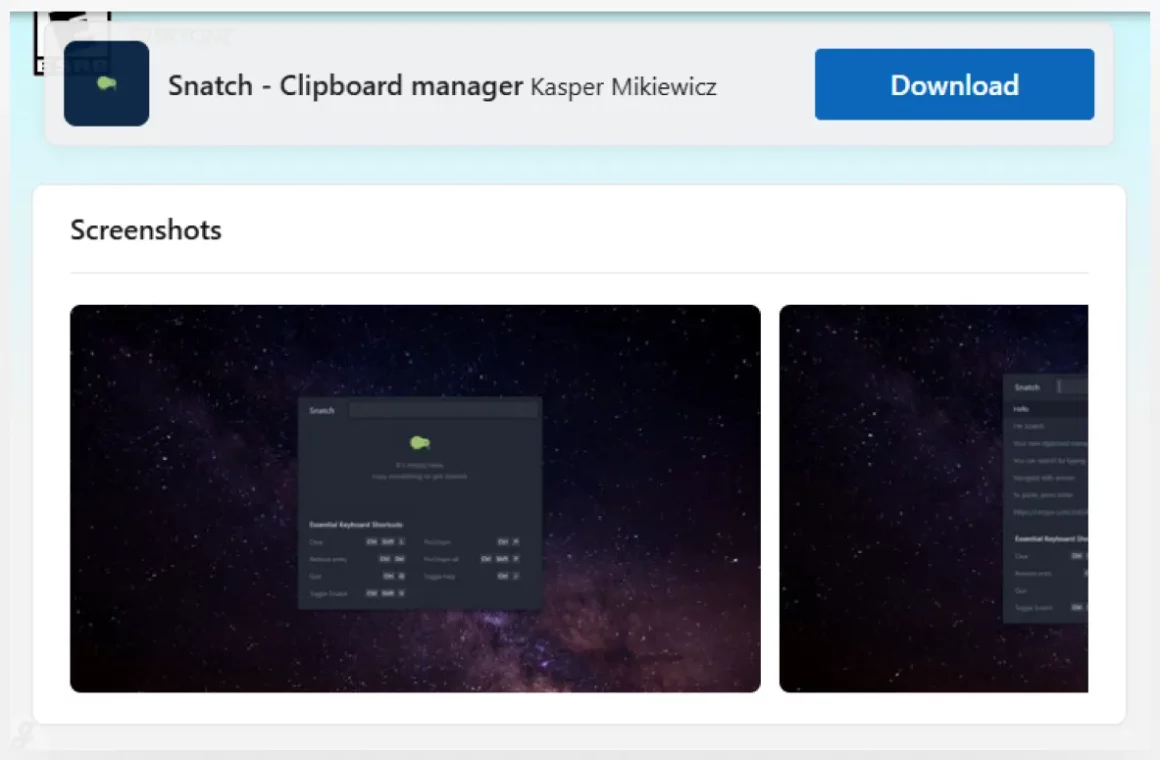
Snatch
And there you have it! With so many great options out there, there’s no reason to stick with the basic, one-item clipboard that comes with your computer. Any of these tools can make a huge difference in how smoothly your day goes, saving you clicks and keeping your focus right where it needs to be. The best part is that most of them are free to try, so you can test a few and see which one fits your rhythm. We’re sure you’ll find a perfect match from our list of the 25 Best Clipboard Manager Apps & Workflow Templates. Here’s to less busywork and more getting stuff done!