
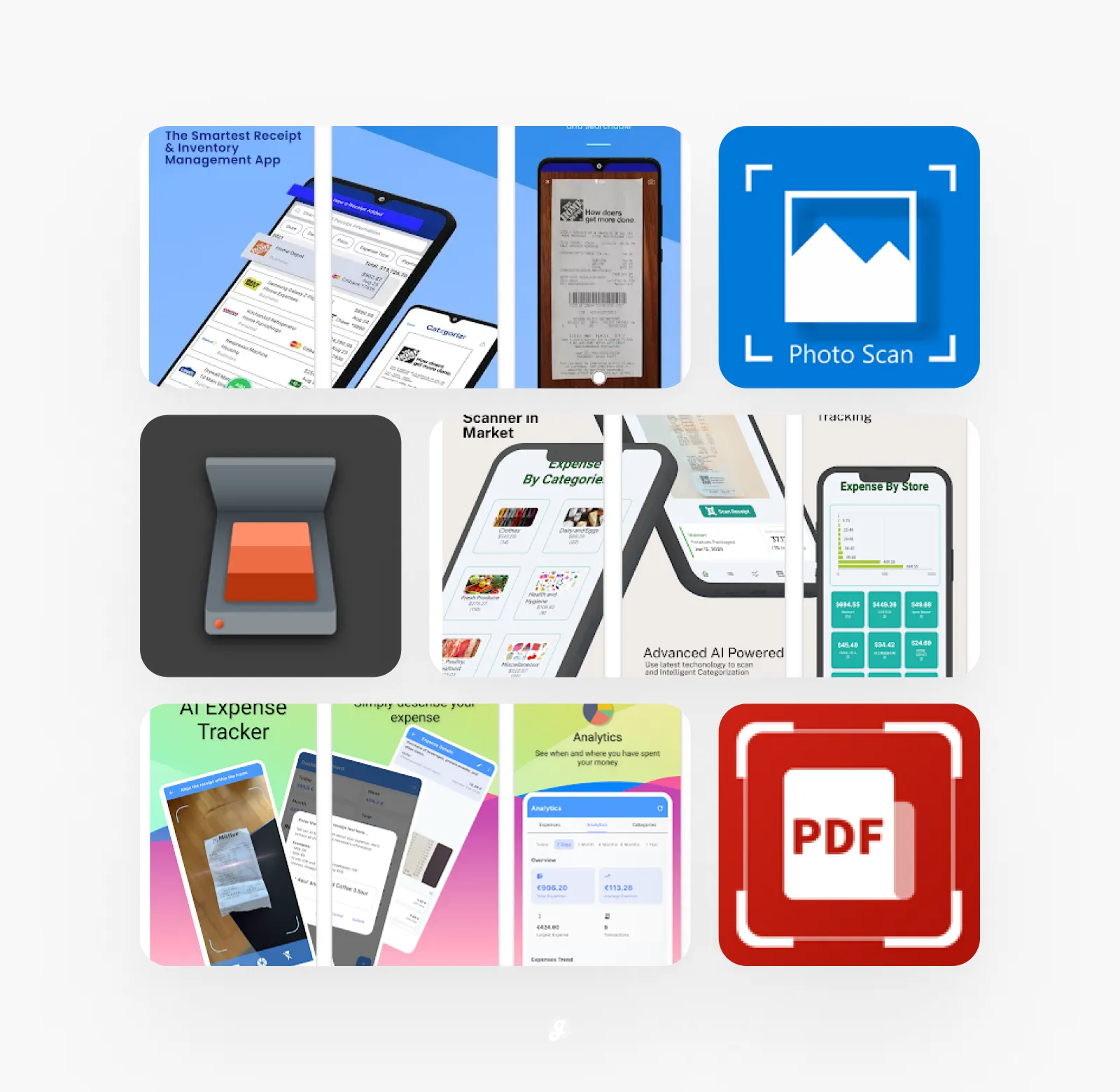
Is your wallet stuffed full of crumpled receipts you swear you’ll sort out one day? Or maybe you have a drawer at home that’s become a graveyard for important papers you’re afraid to throw away. We’ve all been there. Keeping track of physical documents is a hassle, and trying to find one specific receipt from months ago feels like searching for a needle in a haystack. Thankfully, your phone can be your best ally in the fight against paper clutter. With a simple scan, you can transform those fragile bits of paper into organized, searchable digital files. To help you clear the chaos for good, we’ve gathered up the top tools for the job. Get ready to discover 20+ Digital Receipt & Document Scanner Apps that will make your life a whole lot simpler.
Receipt Scanner: Easy Expense
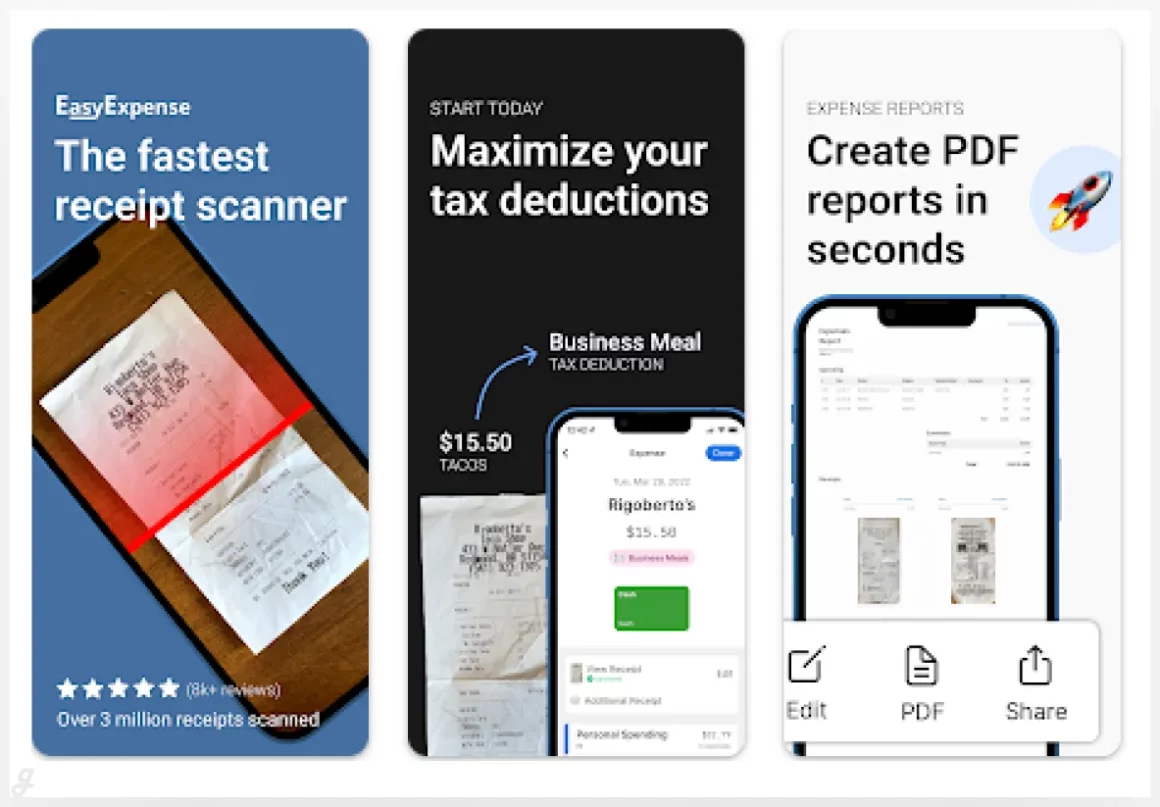
Stop wasting time typing up receipts and tracking expenses manually. This smart receipt scanner automatically captures receipts, crops them perfectly, and extracts all the key info for you. It’s ideal for freelancers, small business owners, or anyone who wants to keep their finances organized without the headache. Simply hold your phone over a receipt and let it do the work—totals, dates, and vendor info are pulled instantly. Perfect for streamlining expense reports, budgeting, or just keeping your financial life in order effortlessly.
Famverge
Categorizr
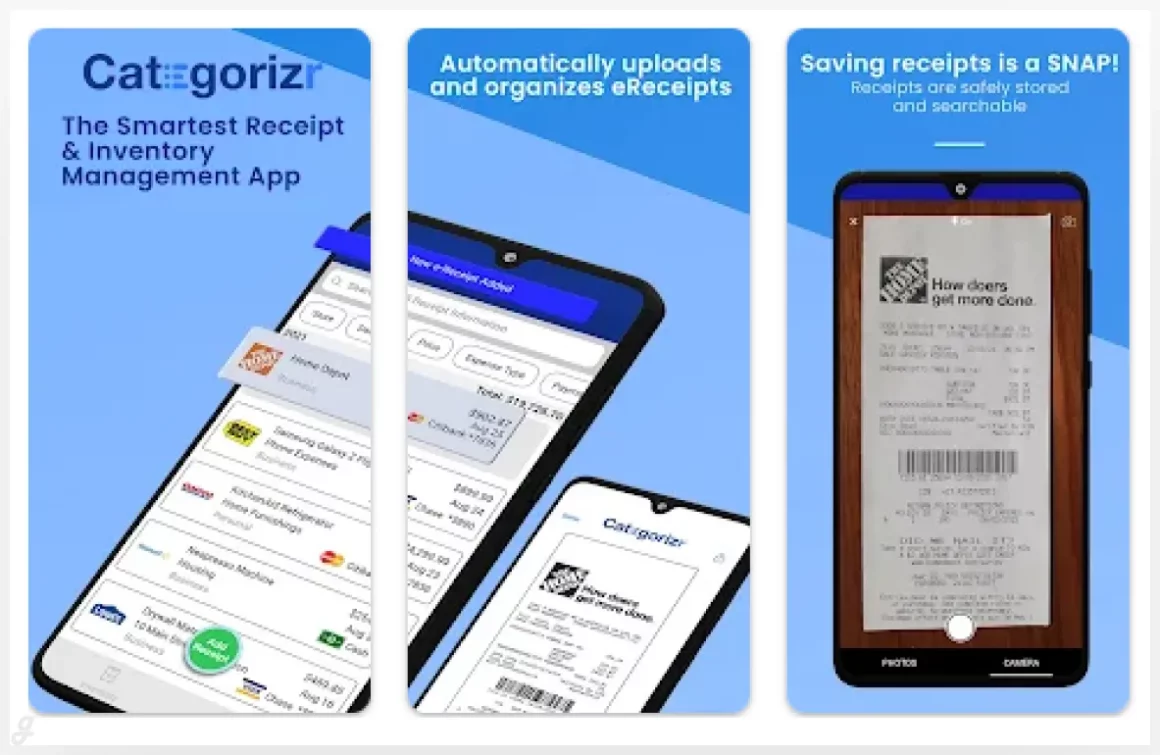
Categorizr is your all-in-one solution for managing receipts, tracking spending, and keeping your inventory organized. Simply scan your receipts and let the app handle the rest—totals, dates, and categories are automatically recorded. Perfect for freelancers, small business owners, or anyone who wants stress-free expense tracking. Its intuitive interface makes categorizing transactions effortless, helping you stay on top of budgets and never miss an expense. Streamline your finances, save time, and keep everything organized in one place.
Shoeboxed Receipt Scanner App
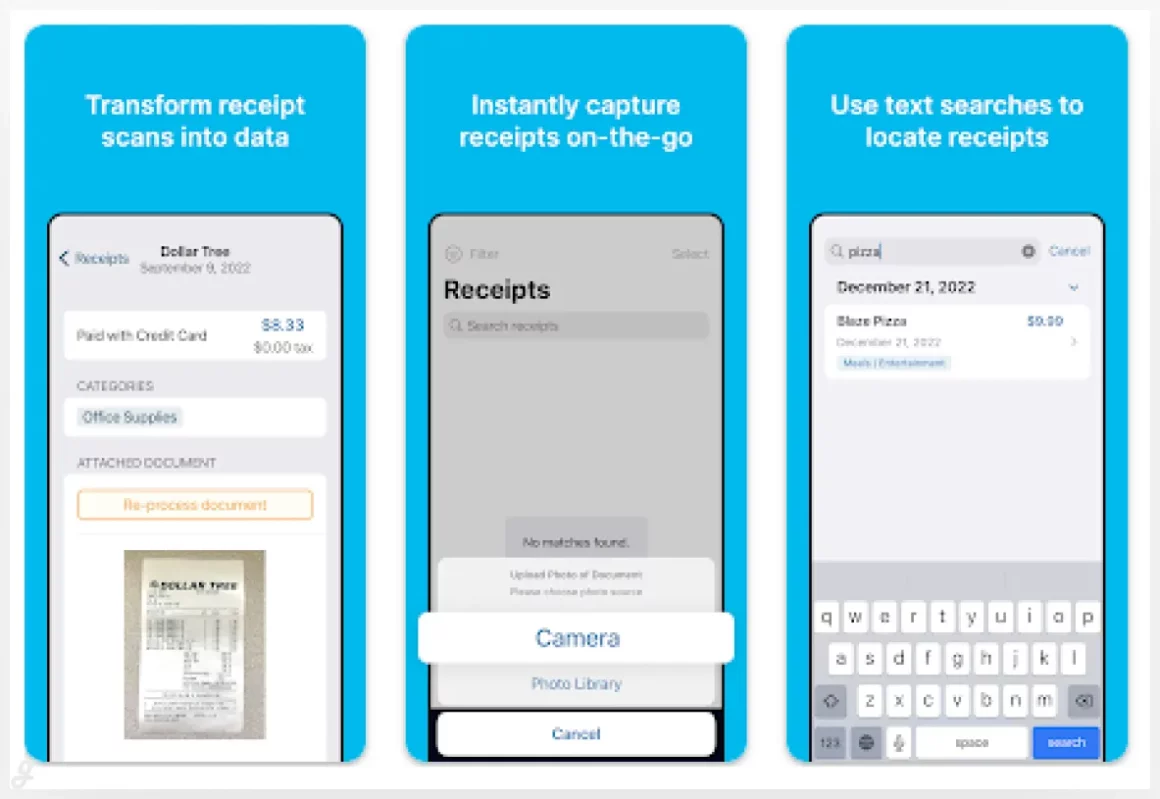
Shoeboxed simplifies expense management by letting you scan receipts and business cards, track mileage, and organize everything in one place. Its smart system extracts and verifies receipt data, automatically sorting transactions into 15 common tax categories—perfect for freelancers, small business owners, or anyone preparing for tax season. With a one-click mileage tracker and easy-to-use interface, keeping your finances organized has never been simpler. All plans include a 30-day trial, so you can test the full receipt scanning and expense management features before committing.
Smart Track
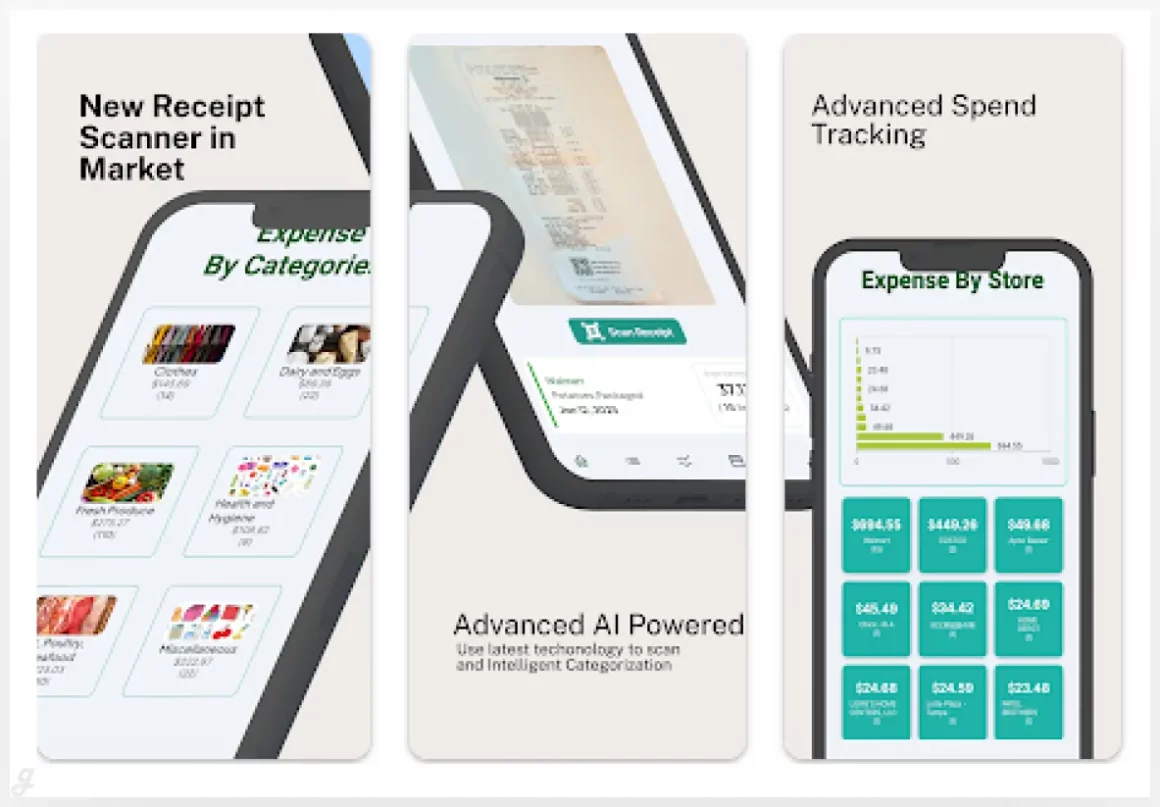
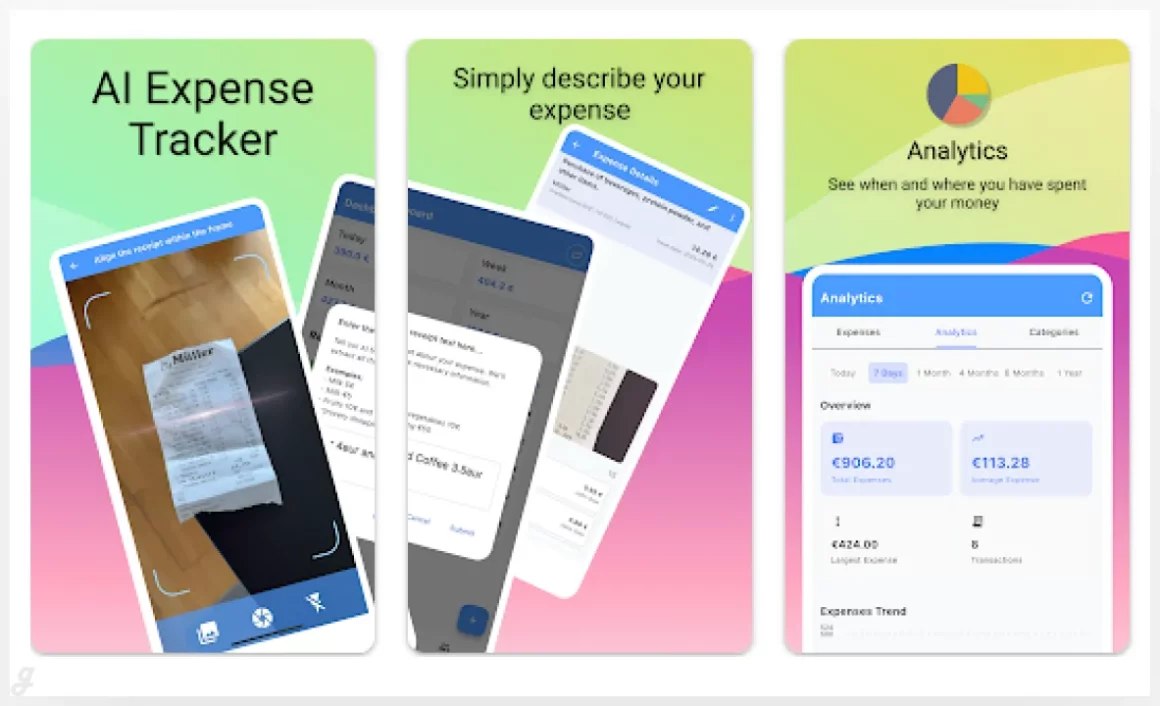
Receipt Scanner takes the hassle out of managing your finances. Snap a photo of any receipt, and the app automatically organizes, tracks, and analyzes your expenses in seconds. Perfect for freelancers, small business owners, or anyone juggling multiple purchases, it ensures nothing gets lost and every expense is recorded accurately. With its intuitive design and smart AI, you can categorize spending effortlessly, spot trends, and stay on top of your budget—making expense tracking faster, simpler, and stress-free.
Receipt Scanner
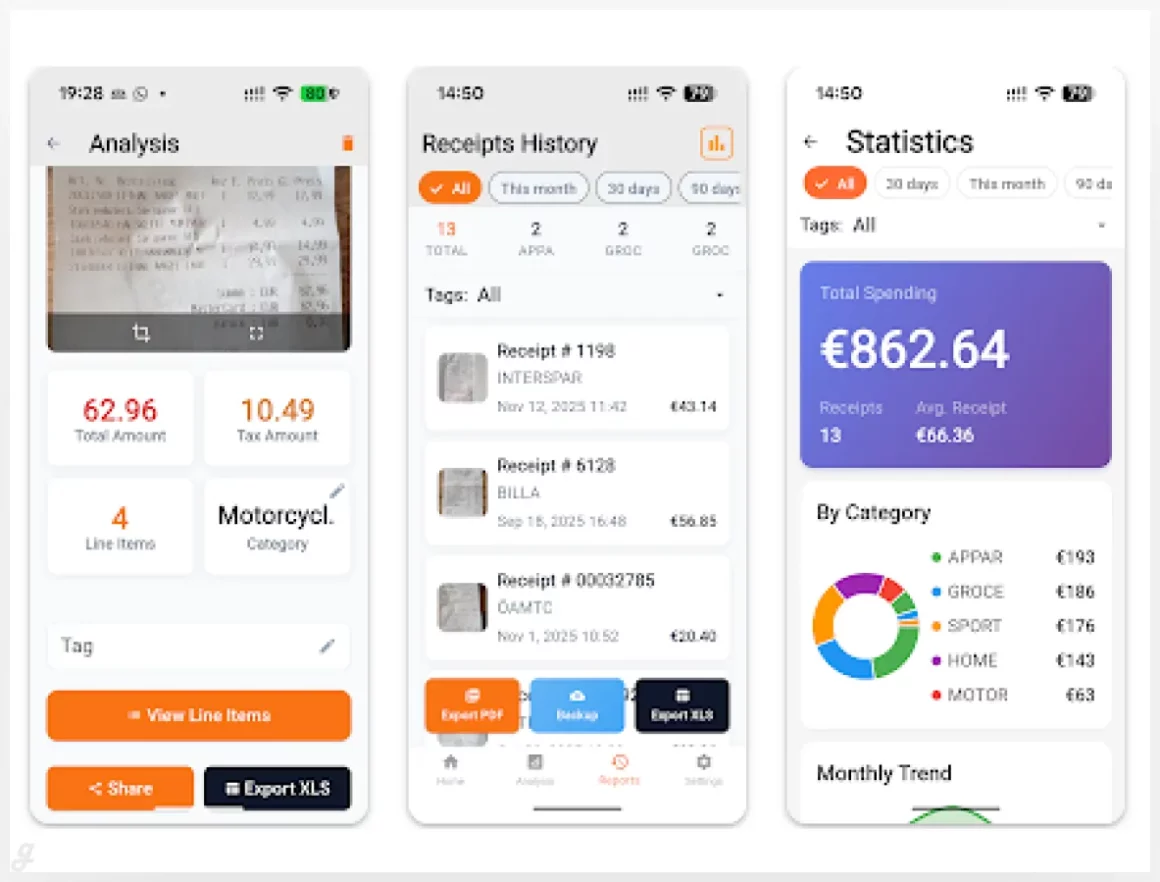
Receipt Scanner – Scan Pro
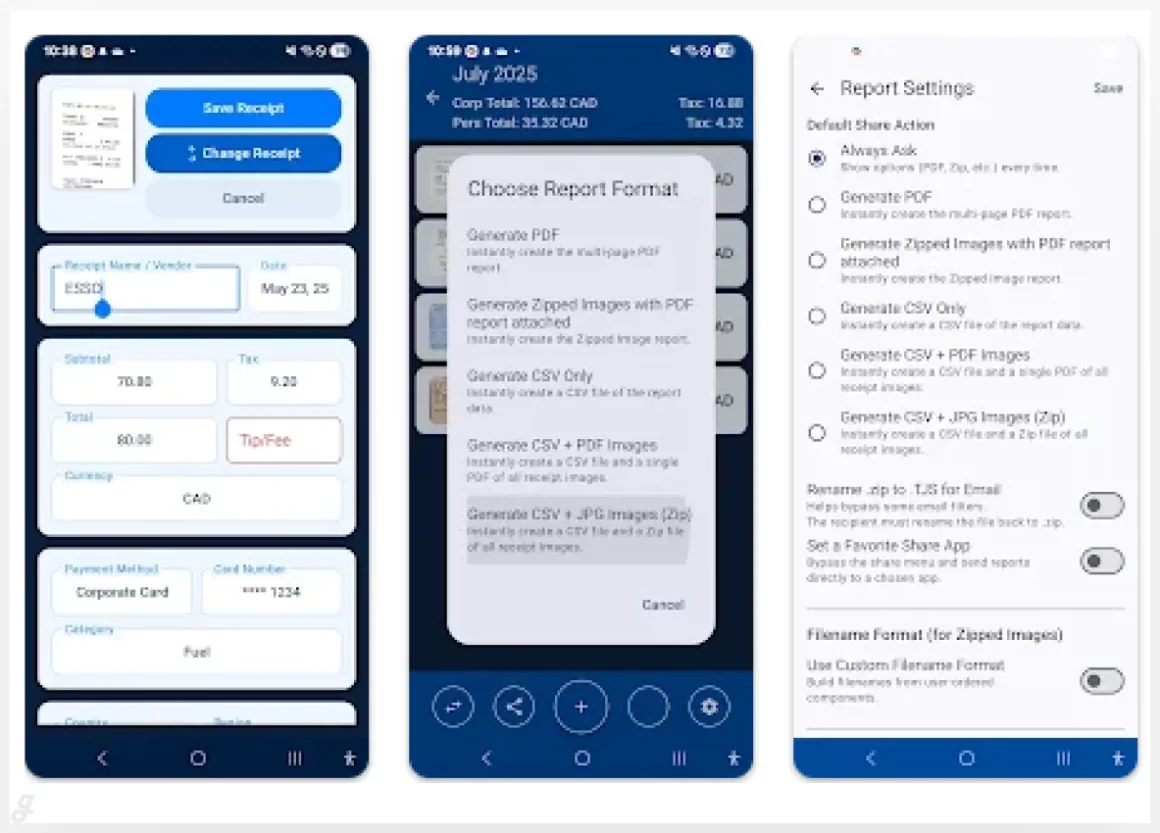
Scan Pro Receipts is a privacy-first expense management app designed for freelancers, small business owners, and anyone who wants full control over their financial data. Unlike cloud-based tools, it works entirely offline, scanning receipts, extracting data, and generating reports directly on your device. No internet? No problem. With no monthly fees and the option to use your own cloud storage, it keeps your finances organized securely and transparently. Perfect for anyone who values privacy, efficiency, and hassle-free expense tracking.
Receipt Scanner – ReceiptBox
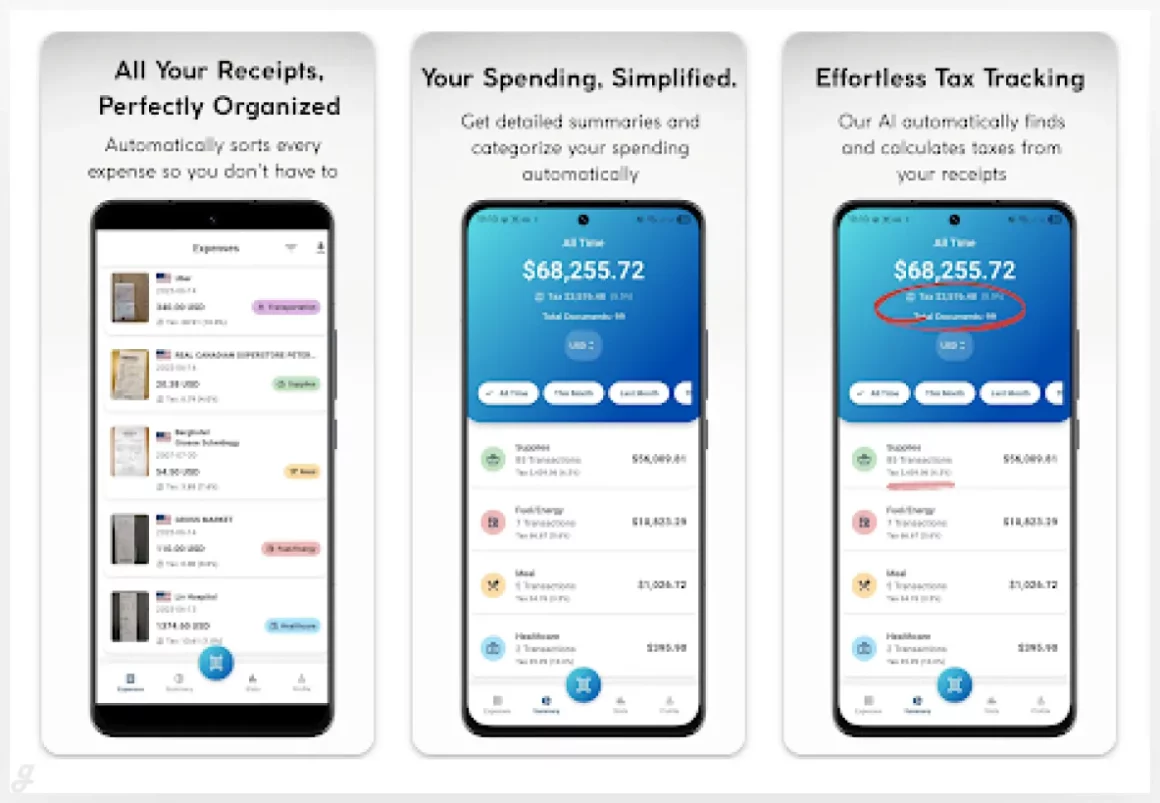
QR & Barcode Scanner
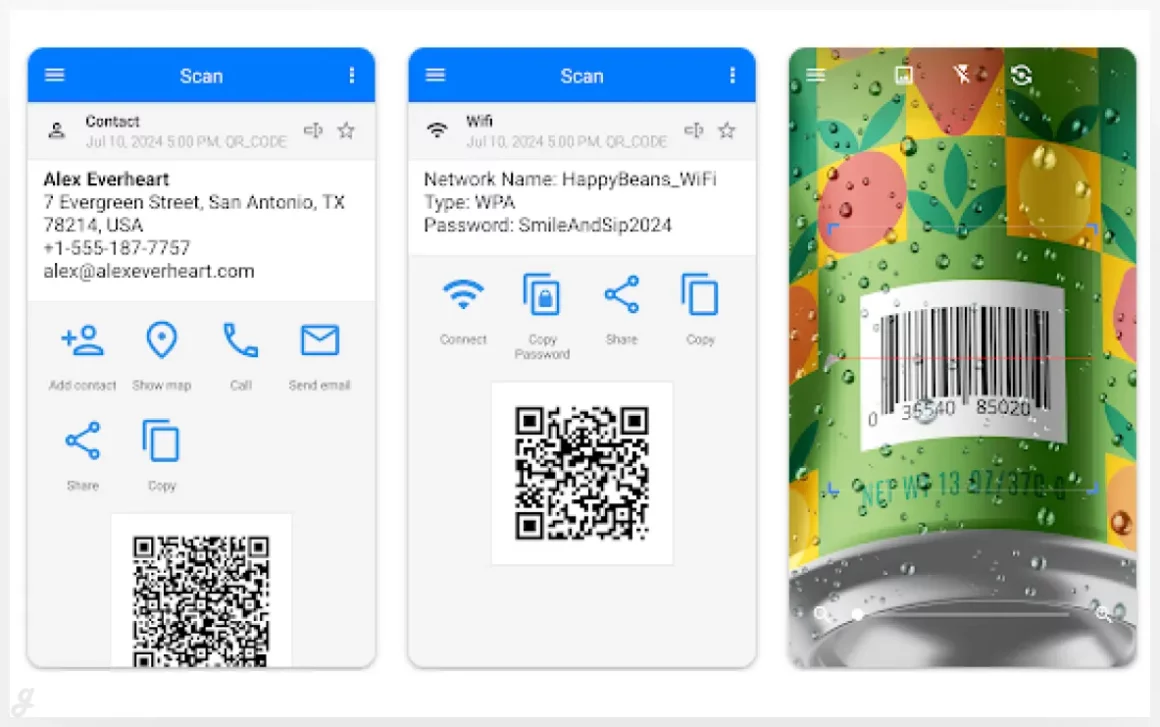
QR & Barcode Scanner is a fast, reliable tool for scanning QR codes and barcodes on any Android device. Simply point your phone at a code, and the app automatically detects and reads it—no buttons to press, no photos to take, no zoom adjustments needed. Perfect for quick product lookups, event check-ins, or sharing contact info, it saves time and makes scanning effortless. Its intuitive design ensures anyone can use it instantly, turning your phone into a smart, on-the-go scanner for everyday tasks.
Clear Scan – PDF Scanner App
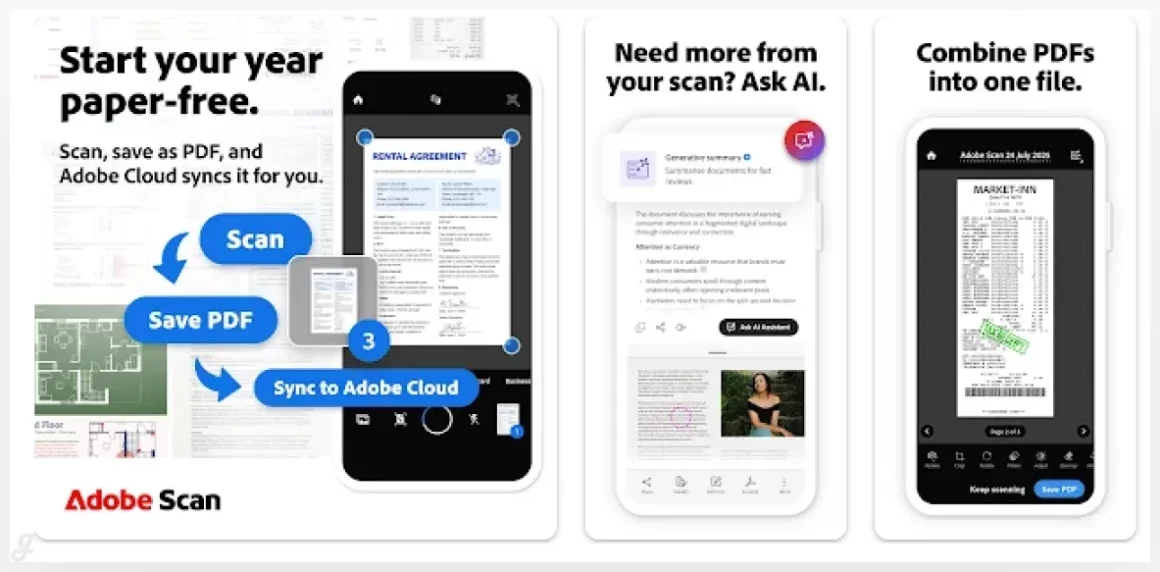
Adobe Scan AI PDF Scanner, OCR
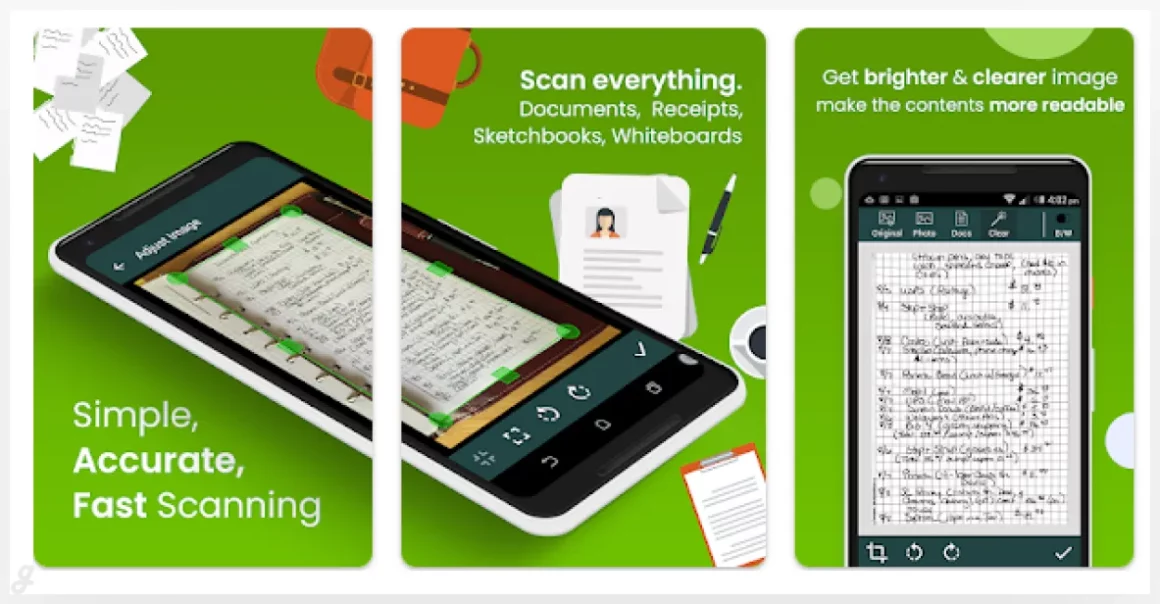
Get perfect scans every time with the Straighten tool. It automatically fixes pages that come out curved or tilted, so your PDFs look clean and professional without any extra effort. Ideal for students, freelancers, and small business owners, this pocket-sized document scanner makes organizing contracts, notes, receipts, and reports effortless. Simply scan, and let the app do the rest—no manual adjustments, no wasted time, just perfectly aligned documents ready to share or store.
PDF Scanner app – TapScanner
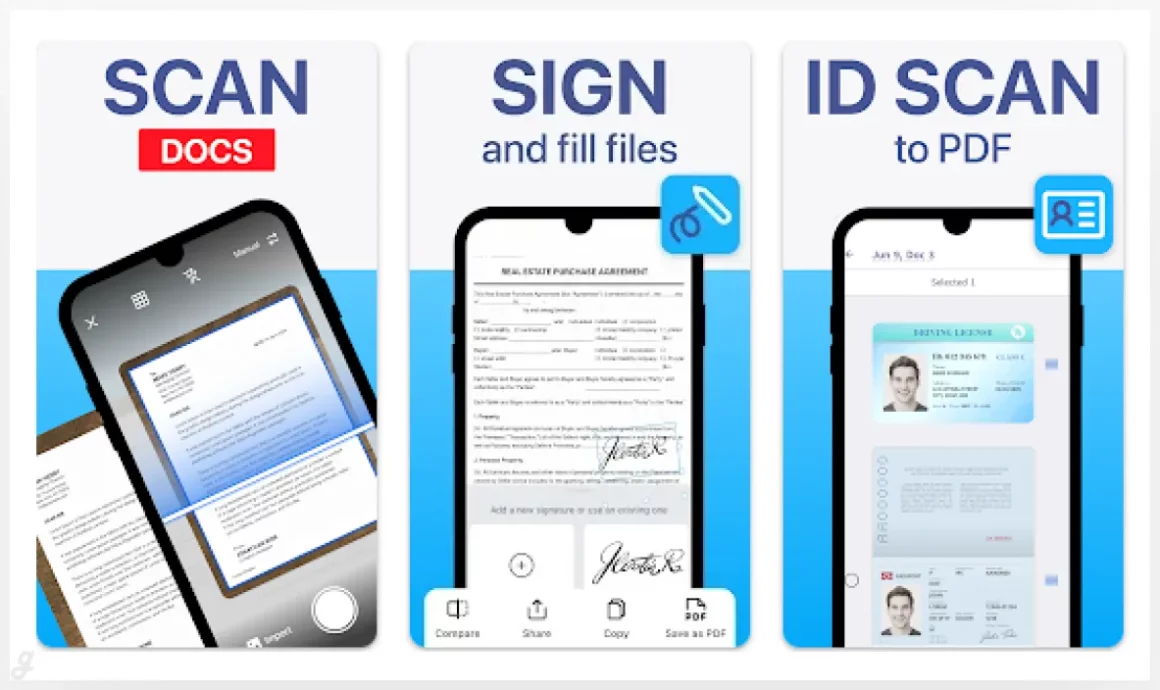
TapScanner turns your device into a powerful document scanner and PDF toolkit. Capture receipts, contracts, notes, or any paperwork with high-quality scans, then edit, organize, and share them instantly. Trusted by millions worldwide, it’s perfect for freelancers, small business owners, or students who need a reliable way to manage documents on the go. With TapScanner, you can create polished PDFs, keep everything organized, and handle paperwork quickly and securely—no bulky scanners or complicated software required.
CamScanner- scanner, PDF maker
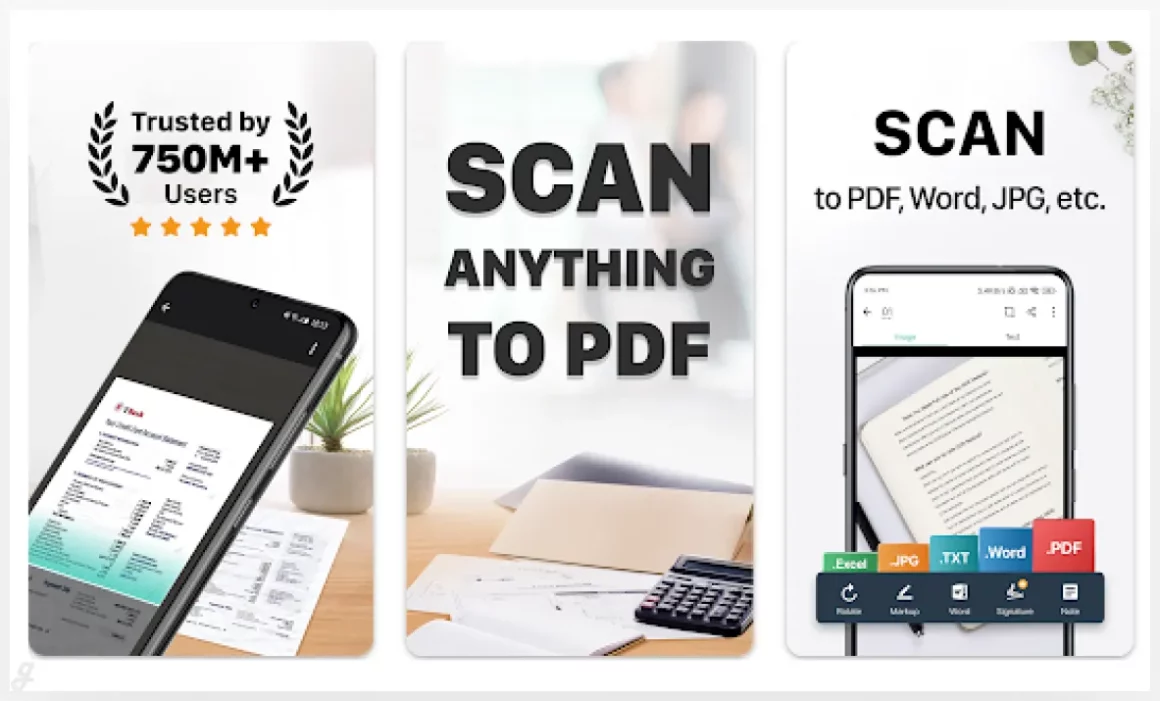
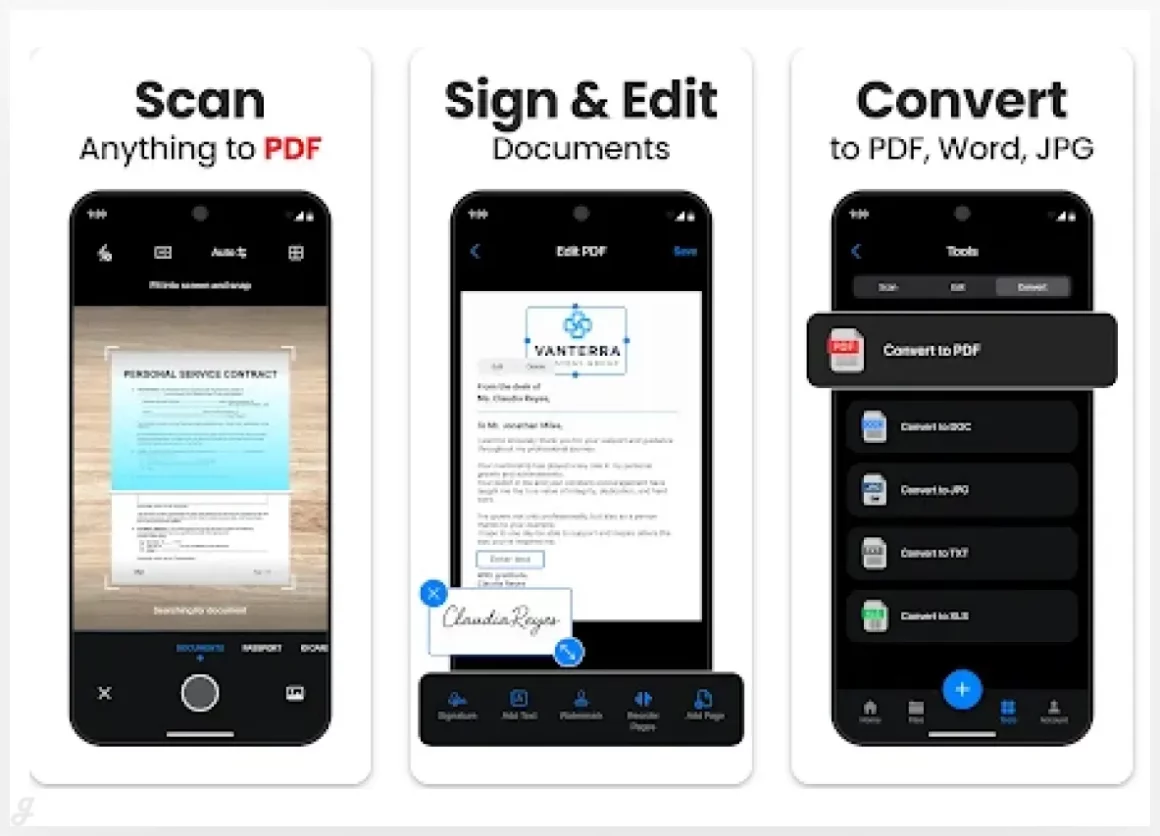
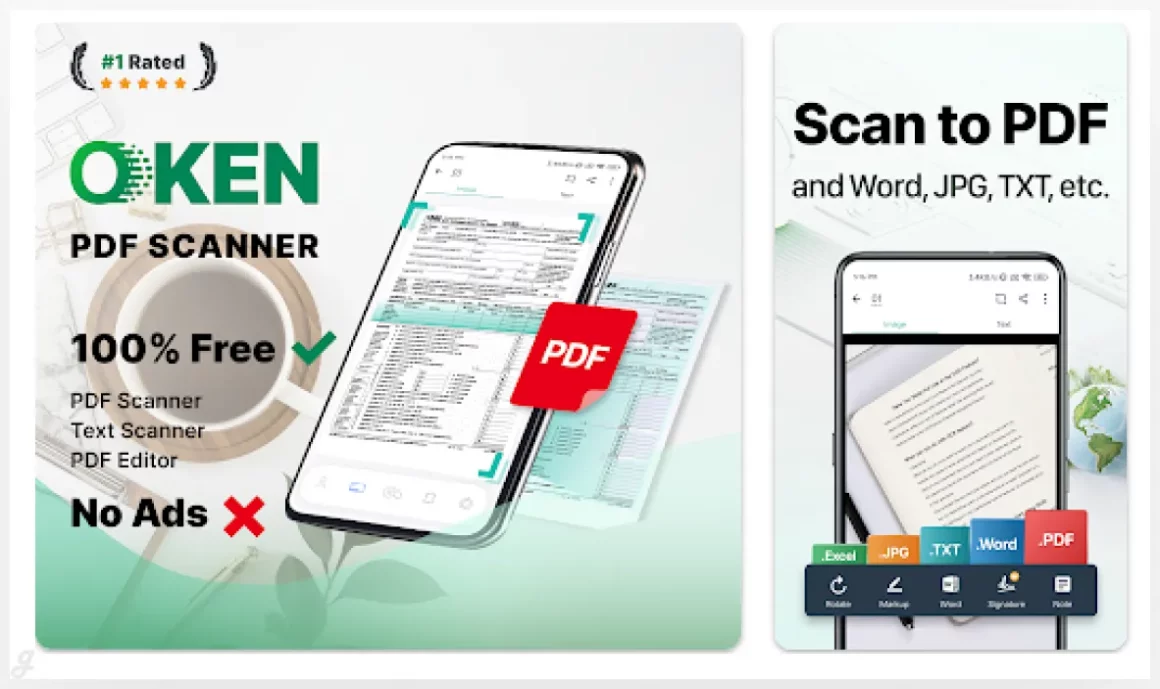
CamScanner turns your phone into a powerful, portable scanner that makes managing documents effortless. Snap receipts, contracts, notes, or reports, and let the app automatically recognize text (OCR) for easy editing and searching. Save and share files in PDF, JPG, Word, or TXT formats instantly. Perfect for freelancers, students, or busy professionals, it keeps your office in your pocket and boosts productivity. With CamScanner, organizing paperwork, tracking expenses, or preparing reports becomes fast, simple, and stress-free.
Scanner App – Scan PDF & Docs
Microsoft Lens – PDF Scanner
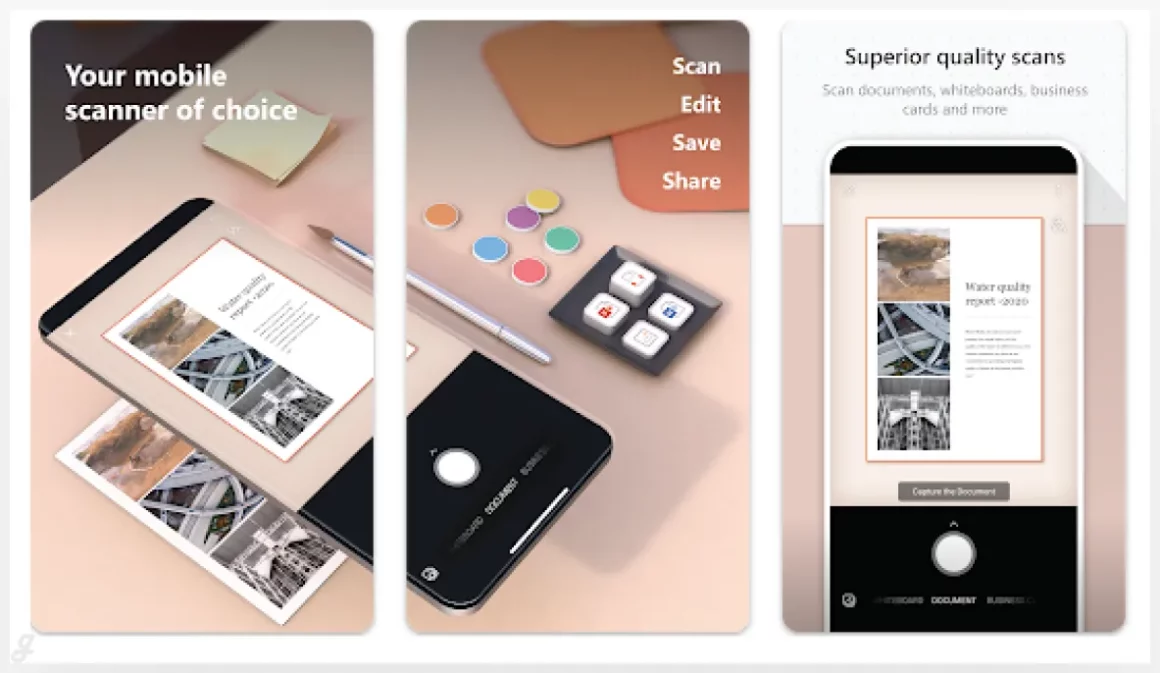
Microsoft Lens transforms your device into a smart scanner that trims, enhances, and makes whiteboards, notes, and documents crystal clear. Convert images into PDF, Word, PowerPoint, or Excel files, and digitize both printed and handwritten text with ease. Perfect for students, freelancers, or busy professionals, it helps you keep track of receipts, meeting notes, and important documents. Save scans to OneNote, OneDrive, or your device, or import images from your gallery. Microsoft Lens makes organizing and sharing information fast, simple, and stress-free.
OKEN – PDF Scanner App, OCR
Doc Scan PDF Scanner
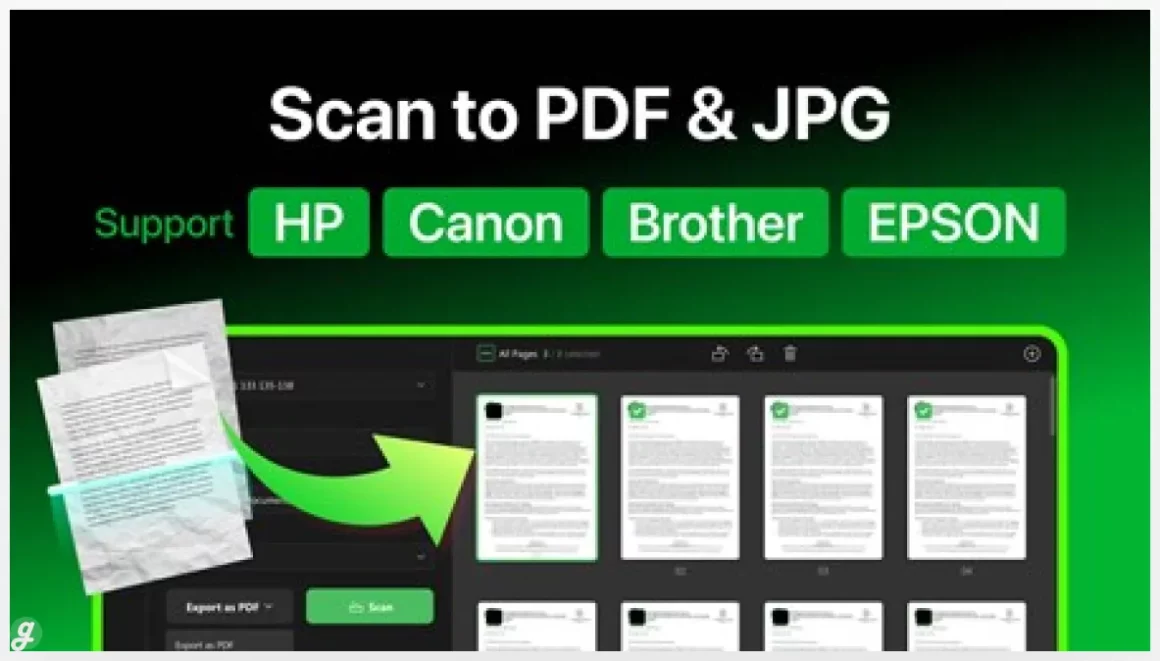
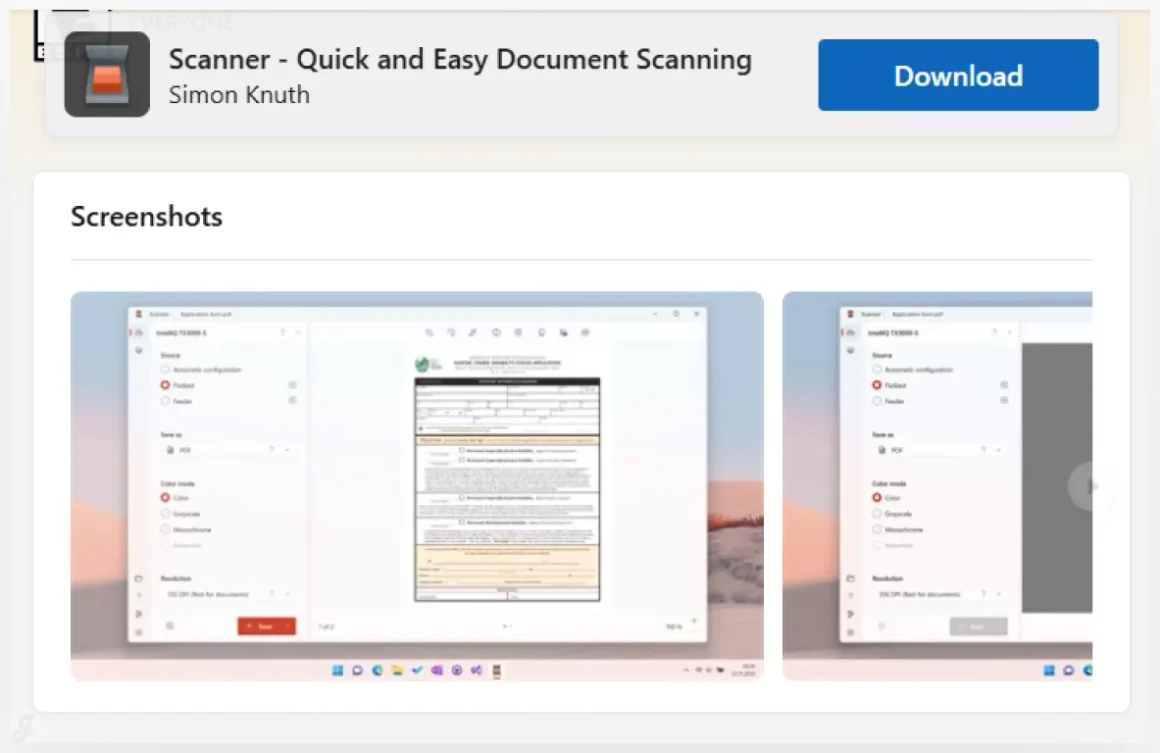
Scanner – Quick and Easy Document Scanning
Document scanner
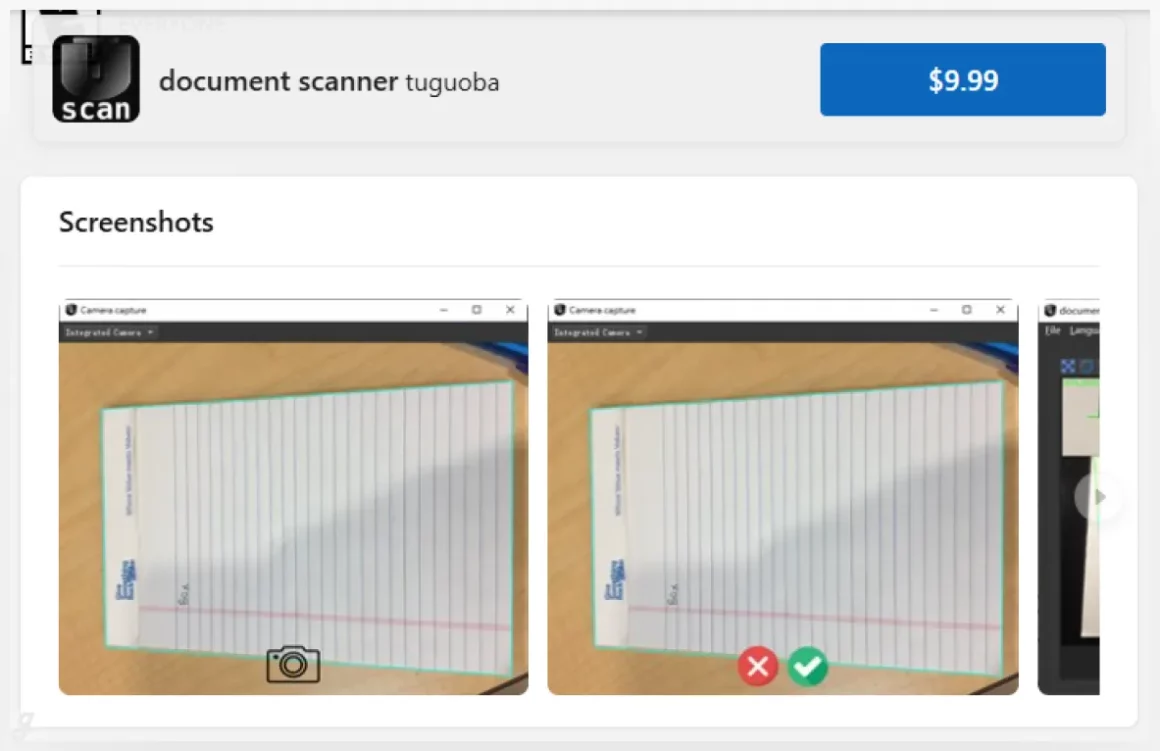
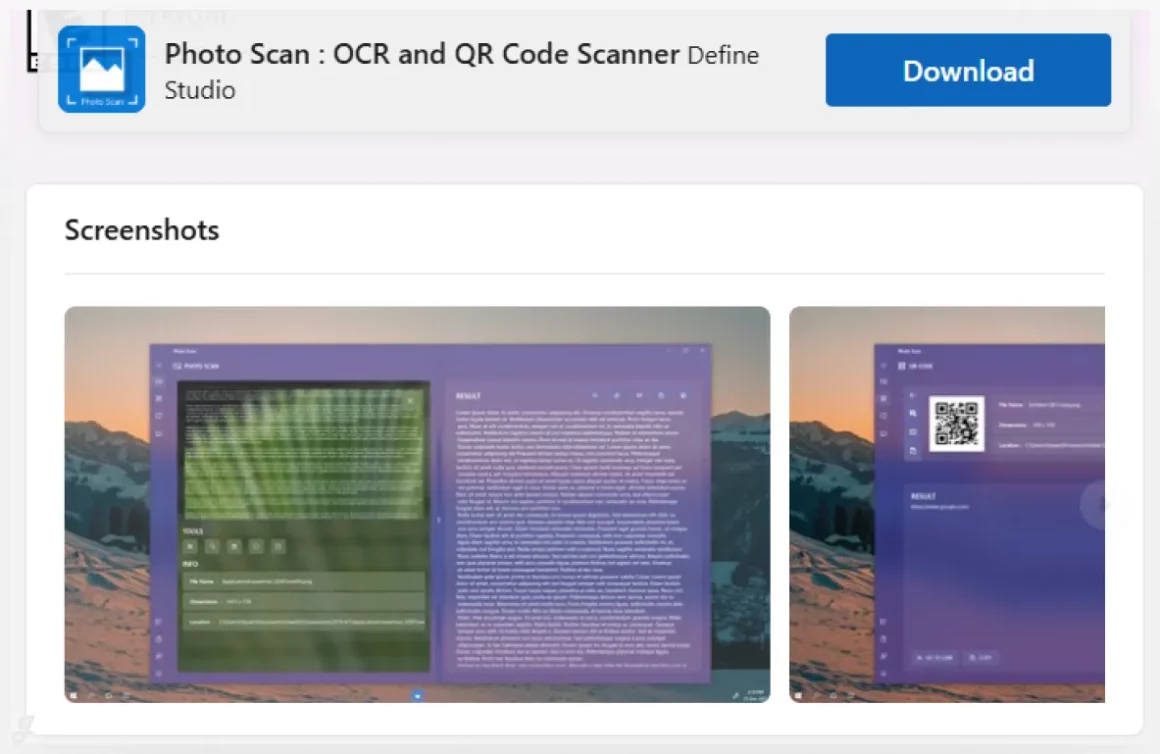
Photo Scan : OCR and QR Code Scanner
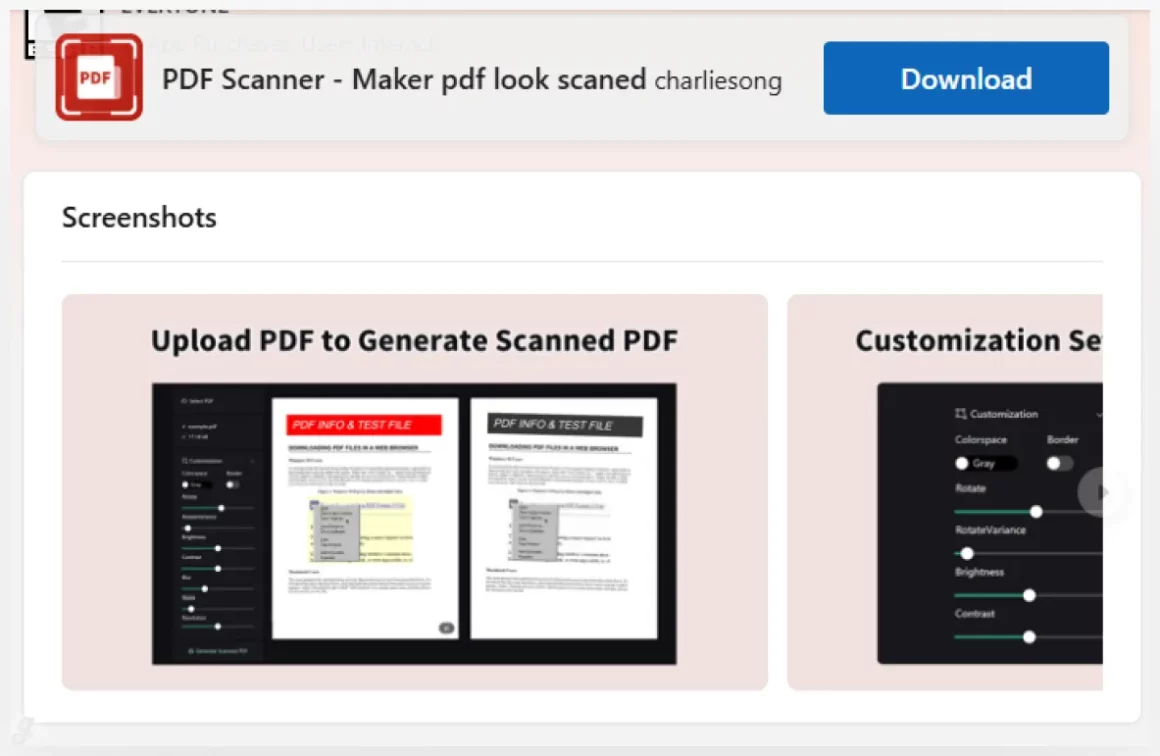
PDF Scanner – Maker pdf look scaned
And that’s our complete list! Whether you’re a busy professional, a savvy shopper keeping track of expenses, or just someone who wants a tidier home, there’s an app on here that’s perfect for you. The hardest part is just picking one to start with. Give one of these scanners a try – you’ll be amazed at how much calmer you feel when all your important info is neatly filed away on your phone, ready whenever you need it. We hope you find your new favorite organizational tool from our roundup of 20+ Digital Receipt & Document Scanner Apps. Happy scanning!