
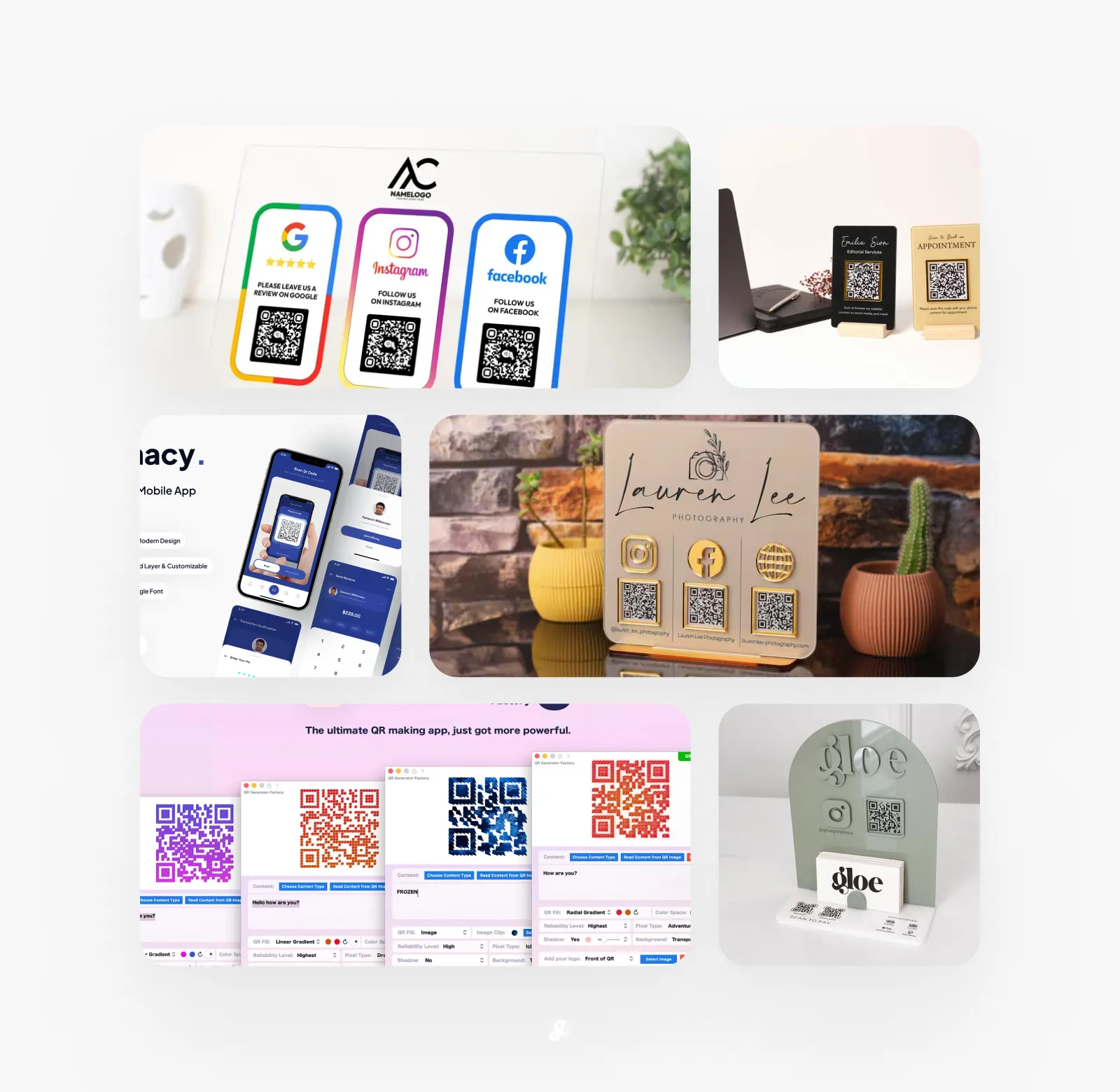
QR codes used to feel boring and technical, but that’s really not the case anymore. Today, they show up on coffee cups, event posters, business cards, menus, packaging, and even social posts. They are simple, fast, and honestly kind of satisfying to use. If you are running a small business, creating content, or just trying to share links in a cleaner way, QR codes can save time and space while still looking good. And yes, design matters more than people think.
This guide is all about making QR codes work better for real life projects. Not just generating a black square and calling it a day, but actually using tools and templates that help you stand out without making things complicated. Some tools focus on speed, some give you more creative control, and others are great if you want to match your brand style or campaign visuals. There is no single right option, and that’s kind of the point.
In this post, we break down 15 QR Code Generator Tools & Creative Design Templates. Each option is picked with usability and creativity in mind, whether you need something quick or something more custom. You will see tools for marketers, creators, event planners, and anyone who just wants their QR code to not look boring. Some of these tools are free, some are paid, and some sit nicely in between.
If you have ever wondered which QR code generator is worth using or how design templates can make a difference, you are in the right place. We tried to keep things practical, easy to scan, and easy to use. No fluff, no confusing steps, just tools that actually help you get things done. And yeah, you might even enjoy using them too.
Runecats QR Generator Factory 5
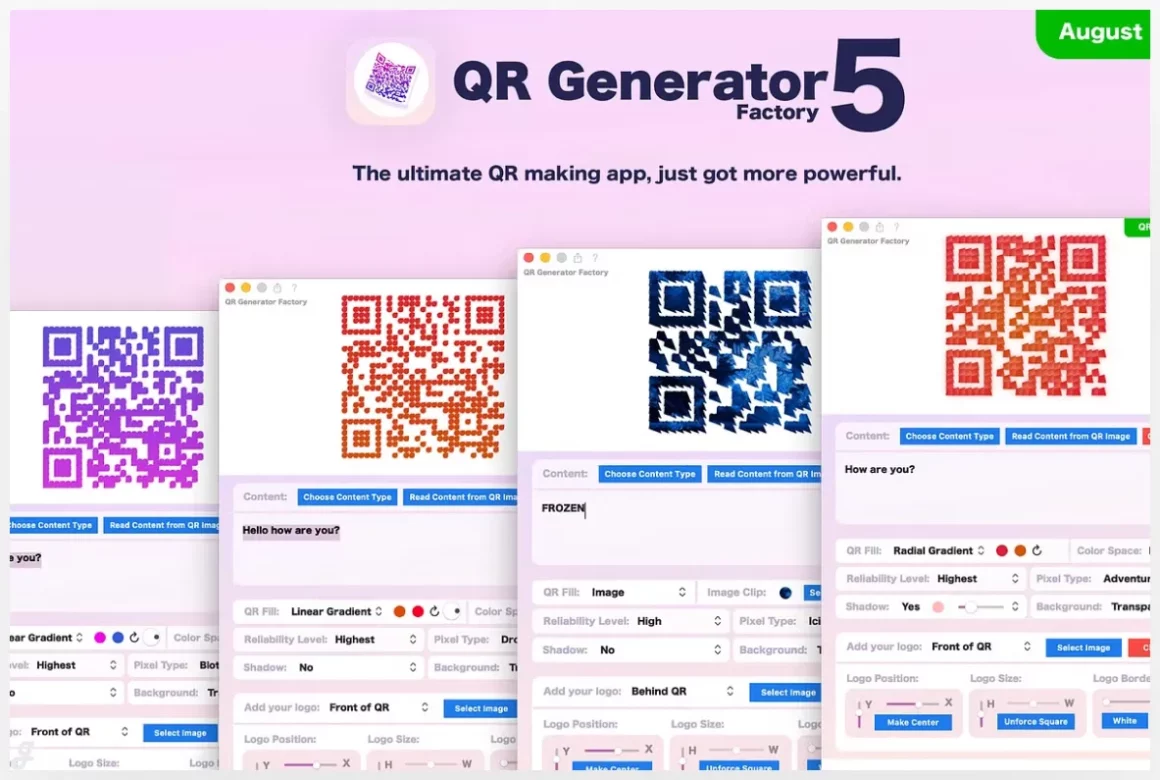
QR Generator Factory 5 is a powerful macOS app built for creating large volumes of custom QR codes fast. Instead of generating codes one by one, you can design a single style and instantly produce hundreds using a simple CSV file—perfect for product labels, event badges, menus, or marketing campaigns. It supports everything from URLs and Wi-Fi details to social profiles, contacts, and payments. With full control over colors, gradients, logos, borders, and export formats like EPS and PDF, it’s ideal for designers and teams who need professional, print-ready QR codes at scale.
QR Code Generator
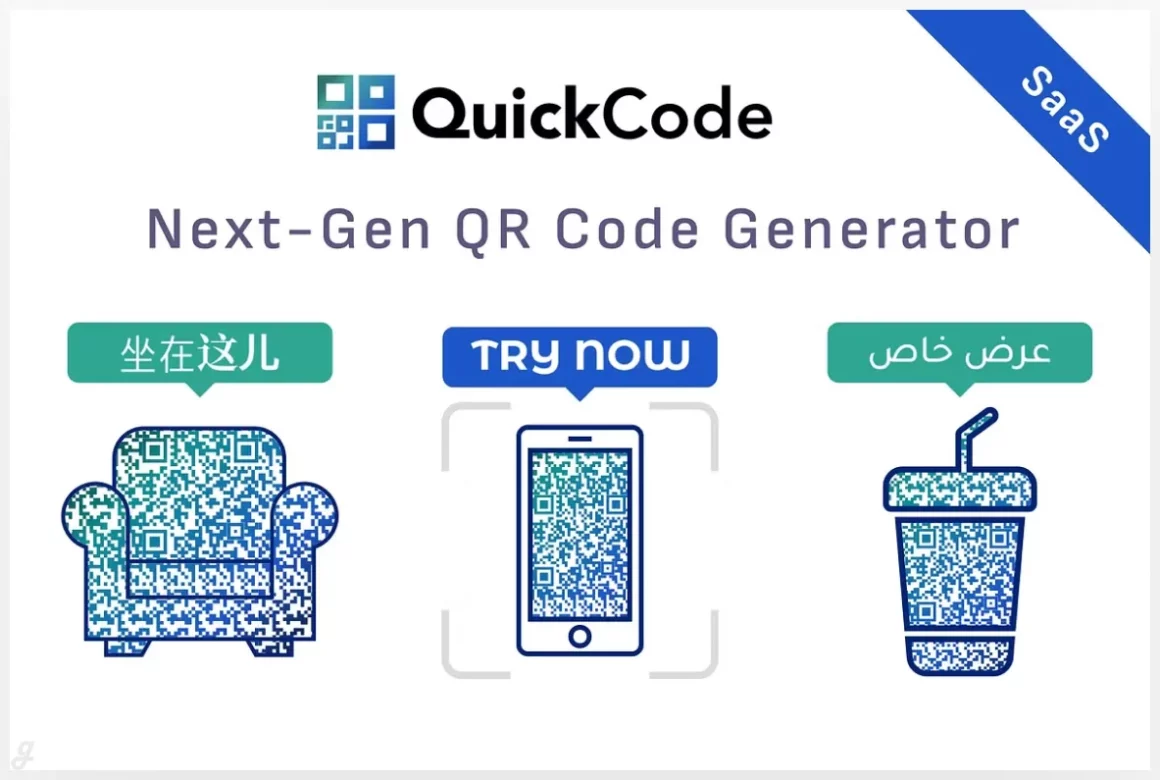
Quick Code is a feature-rich QR code platform built for businesses that want more than basic scans. Create dynamic, high-converting QR codes with logos, stickers, custom shapes, and trackable links that you can update anytime. It’s ideal for digital business cards, restaurant menus, lead forms, product catalogs, events, and payment links. Static QR codes cover everything from Wi-Fi and crypto payments to messaging apps and maps. With built-in support for global payment gateways like Stripe, PayPal, and Razorpay, Quick Code helps brands turn scans into real actions and measurable results.
QR Code Generator Landing Page
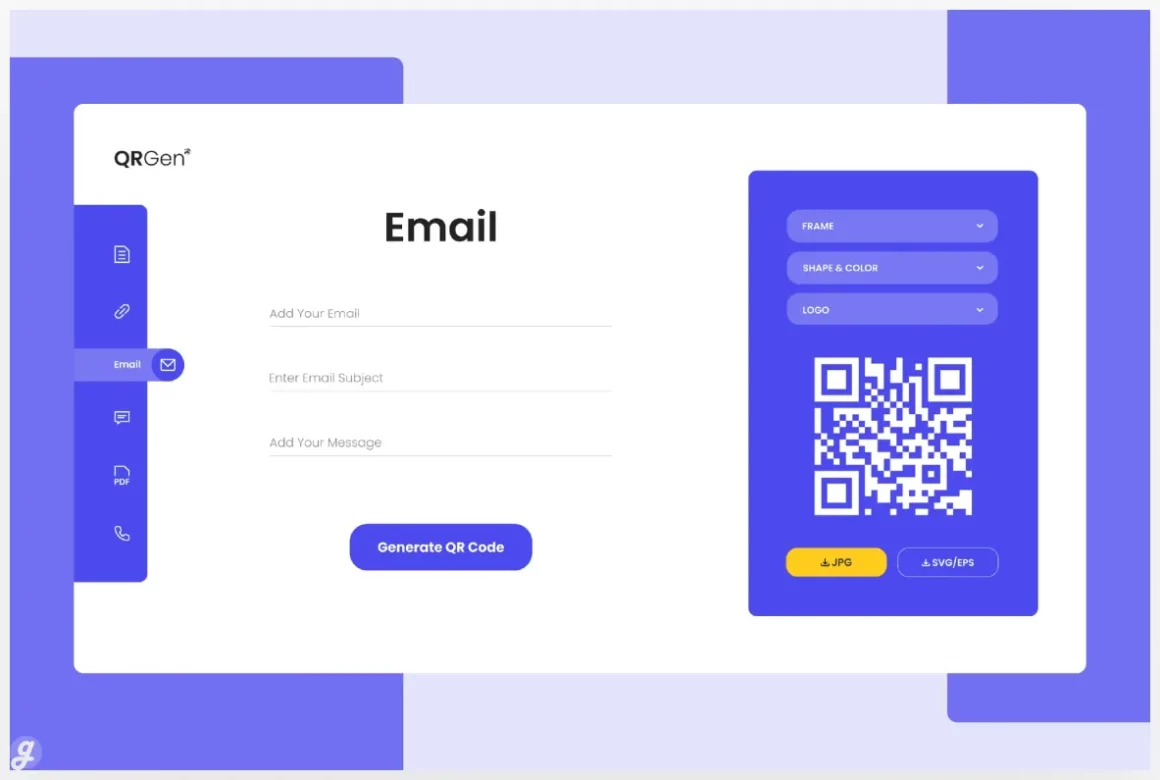
Fanacy – Scan QR Code Page
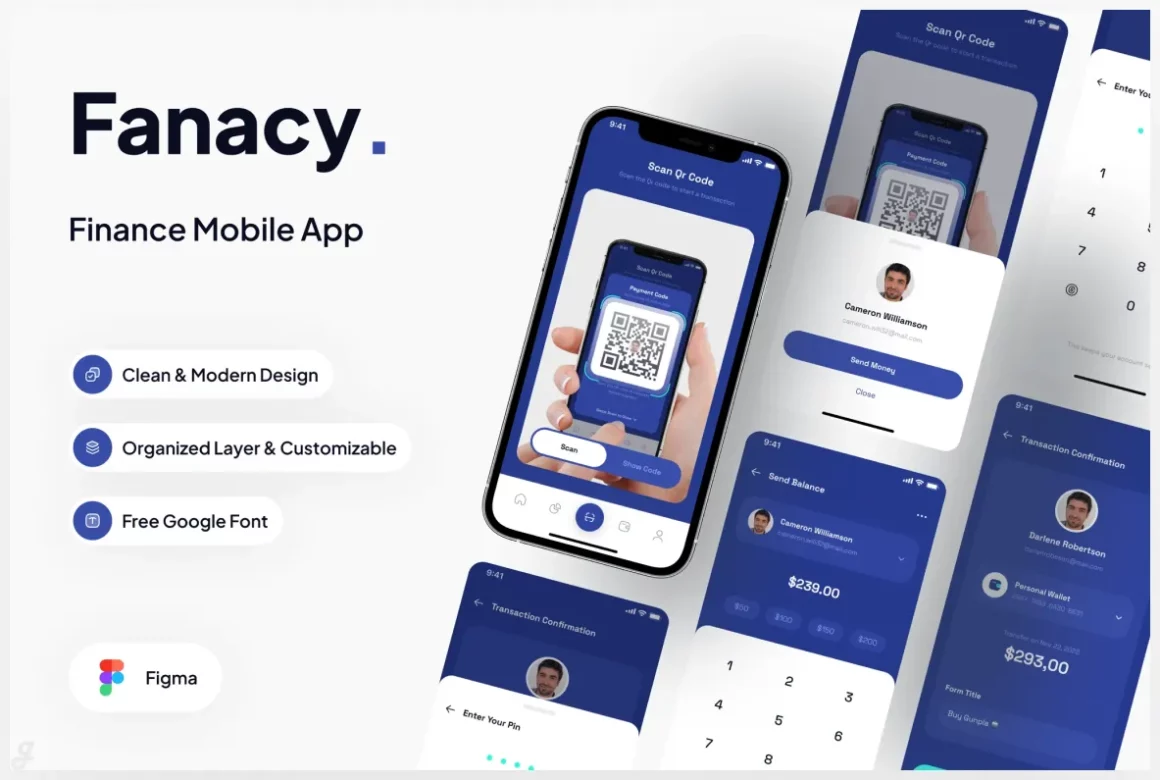
Fanacy is a clean, modern finance mobile app UI designed to help teams build user-friendly financial products faster. With 7 thoughtfully designed screens, it’s easy to customize, well-organized, and built using free Google Fonts. Perfect for fintech startups, personal finance apps, or budgeting tools, this UI kit helps you visualize features clearly and present flows like dashboards, transactions, and account details with confidence. Use it to speed up design handoffs, create polished demos, or test ideas before development.
Multi QR code Business Social Media Sign
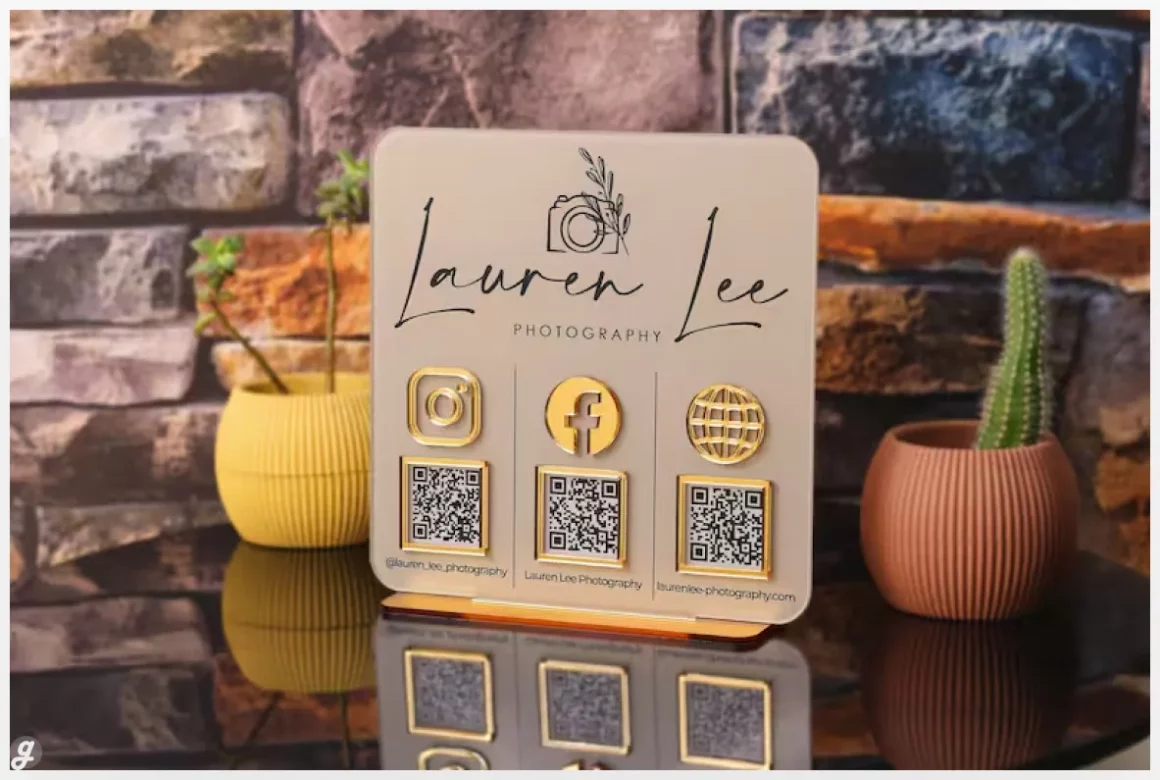
This custom UV-printed acrylic multi QR code sign is a smart way to connect branding, social media, and payments in one sleek display. Designed for shops, cafés, salons, and events, it lets customers scan once to follow your socials, leave reviews, or pay instantly. With 60 color options, premium materials, logo placement, and multiple QR layouts, it fits any brand style. Perfect for checkout counters or reception desks, it reduces friction, speeds up transactions, and turns everyday foot traffic into engagement and conversions.
Custom QR code sign in sage green
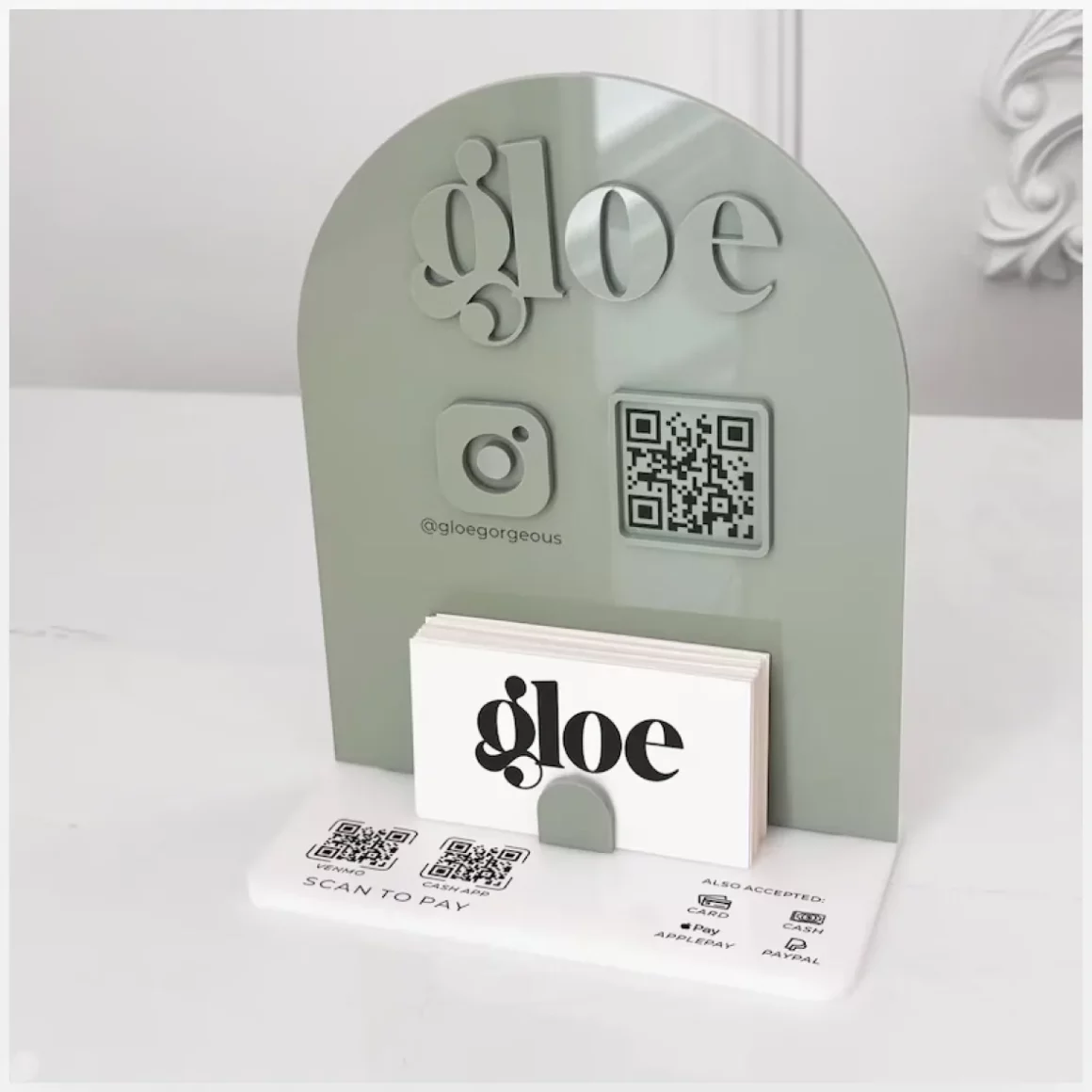
This custom sage green QR code sign makes it easy for customers to connect, follow, and pay in seconds. Designed for salons, boutiques, and small businesses, it features your logo, an Instagram QR code, and payment options like Venmo or Cash App in one clean display. The built-in business card slot adds extra convenience at counters or reception desks. It’s a simple way to speed up payments, grow social followers, and keep your brand looking polished and professional.
Mini QR code sign
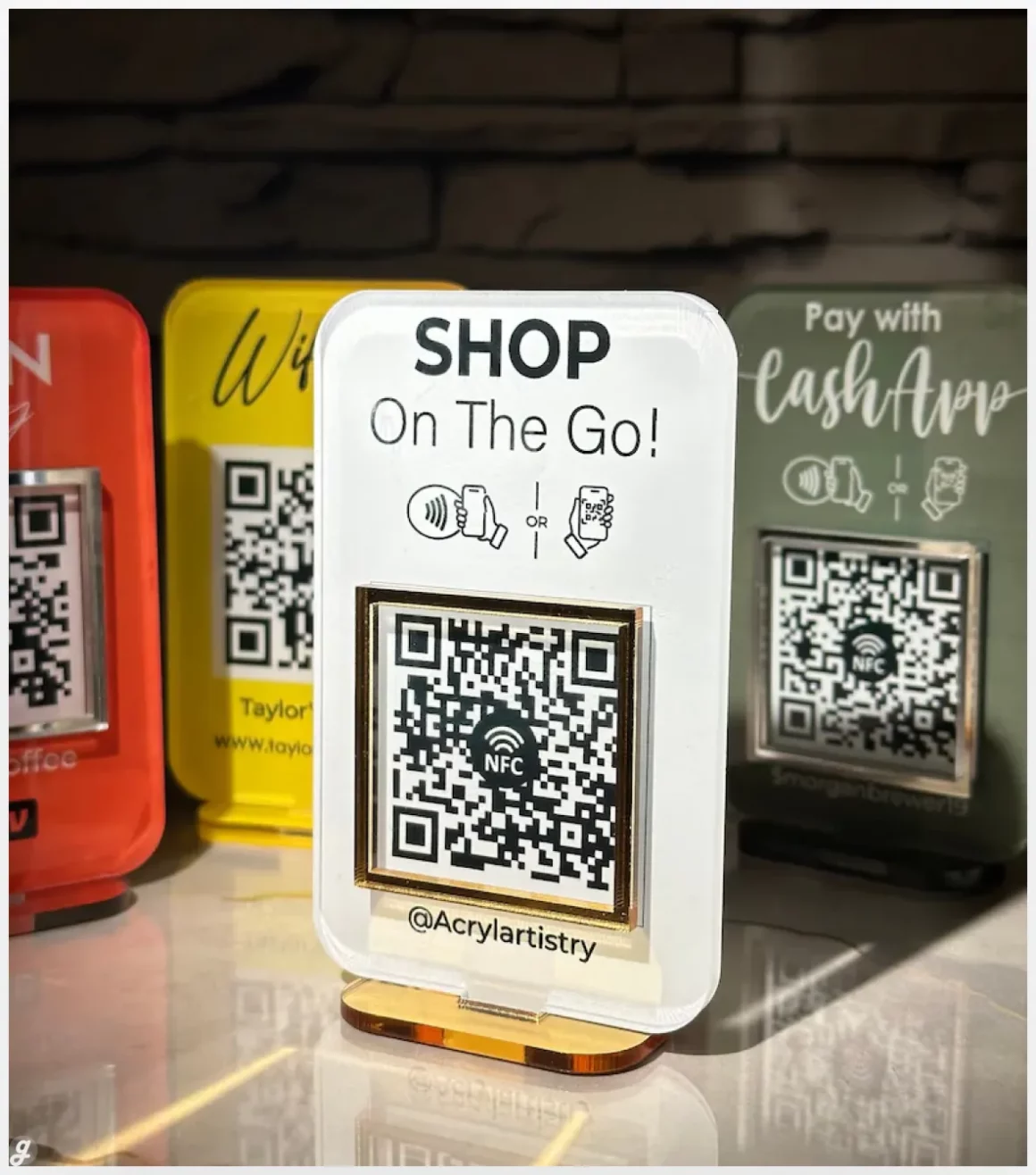
Multi-QR code business social media sign
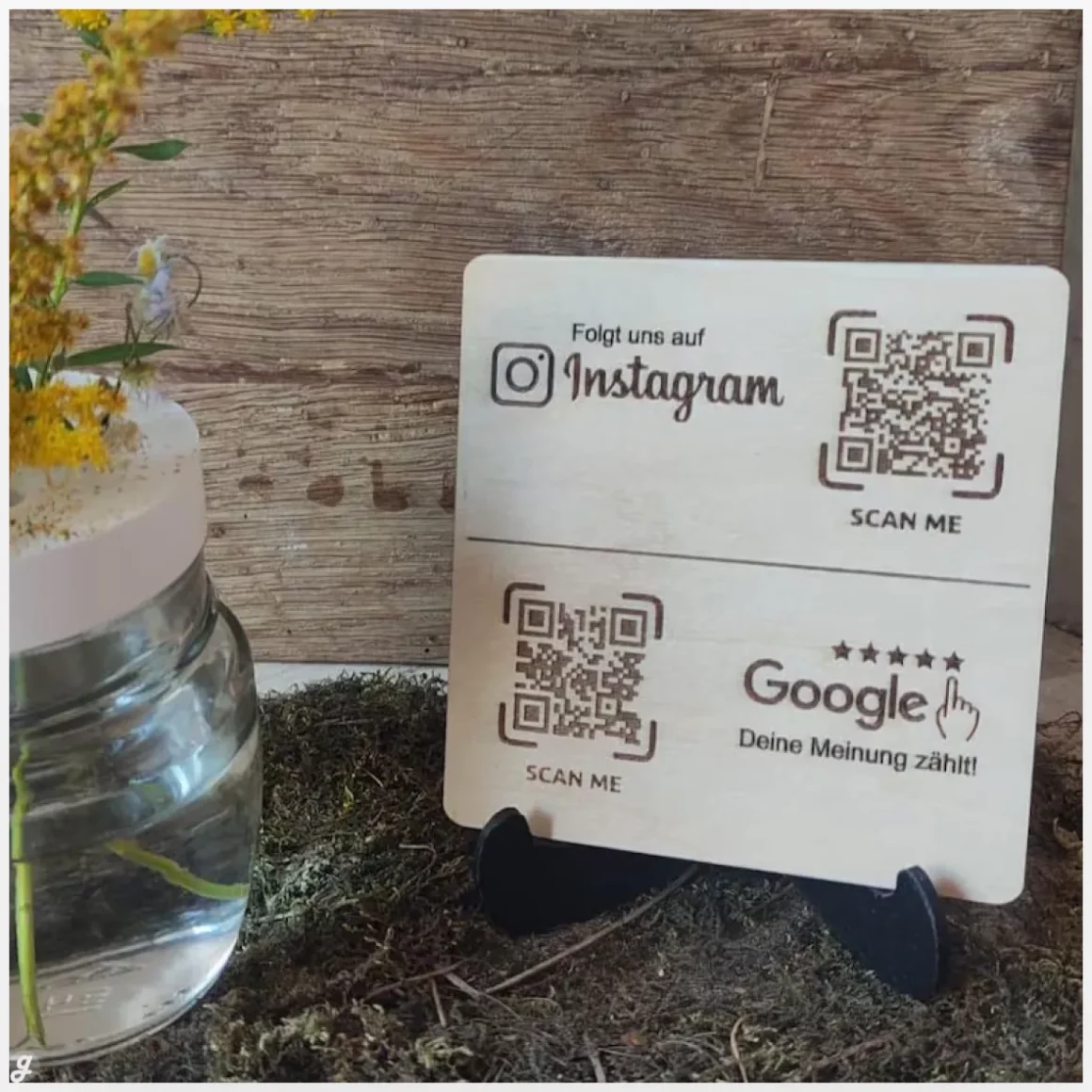
This personalized multi-QR code business sign makes it effortless for customers to connect with your brand in seconds. With a quick scan, they can leave a Google review, follow your Instagram, or visit any key link you choose—perfect for counters, reception desks, or pop-up events. The compact 10×10 cm size fits neatly into any space, with optional stand and clear coat for added durability. It’s a simple, professional way to boost reviews, grow social reach, and streamline customer engagement.
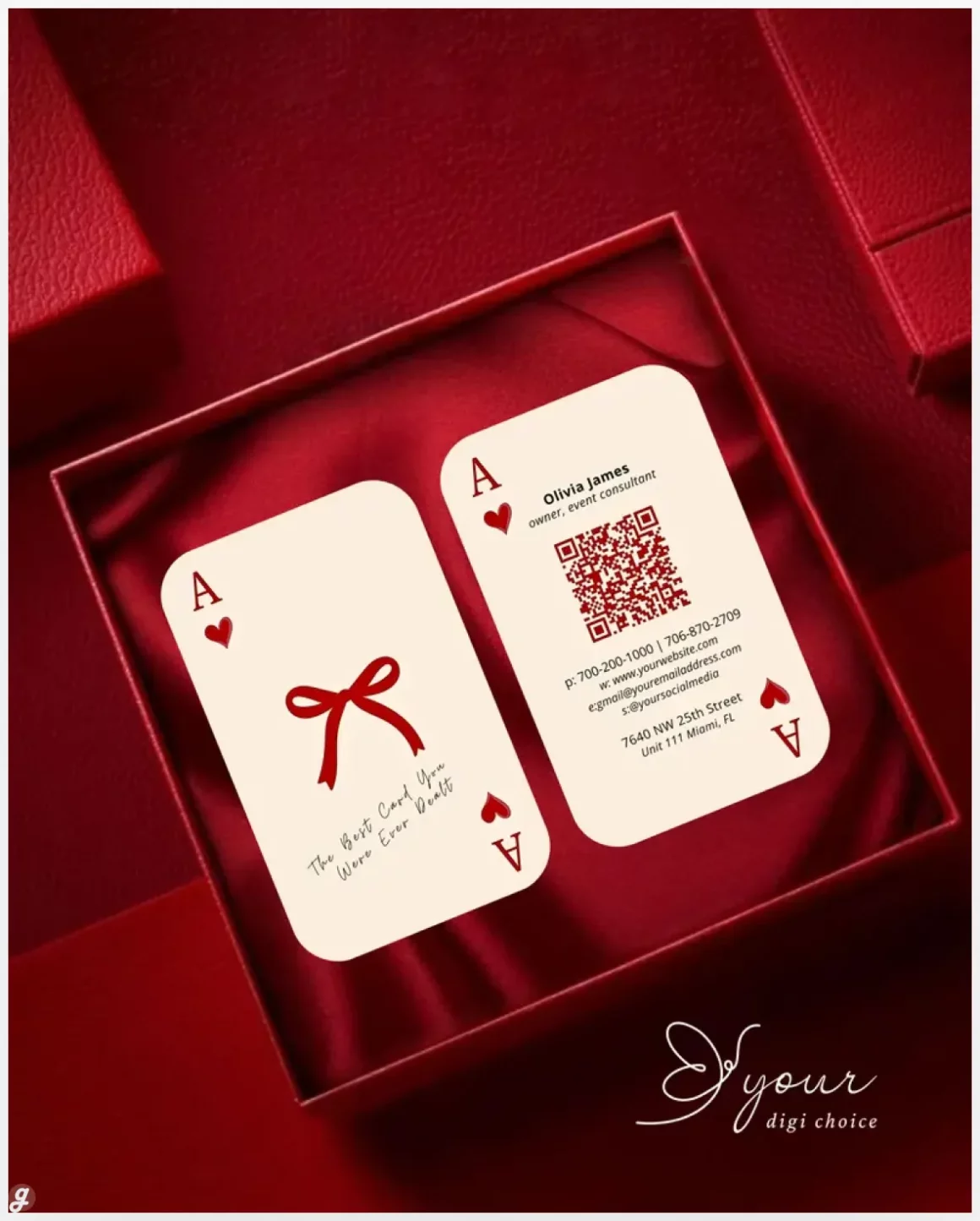
Minimalist QR Code Business Card Template: Elegant, Modern Design
Custom QR Code Business Sign
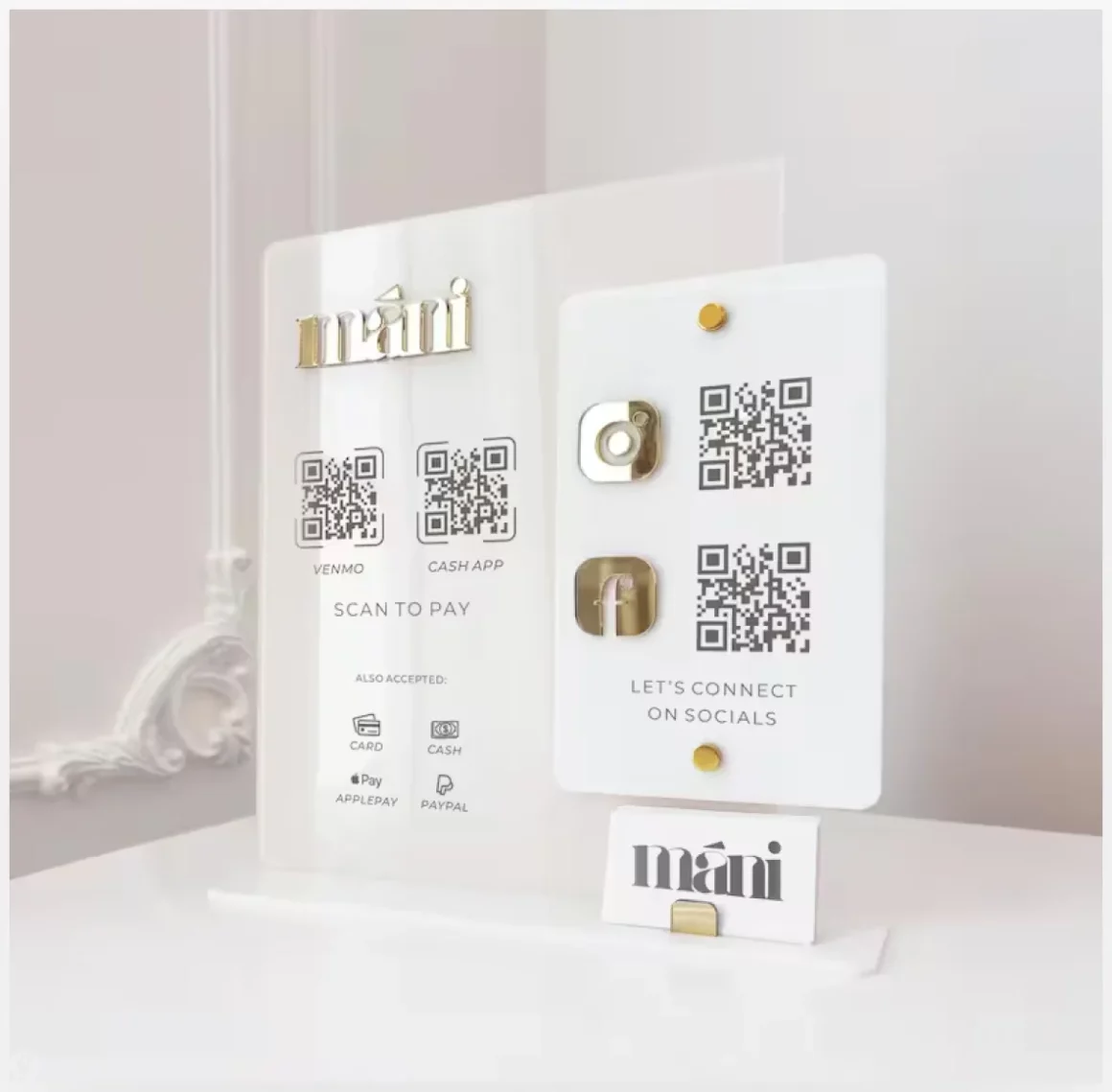
This custom QR code business sign blends clean design with everyday functionality, making it easy for customers to follow, pay, or connect in seconds. The beige acrylic base paired with gold mirror icons and a 3D logo adds a premium touch to salons, pop-ups, and retail counters. Share Instagram, Facebook, or payment links like PayPal through scannable QR codes, while the built-in card holder keeps business cards handy. It’s a polished, space-saving way to boost brand visibility and simplify customer interactions.
Smart QR Code Generator
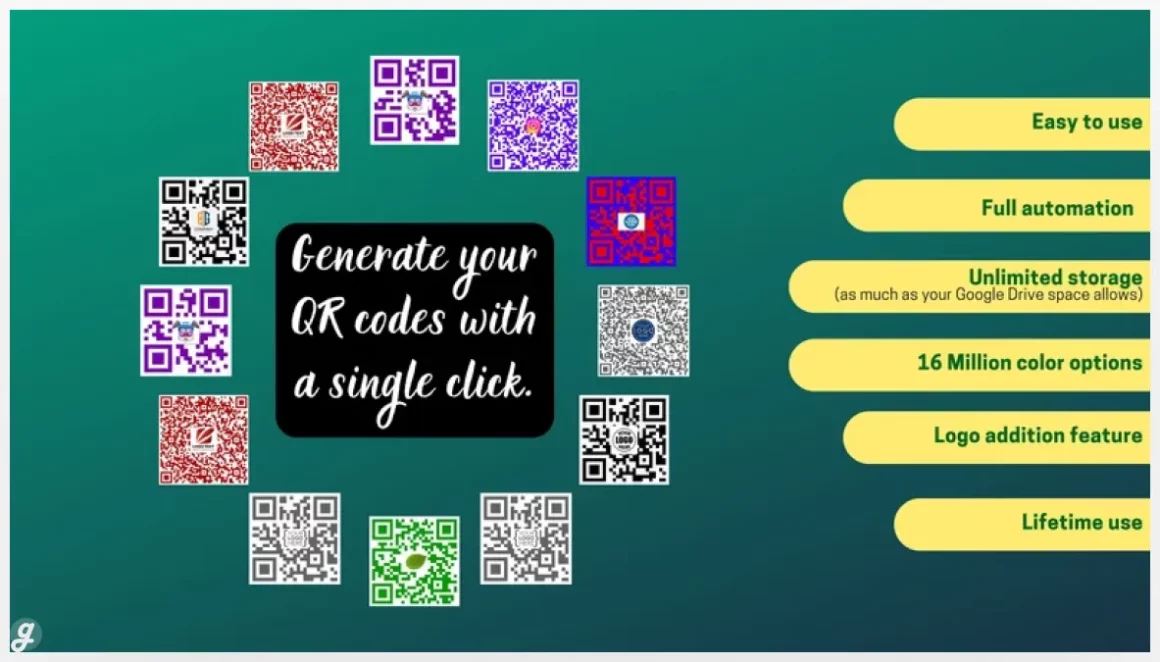
Personalized QR code generator with logo & frame
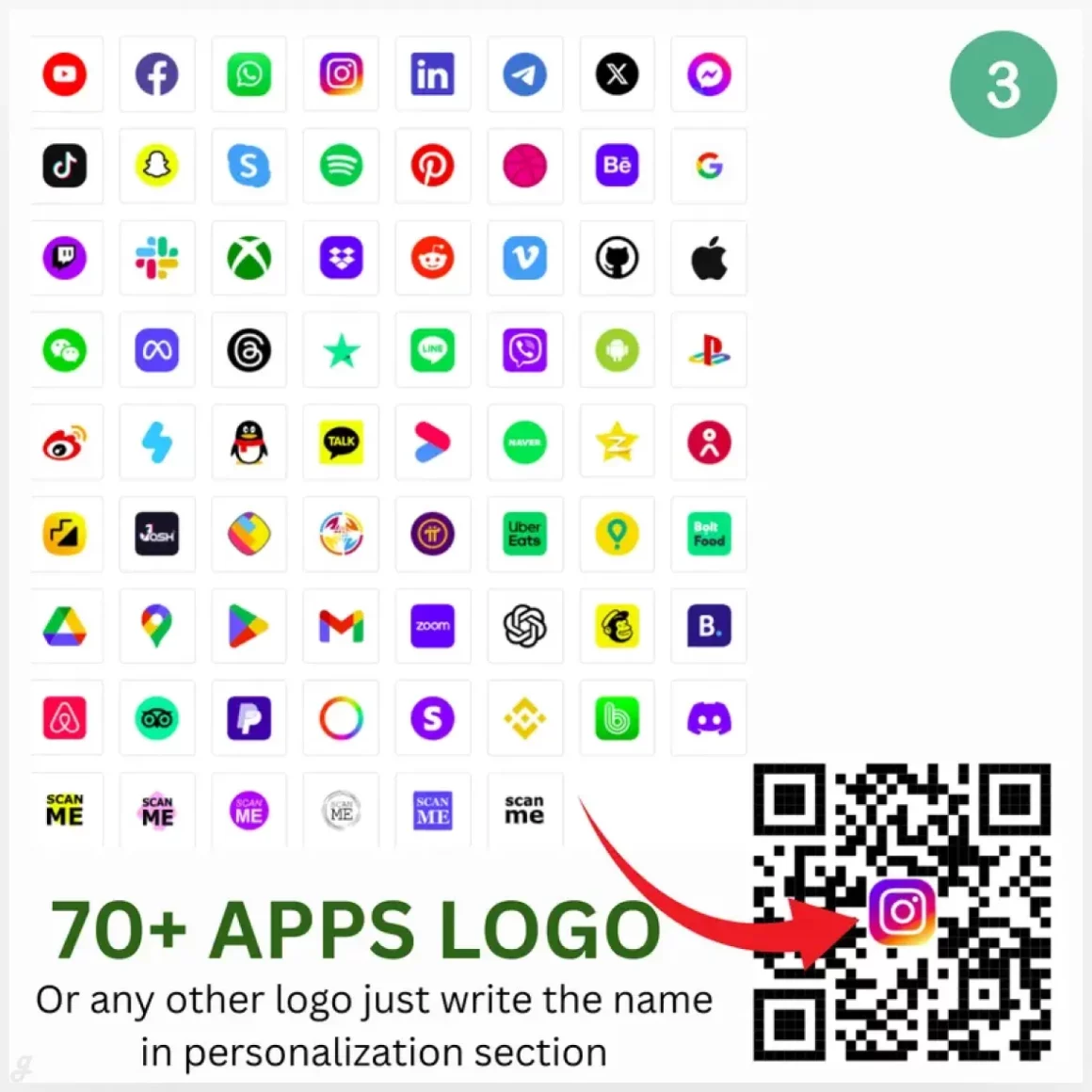
This customizable QR code bundle makes sharing links, payments, or messages simple and visually engaging. You can personalize links, text, colors, and layout, then export high-quality SVG, PNG, JPG, or PDF files ready for print or digital use. It’s perfect for restaurant menus, payment tags, event tickets, Wi-Fi access, or social media promos. Use the framed QR designs on business cards, t-shirts, mugs, or posters to turn everyday scans into clicks, connections, and conversions—without needing advanced design skills.
Personalized QR Code Acrylic Business Sign: Social Media & Payment Display
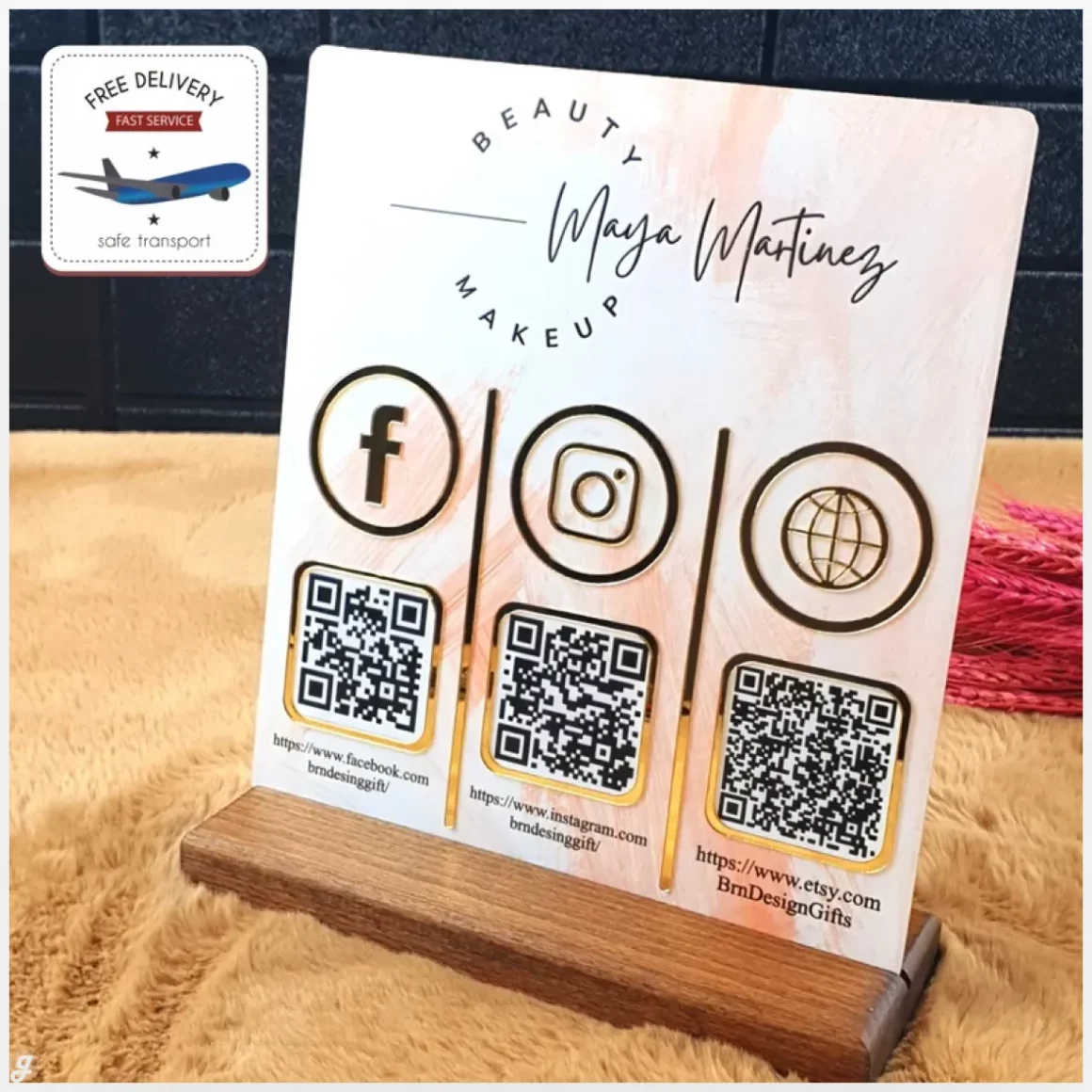
Custom Logo QR Code Business Sign: Social Media
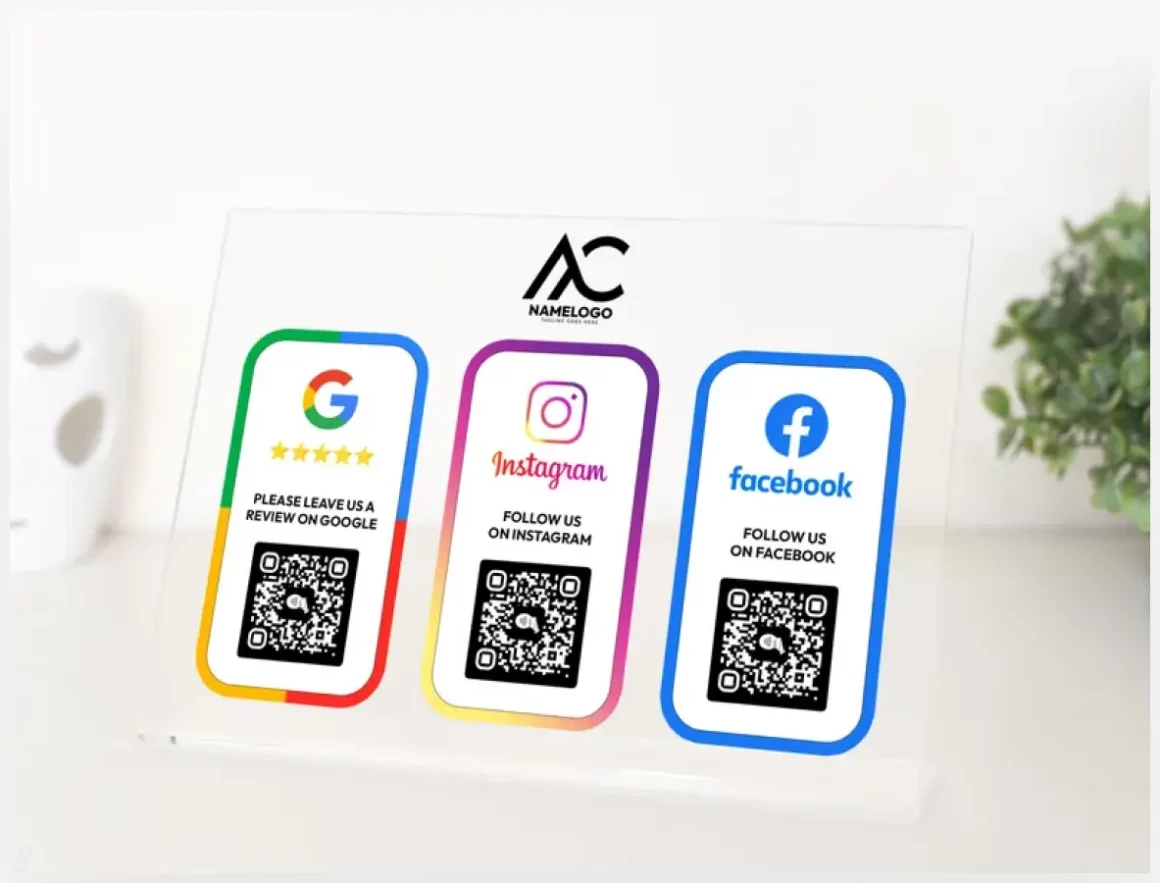
This multi-QR code business sign is a clean, contactless way to help customers connect, pay, and engage in seconds. Designed with durable acrylic and your custom logo, it lets visitors scan or tap to access payments, Google reviews, social profiles, or your website. Perfect for salons, cafés, boutiques, and pop-ups, it reduces friction at checkout and boosts engagement without apps or subscriptions. Place it on a counter or desk to turn everyday visits into quick actions and stronger digital connections.
Social Media QR Code Sign
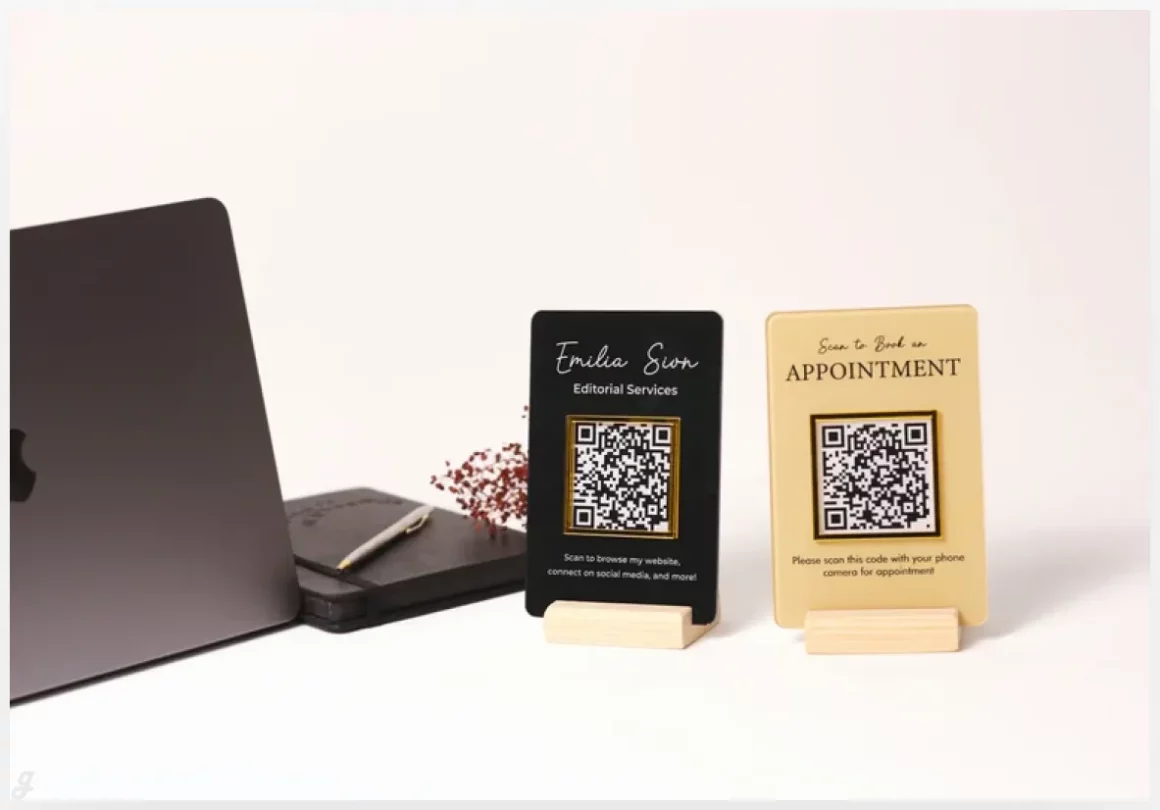
QR codes are one of those tools that seem small but can make a big difference when used the right way. They help connect offline moments to online content without friction, and when designed well, they actually add value instead of clutter. Whether you are sharing a website, a payment link, a menu, or a download, the right generator or template can make the whole process smoother and more effective.
What we hope you take away from this list is that you do not need to settle for basic anymore. There are plenty of smart, creative, and easy options out there that fit different needs and skill levels. Some tools are perfect for quick one time use, while others shine when you are building a brand or running ongoing campaigns. It really depends on what you are trying to do and how much control you want.
By exploring 15 QR Code Generator Tools & Creative Design Templates., you now have a solid starting point to test, compare, and pick what works best for you. Try a few, see how they feel, and do not be afraid to mix tools depending on the project. One tool does not have to do everything, and thats totally fine.
At the end of the day, QR codes should make life easier, not harder. If a tool saves you time, looks good, and works every time someone scans it, then it is doing its job. Hopefully this guide helped you skip the guesswork and find options that actually fit your workflow. Now go build something useful, and maybe a little creative too.
FAQ
1. Are QR code generators free to use?
Many tools offer free versions with basic features. Advanced design options or tracking usually require a paid plan.
2. Can I customize QR codes with my brand colors and logo?
Yes, most modern generators allow color changes, logo uploads, and style adjustments.
3. Do QR codes expire after creation?
Static QR codes do not expire. Dynamic ones may stop working if the service or subscription ends.