
Teal and orange is one of those color styles that just works. It adds contrast, mood, and that cinematic feel without trying too hard. You see it everywhere, from travel photos and portraits to YouTube thumbnails and Instagram feeds. If you have ever edited a photo and felt like the colors looked flat or boring, this style is usually the fix. That is why so many creators keep coming back to it again and again.
In this guide, we are breaking down 12+ Best Teal & Orange Lightroom Presets (Free & Paid) so you can get that look faster, without guessing sliders or overediting your photos. These presets are made to save time and keep your edits consistent, whether you shoot with a phone, DSLR, or mirrorless camera. Some are great for warm outdoor shots, others work better for urban scenes, portraits, or travel photos taken in harsh light.
You will find both free and paid options here, so you can test the style before spending money, or invest in something more polished if you edit often. Each preset set is useful in real situations like fixing dull skies, warming up skin tones, or adding depth to flat photos straight out of the camera. No advanced editing skills needed, just one click and small tweaks if needed.
If you want your photos to feel more professional but still natural, this list is a solid place to start. You dont need to be a pro to use these, just someone who wants better looking photos without wasting hours editing.Teal Orange
1. 20 Bright Teal & Orange Lightroom Presets for SUMMER
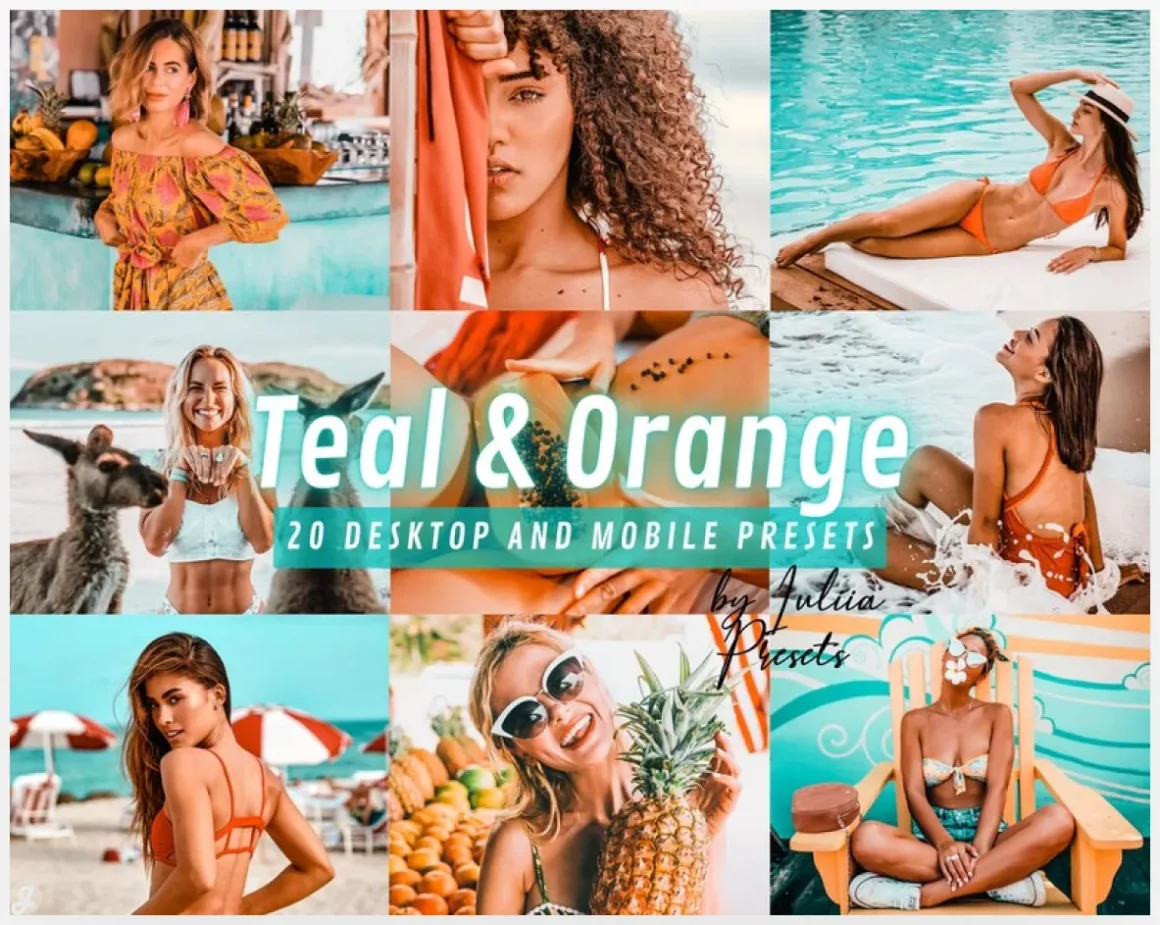
This vibrant Teal & Orange preset pack is built for summer vibes, travel shots, and outdoor photos that need a quick glow up. With 20 variations for Lightroom Desktop and Mobile, it works great for beach days, ocean views, tropical trips, and bright Instagram content. One click can boost colors, add contrast, and make photos look more trendy without heavy editing. Perfect for creators who want consistent, eye catching edits and still keep things natural with small tweaks when needed.
2. ORANGE and TEAL
3. 15 Teal & Orange Mobile Lightroom Presets
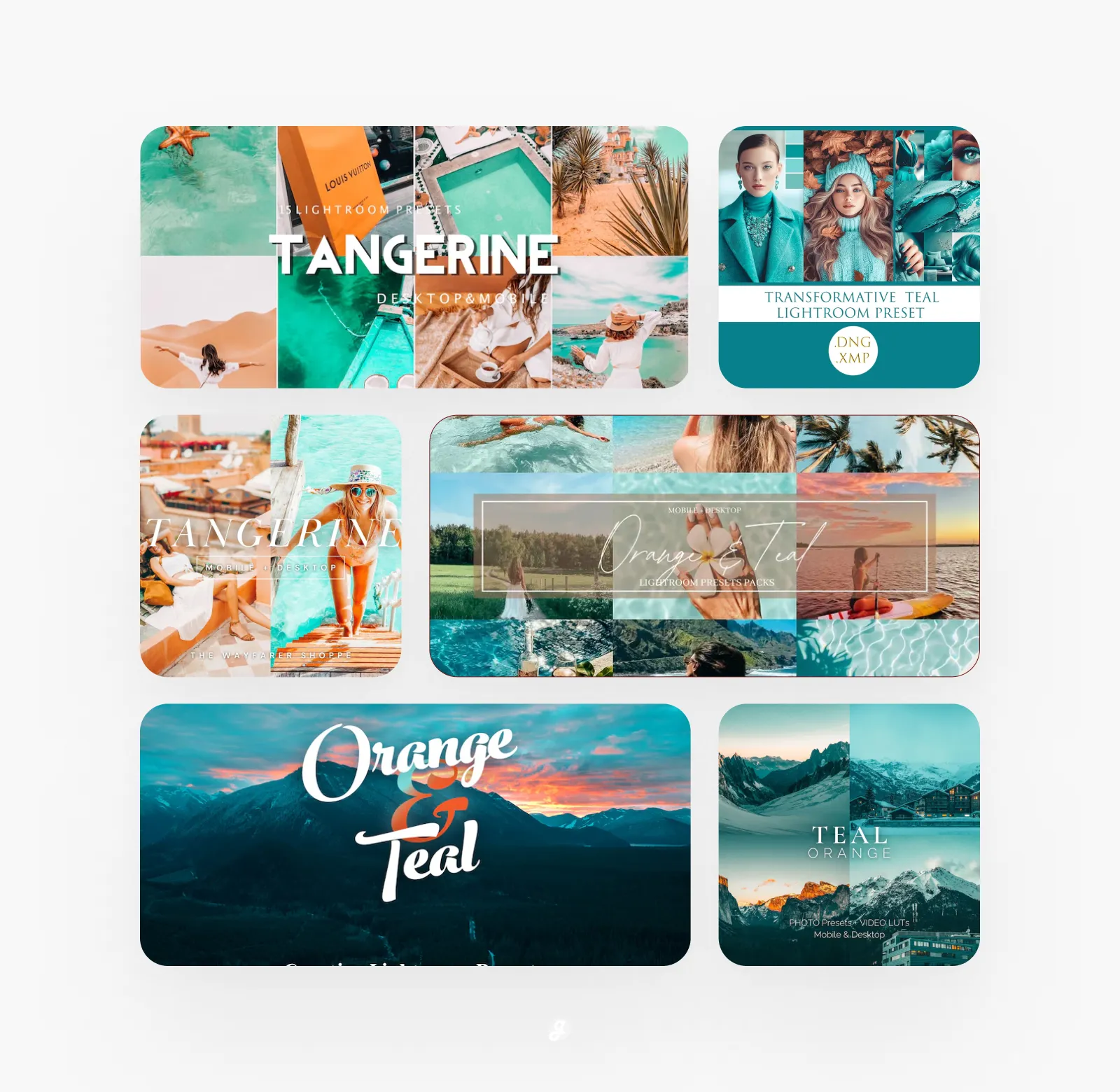
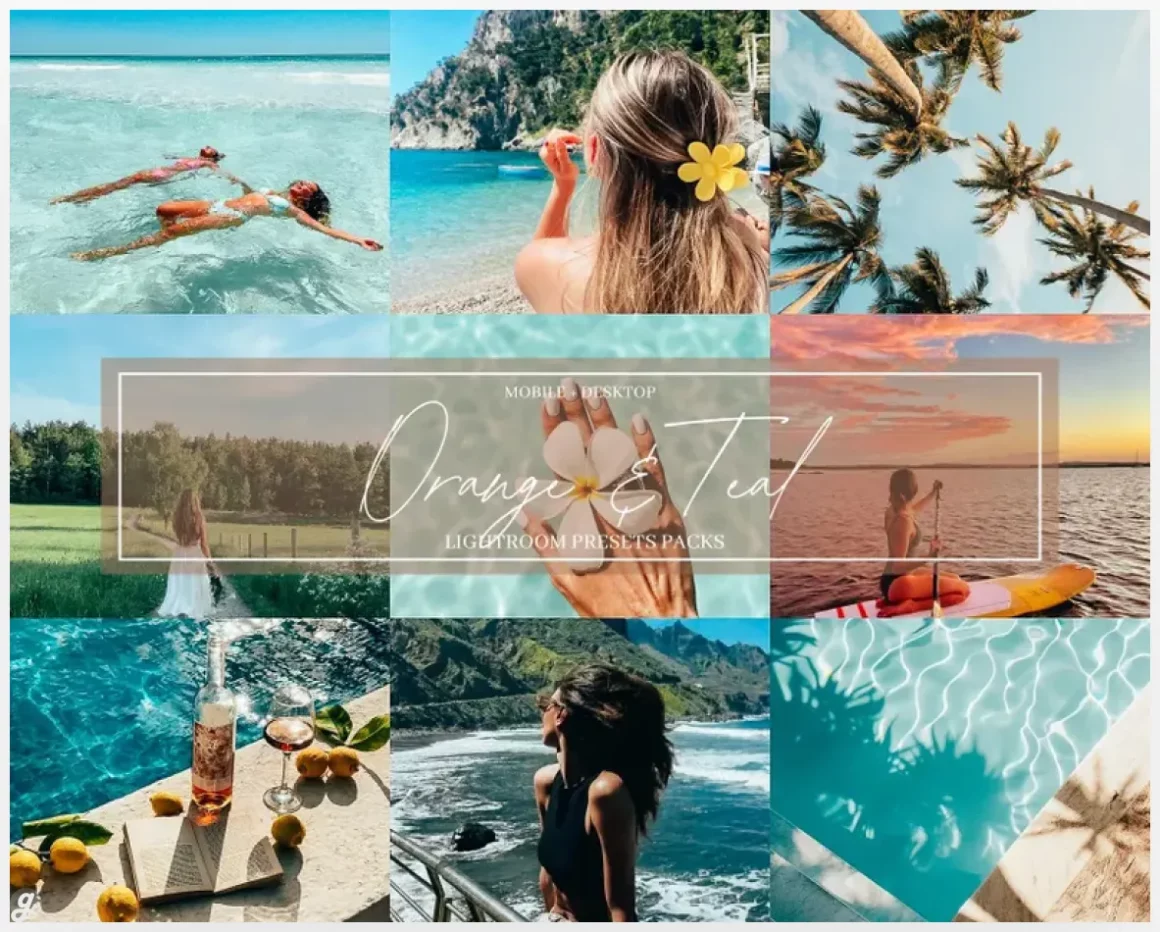
Wayfarer Presets are made for creators who want better looking photos without spending hours editing. This pack includes 15 mobile and 15 desktop presets designed to keep your feed clean, consistent, and on brand. They work great for travel shots, lifestyle photos, portraits, and everyday Instagram content. Drop one on a beach photo, a cozy indoor shot, or a quick selfie and get a polished look fast. Perfect for editing on the go, with small tweaks helping match different lighting and moods.
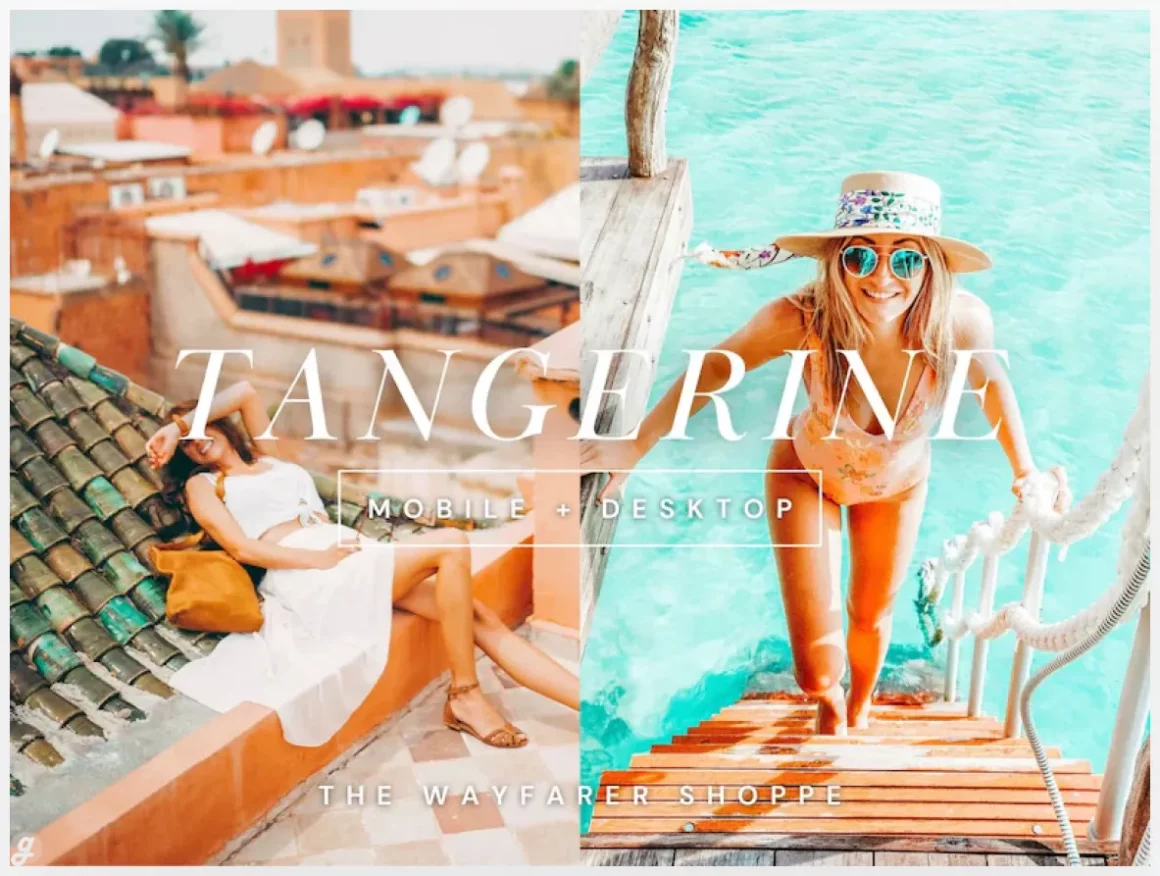
4. 18 Teal & Orange Lightroom Presets and LUTs
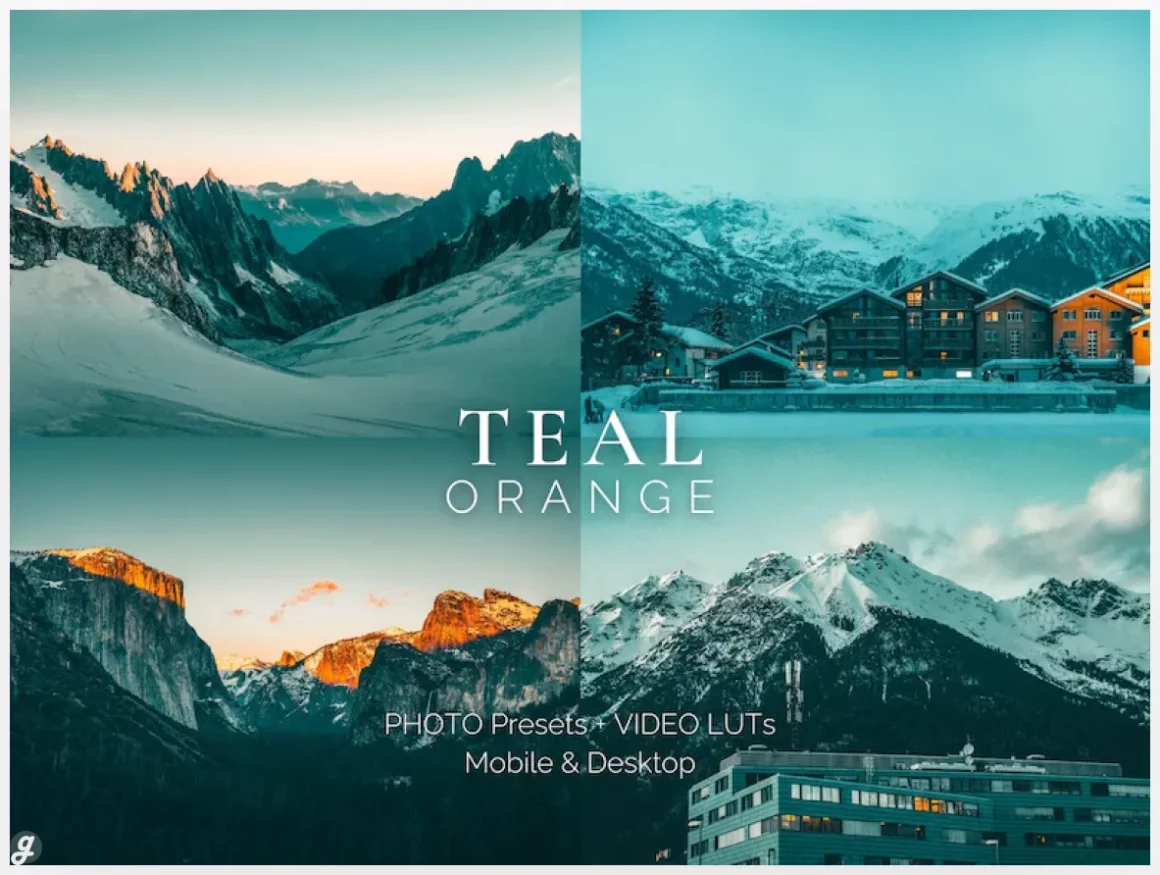
5. 6 Teal and Orange Lightroom Presets for Mobile & Desktop
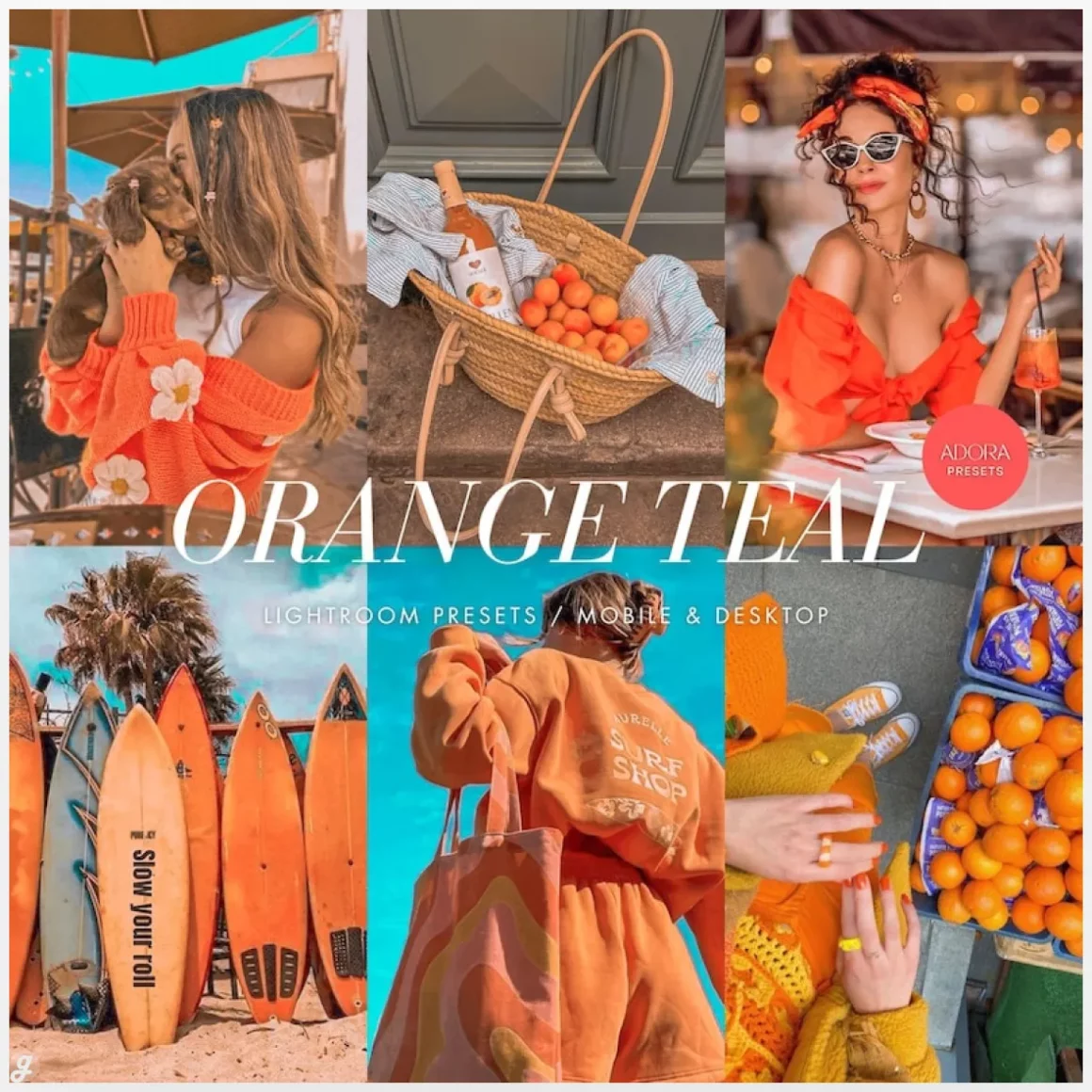
This set of 6 Teal & Orange Lightroom presets is built to add bold contrast and cinematic color without overcomplicating your edits. Designed for both mobile and desktop, these presets work great for travel shots, landscapes, portraits, and Instagram content that needs more pop. Use Cine or Marigold for warm sunsets, or Turquoise for beach and summer photos. They are beginner friendly, install fast, and give you a strong starting point with easy tweaks for different lighting.
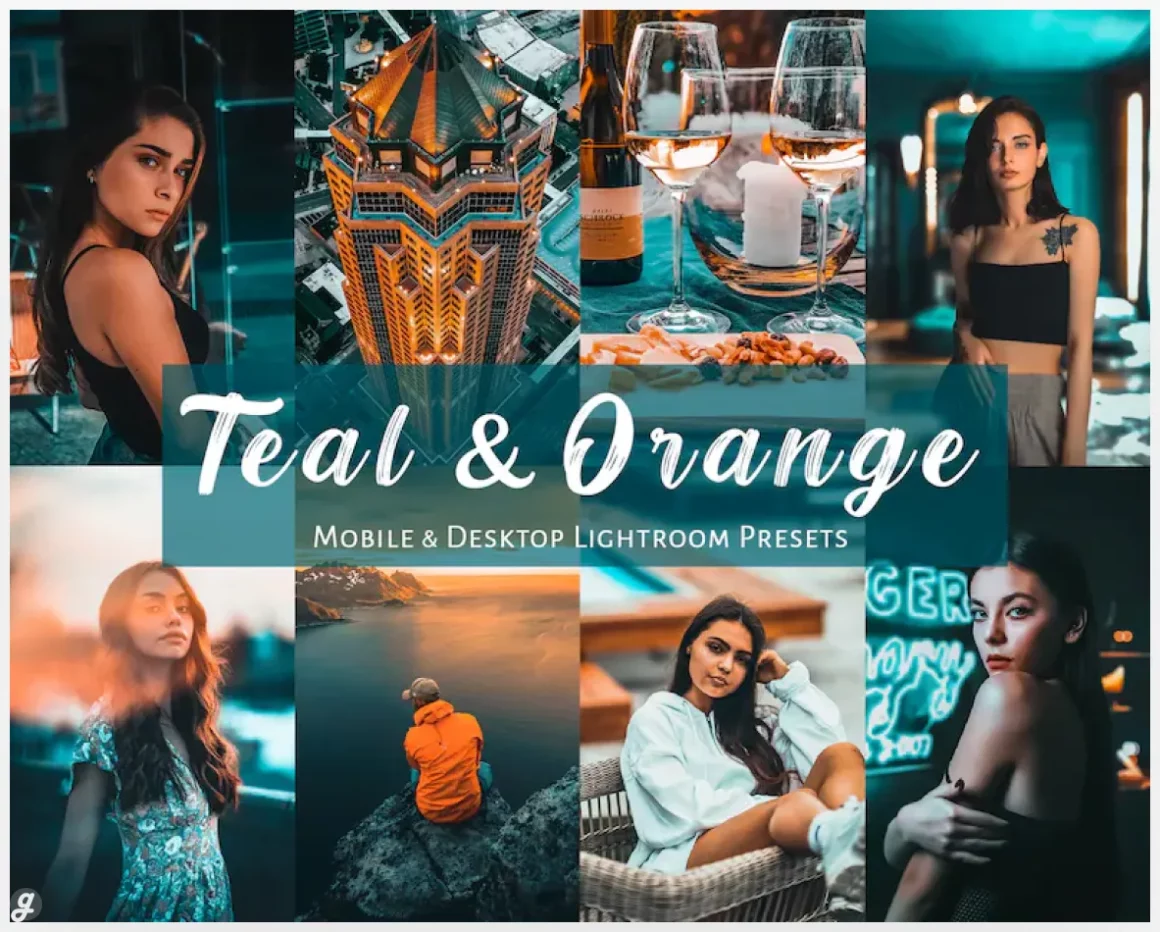
6. 10 Orange and Teal – Lightroom Presets – Mobile & Desktop
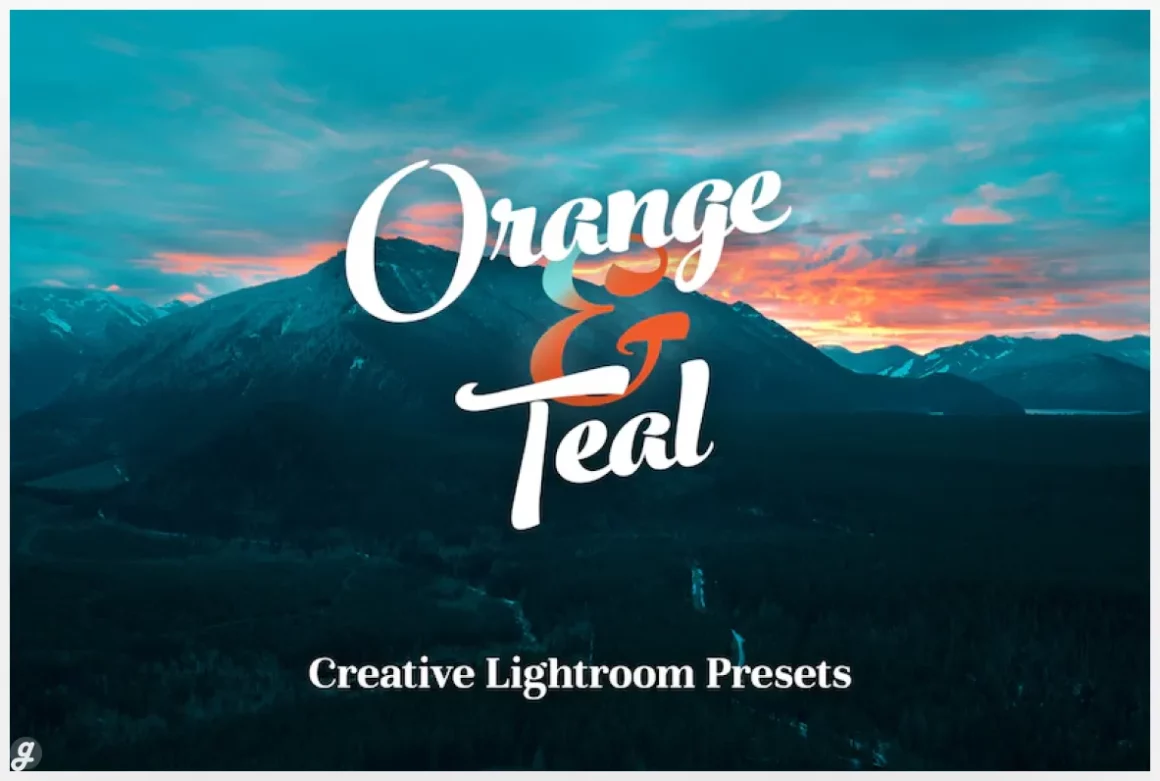
7. TEAL and ORANGE Lightroom Mobile Presets Bright
This vibrant Teal & Orange preset pack is made for summer, travel, and outdoor photos that need an instant boost. With 20 variations for Lightroom Mobile and Desktop, it works beautifully for beach shots, ocean views, tropical trips, and bright Instagram content. One click can enhance blues, warm up highlights, and add a trendy, polished look. The multiple preset versions help match different lighting and camera settings, making it easy to get consistent, eye catching results fast.
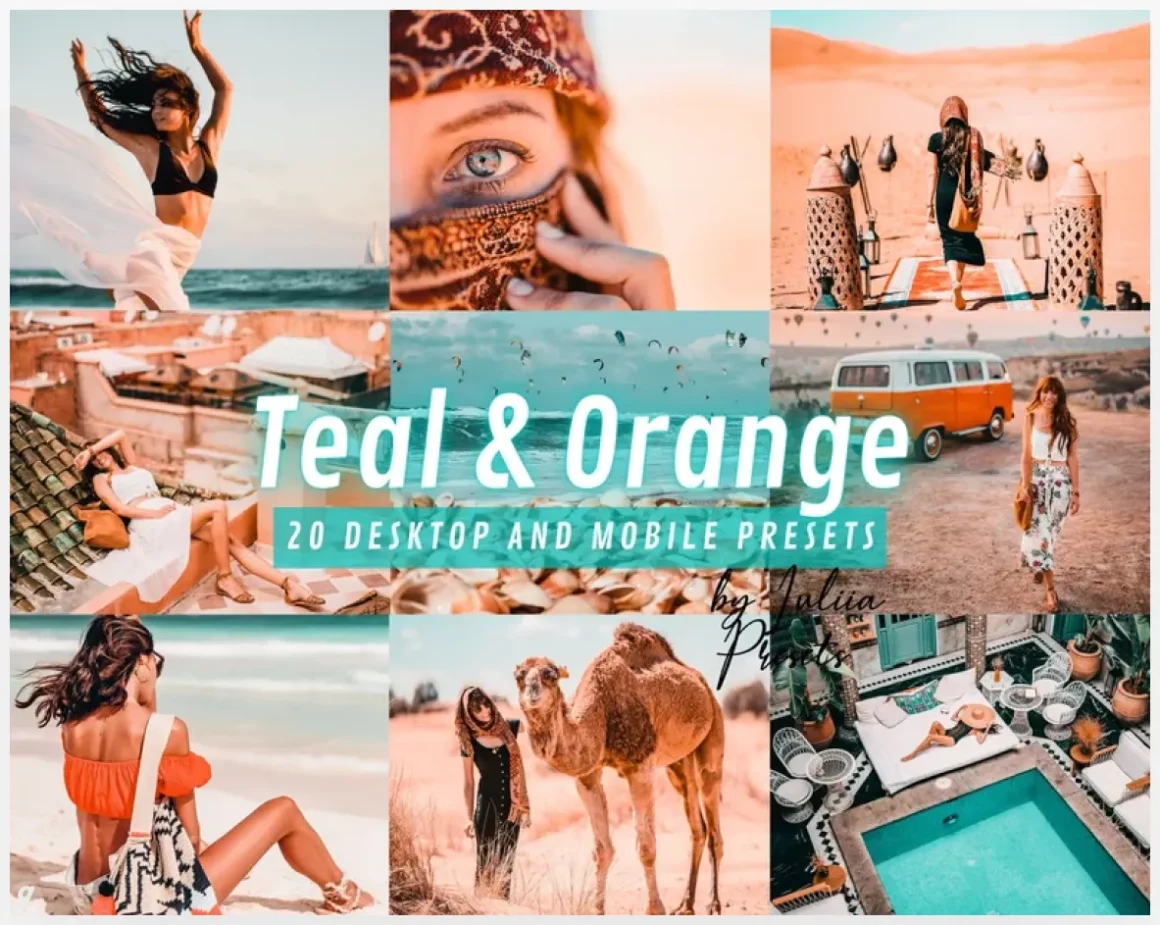
8. Orange and Teal Presets, Lightroom Presets
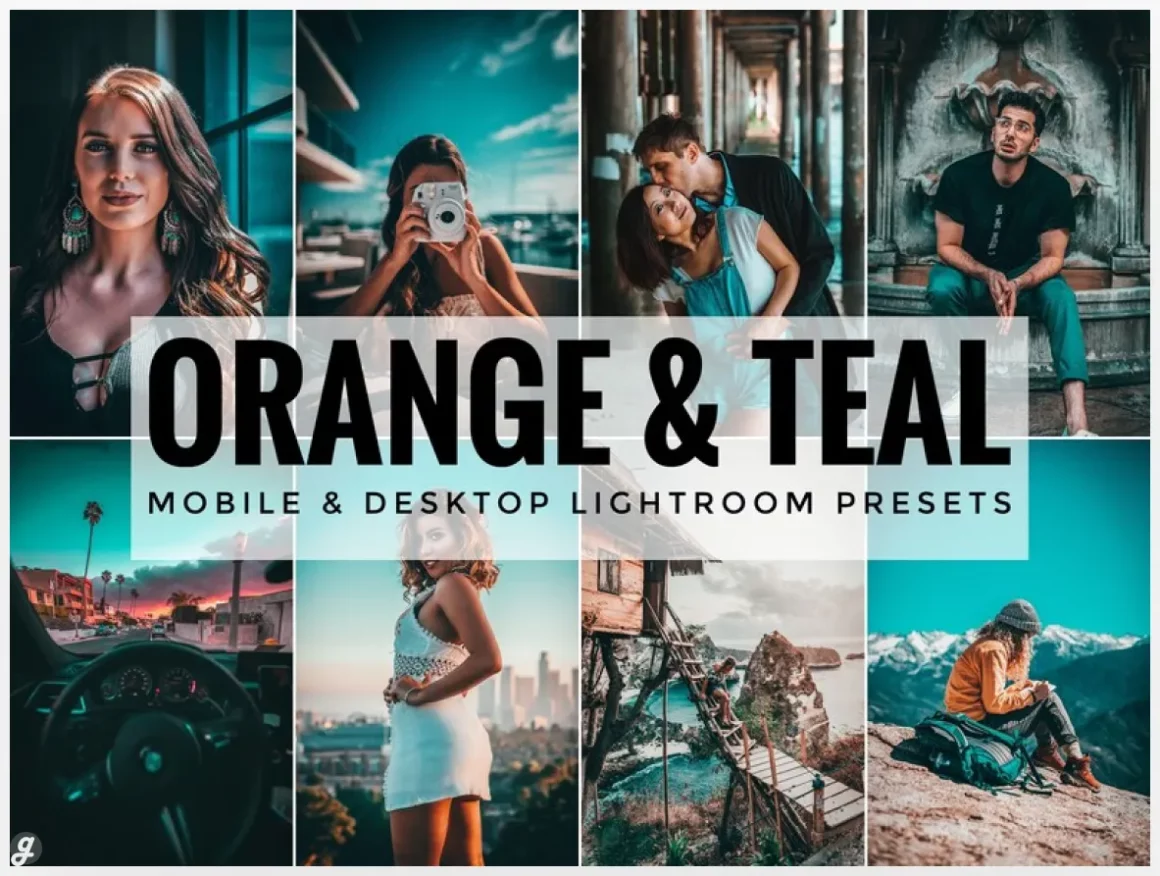
9. Orange and Teal Lightroom Presets
This Teal & Orange preset adds a cinematic pop that helps subjects stand out with warm highlights and cool shadows. Designed for both Lightroom Mobile and Desktop, it works just as well on phone photos as it does on professional shoots. Use it for portraits, street photos, or lifestyle content to keep your Instagram or blog looking cohesive. One click delivers a strong base edit, with light tweaks helping it adapt to different lighting and camera settings.
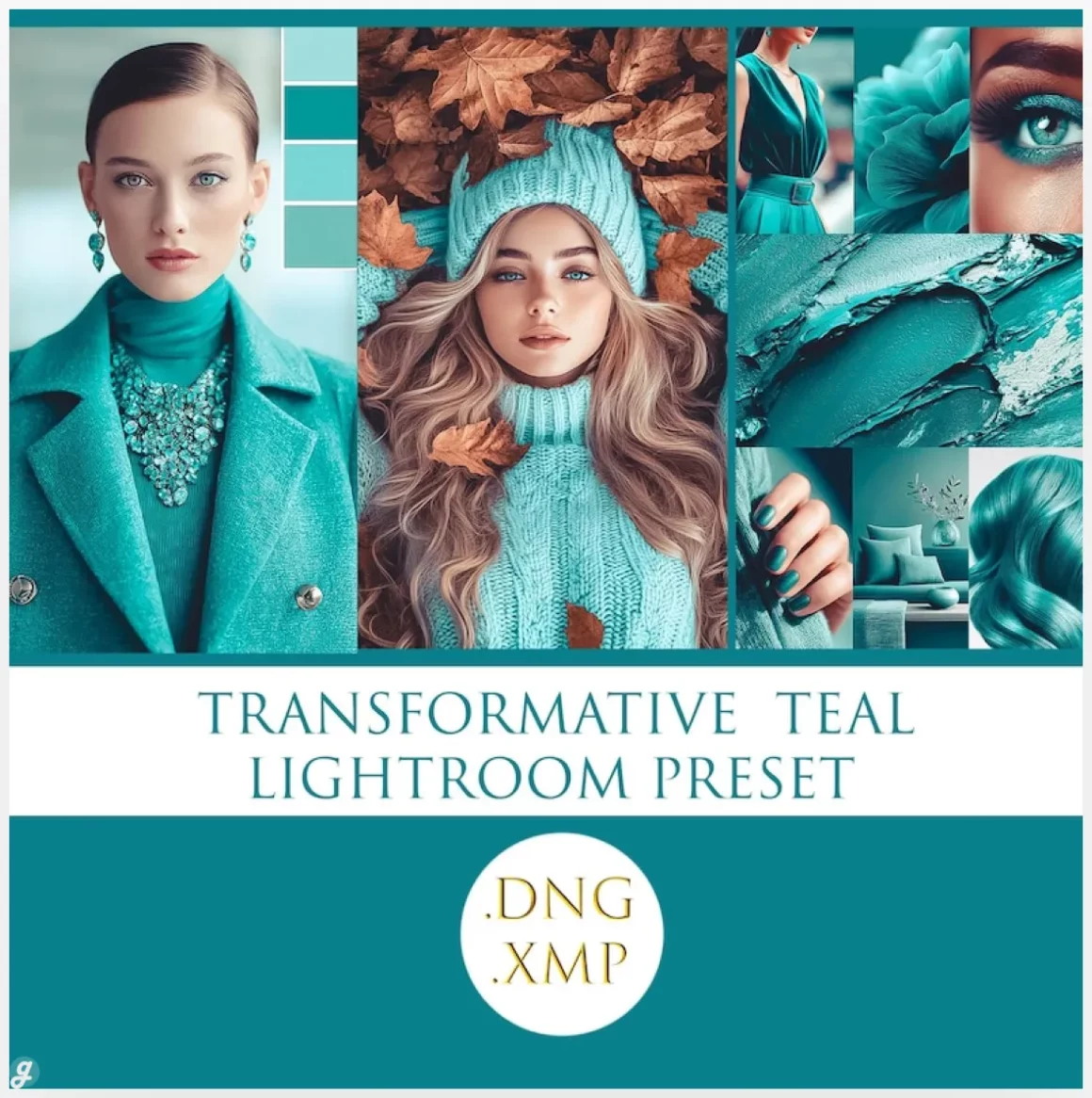
10. orange and teal presets
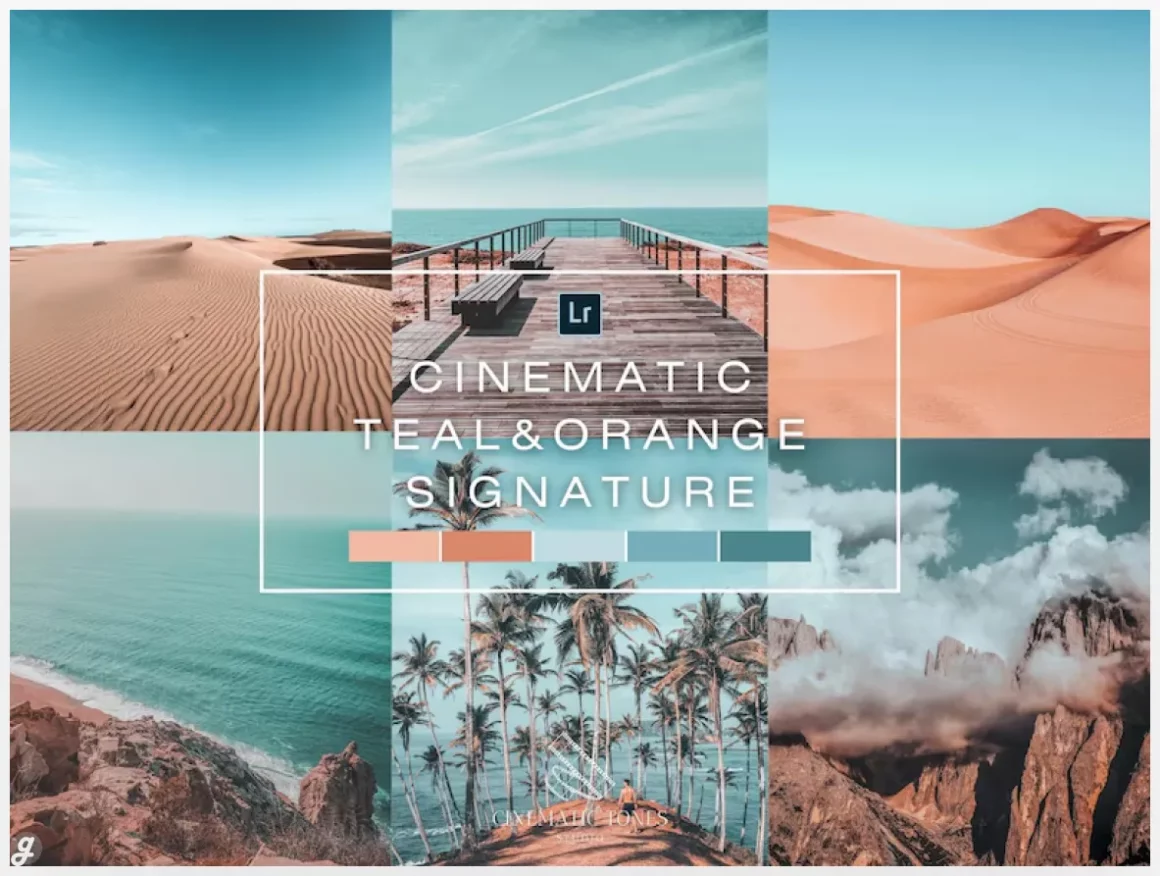
11. Orange Teal Lightroom Presets: Mobile & Desktop, Travel Blogger
12. Teal and Orange Lightroom
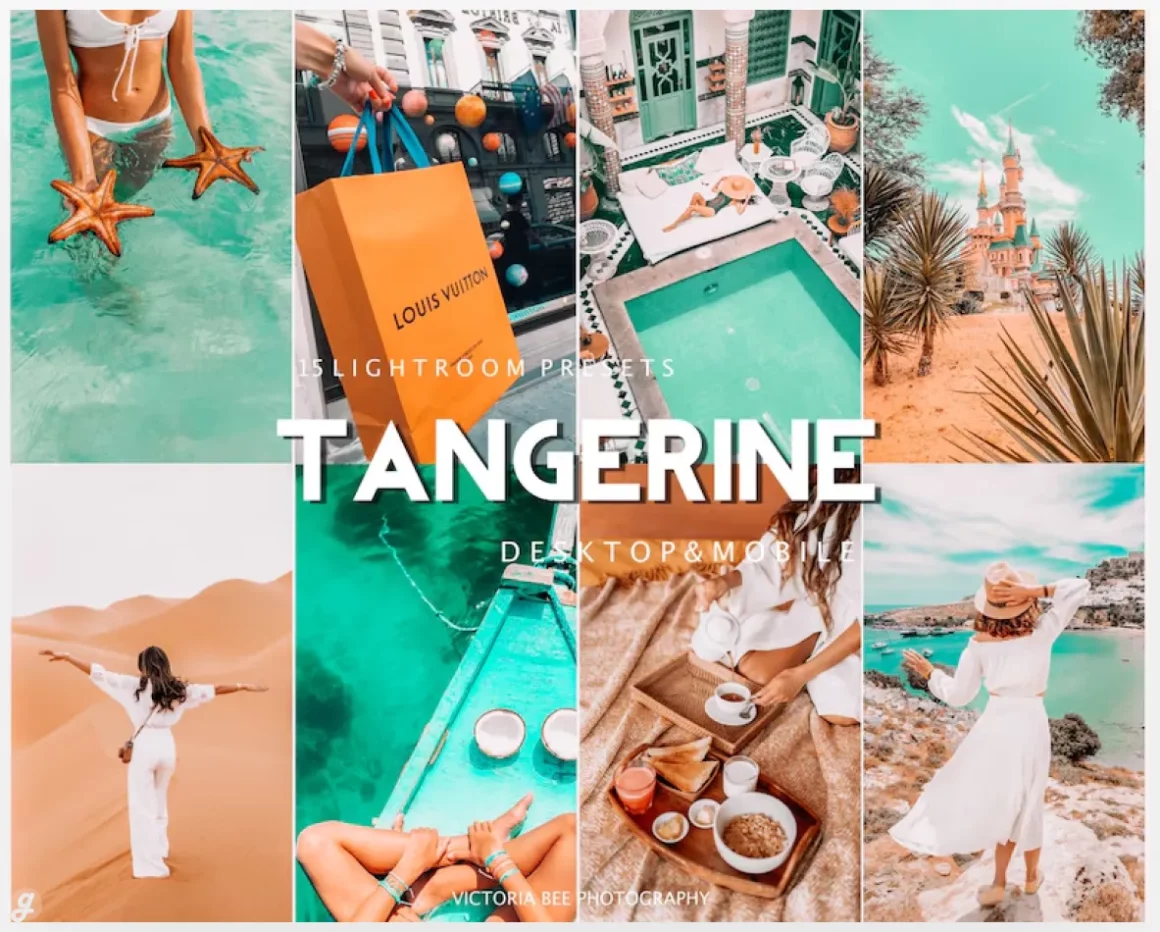
Teal and orange presets are popular for a reason. They help photos stand out while still looking clean and balanced. When used right, they can turn an average image into something eye catching without making it look overdone. The key is choosing presets that fit your style and knowing when to dial them back a little.
With 12+ Best Teal & Orange Lightroom Presets (Free & Paid), you now have a mix of options to test, compare, and build your own editing workflow. Free presets are perfect for learning and quick edits, while paid packs usually offer more consistency across different lighting conditions. Both have their place, and using them together is not a bad idea at all.
Remember that presets are a starting point, not a final rule. Lighting, camera settings, and skin tones all matter, so small adjustments will always help. Even a great preset might need a quick exposure or temperature tweak, and thats totally normal. The goal is not perfection, it is speed and a look that feels right for your content.
If you create content regularly, saving time on edits adds up fast. These presets help you focus more on shooting and less on moving sliders back and forth. Try a few, stick with the ones that match your vibe, and build from there. Editing should feel fun, not frustrating, and this list should help with that.
FAQs
Are teal and orange presets good for portraits?
Yes, especially when they protect skin tones. You may need to slightly reduce saturation for natural results.
Can I use these presets on mobile Lightroom?
Most presets work on Lightroom Mobile, especially those provided as DNG files.
Do free presets look worse than paid ones?
Not always. Free presets can look great, but paid packs are usually more consistent across different photos.