
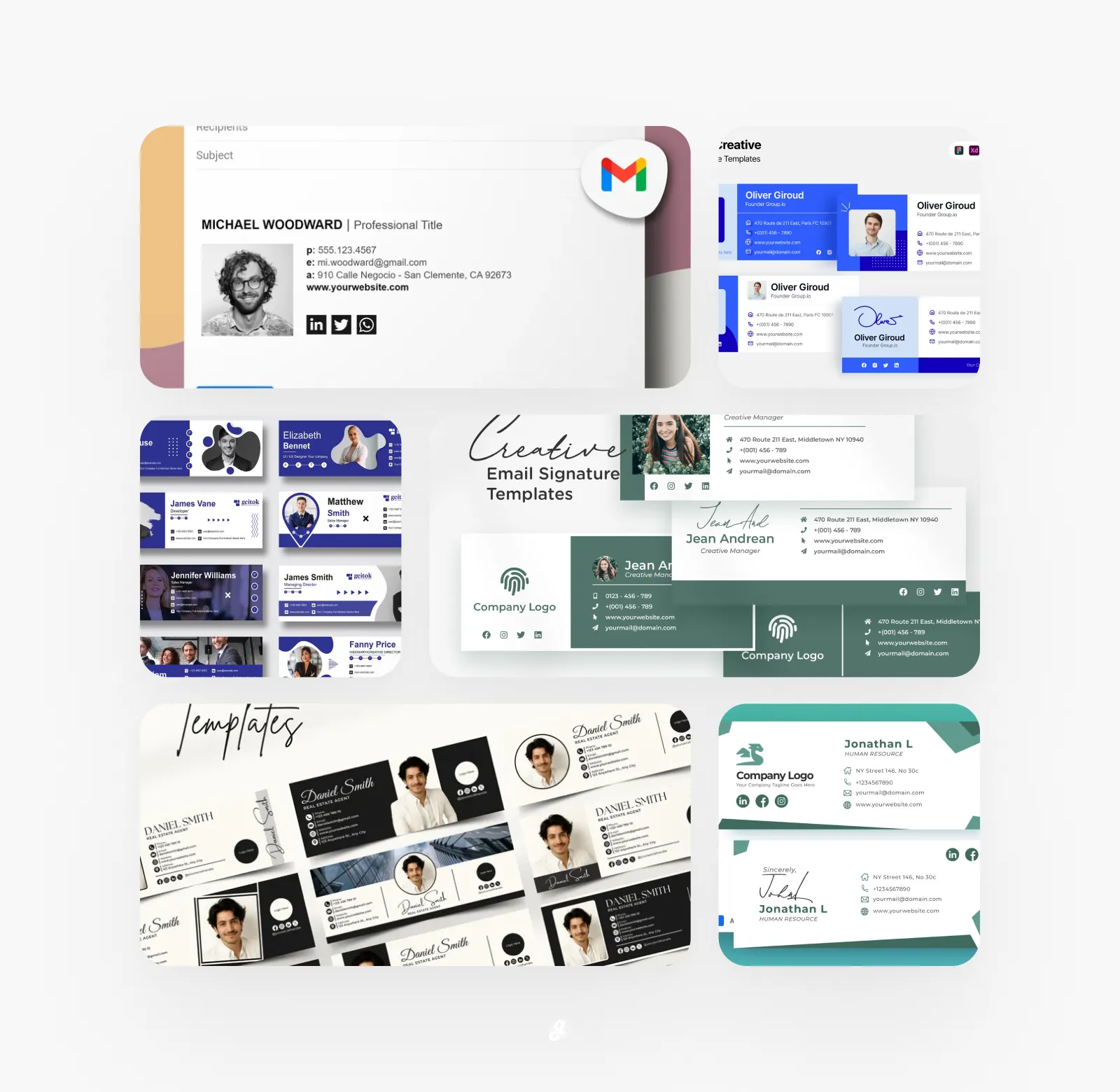
Ever get that little feeling of pride after sending a really well put together email? It’s amazing how a polished finish can make you feel so much more confident. A big part of that feeling comes from what’s at the very bottom: your email signature. It’s the last thing people see, and it’s a huge opportunity to make a great impression, share your contact info, and even show off a bit of your personality. But creating one from scratch can be a real headache, right? You’re wondering about fonts, what links to include, and how to make it all look good. Well, we’ve taken care of all that for you. Get ready to upgrade your outbound messages because we’ve put together an amazing collection of 30+ Email Signature Templates for Professional Branding. We’ve got a style for everyone, so you can find one that fits you perfect and start using it today.
1. Professional email signature
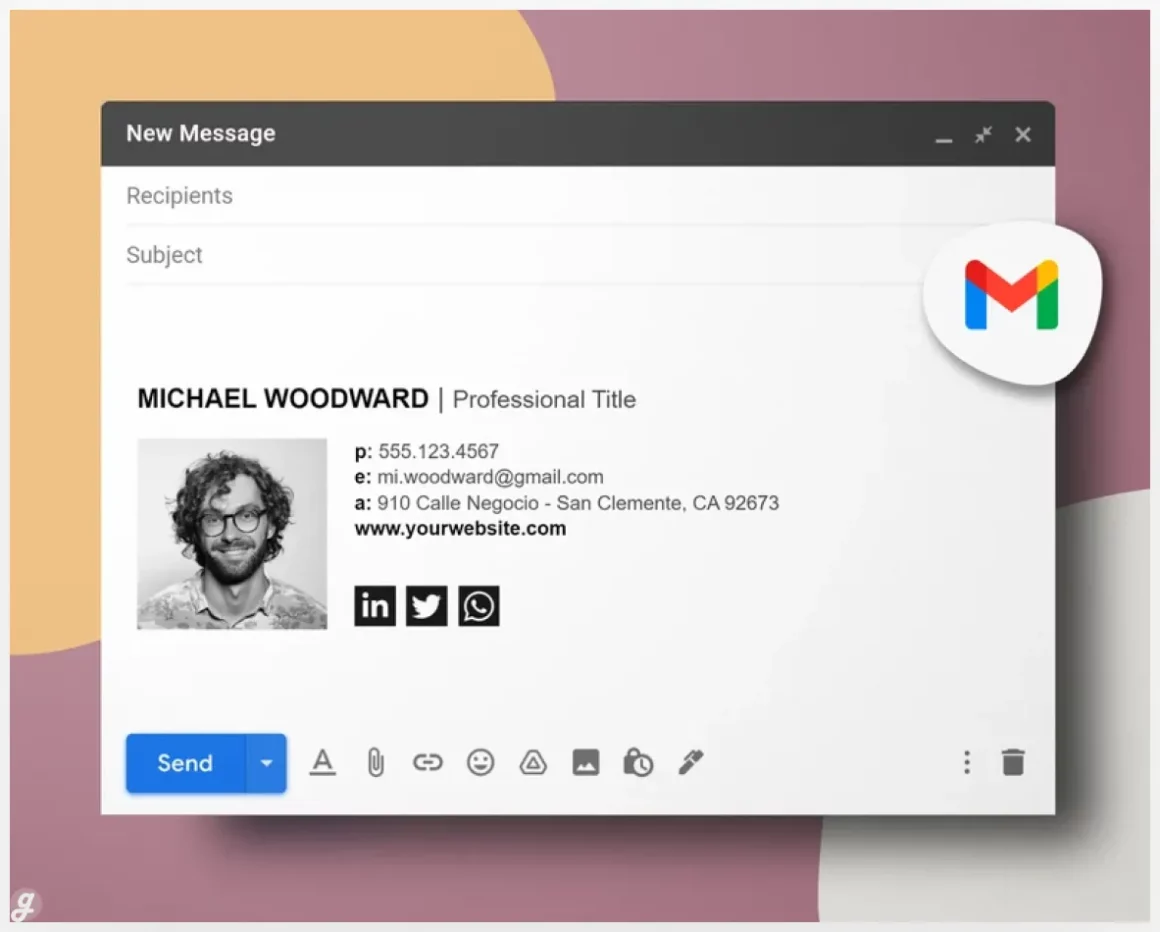
Stand out in every email with this Gmail signature template designed to make you look professional and build trust fast. Perfect for boosting interview chances, improving client responses, or simply leveling up your email game. The template is super easy to use with step-by-step Google Docs instructions, social media icons included, and support whenever you need it. Customize fonts, colors, images, and lines in minutes. Works on Windows and Mac, no software needed, and email-safe fonts ensure your signature looks great everywhere. Instant download, lifetime use, and ready to personalize your emails right away.
2. Custom email signature template package: Editable Canva design
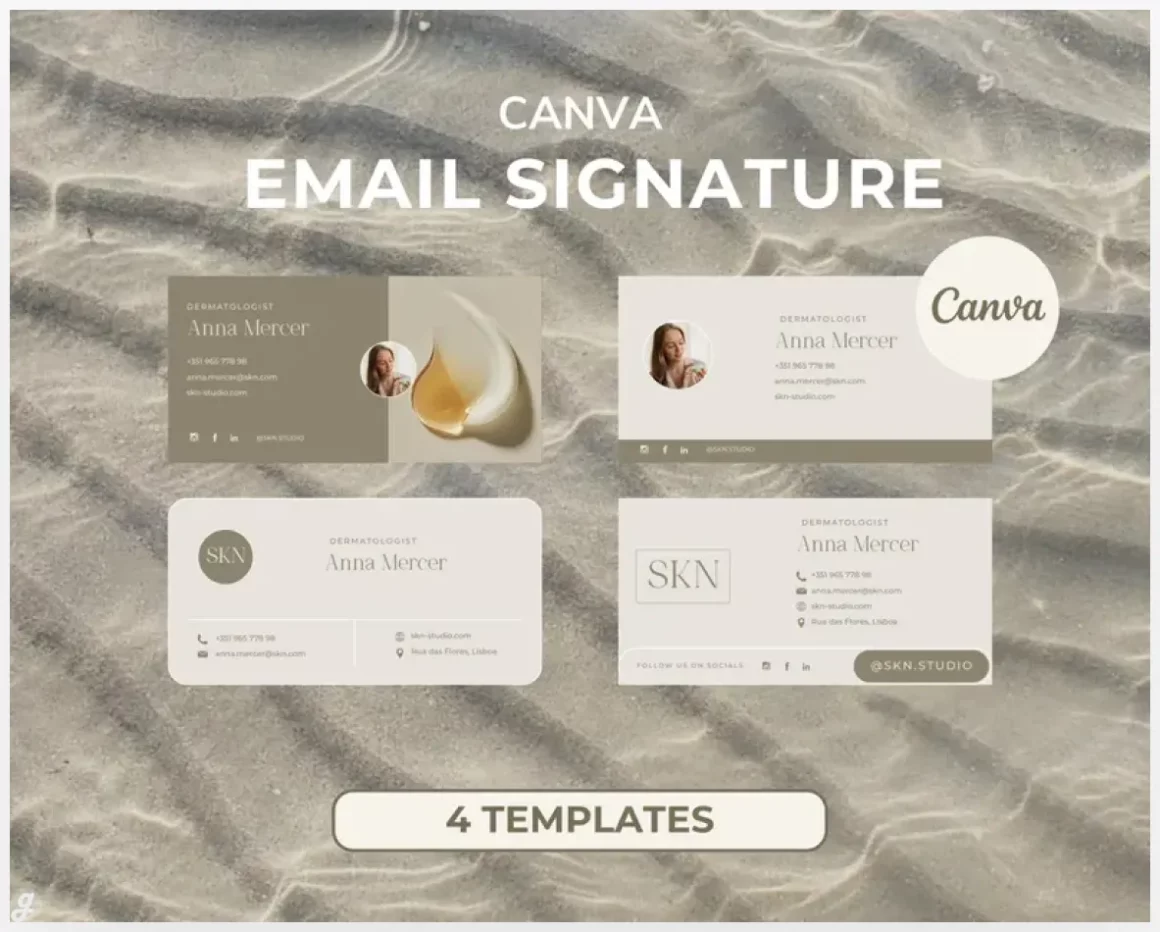
Turn every email into a branding opportunity with this clean, modern Gmail-compatible signature template. Fully editable in Canva, you can easily add your name, title, logo, social links, and adjust colors, fonts, and layout to match your brand. Perfect for freelancers, creators, or small business owners looking to make every message professional and memorable. Templates are ready to use in minutes—simply click the PDF links, customize, and download. Instant digital download with step-by-step instructions makes building a standout email signature fast, easy, and stress-free.
3. Email Signature Template
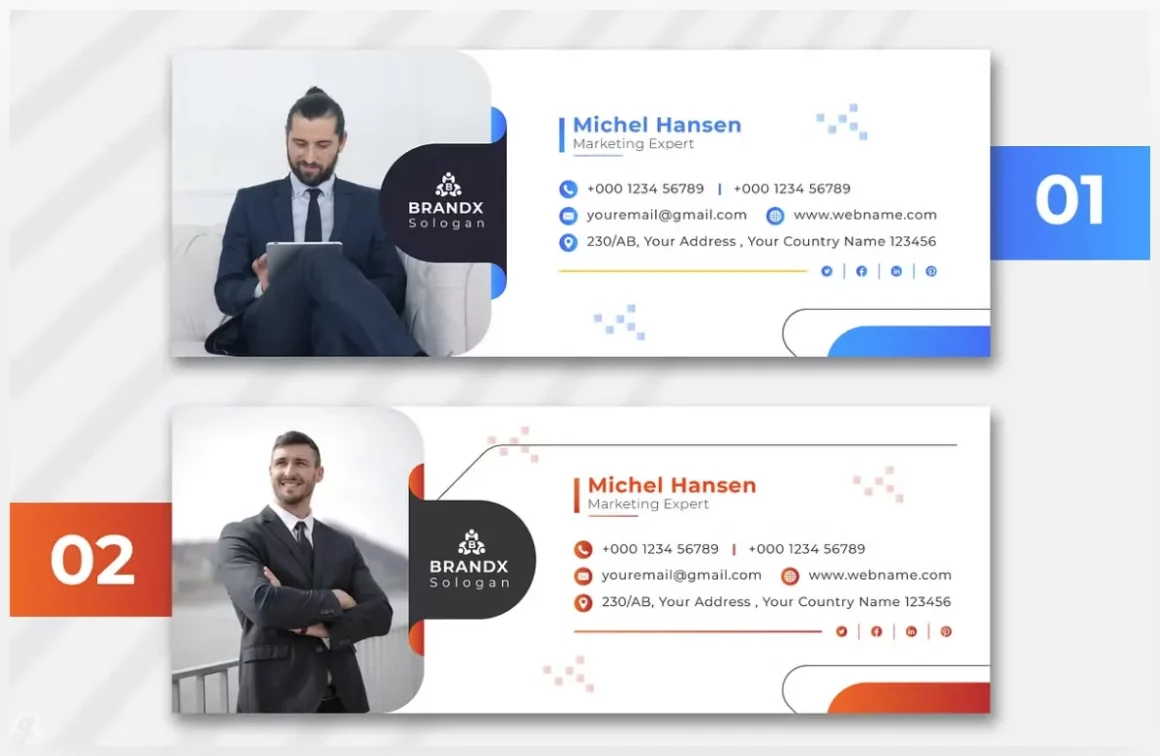
Crafted in Adobe Illustrator, this template is super easy to customize. Effortlessly swap out text, drop in your own images, and make it yours in minutes. Whether you’re creating a stunning flyer or a professional logo, this flexible resource helps you get to a polished finish faster.
Hit a snag? Our support team is available 24/7 to help you edit text, replace images, or offer customizing tips. Just reach out! (Note: Fonts and preview images aren’t included, but we’re happy to point you toward the links for them).
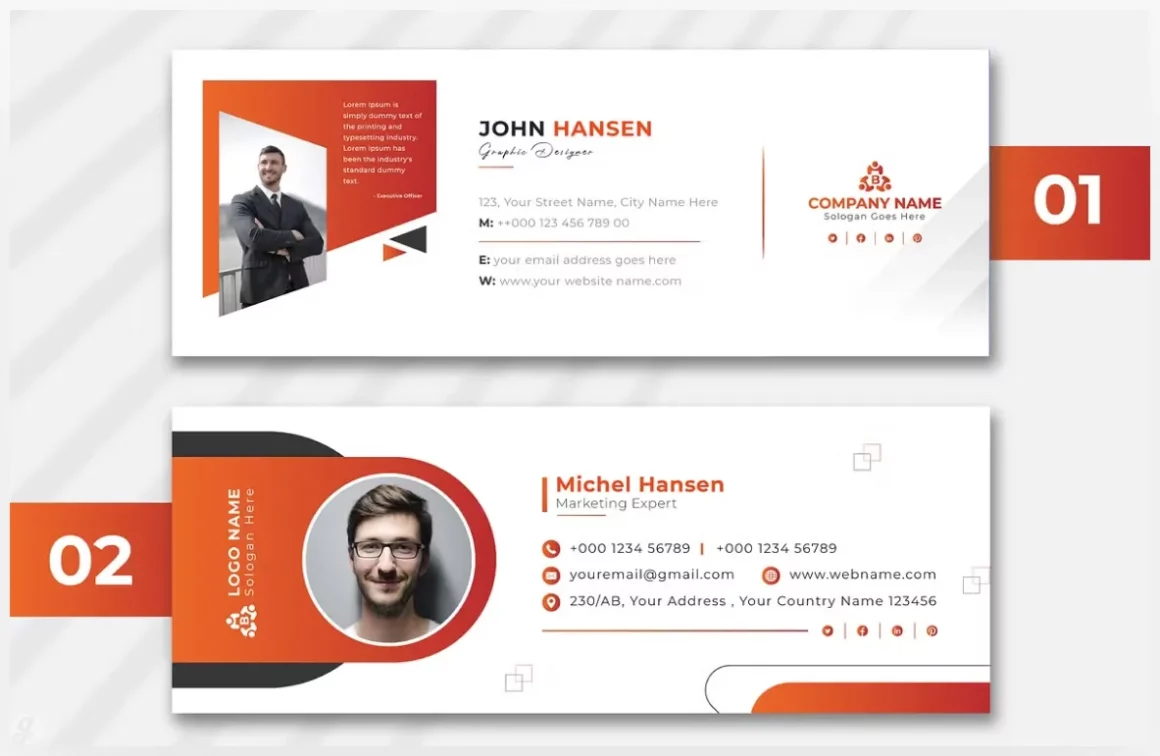
4. Email Signature Template
5. Email Signature Template
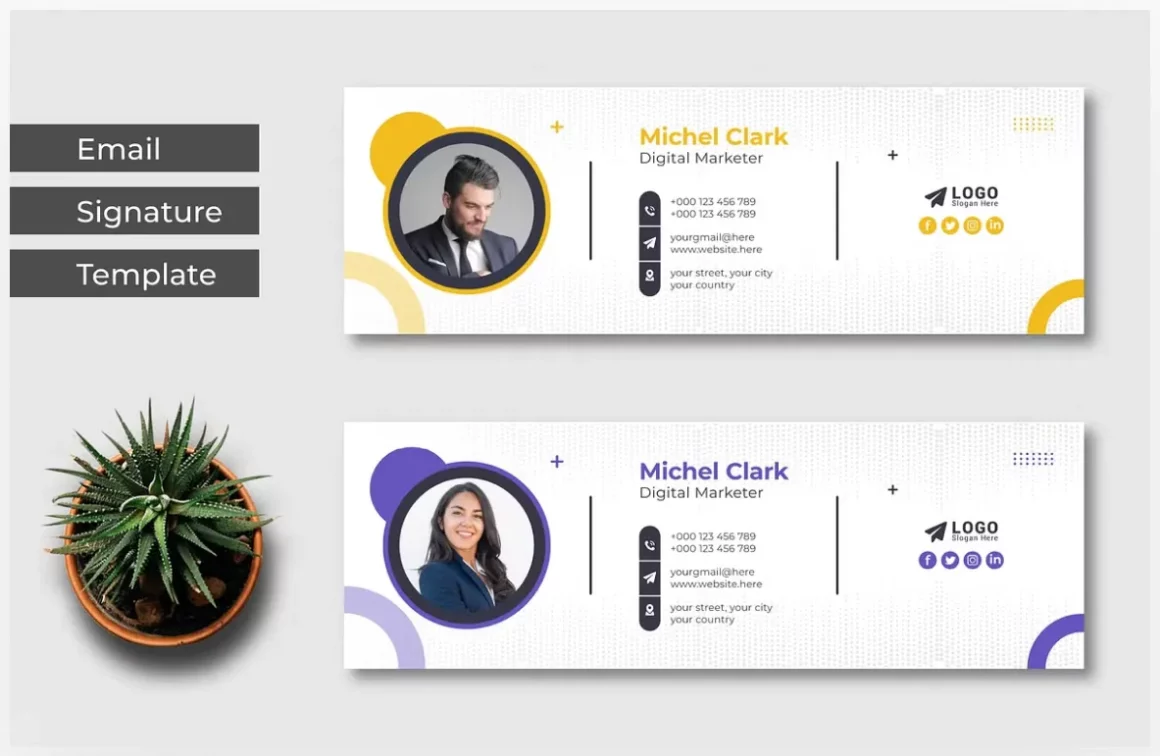
Craft a professional look for every outgoing message with this clean, corporate email signature template. Made in Adobe Illustrator, it’s super simple to customize—just drop in your name, title, and contact details. Perfect for freelancers, consultants, or small businesses looking to add a polished touch without any coding. The well-organized AI and EPS files make editing a breeze. (Font used is Montserrat—easily available). Need help customizing? Just reach out!
6. Email-signature Design Template
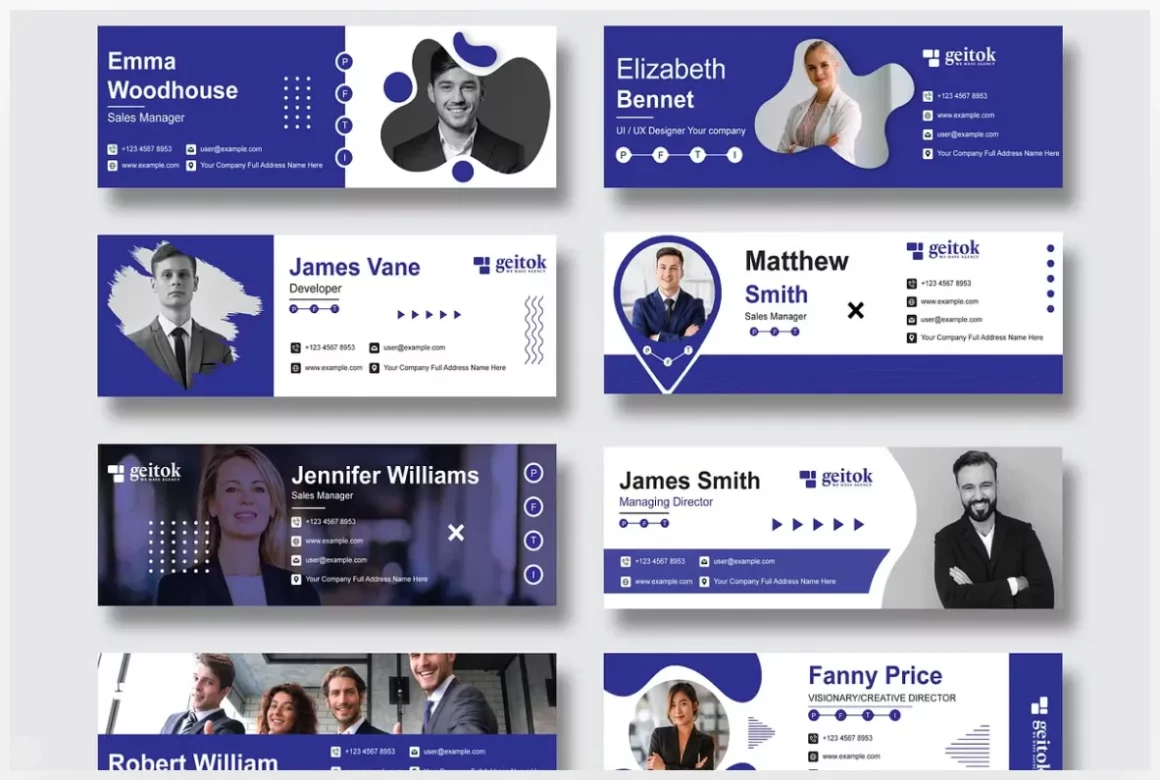
Elevate your email presence with this professional signature template. Perfect for freelancers, entrepreneurs, or anyone wanting to add a polished, branded touch to their communications, it lets you seamlessly showcase your contact info, social media links, and logo. The design is fully customizable in Illustrator or Photoshop—just swap in your details. Use it to ensure every client email reinforces your brand identity. (Includes free font links and helpful documentation). Friendly support is always available if you need a hand!
7. Professional Home Organizer Business
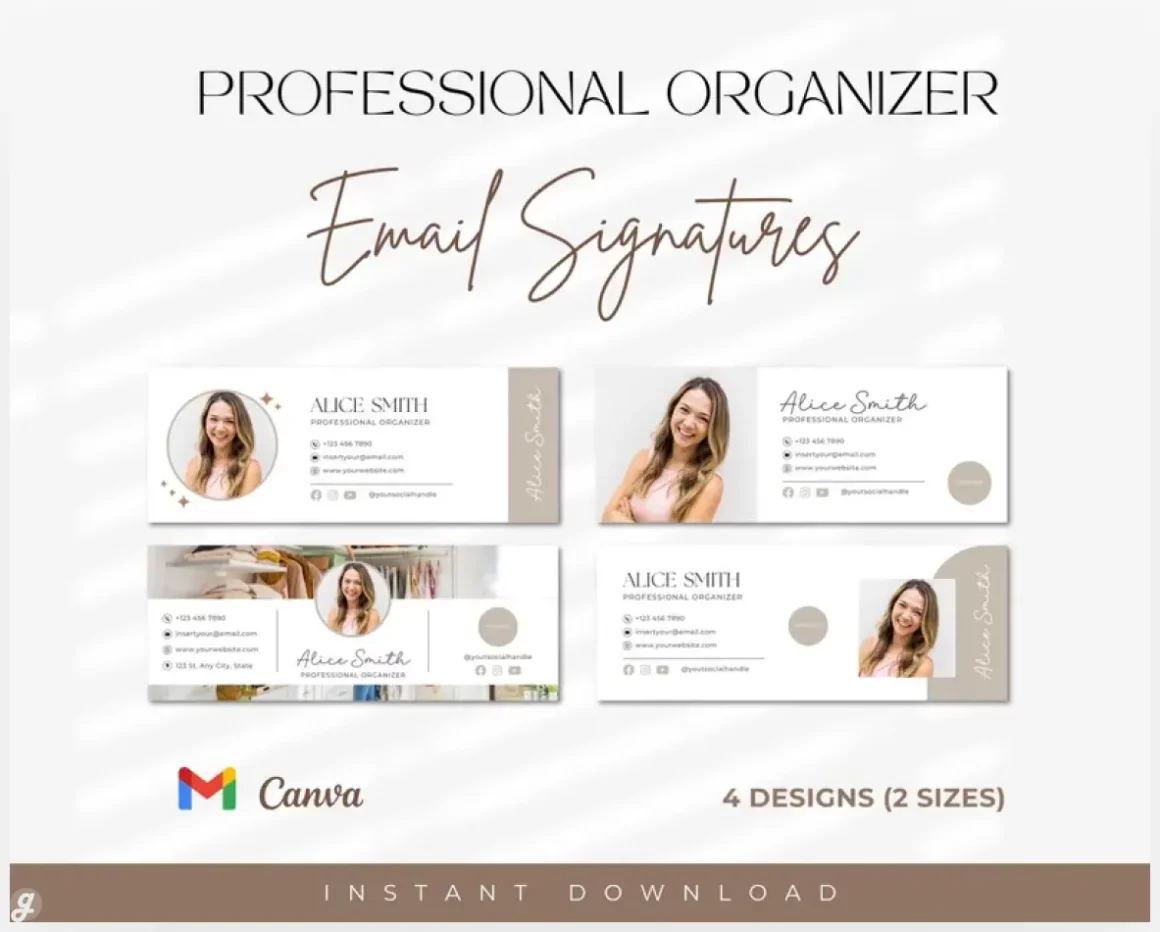
Impress clients and keep your contact info looking sharp with these four professional email signature templates. Designed specifically for organizers, they help you reinforce your brand with every message you send. Easily customize colors, fonts, and layout in Canva—no design experience needed. Perfect for adding a polished, trustworthy touch to client communications, booking confirmations, or newsletters. Your download includes instant access and friendly support if you need help. (Note: Fonts and logos not included, but the templates are fully adaptable to your brand’s style).
8. Professional
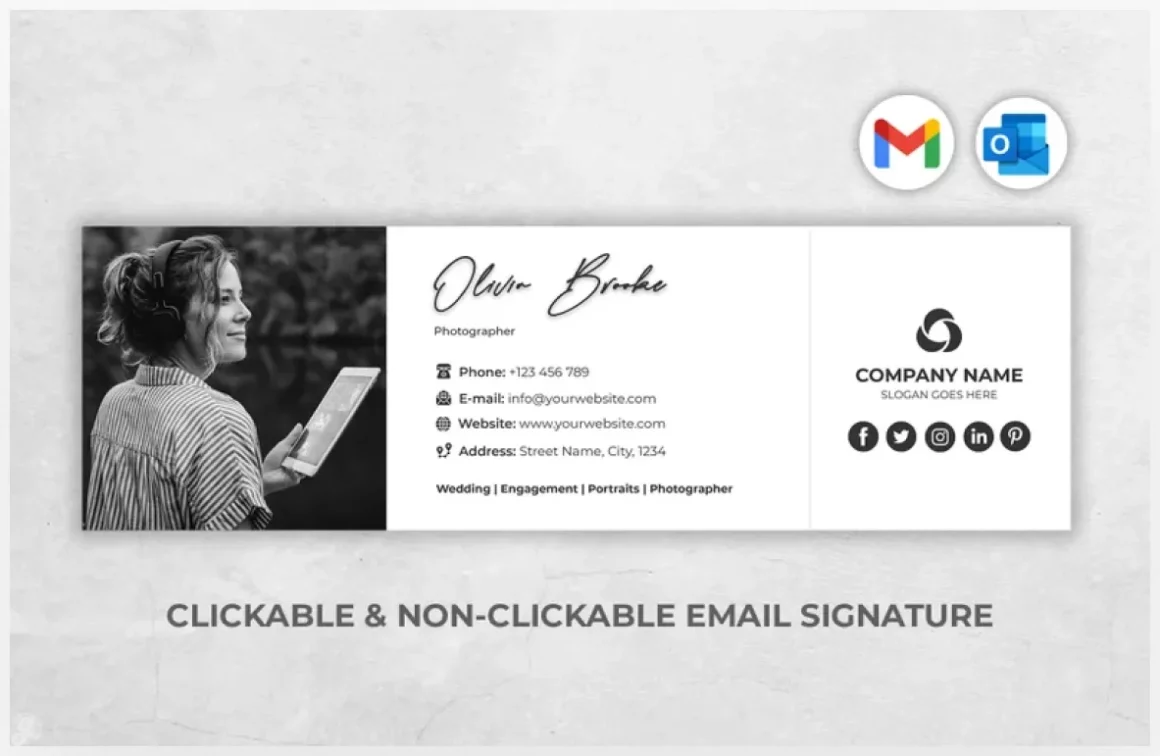
Make every email work harder with this modern, clickable email signature template. Perfect for real estate agents, photographers, or teachers, it lets you easily add professional contact links, social icons, and even a headshot—no coding or design skills needed. Use the online generator to build your signature instantly right in your browser, then paste it directly into Gmail or Outlook. Great for building trust and making your contact info effortlessly accessible.
9. 10 Email Signature Template
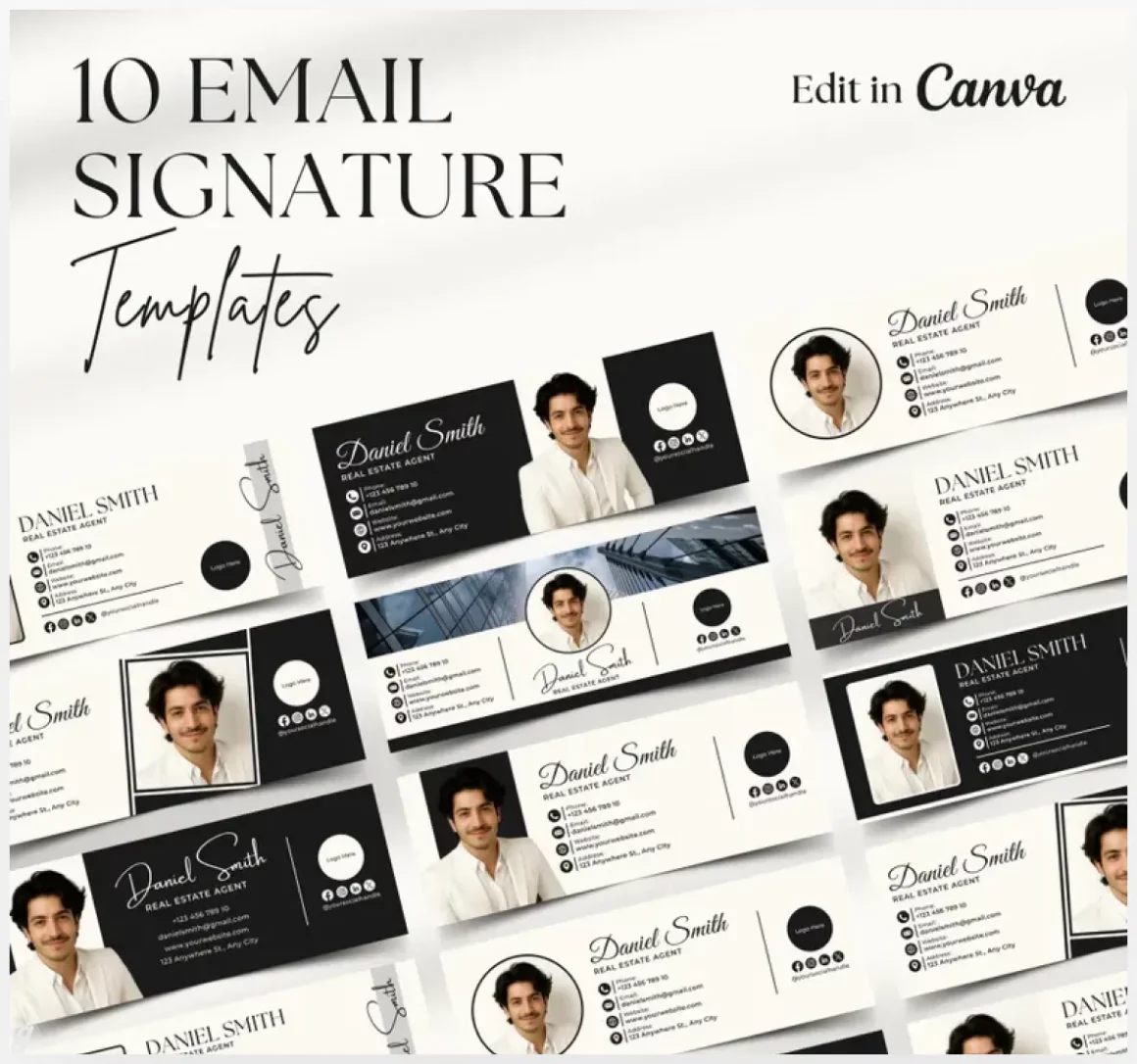
Stop missing out on a key branding opportunity with every email. This bundle of 10 professional, non-clickable signature templates is designed for realtors, coaches, and entrepreneurs who want to build trust and look polished effortlessly. Customize them easily in Canva—no design skills needed—to include your photo, contact details, and brand colors. Perfect for making sure every message you send reinforces your professionalism and leaves a lasting impression. Just download, personalize, and upload to Gmail or Outlook.
10. Professional editable email signature bundle
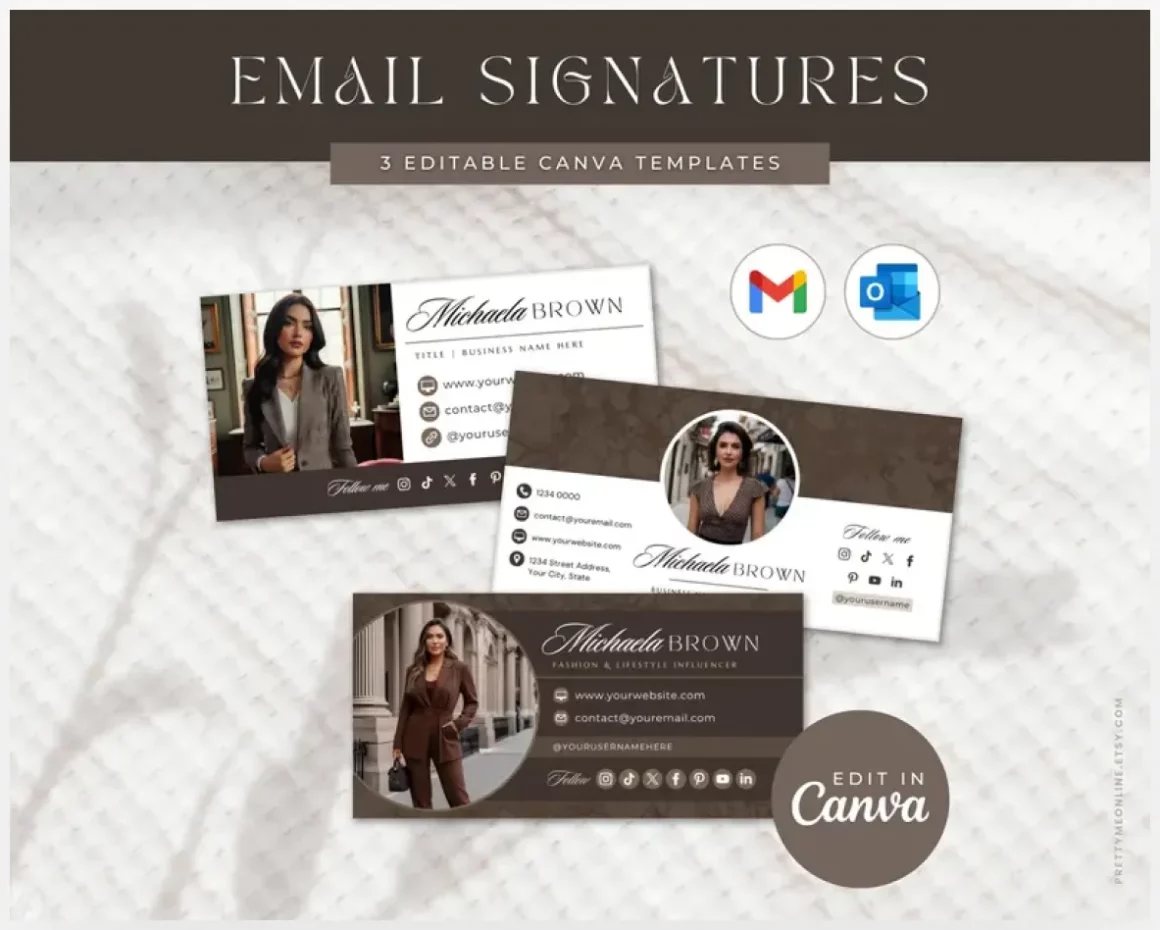
Give your emails a professional and stylish upgrade with this Canva email signature pack in a chic dusty rose and brown palette. Fully editable, you can tweak colors, fonts, text, images, and logos to match your brand or personal style. Perfect for bloggers, creators, influencers, photographers, real estate agents, or small business owners who want their emails to stand out. The pack includes 3 ready-to-use templates, simple Canva instructions, and Gmail setup tips—so you can have a polished, branded signature in minutes without needing design skills. Instant digital download, fully customizable, and ready to impress.
11. Email Signature
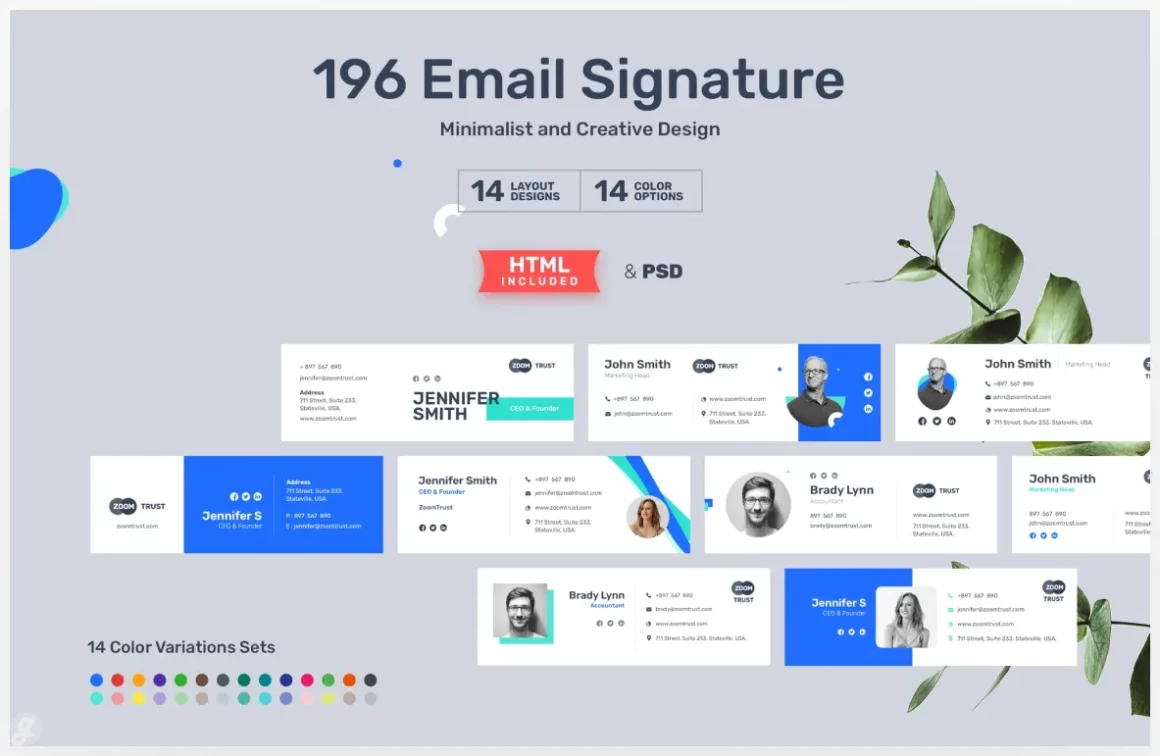
Stop your emails from looking bland with our set of professional email signature templates. This pack gives you 196 modern designs (PSD & HTML files) to instantly make your communication look polished and credible. Easily customize any template in Photoshop with your logo, social links, and brand colors. Perfect for freelancers closing clients or small businesses building trust. Imagine every email you send reinforcing your brand—no design skills needed. Just pick a layout, plug in your info, and you’re professionally outfitted.
12. Creative Email Signature Vol.07
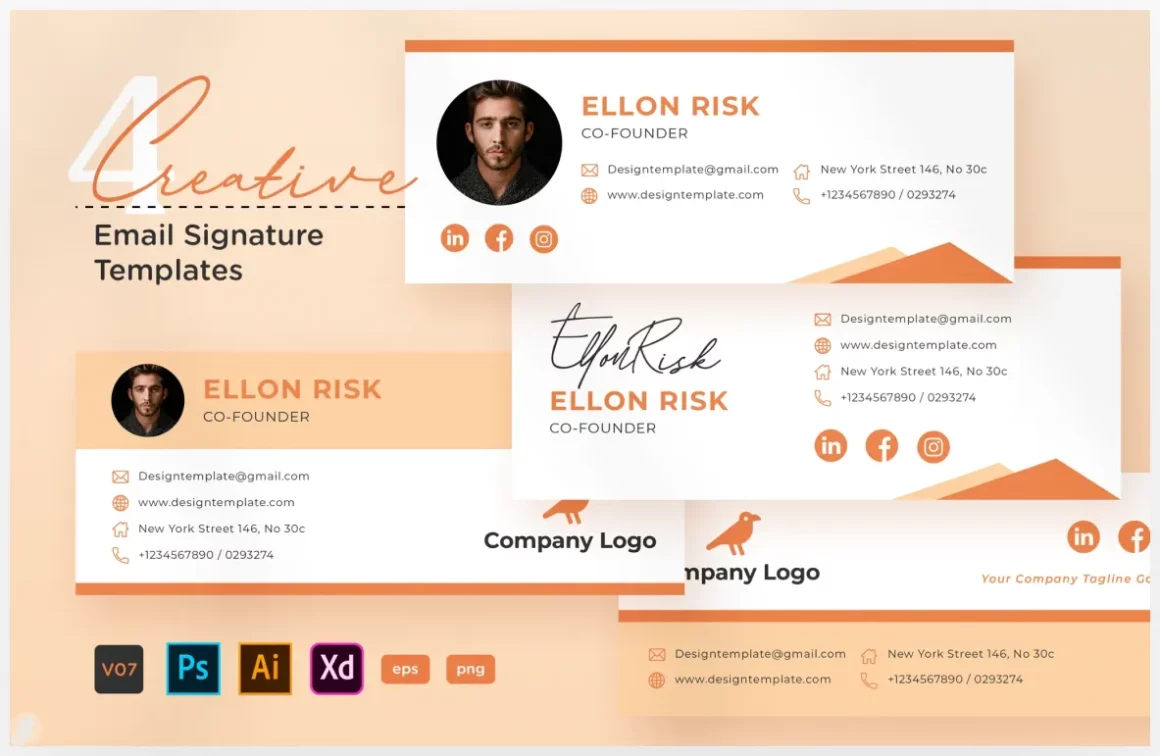
Elevate your email presence with these multipurpose signature templates, perfect for personal brands, freelancers, and companies. With four distinct, modern layouts, you can easily craft a signature that builds trust and looks professional. The well-organized layers in the AI, EPS, PSD, and XD files make customization a breeze—just pop in your details, adjust colors to match your brand, and you’re done. No more boring sign-offs; now every email can promote your latest work, link to your portfolio, or drive traffic to your social media effortlessly.
13. Creative Email Signature V06 – Airmail Style
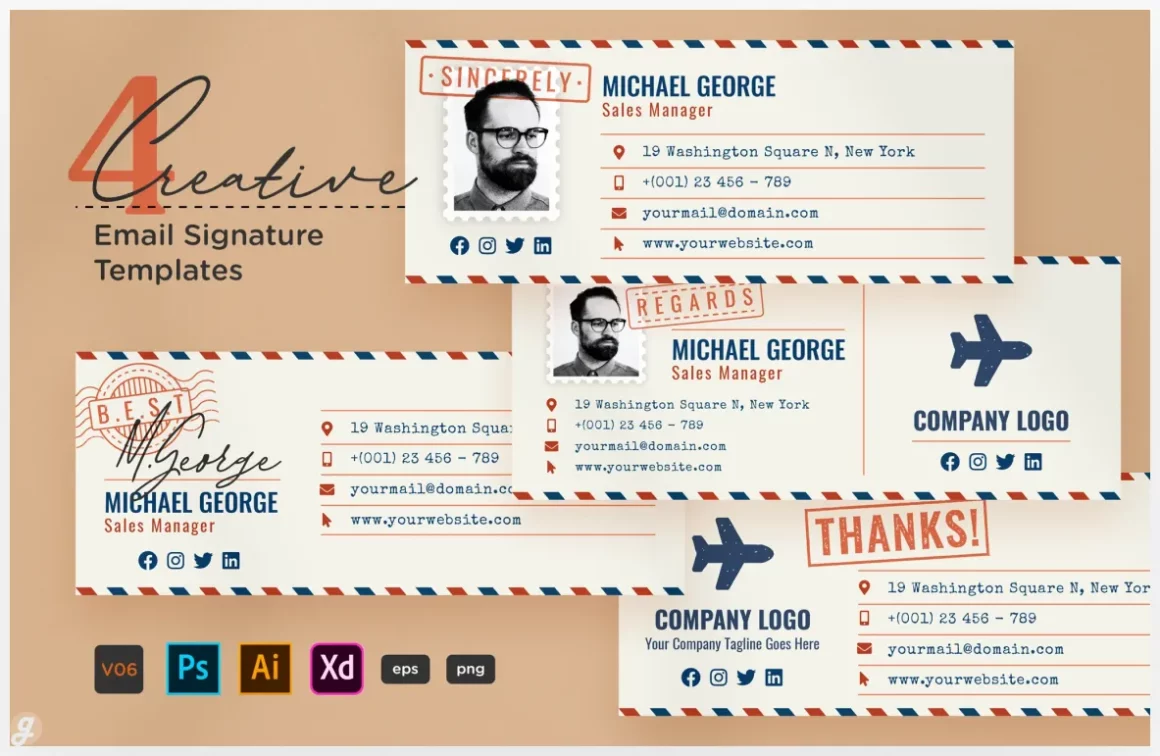
14. Estetik Email Signature
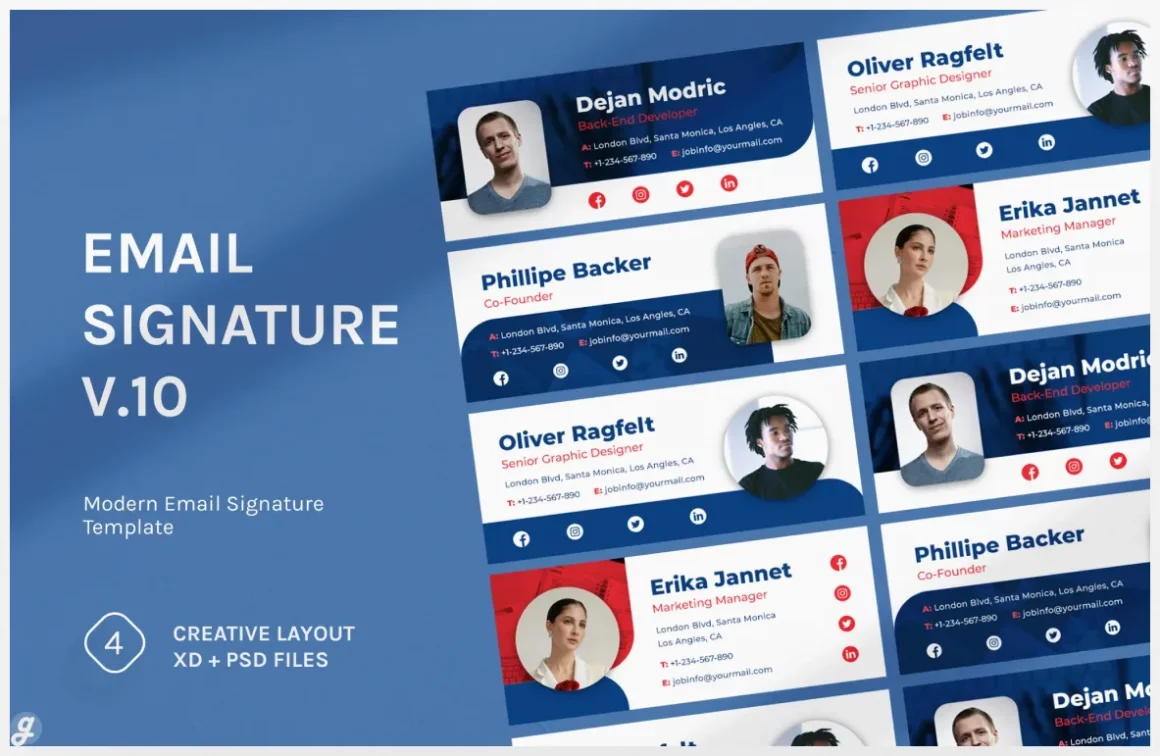
15. Email Signature v.10
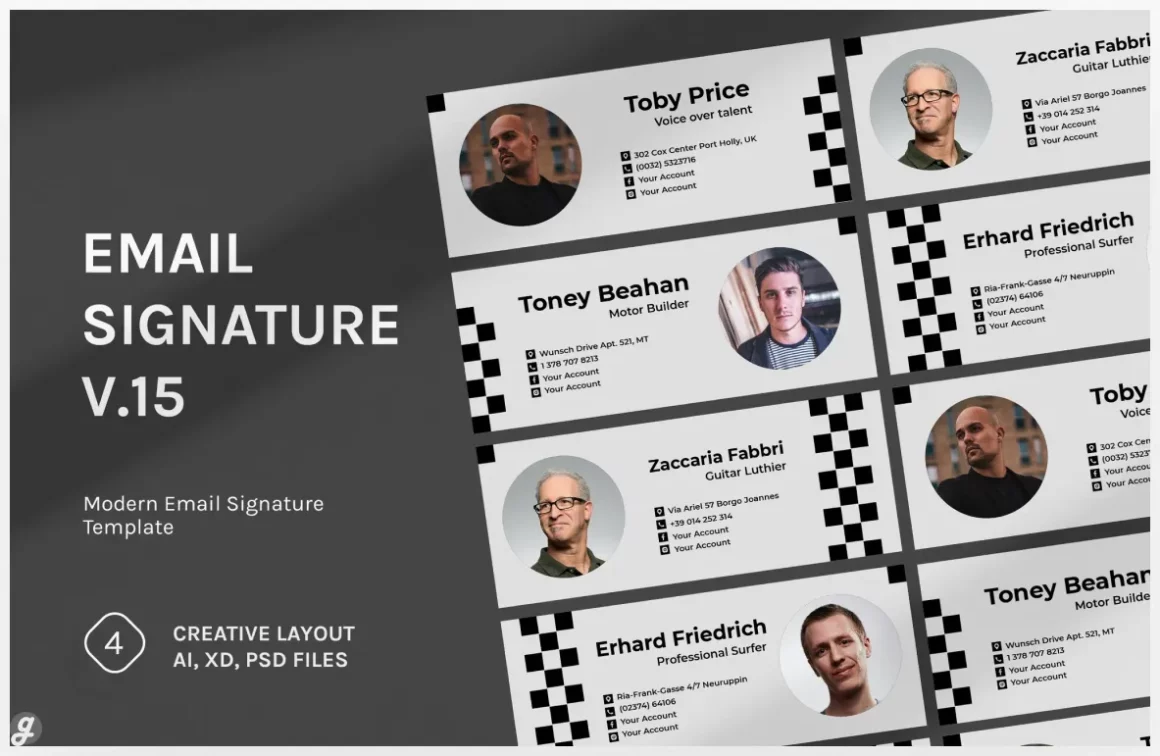
16. Email Signature v.15
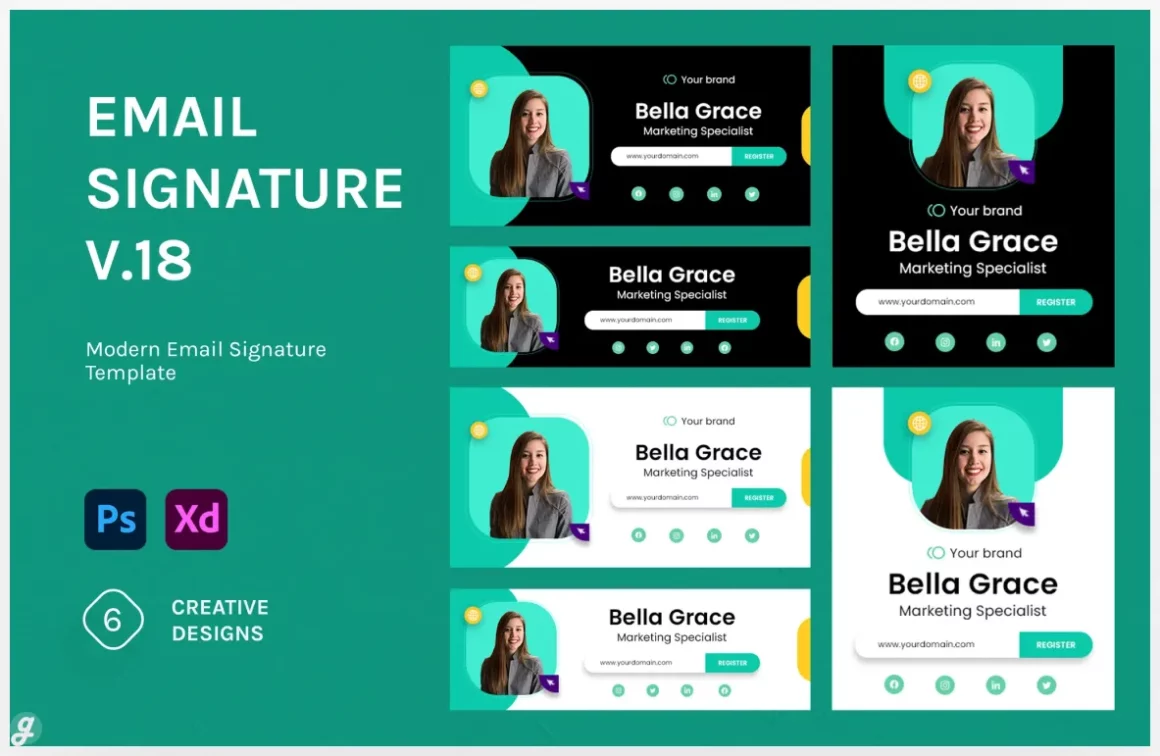
17. Email Signature v.18
18. Email Signature v.17
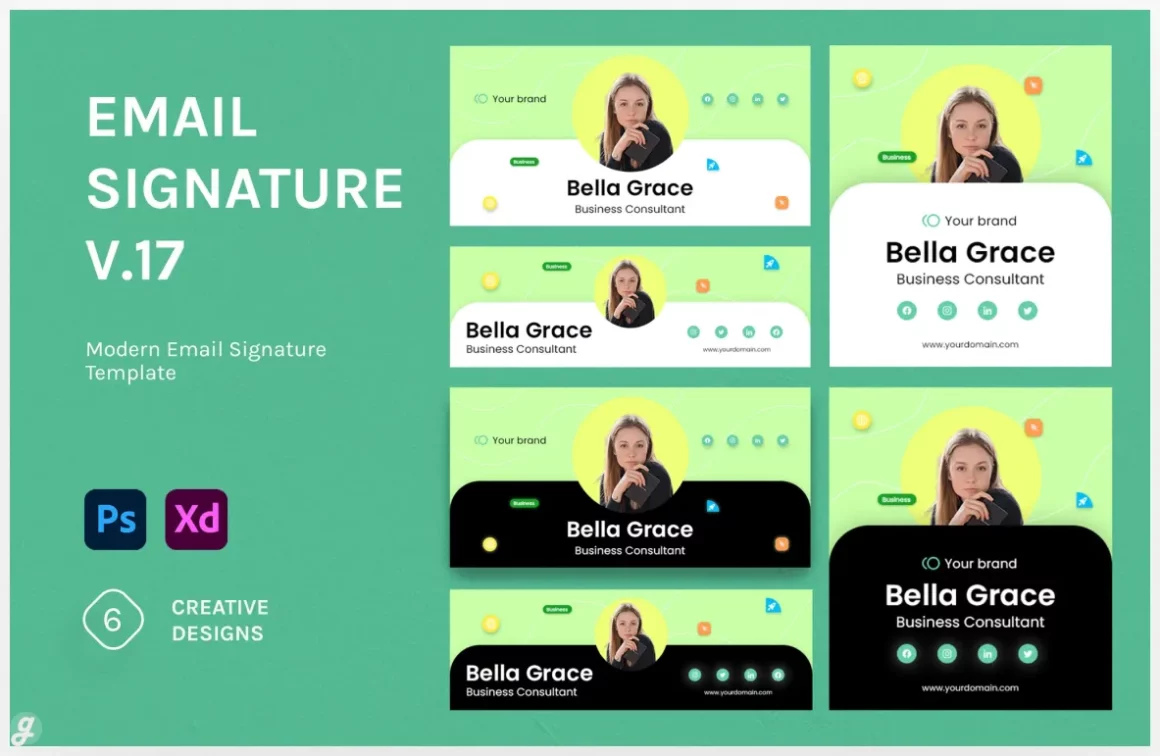
19. Swiss Email Signature
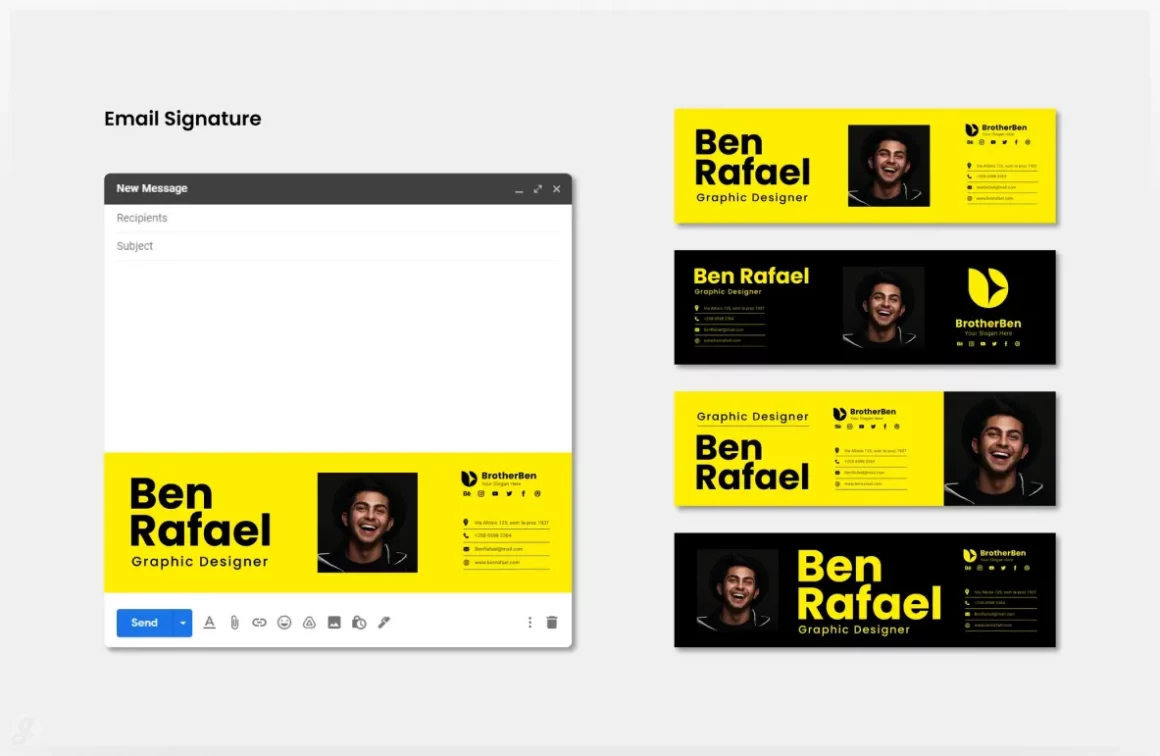
20. Email Signature Pack
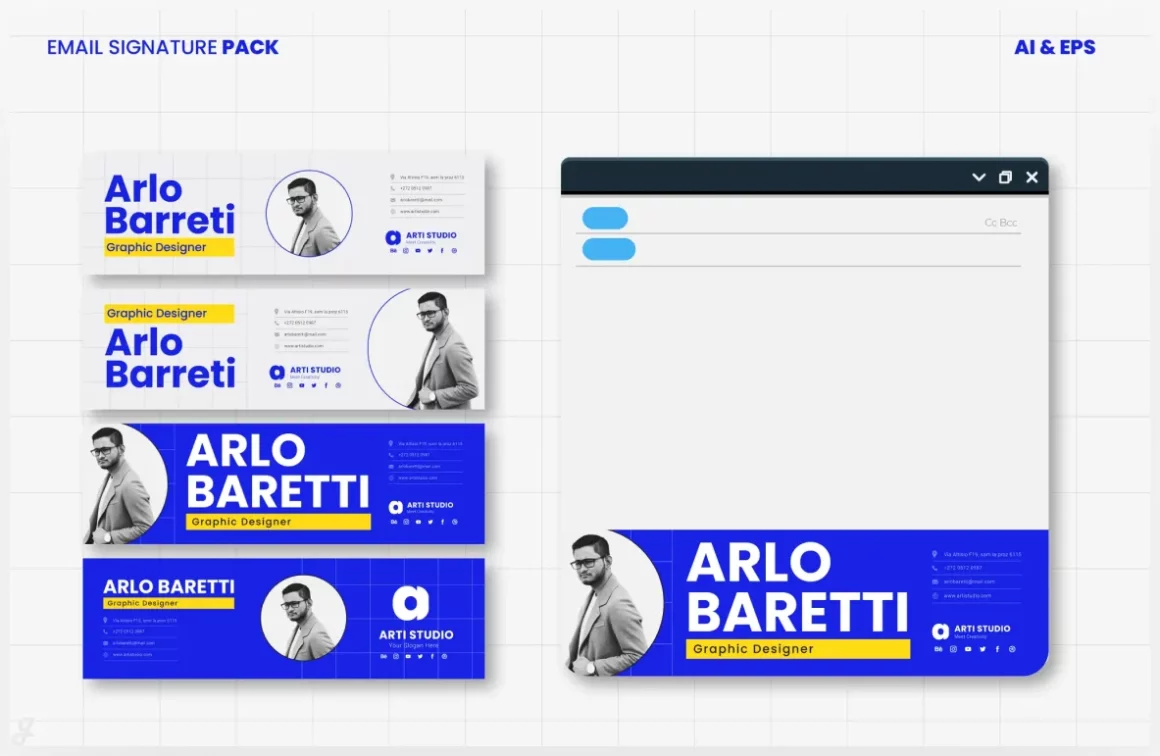
21. Responsive Email Signature
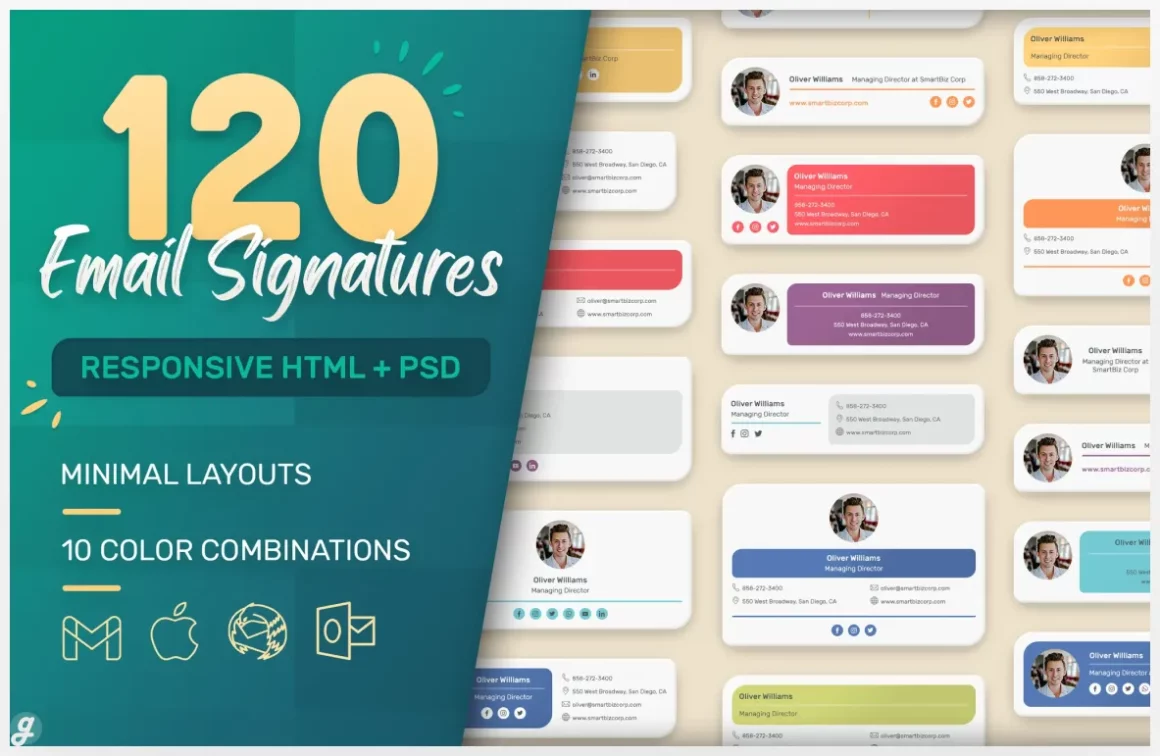
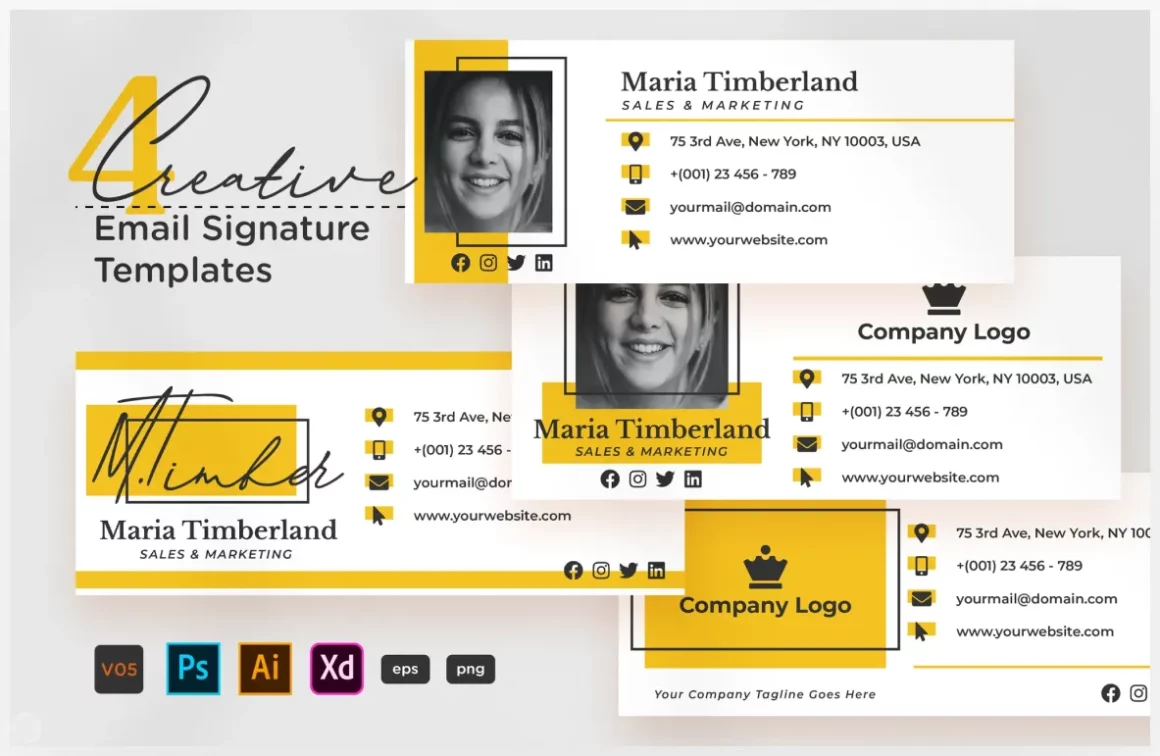
22. Creative Email Signature V05
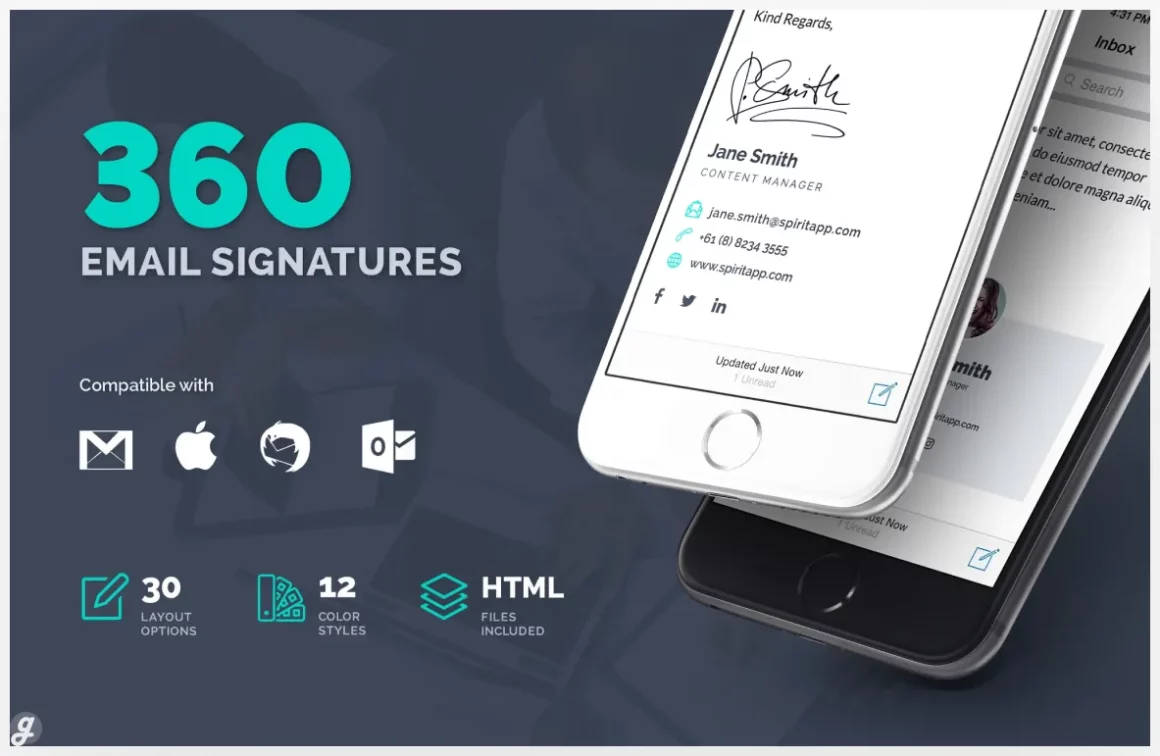
23. 360 Professional E-Signature Templates
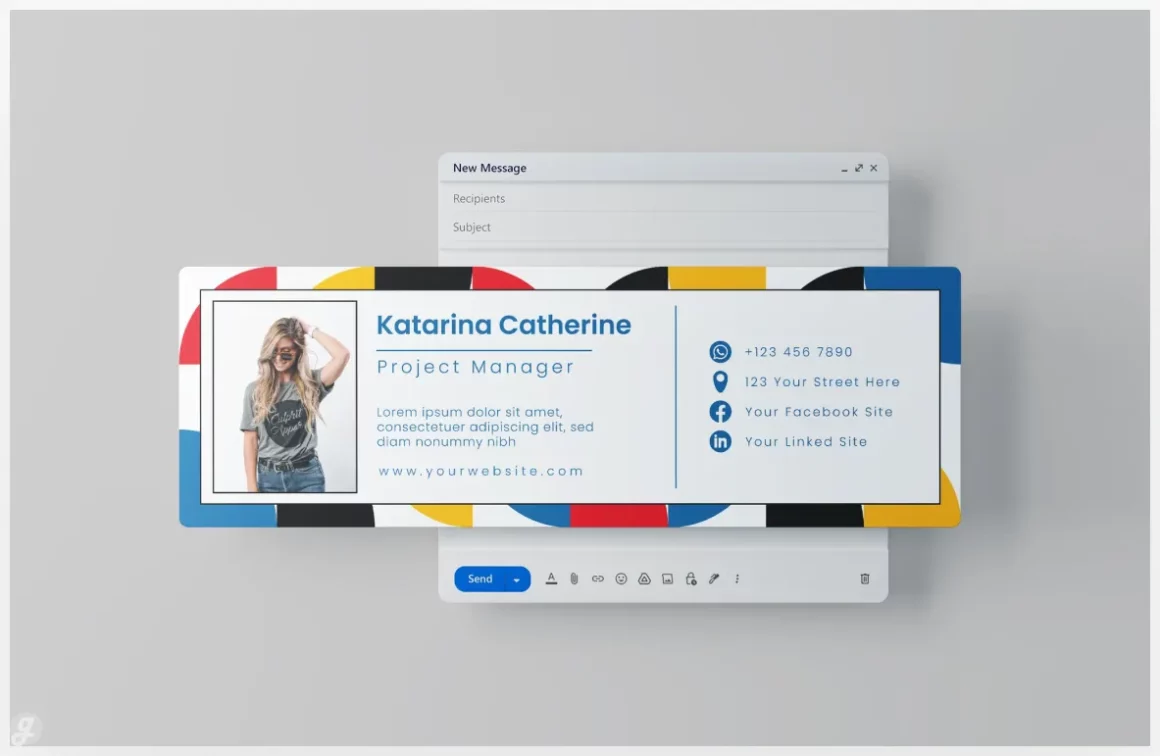
24. Email Signature
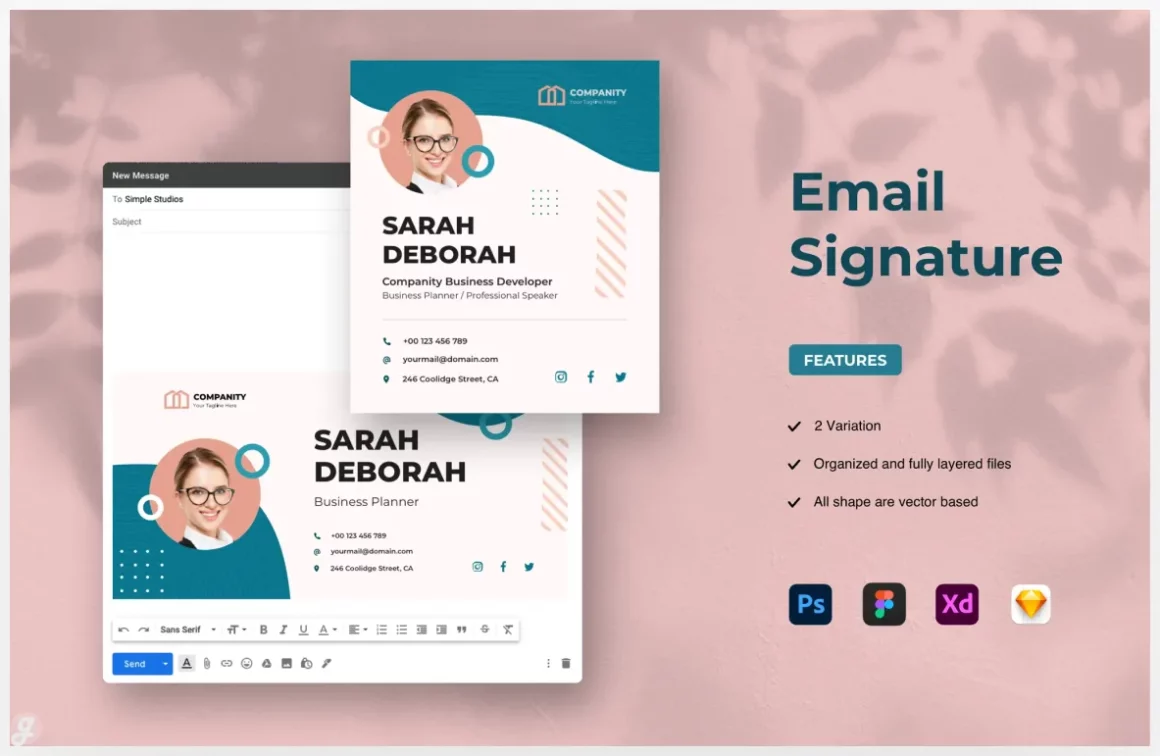
25. Email Signature
26. Email Signature
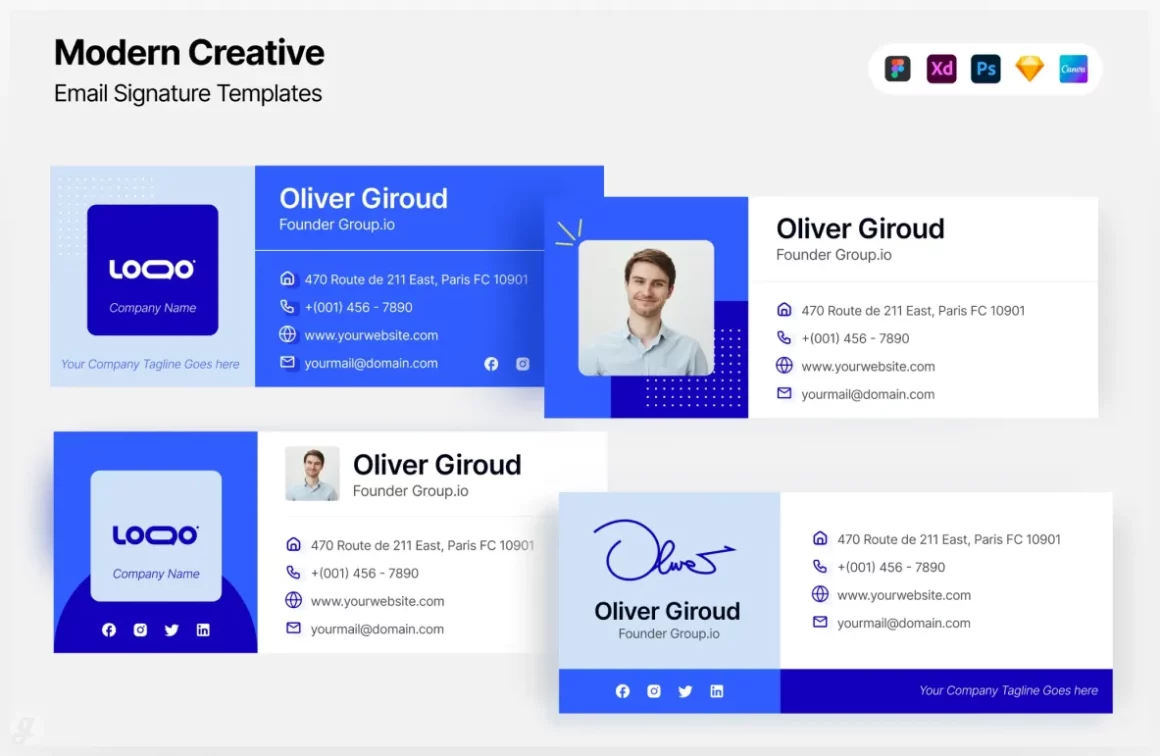
27. Modern Creative – Email Signature Templates
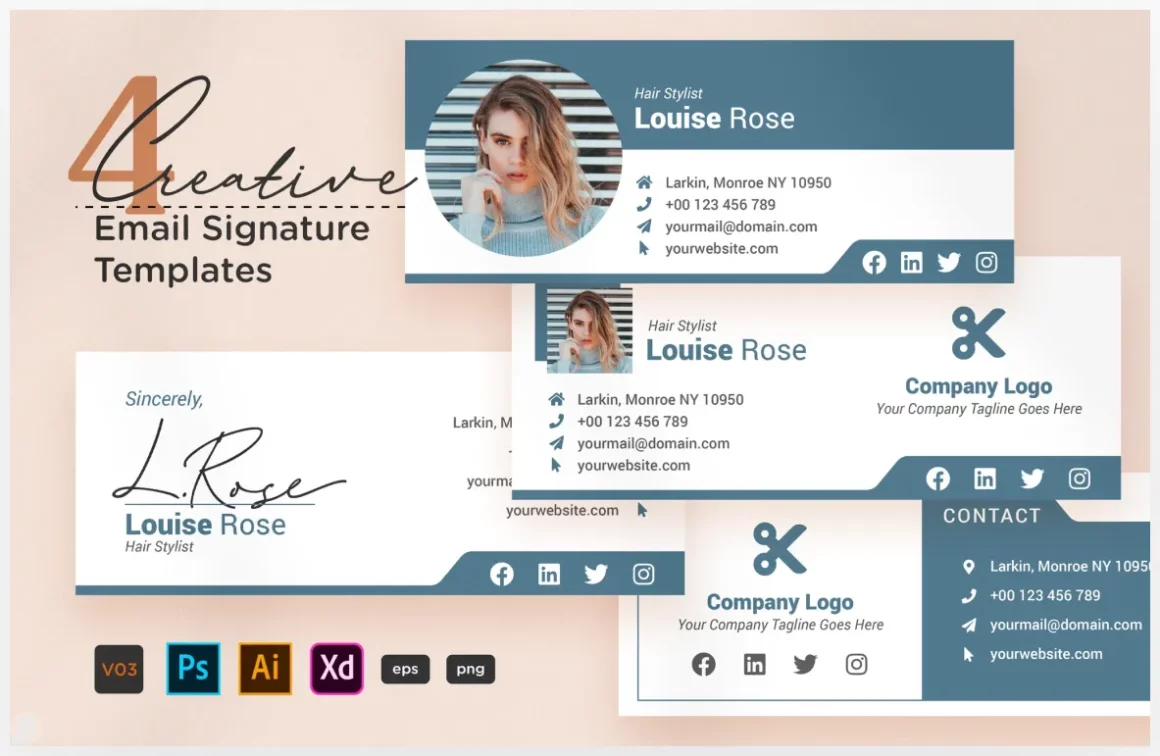
28. Creative Email Signature V03
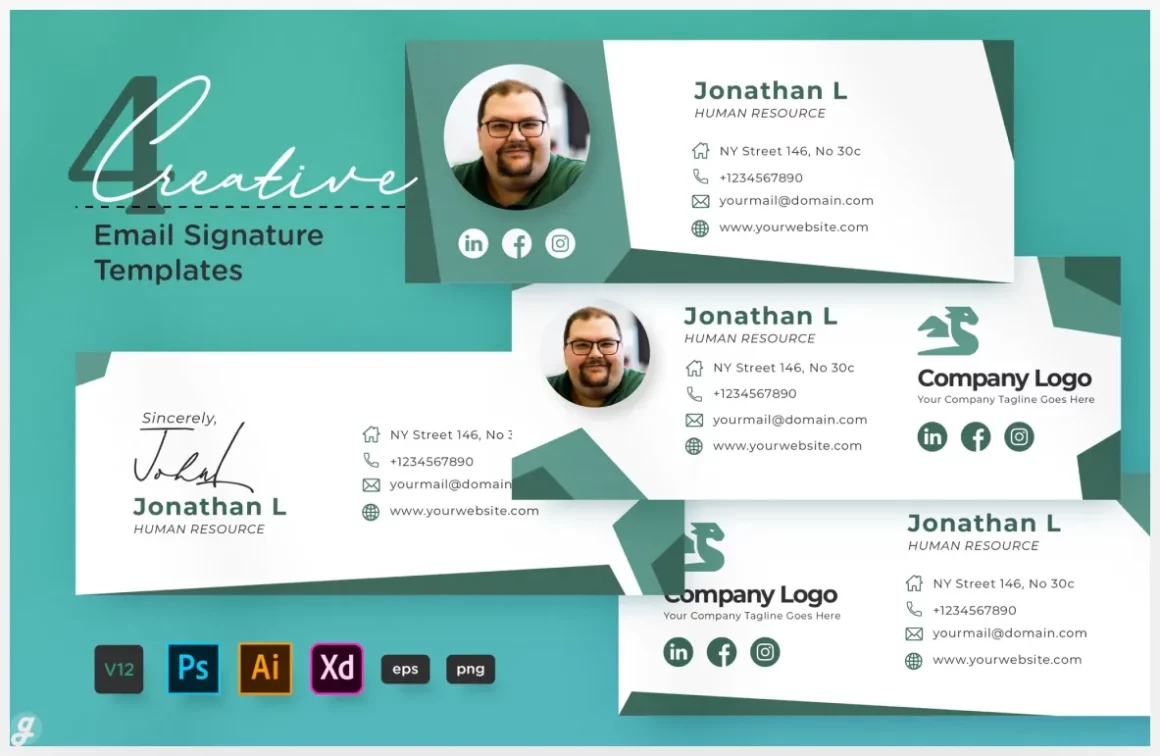
29. Creative Email Signature Vol.12
30. Creative Email Signature V01
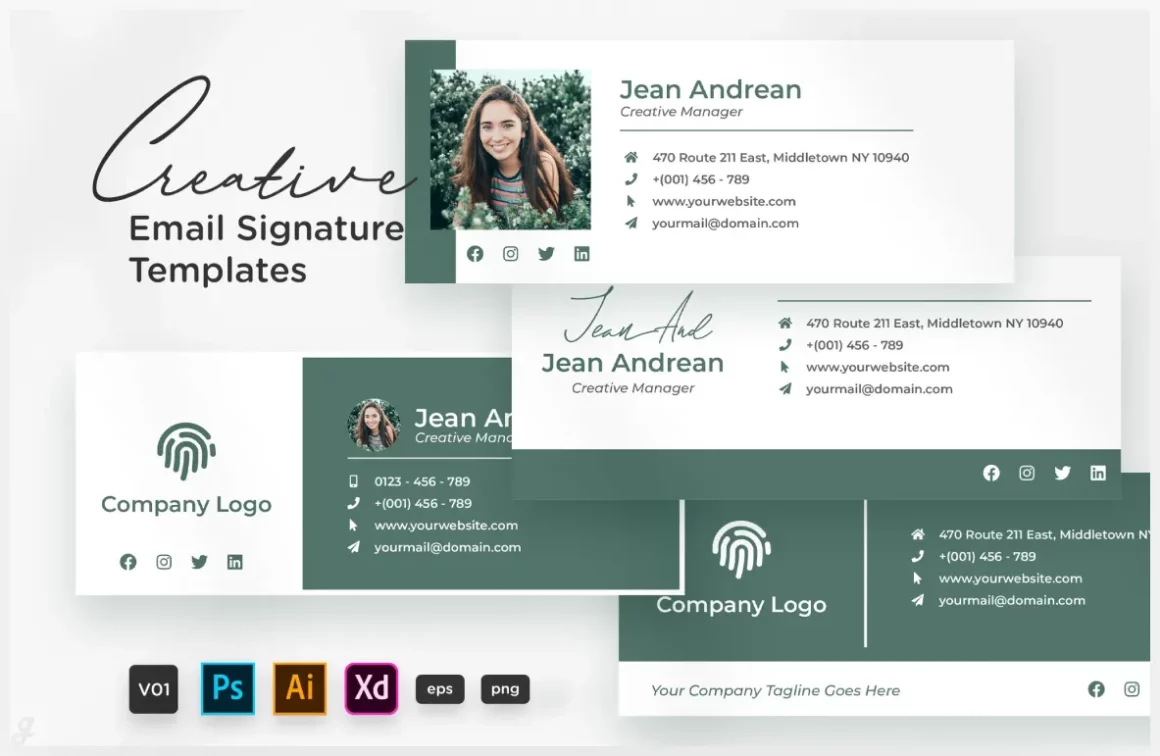
31. Email Signature
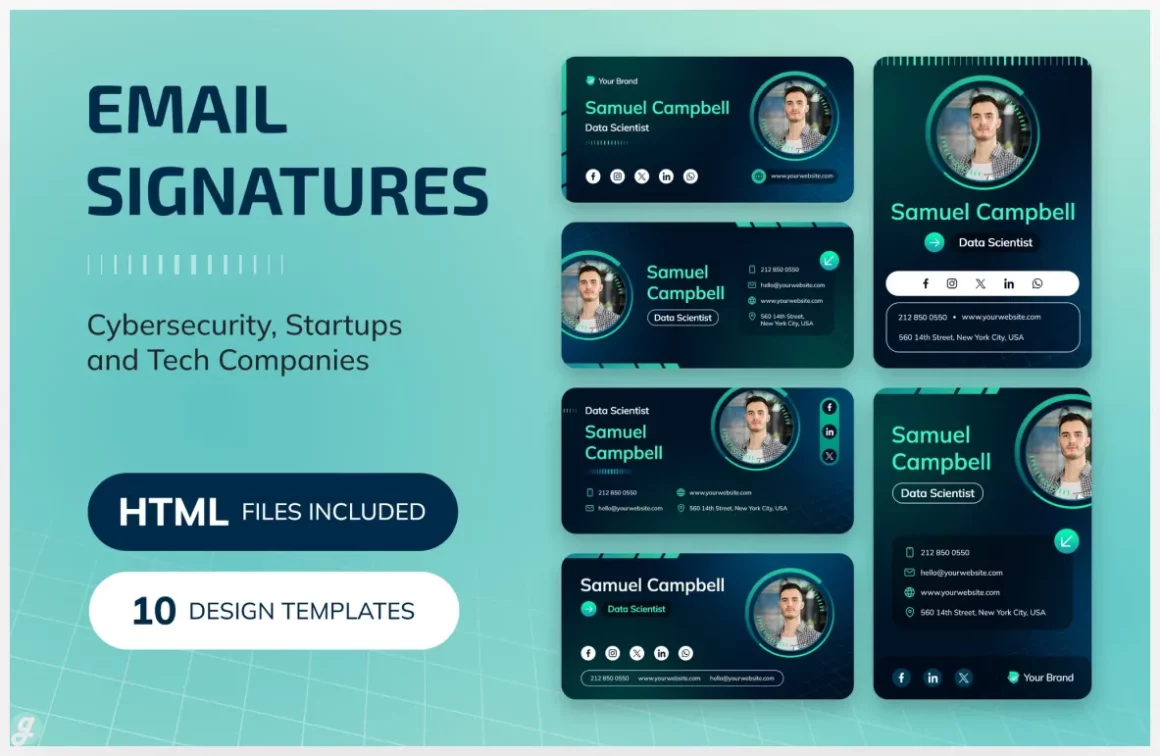
32. Creative Email Signature Vol.21
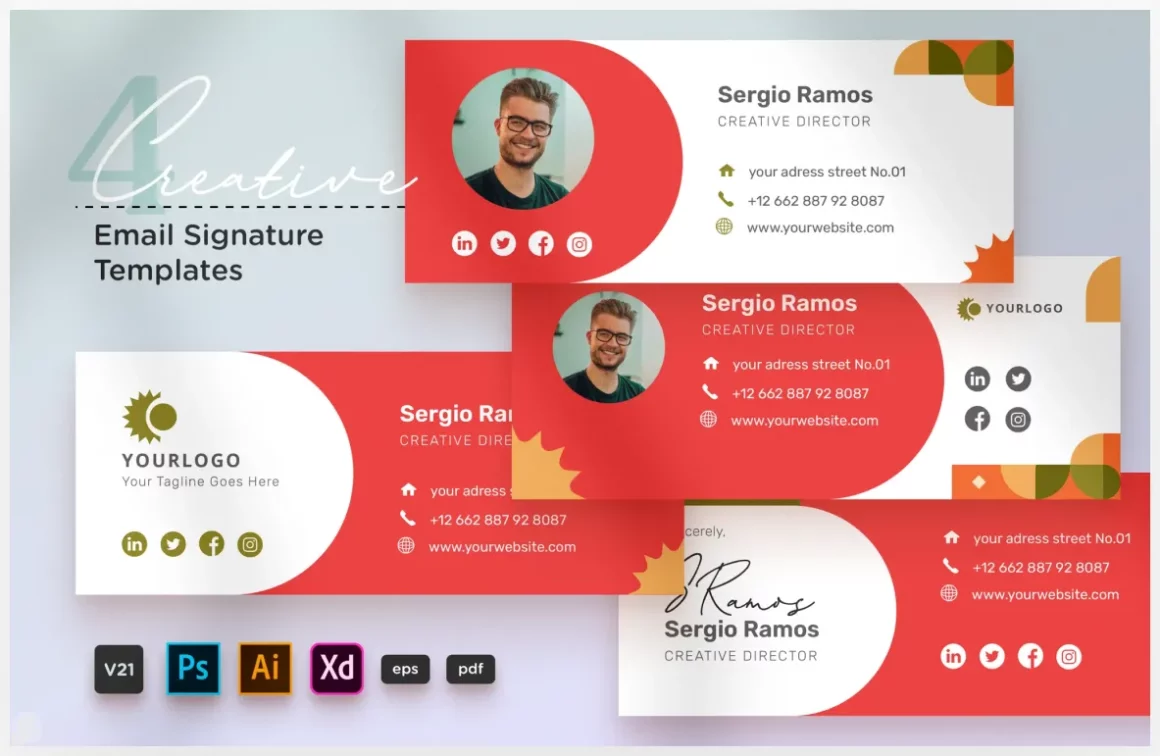
And that’s our lineup of templates to help you sign off in style. The best part is, you don’t need to be a design whiz to use any of them. Just pick your favorite, plug in your own details, and you’re all set to make a fantastic final impression on every single email you send. Remember, your signature is a small thing that makes a big difference. It ties your whole professional brand together and makes it easier for people to connect with you. So go ahead, choose one of these designs and give your emails the upgrade they deserve. We’re sure you’ll find the perfect fit from our list of 30+ Email Signature Templates for Professional Branding. Now your inbox is ready to shine!