
If you’ve been hunting for clean, versatile backgrounds for your photography or digital projects, you know how tricky it can be to find ones that actually look professional and don’t distract from your subject. That’s where this roundup comes in. 15+ Best White & Neutral Digital Backdrops (Free & Paid) are perfect for everything from product shoots to social media posts. Whether you’re creating content for your shop, a blog, or just want your images to pop with a minimalist vibe, these backdrops have got you covered.
White and neutral backgrounds are more than just “plain” surfaces. They let your subject shine, help maintain a consistent aesthetic across your visuals, and make editing so much easier. In this list, we’ve mixed free and paid options so everyone can find something that fits their style and budget. Some are super simple whites and creams, while others add subtle textures or soft tones that make your photos look a little more polished.
One of the best things about digital backdrops is that you can use them again and again, saving time on setup and cleanup. You can drop your products, portraits, or flat lays right onto a backdrop without worrying about lighting inconsistencies. By the end of this post, you’ll have a solid collection of go-to backgrounds that instantly elevate your visuals. 15+ Best White & Neutral Digital Backdrops (Free & Paid) will give you a fresh canvas to get creative and make your projects look more professional without needing a fancy studio.
1. White digital backdrop
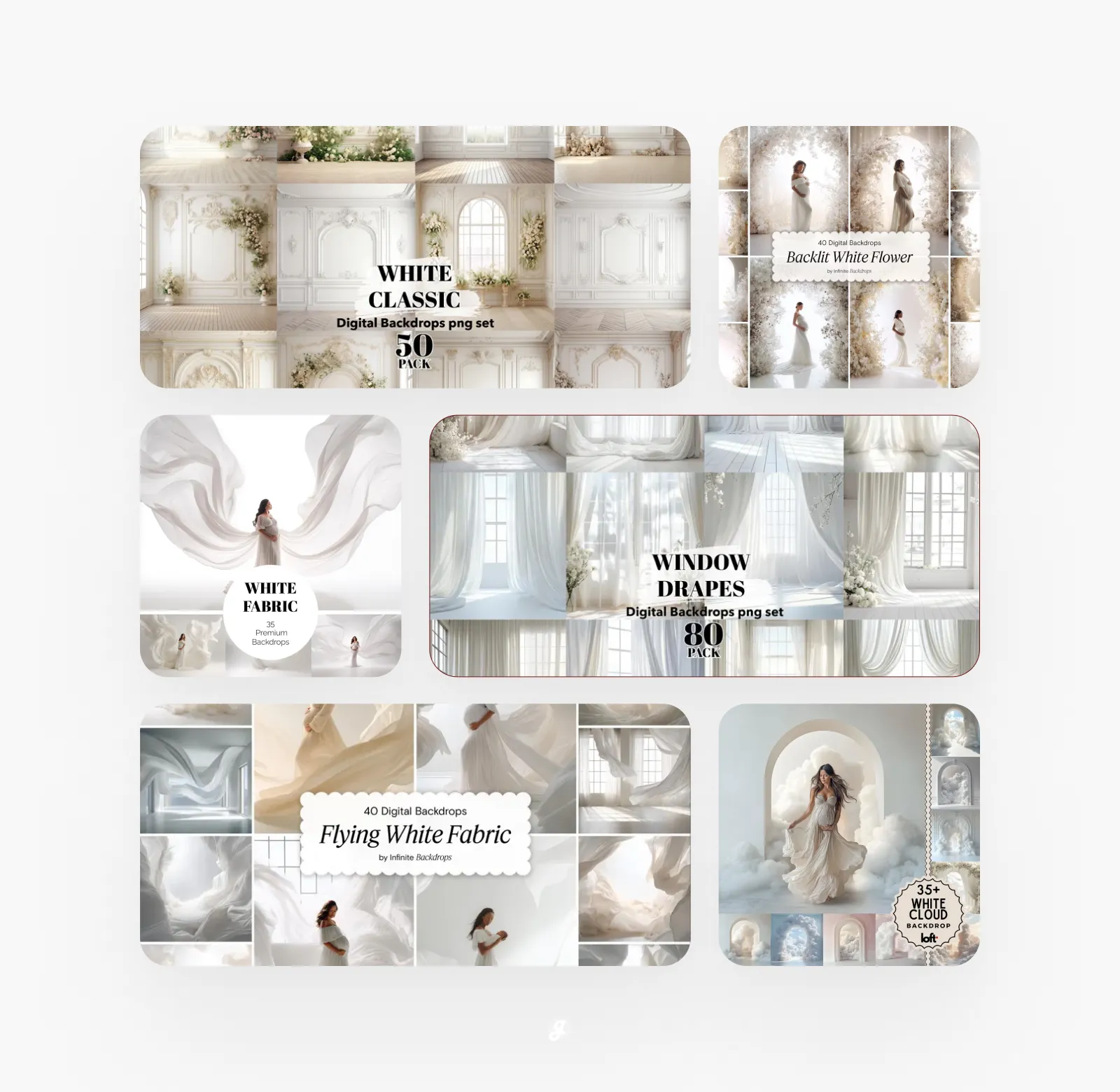
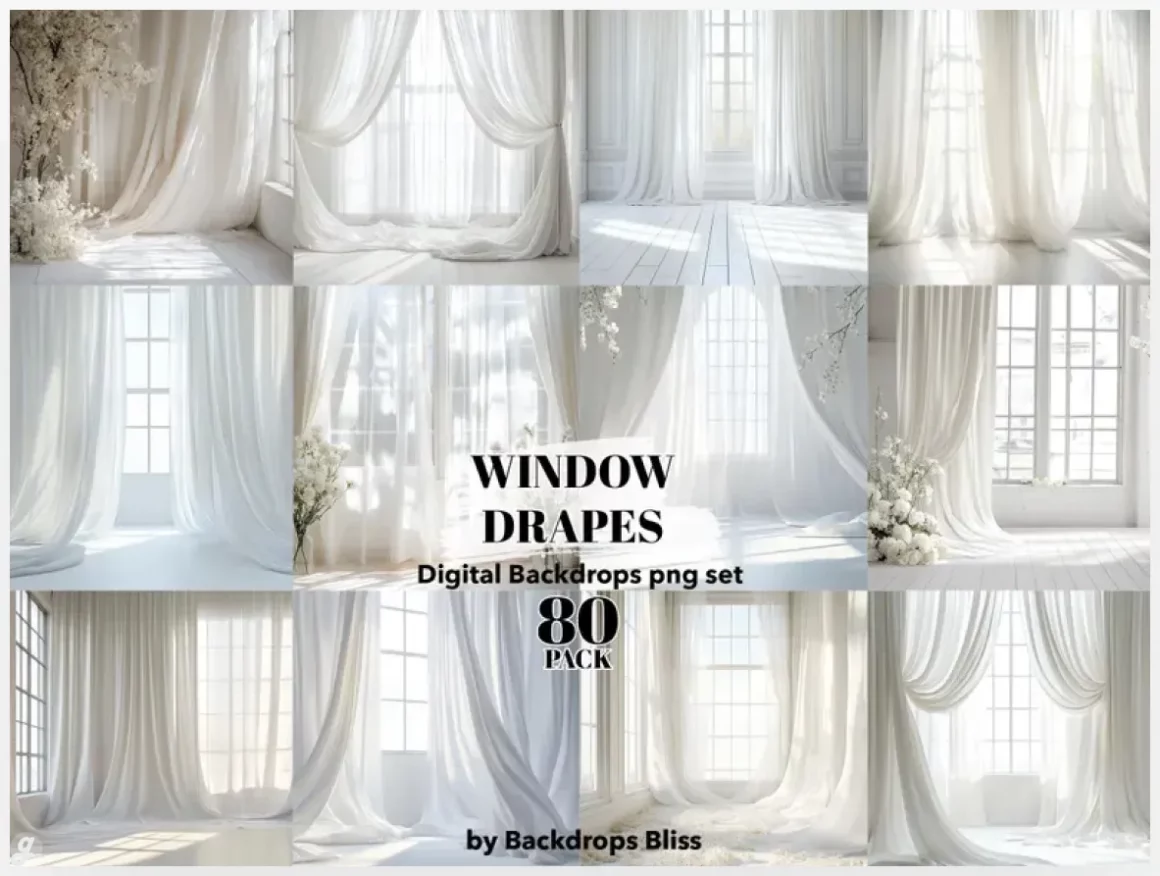
This pack includes 80 digital curtain backdrops designed to make your photos look styled without extra setup. Each backdrop is 4000 x 4000 px at 300 dpi in PNG format, ready for instant download and clean use with no watermark. Perfect for portraits, product shots, or mockups, you can drop them into Photoshop as overlays or use them as full backgrounds. The soft, painted look adds depth and mood, great for client work, social content, or creative experiments without renting a studio.
2. White digital backdrop overlays for maternity
3. White flower arch digital backdrop set: backlit floral fine art backgrounds
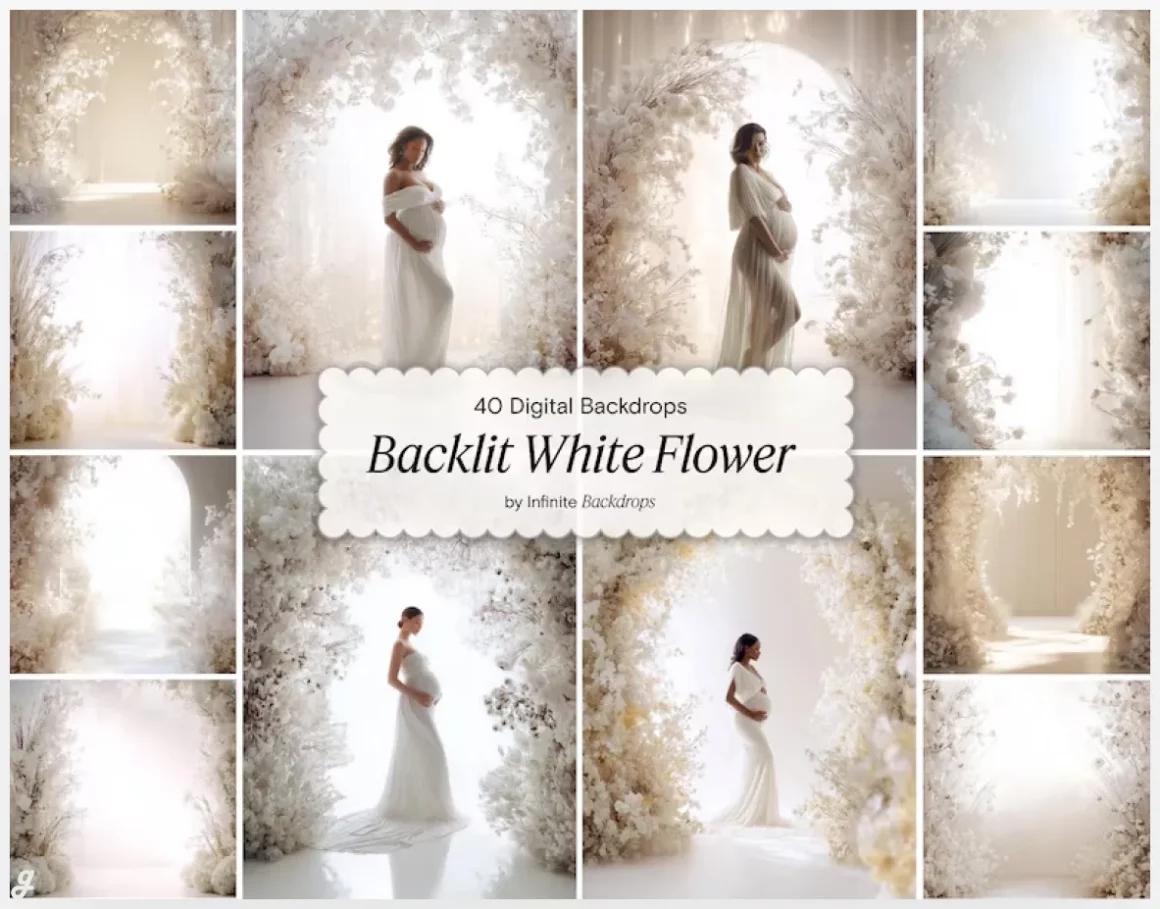
This set of 40 digital white floral arch backdrops is made for photographers and creatives who want a clean, elegant look without overcomplicating edits. The soft beige and gray tones with subtle backlighting work beautifully for wedding portraits, maternity sessions, newborn composites, or studio branding shoots. Drop a subject into the centered white space in Photoshop, add light adjustments, and you’re done. High-resolution JPGs keep images crisp for client deliveries, prints, and social posts while maintaining a dreamy, minimalist aesthetic.
4. 35 White Draped Baby’s Breath Digital Backgrounds
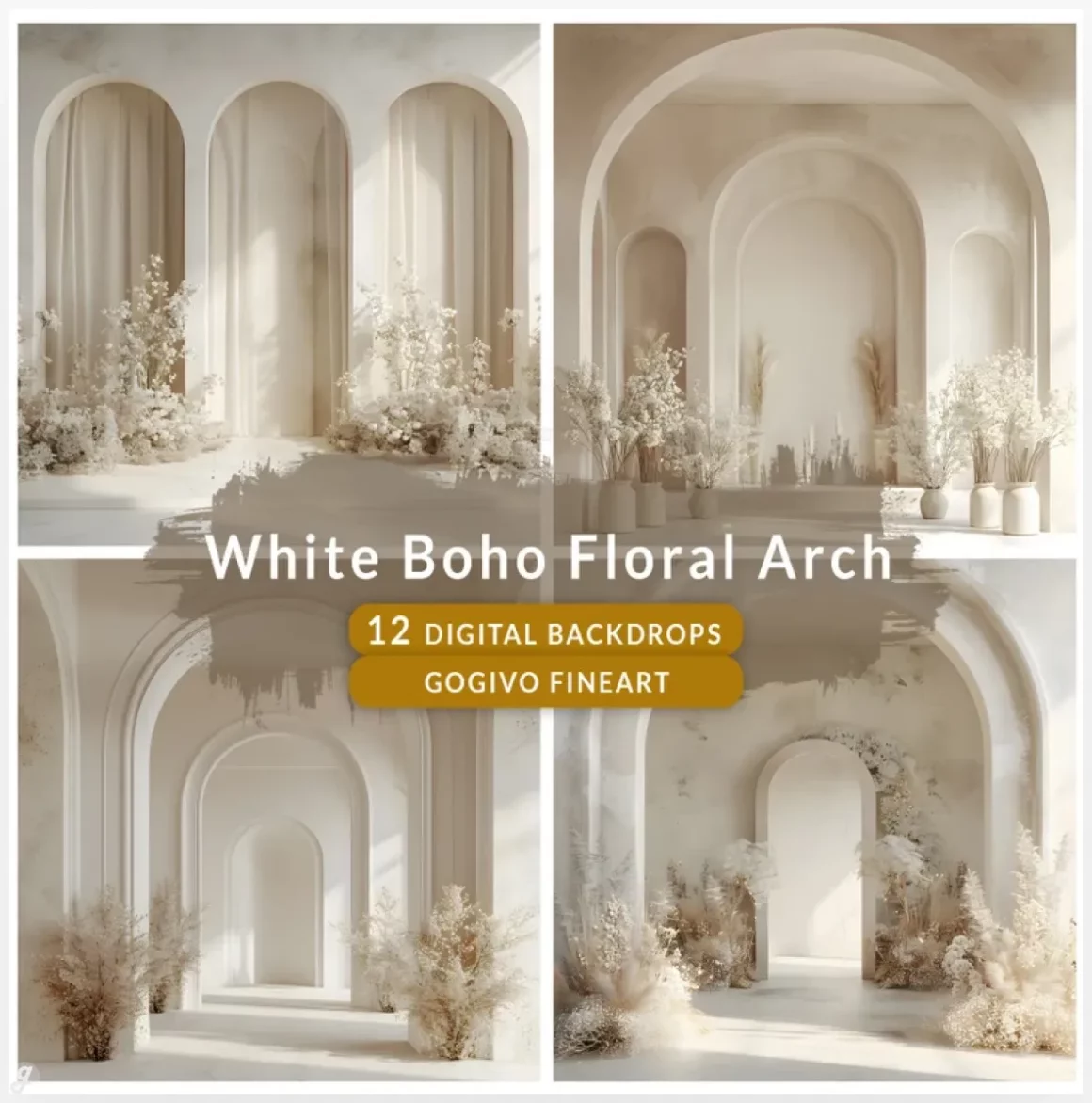
5. White Boho minimal Floral Arch wall maternity digital photo backdrop
This pack of 12 minimalist white wall backdrops with floral bohemian arches is built for photographers who want a clean, timeless look without building a physical set. Perfect for maternity sessions, wedding portraits, engagement shoots, or studio branding, these high-resolution JPGs drop easily into Photoshop for fast composites. Use them to create soft, editorial-style images for client galleries, social media posts, or portfolio updates. The neutral tones keep the focus on your subject while adding just enough floral detail to elevate the scene.
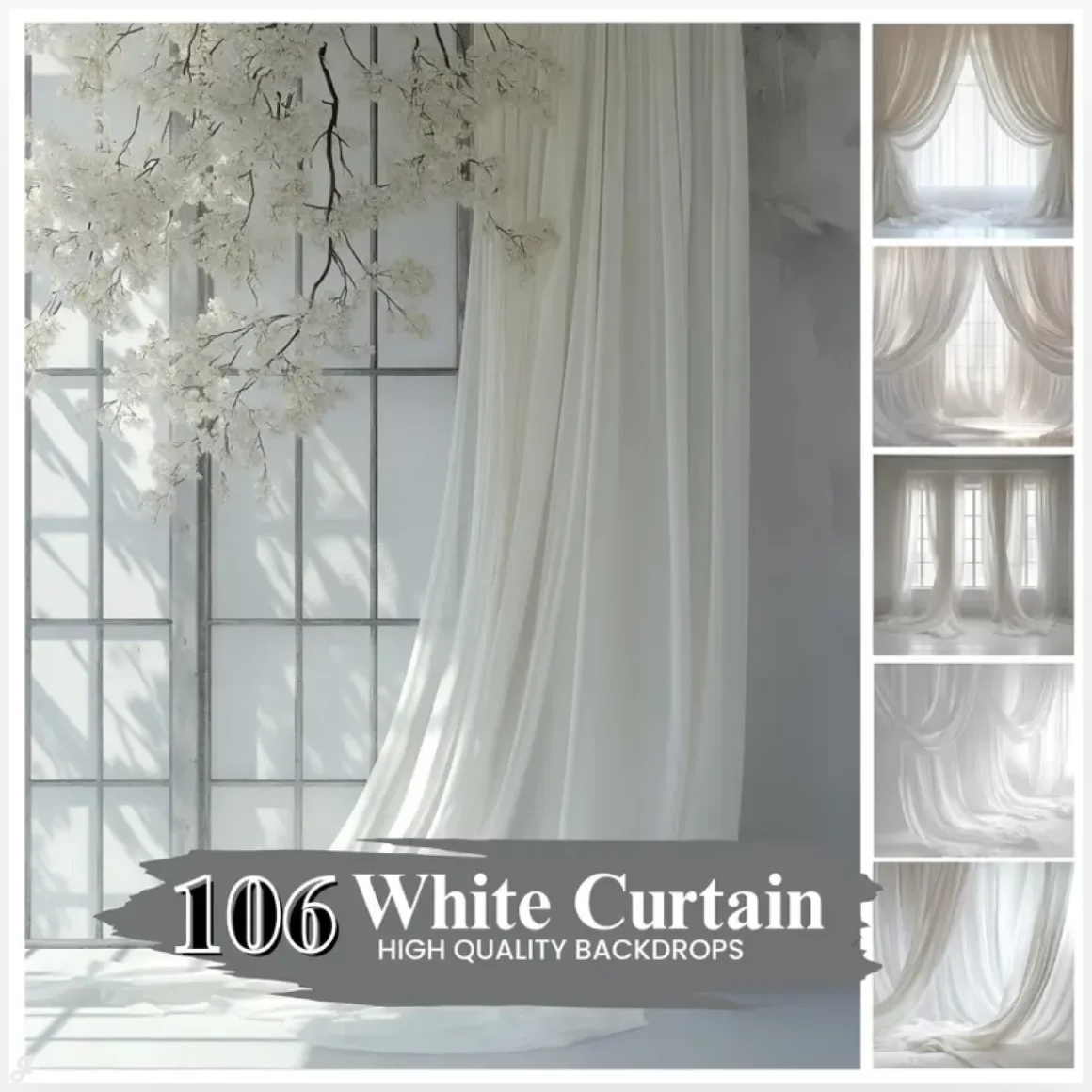
6. Over 100 white dream curtain backdrops
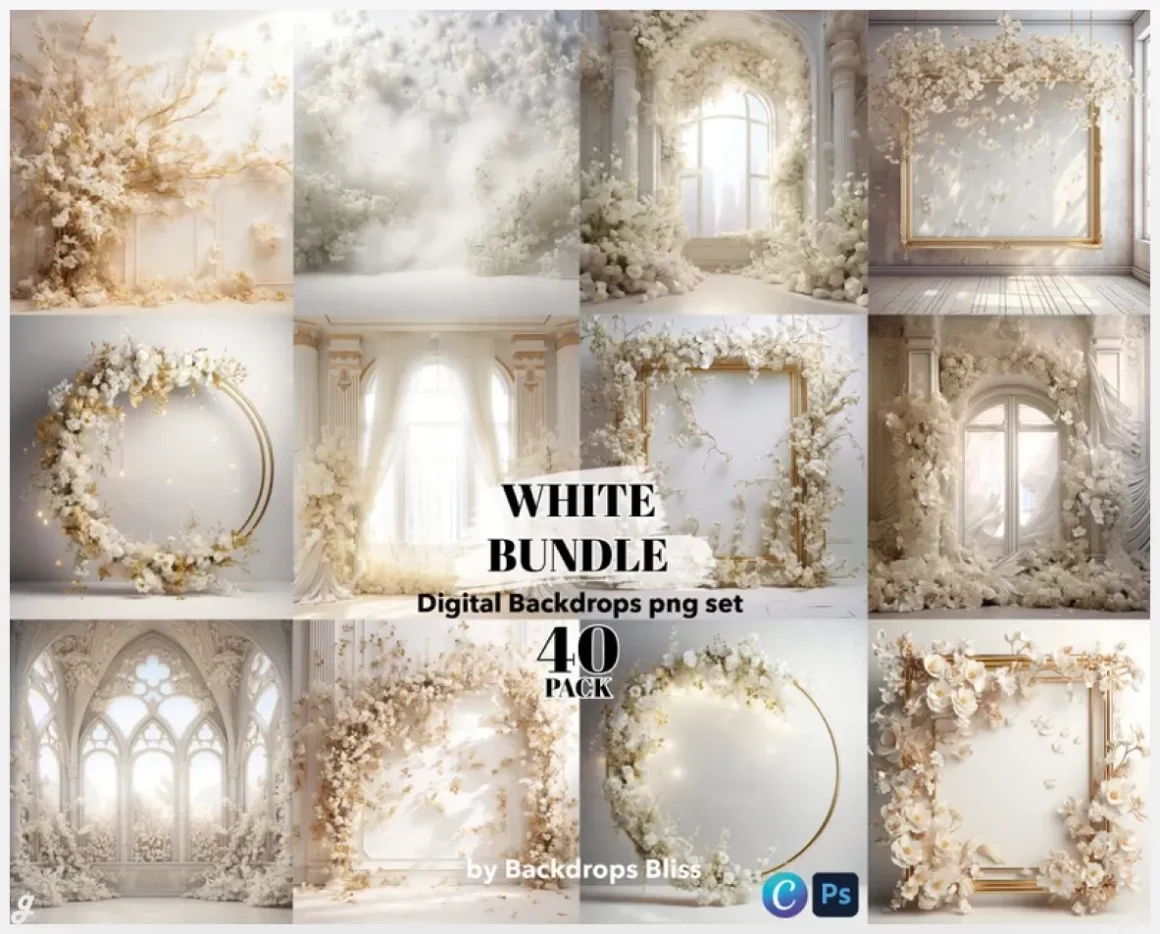
7. Set of white backdrops for floral
This set of 40 white digital backdrops is a solid go-to for photographers who want clean, versatile scenes without setting up a physical studio. Each high-resolution PNG works as a full background or a Photoshop overlay, making it easy to build polished composites for portraits, maternity shoots, product photos, or social media visuals. The soft, painterly edges add a subtle artistic mood while keeping the focus on your subject. With a commercial license included, you can confidently use these backdrops in paid client projects.
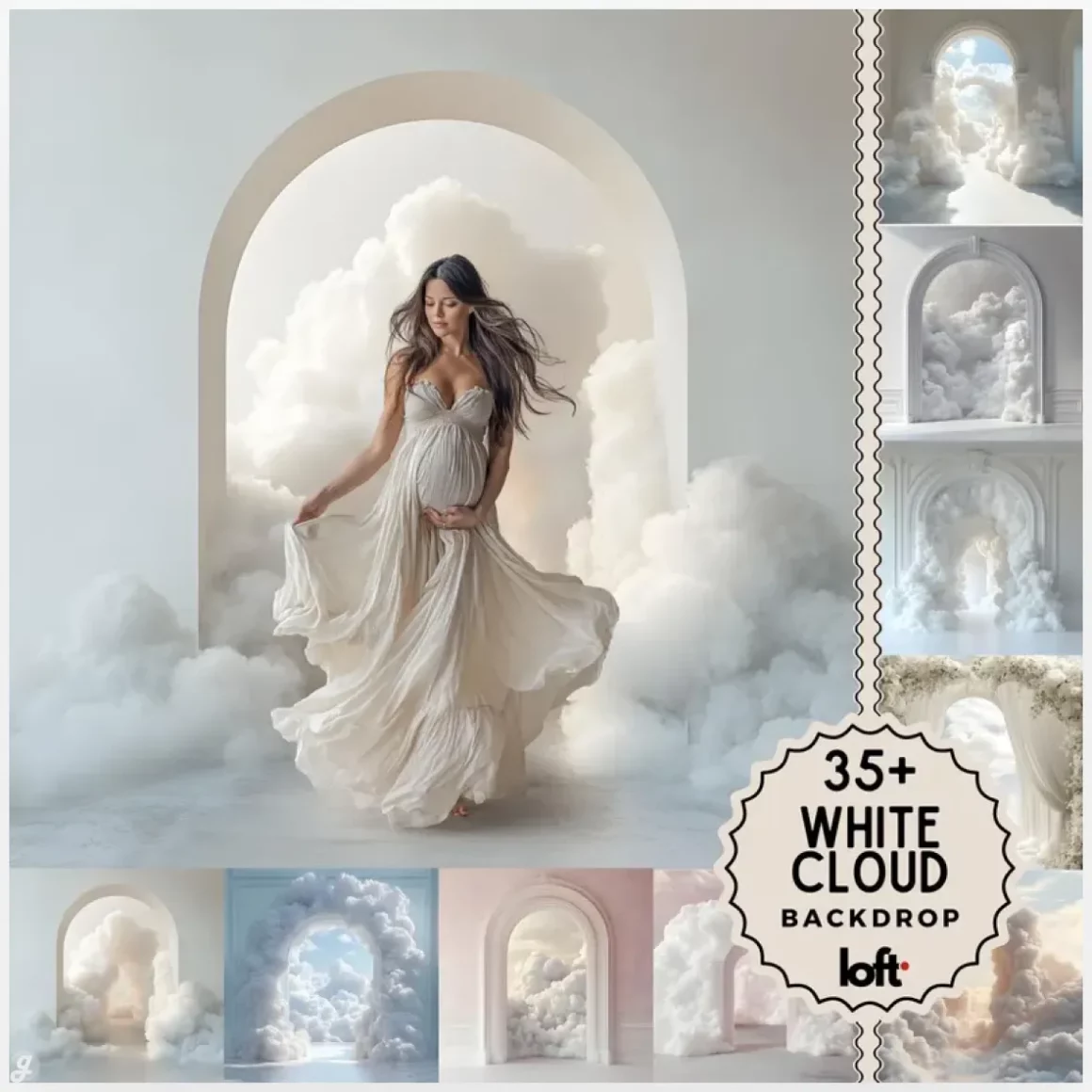
8. Elegant cloudy white fine art textures
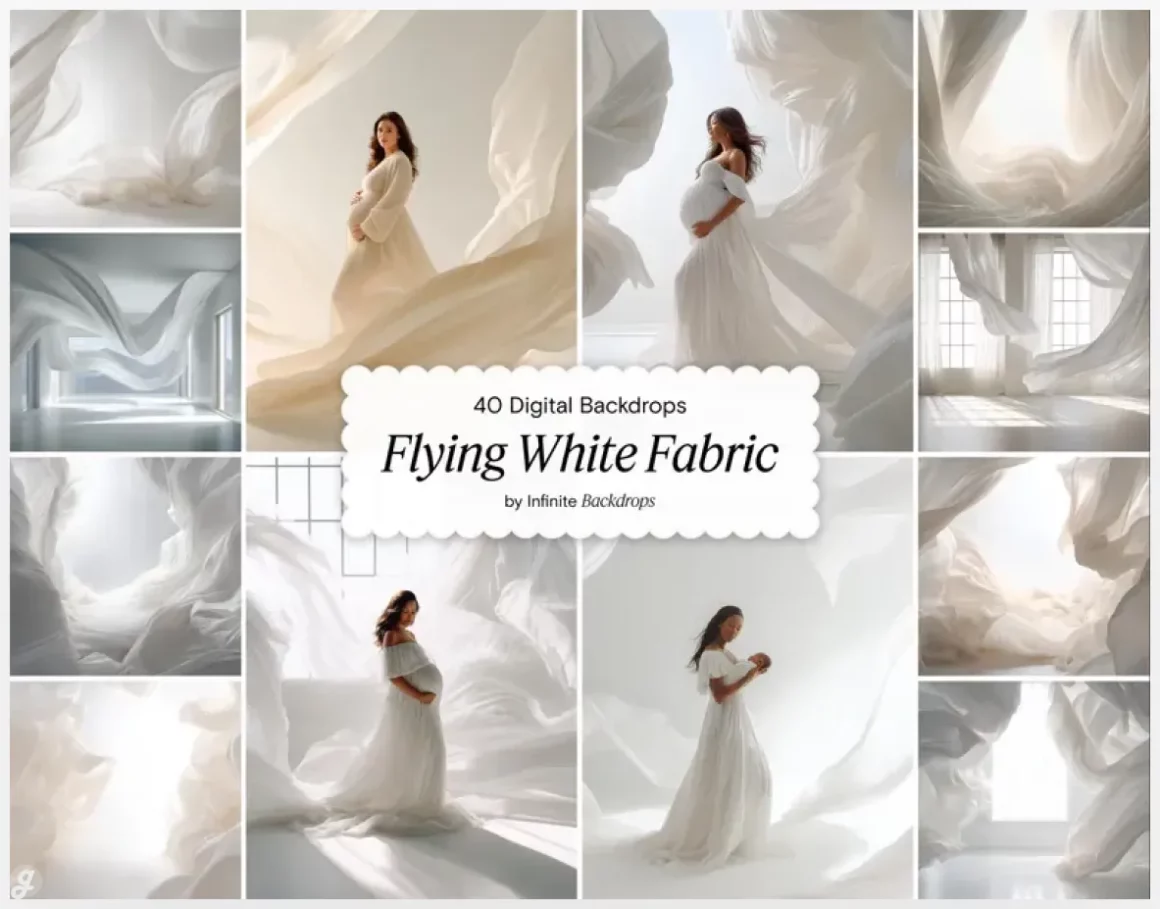
9. Flying white fabric portrait backdrop – dreamy digital background for maternity
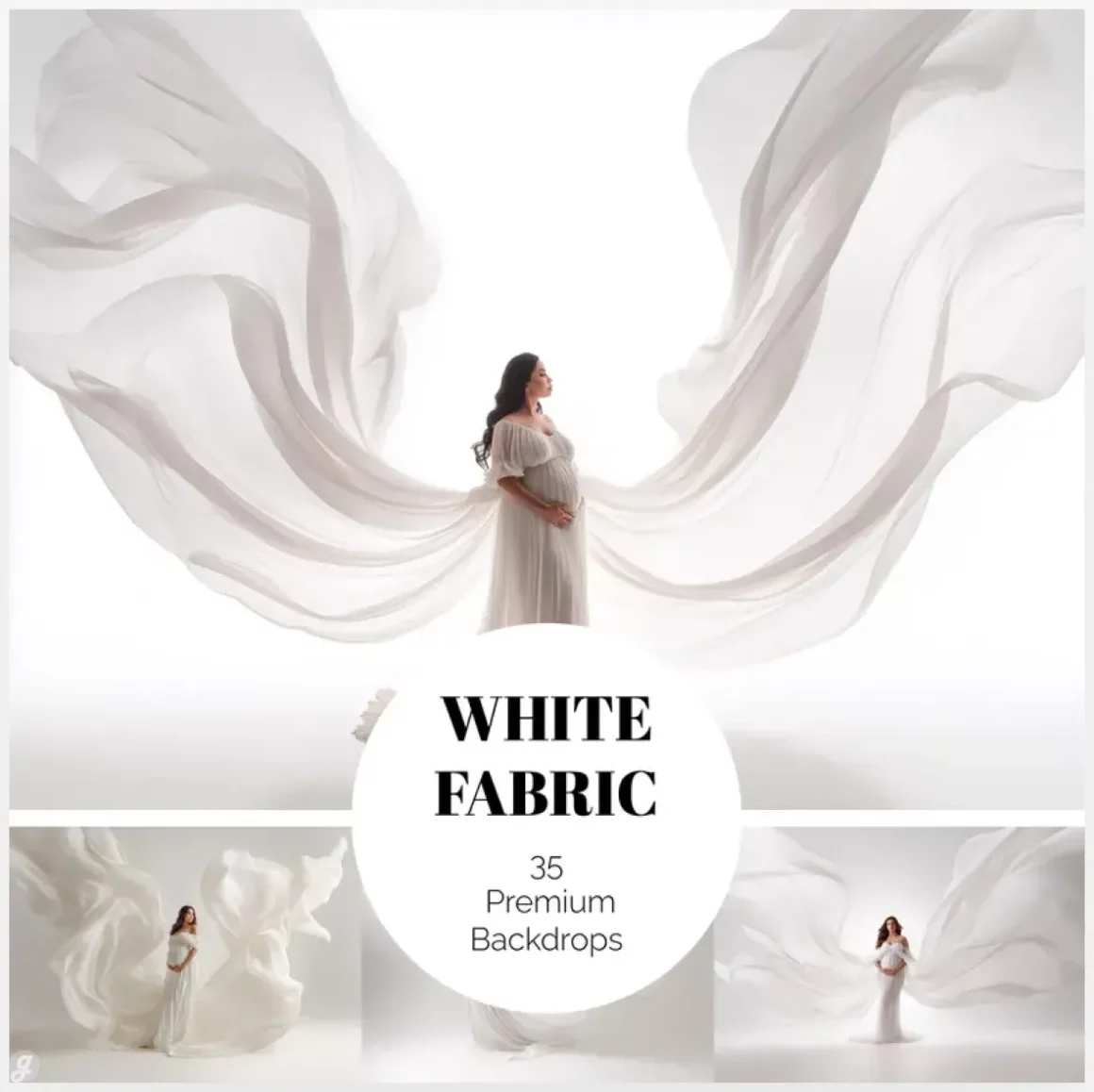
This collection of 40 digital backdrops with flowing white fabric is perfect for creating soft, ethereal portraits without elaborate setups. Designed for maternity, fashion, fine art, and editorial work, these high-resolution JPGs add natural movement and a dreamy, magazine-style feel to any image. Drop a subject into the scene in Photoshop and instantly elevate a studio portrait, client campaign, or creative self-project. The airy light and fabric waves keep compositions elegant while saving hours of styling and post-production work.
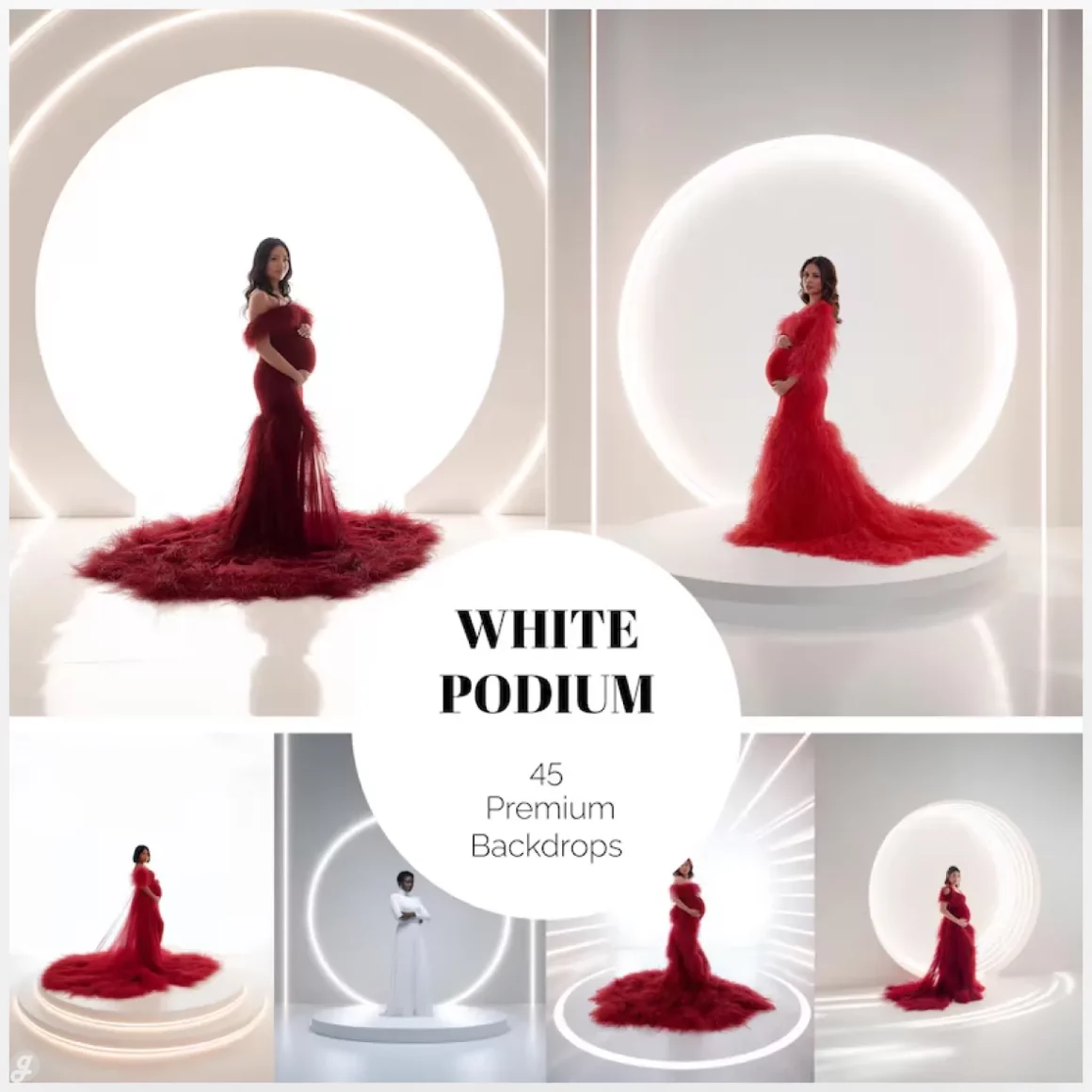
10. 45 white digital backgrounds for podium
11. Over 50 white digital backdrops
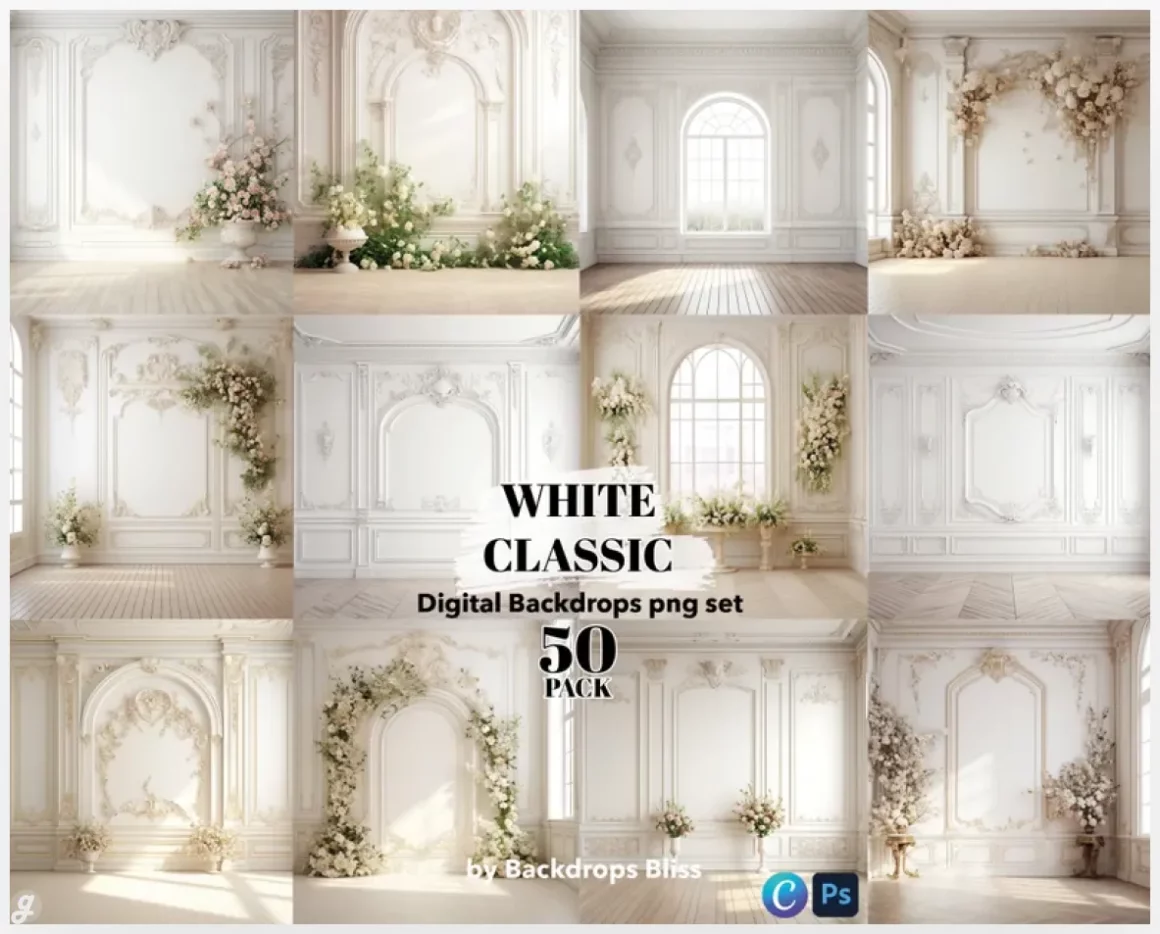
This resource is delivered as an instant digital download, so you can access your files right after purchase without waiting for shipping. You’ll receive a PDF with a secure download link (via Google Drive or Mega) for the full-size PNG files, neatly organized and watermark-free. This setup is ideal for large, high-resolution assets that won’t compress or lose quality. Download on desktop or browser, drop the files straight into Photoshop, and get to work fast on client projects, mockups, or creative edits without friction.
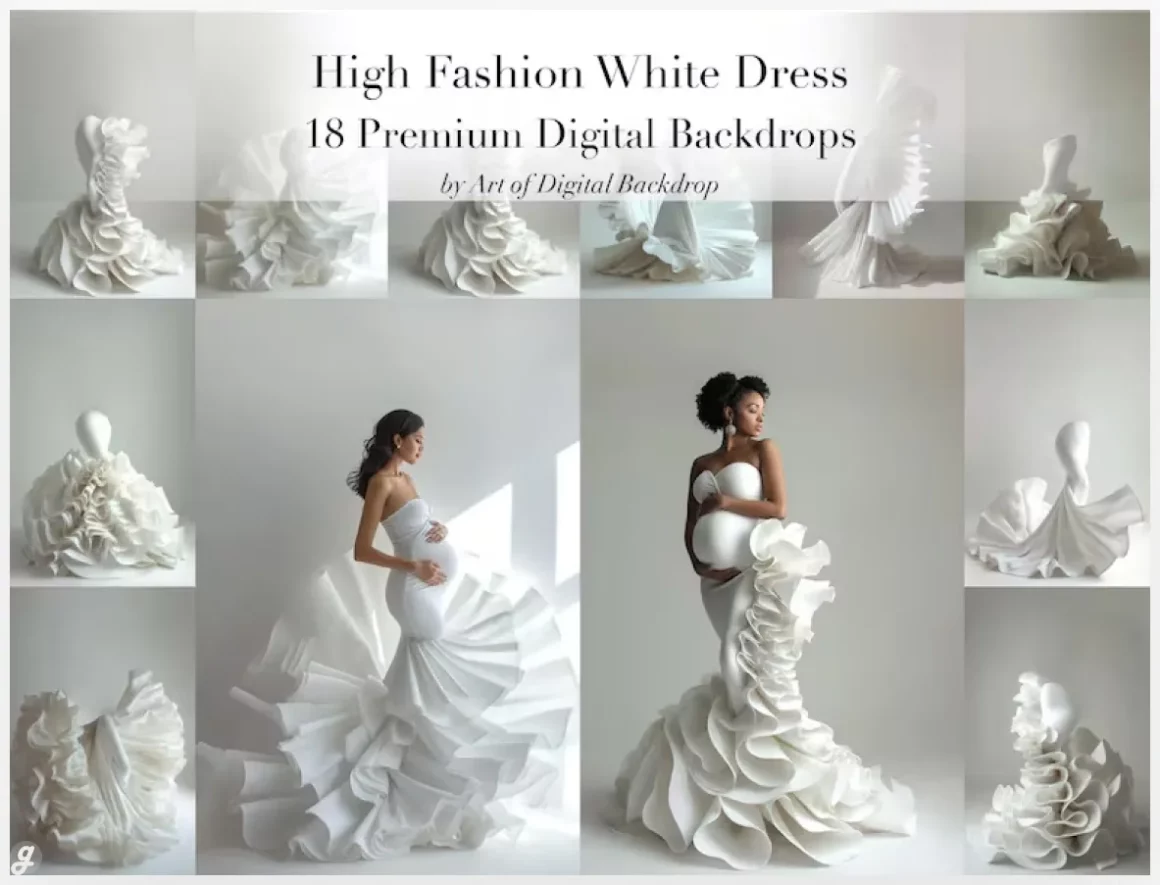
12. White digital backdrop couture flowing dress – Haute couture maternity photo art
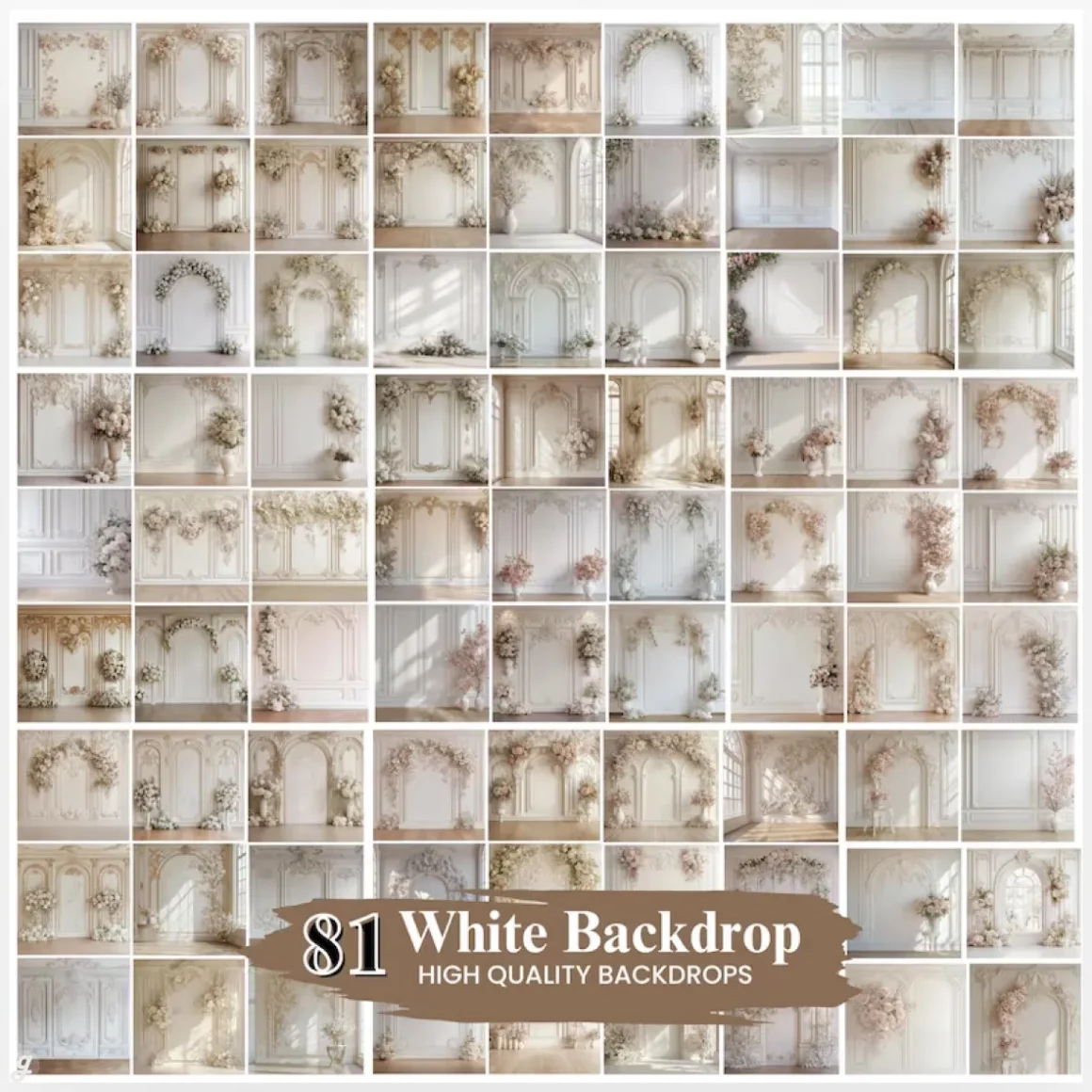
13. Neutral, vintage master digital photography backgrounds
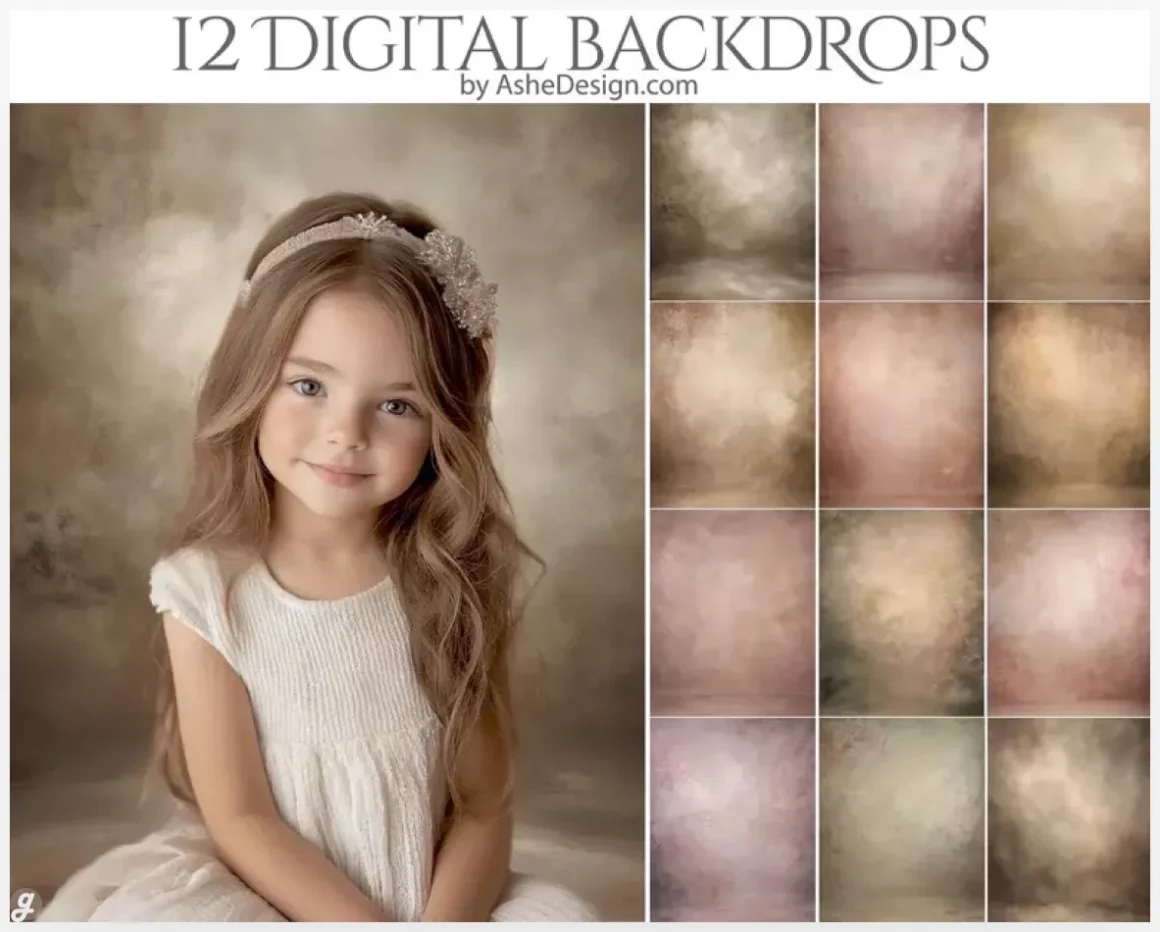
14. Set of neutral plaster backdrops for wall photography: beige
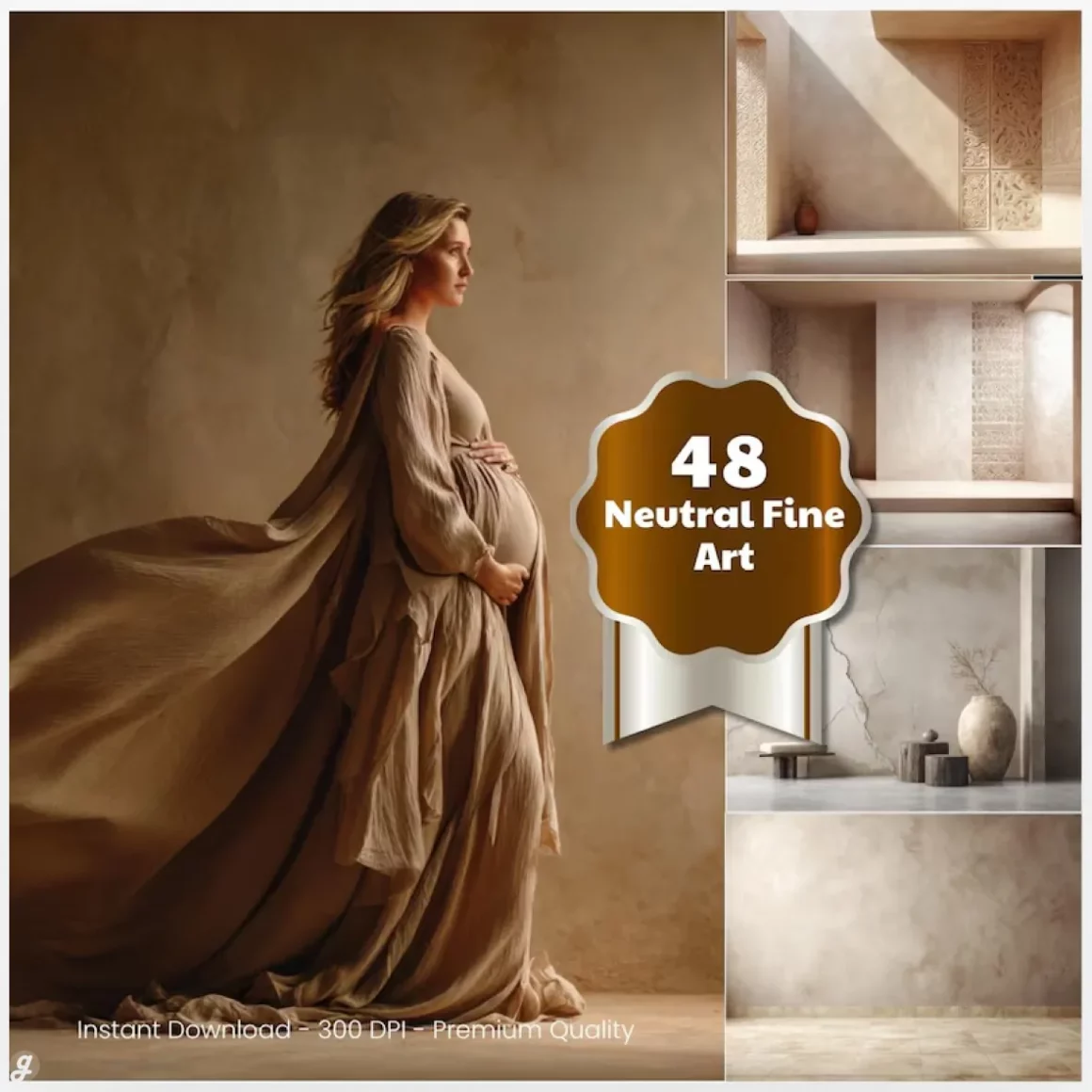
15. 25 Bohemian Beige Backdrops – Neutral and Elegant Digital Arch Backgrounds
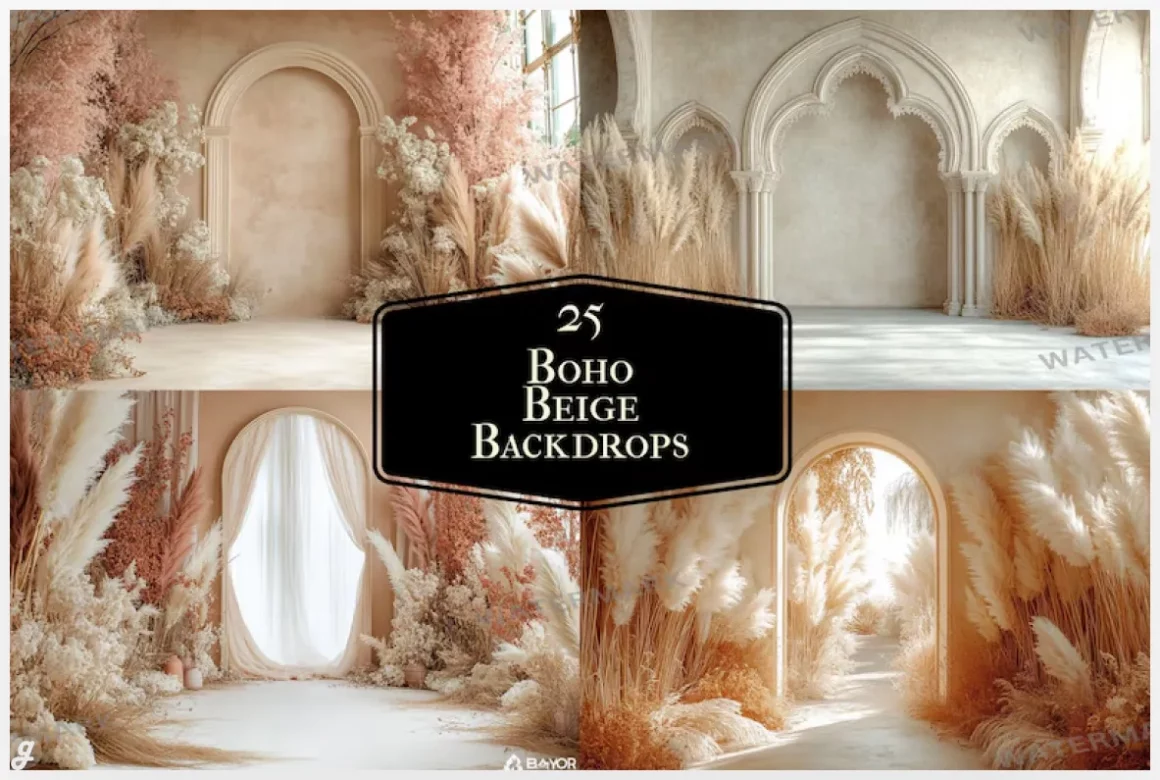
At this point, you’ve seen a bunch of options that can seriously upgrade your visual game. The beauty of 15+ Best White & Neutral Digital Backdrops (Free & Paid) is that they’re flexible, easy to use, and work for almost any kind of project. Whether you’re selling products online, making social media graphics, or just want your photos to look clean and consistent, these backdrops are a solid choice.
What makes these backdrops so handy is how much time they save. No more messing with complicated lighting setups or worrying about messy backgrounds. Just drop your subject on the digital backdrop and you’re ready to go. You can mix and match textures, try different shades of white or beige, and experiment without spending a fortune. Some of the paid options give you even more control and higher resolution, which can make a noticeable difference when you’re putting your work out there.
The best part is how versatile they are. From flat lays and product photography to portraits and social media content, these neutral and white backdrops can fit almost any style. They’re the kind of tools you’ll reach for over and over again because they make your work look clean, professional, and intentional. By keeping a few of these on hand, you’ll always have a fresh, easy-to-use canvas for your creative ideas. So next time you’re planning a shoot or designing content, remember 15+ Best White & Neutral Digital Backdrops (Free & Paid) are just a click away from helping you make your visuals pop.
FAQs:
- Are these backdrops easy to use for beginners?
Yes, they’re super beginner-friendly. Just drag your subject onto the backdrop in any editing software. - Can I use these for commercial projects?
Most paid options allow commercial use. Free ones usually do too, but check the license to be sure. - Do I need special software to use them?
No, any basic photo editor that supports layers or background replacement works perfectly.